LaunchPad was software for the places kids go after school: karate dojos first, then swimming, dance and other youth programs. Studios used it to run classes and camps, sell memberships, enrol children, take attendance and bill families. A parent might be paying for two children in different programs. An instructor needed a roster they could use with a room full of five-year-olds waiting.
We were LaunchPad's design team from 2022 to 2023. Andrew Montague, the founder and CEO, set direction, often with a wireframe or a Loom. Sean led the build and brought us requests from operators. Our work was turning those requests into a product that kept the relationships between classes, students and payments understandable as it grew.
Three things underneath the timetable
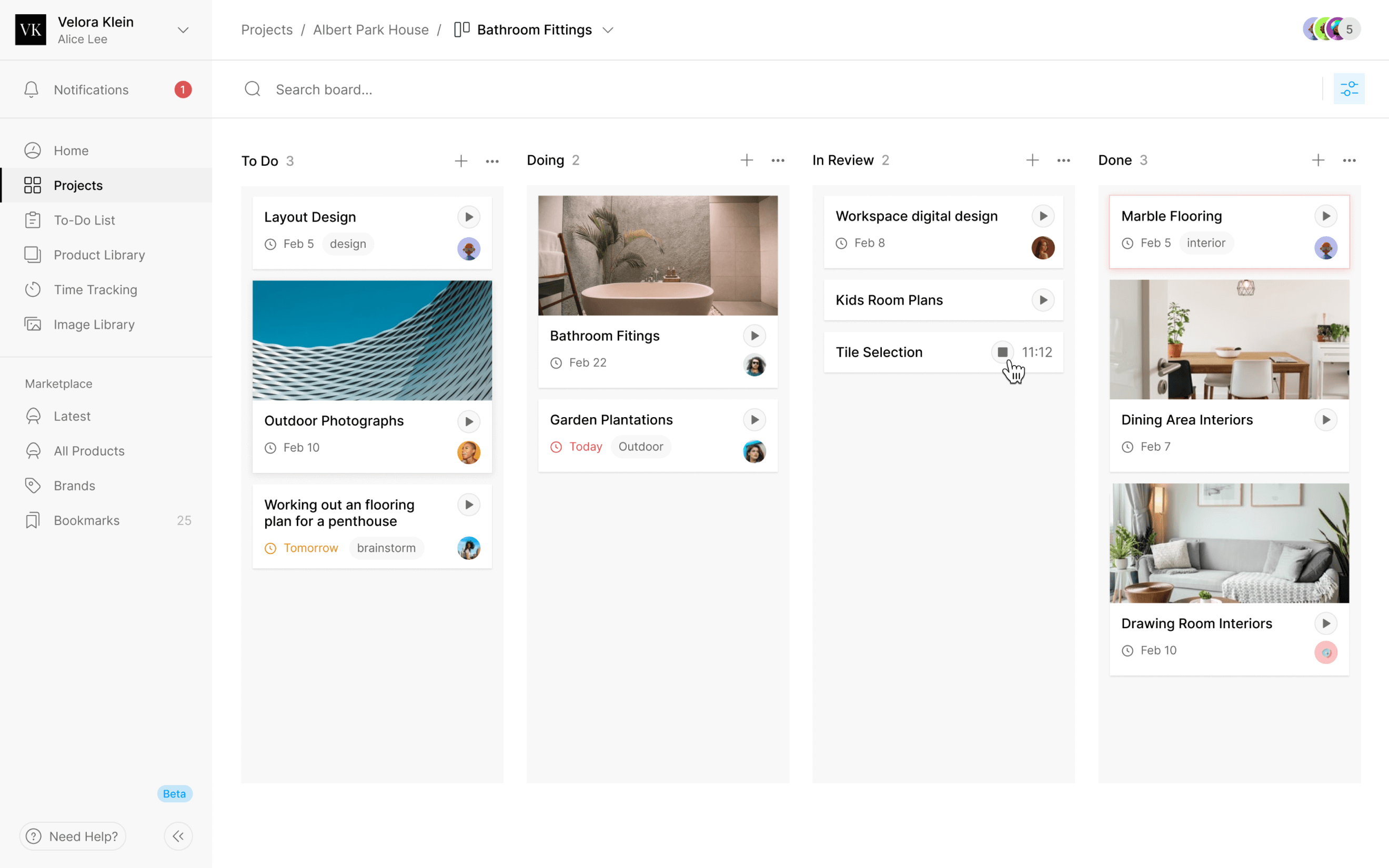
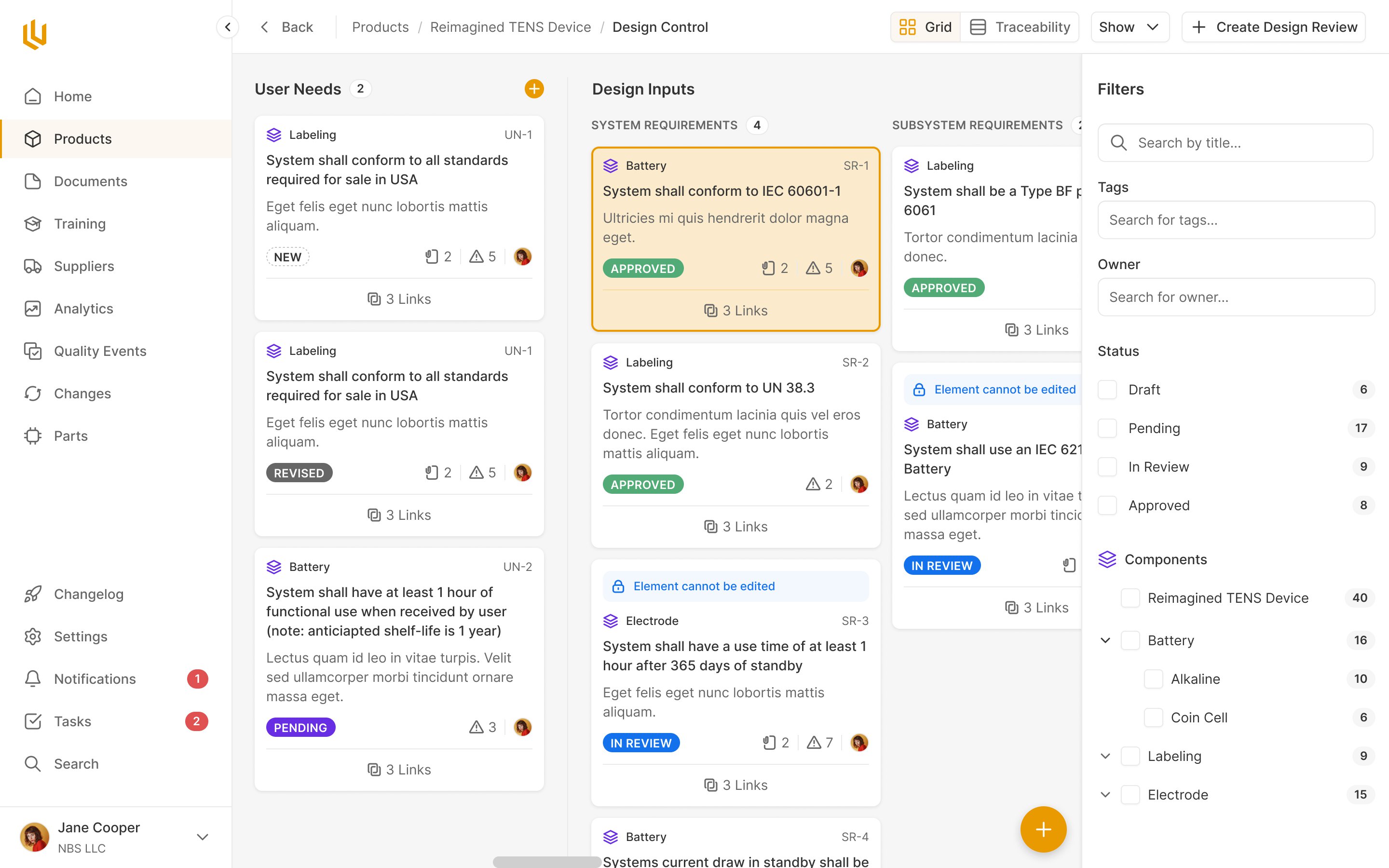
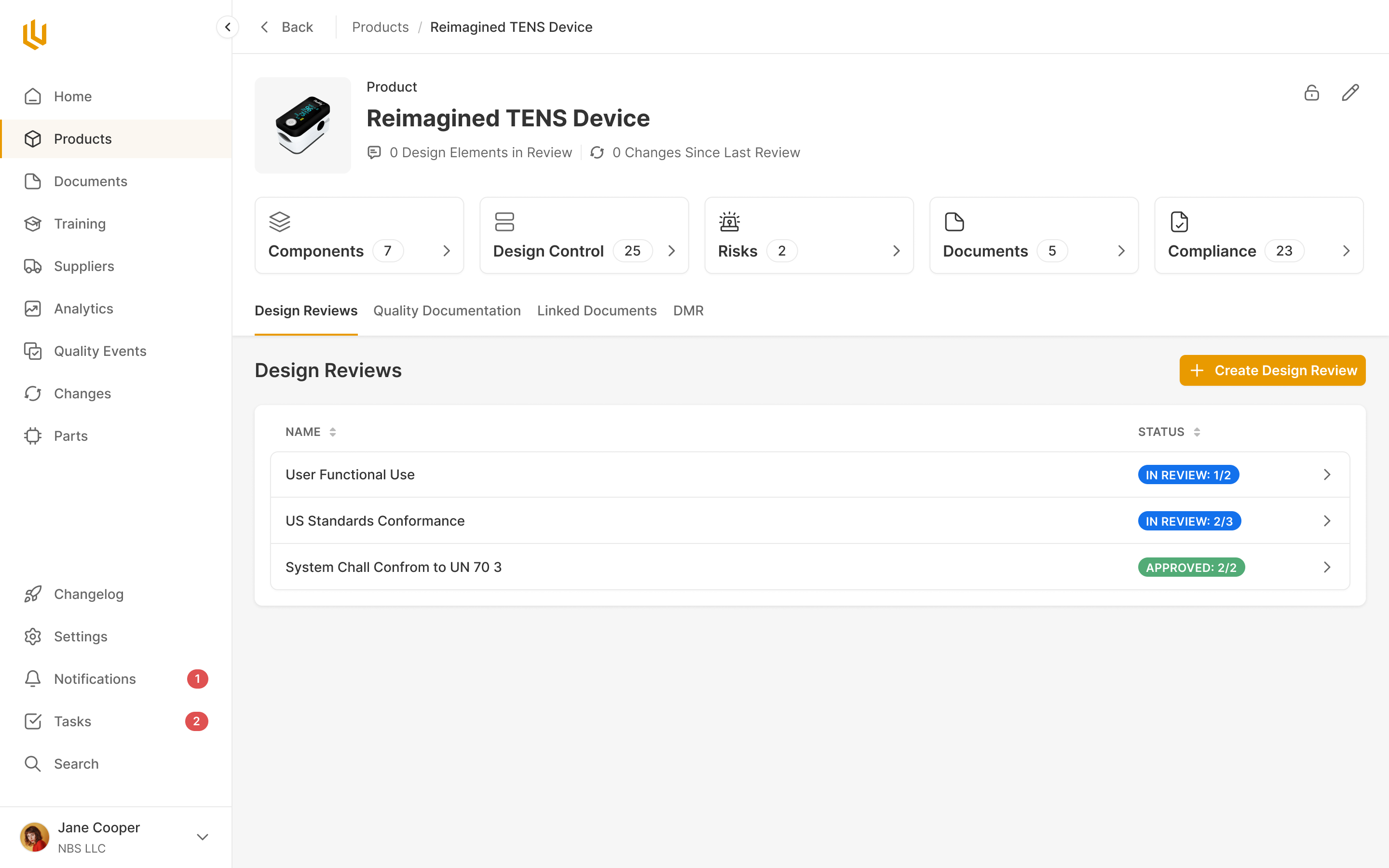
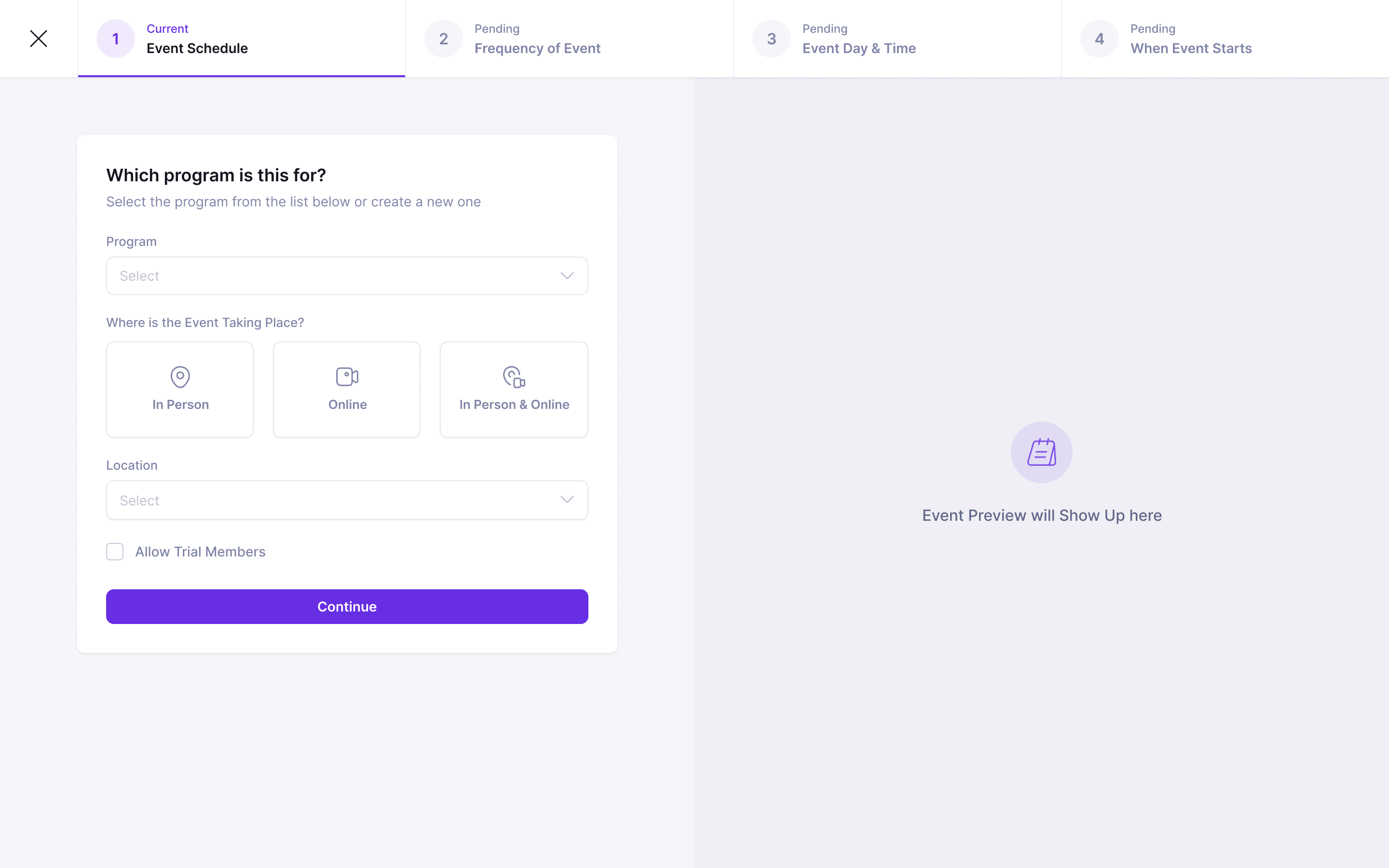
A karate school looks like a timetable, but the activity, the appointment and the payment are different things. A program is Little Tigers Karate, ages 3 to 5. An event is one occurrence of it, Monday at 4pm in Room 1, usually repeating weekly. A membership is how someone pays: three sessions a week, a class pack, a term or a free come-and-try.
Keeping those separate lets a studio change what it sells without rebuilding its schedule. The same class can contain children on different memberships. A parent can pay while the child holds the place. Later, when LaunchPad added camps, their days and prices could fit into the same structure.
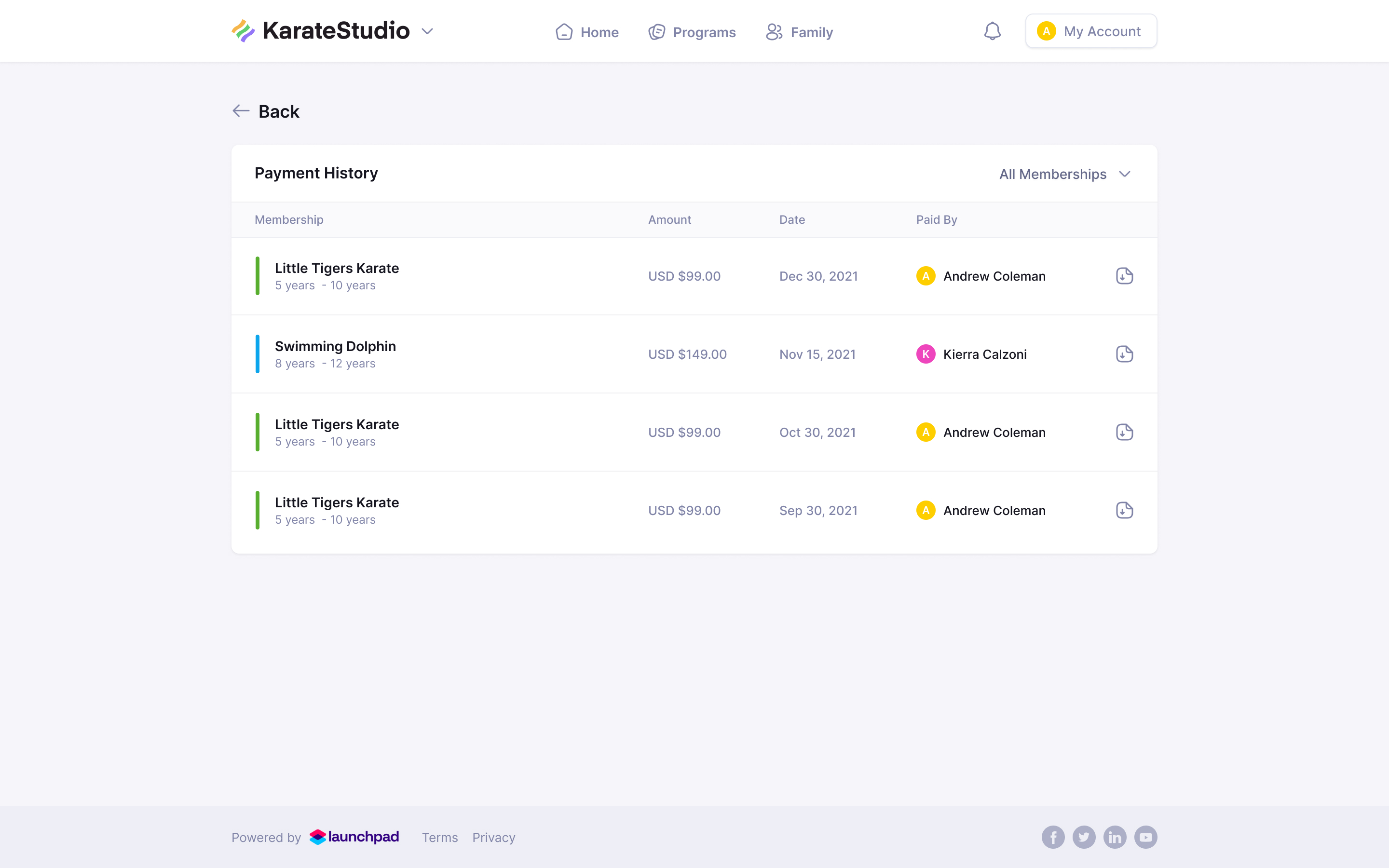
the child takes the class; the guardian gets the bill
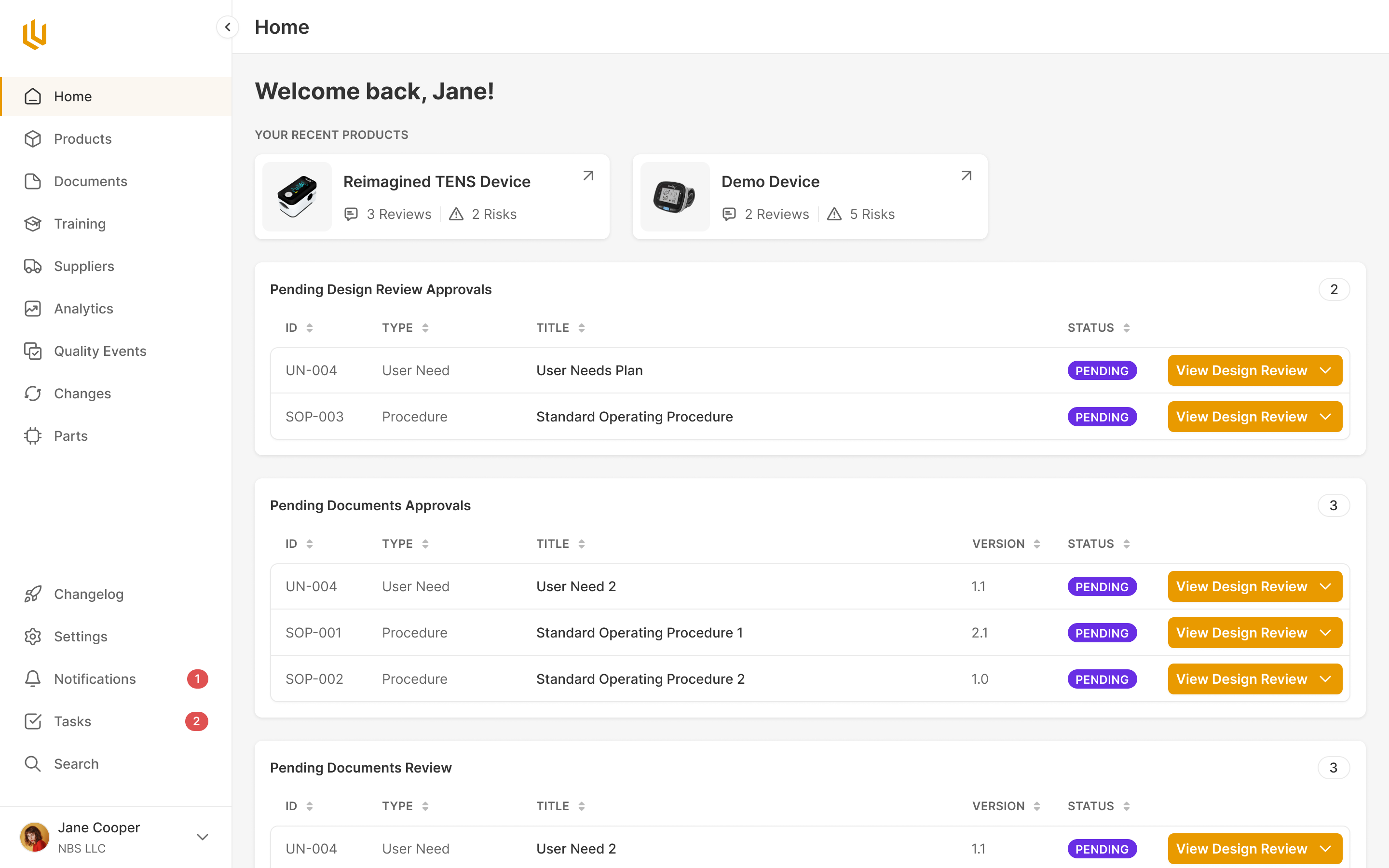
The home screen is for the next hour
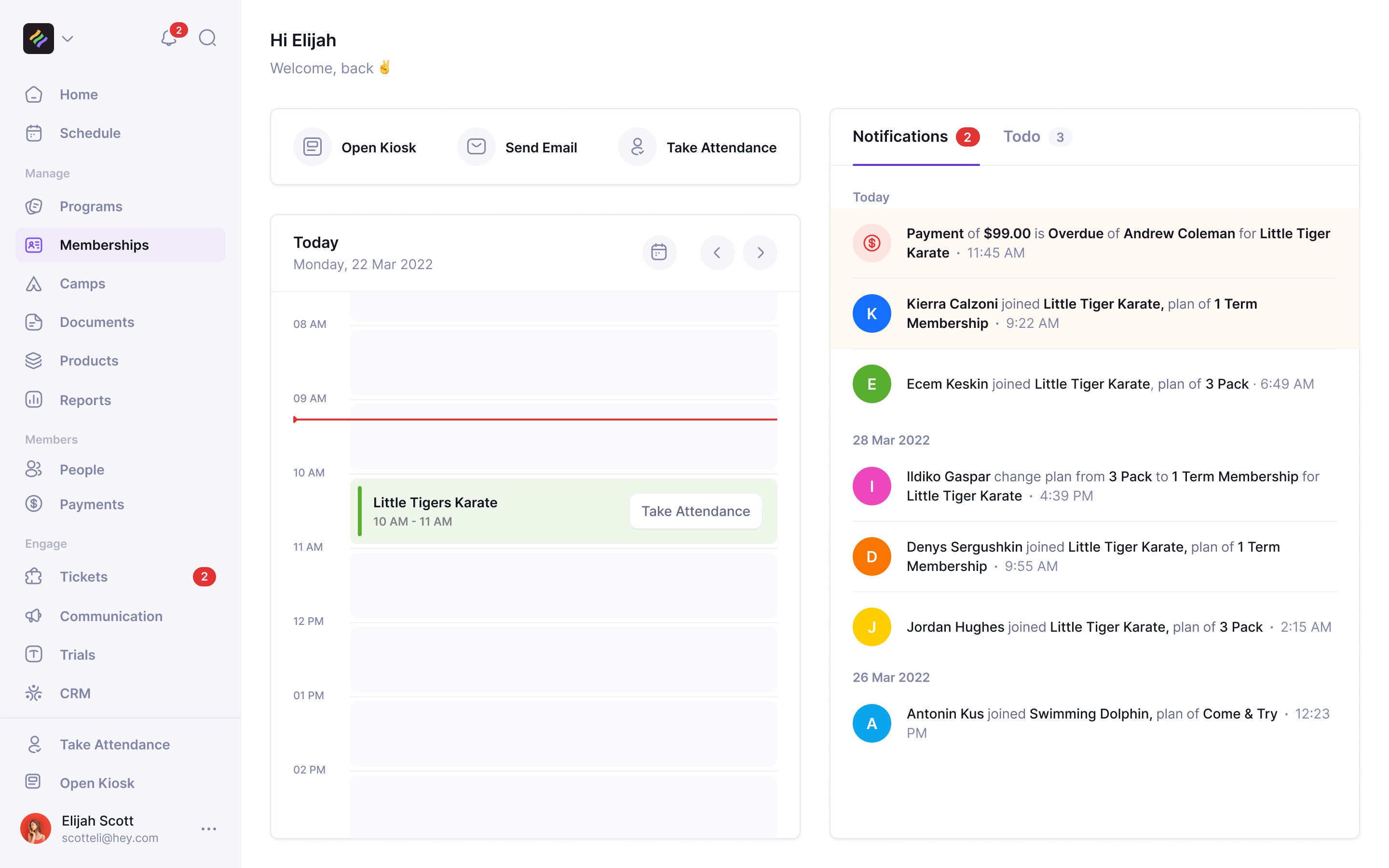
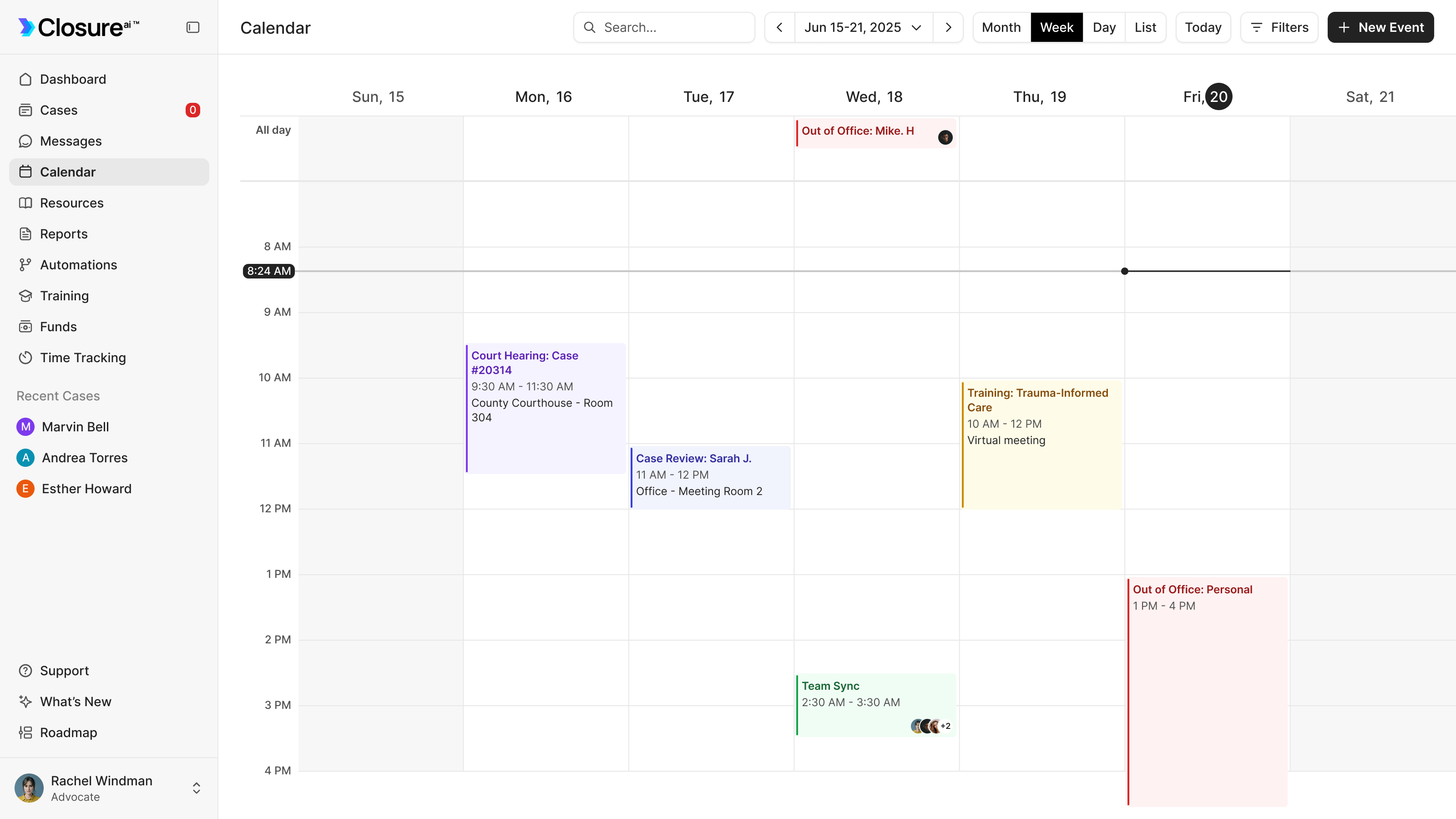
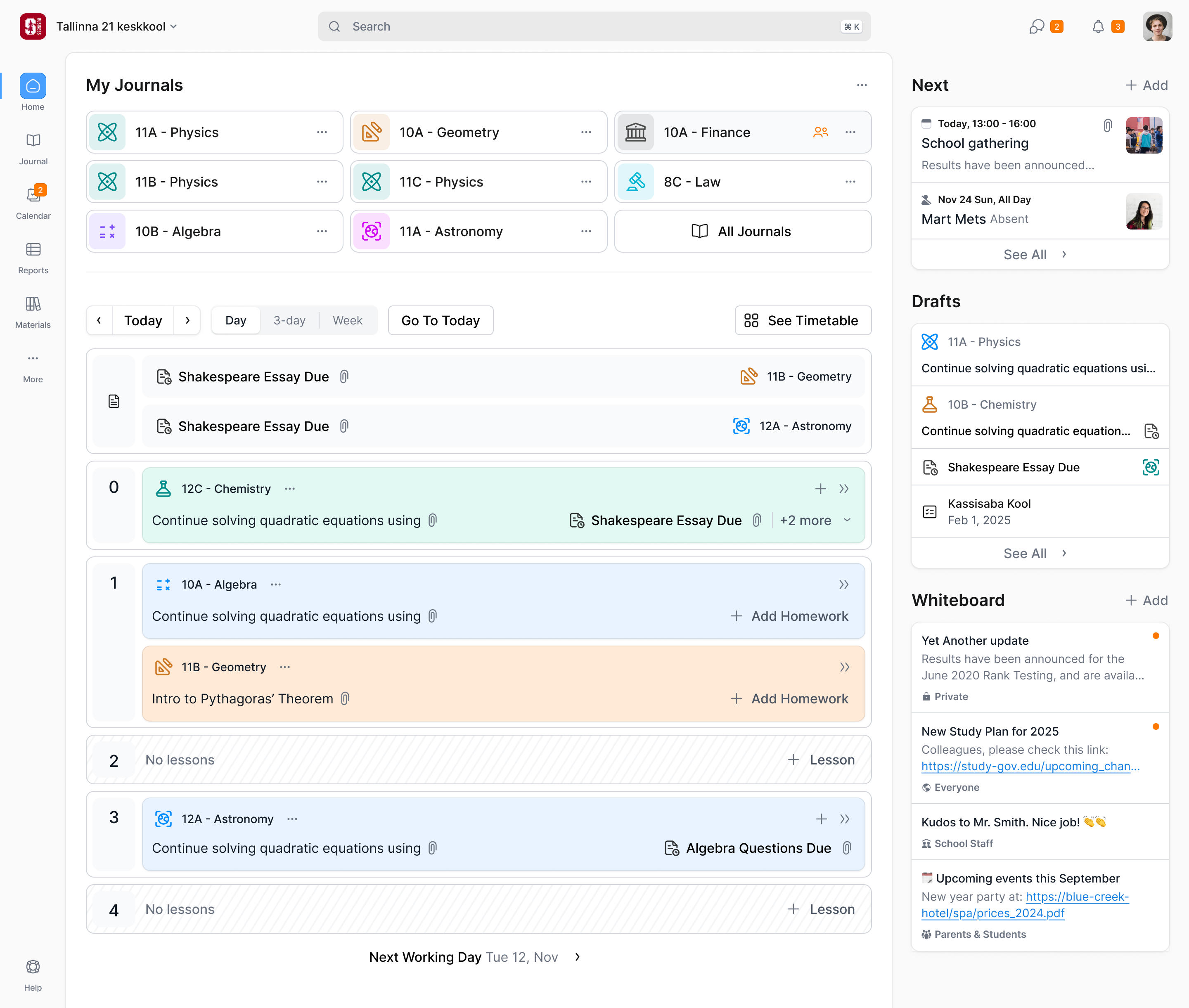
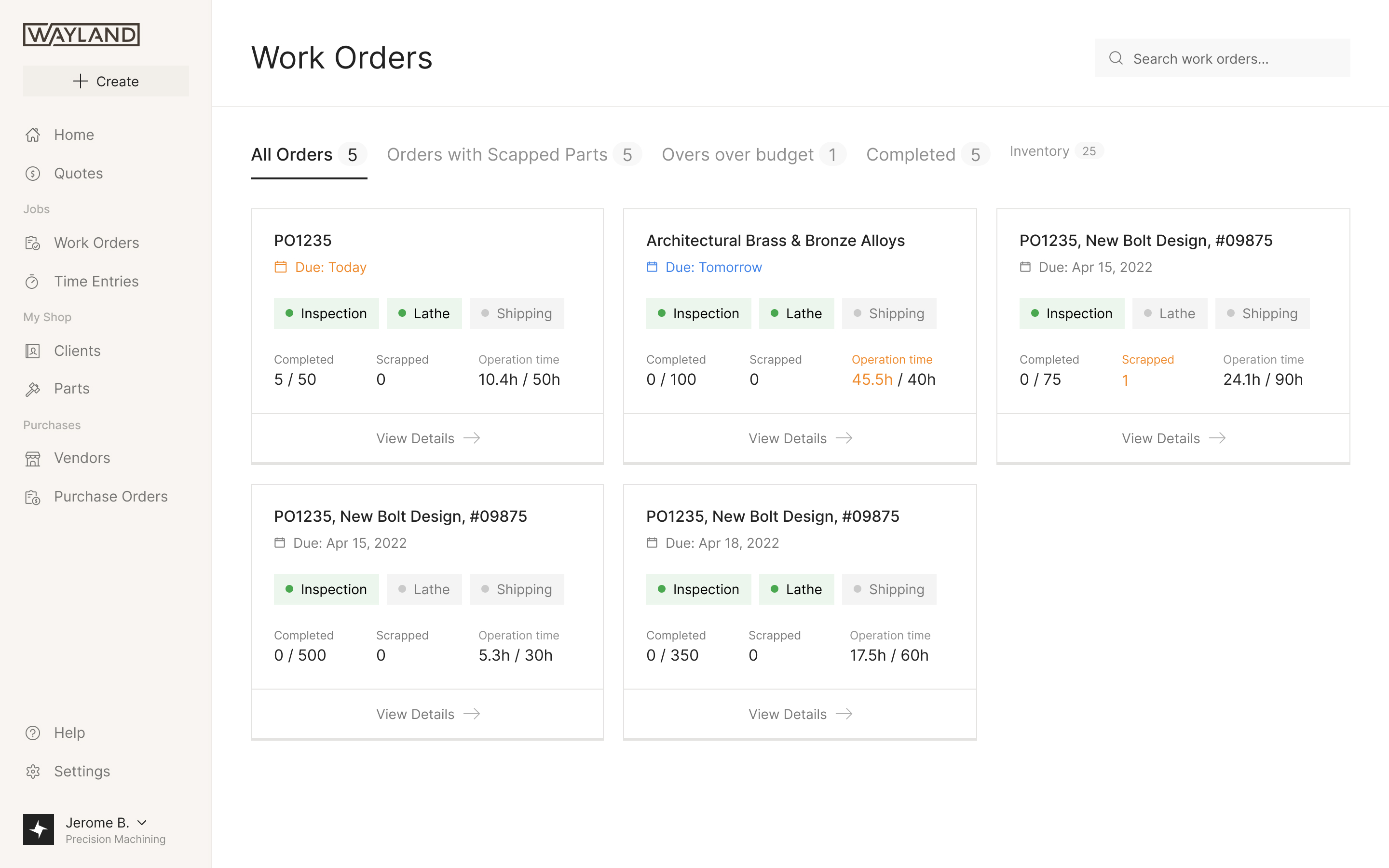
The front desk needs to know what's on now, where, and what needs attention. Our first home screen showed the day as a calendar. LaunchPad's first customer ran an 11am class some mornings and then nothing until 4pm, so much of that screen was empty.
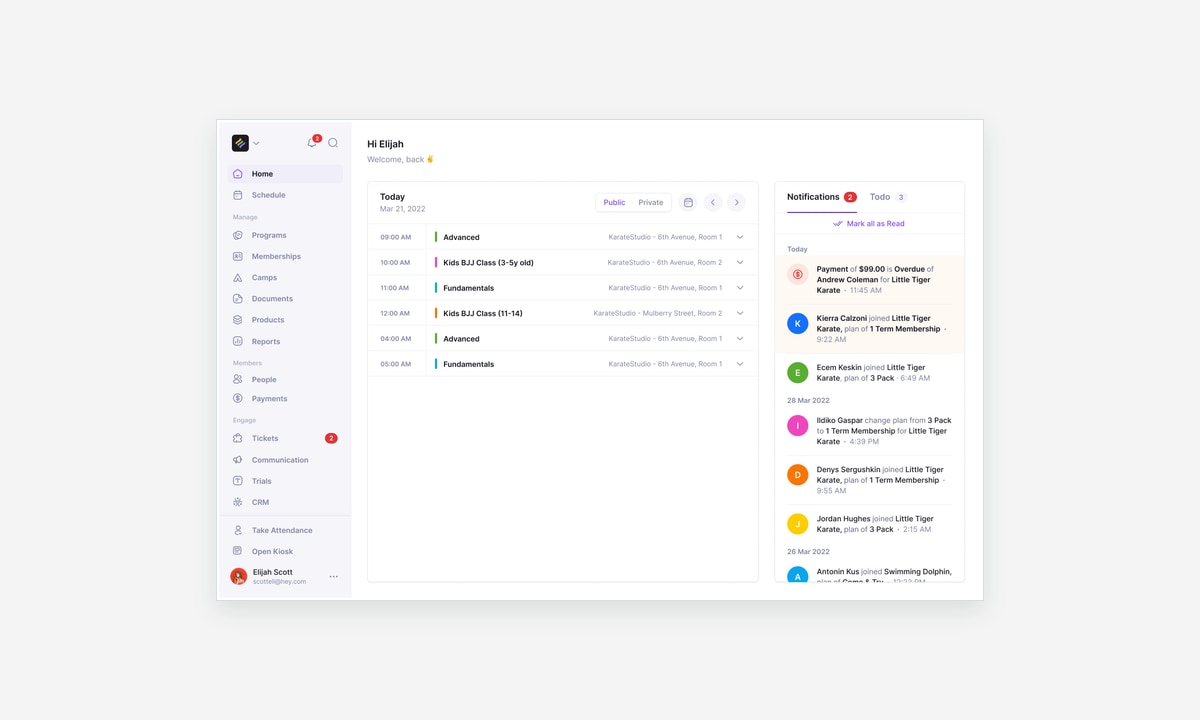
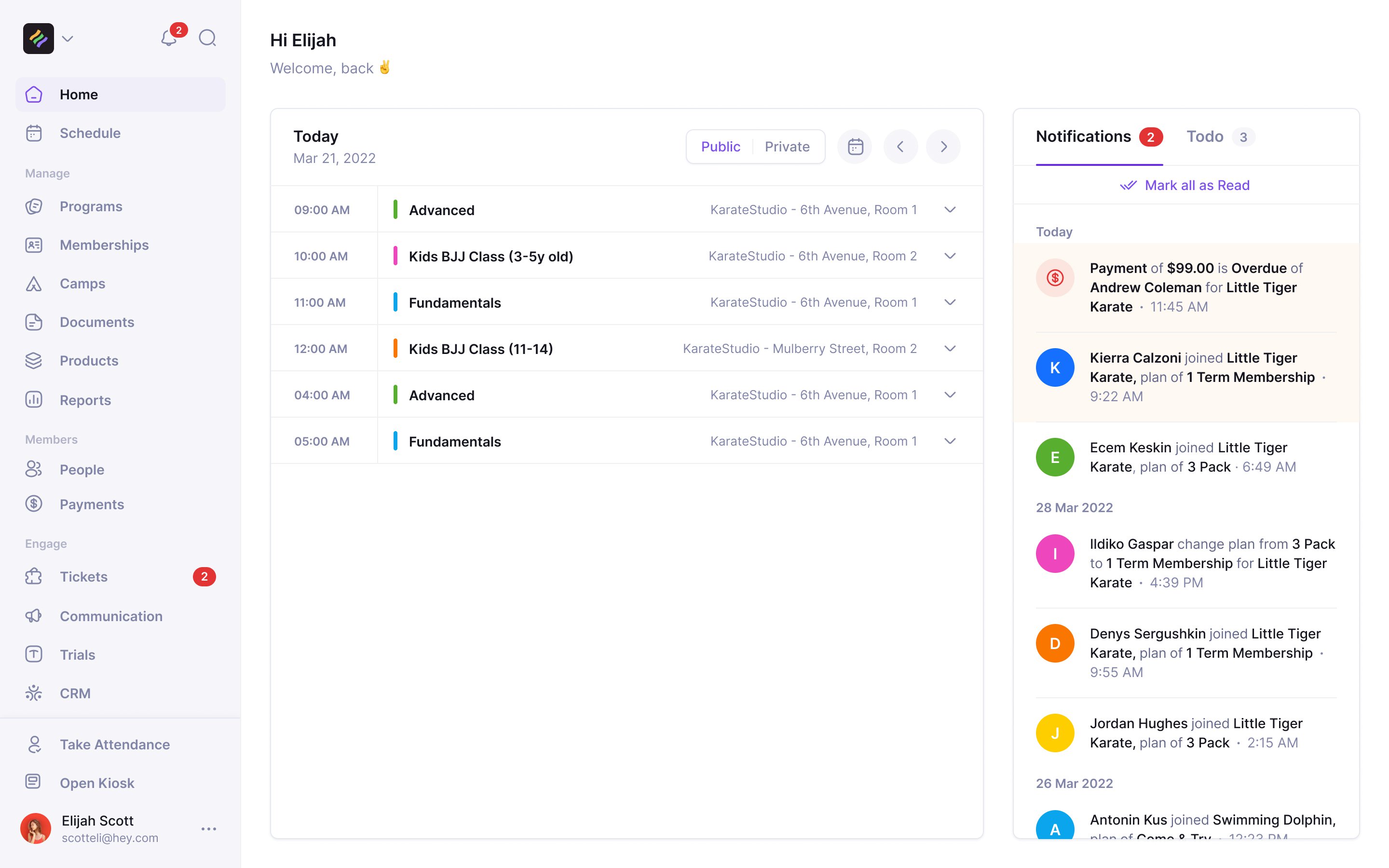
Sean proposed an agenda instead, and we designed today's classes as a list beside a feed of what changed: who joined, who changed plan, whose payment was overdue.
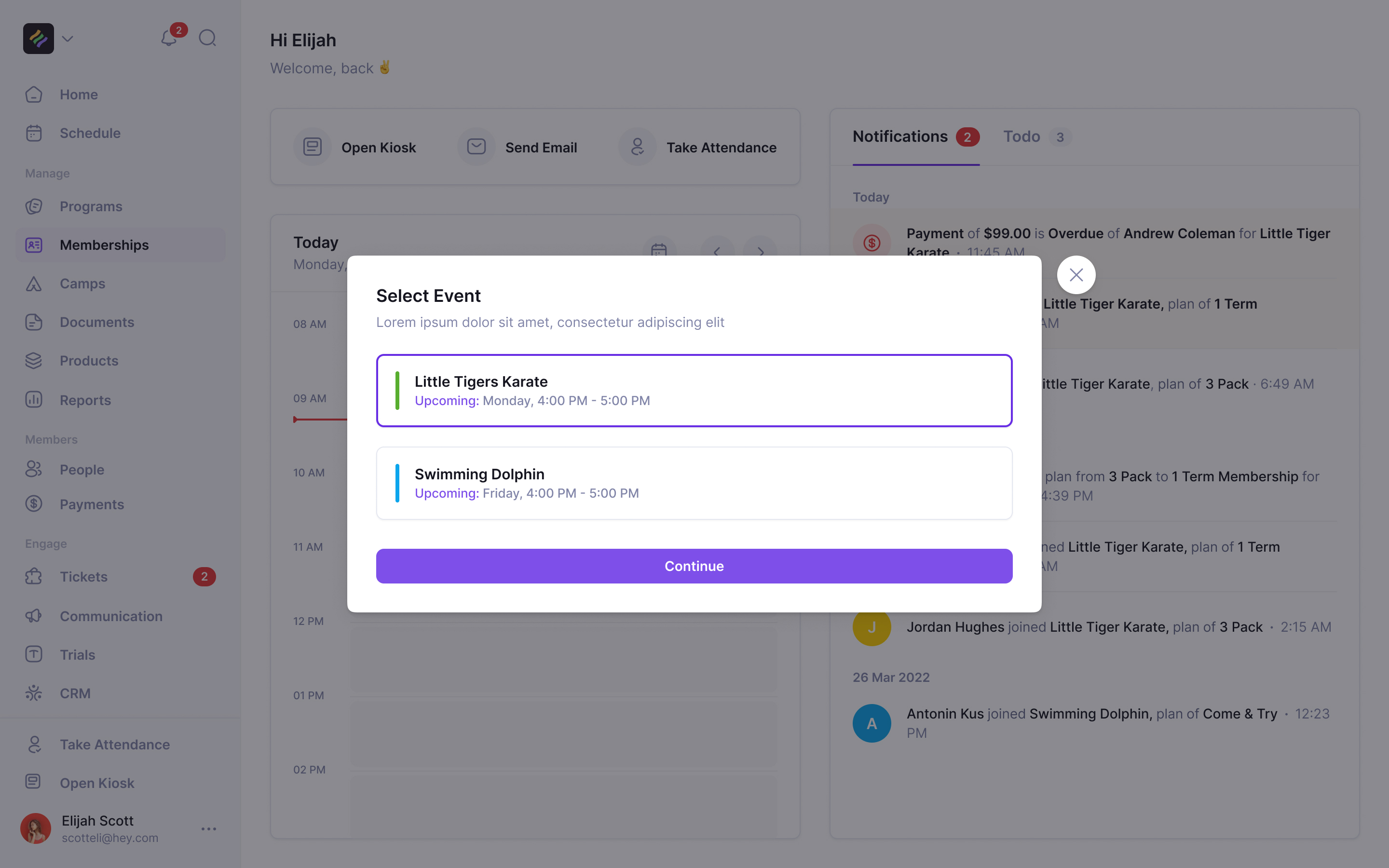
Roll call with a class waiting
Attendance also records progress. Martial arts students earn belts after a certain number of hours or classes, and an admin promotes them by hand. Sean told us operators needed to see whether someone had done enough to move up.
Our first attendance design gave every student a switch, defaulted to absent. I didn't trust it. A switch makes changing your mind obvious, but a list full of identical absent states makes it hard to see how far you've worked down the room. We moved to a full-screen roster: select the students who are there, then mark them attending together.
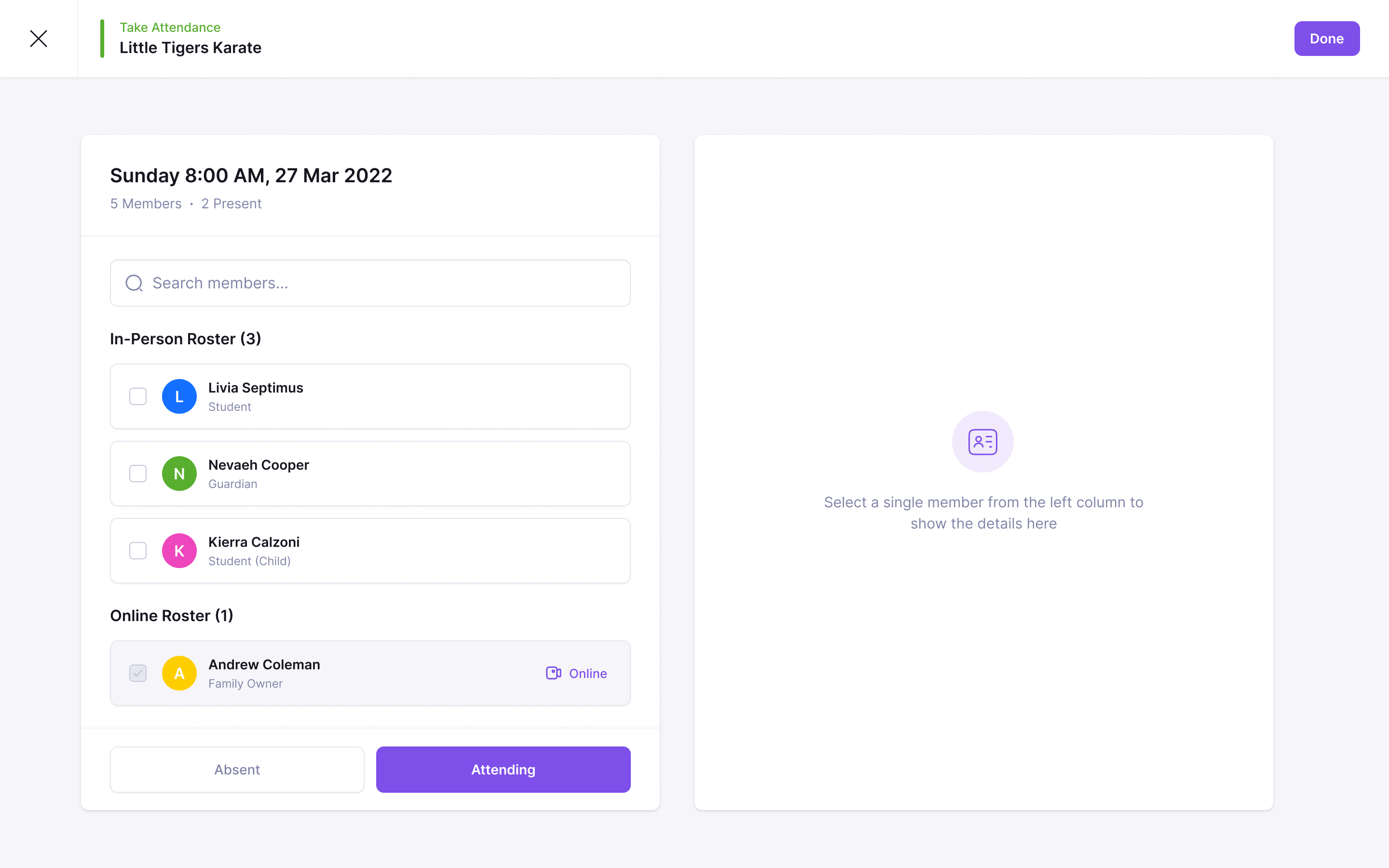
Andrew asked for the roster to distinguish online and in-studio students. Online attendees appear in their own group and are marked present automatically. The instructor can concentrate on the people physically in the room. Selecting one person opens their details beside the roster, including information such as allergies, without taking the instructor away from roll call.
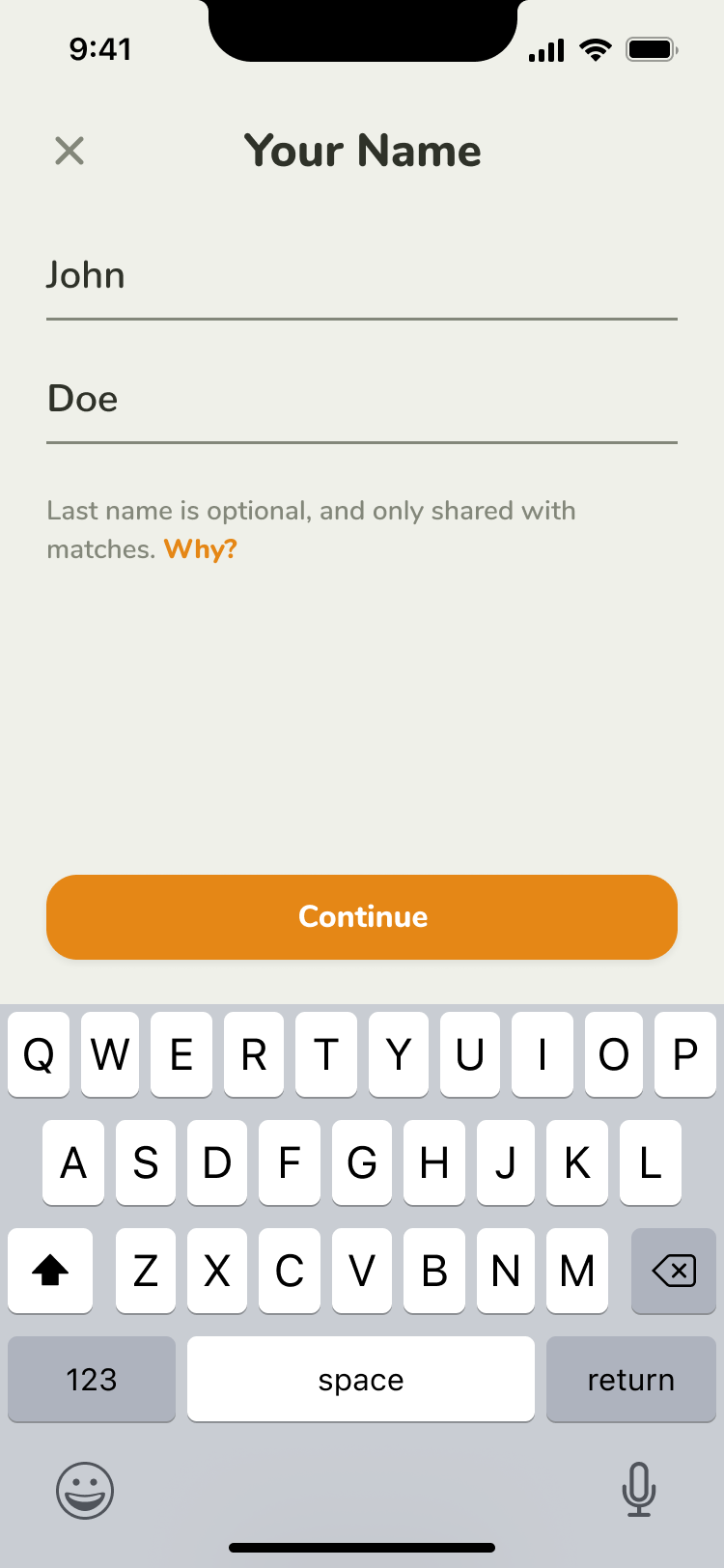
Enrolling a child is enrolling a family
Sean had already built a working enrolment flow when he asked us to refine the design. Its technical problems were solved. The difficult part for an operator was understanding which person each step referred to.
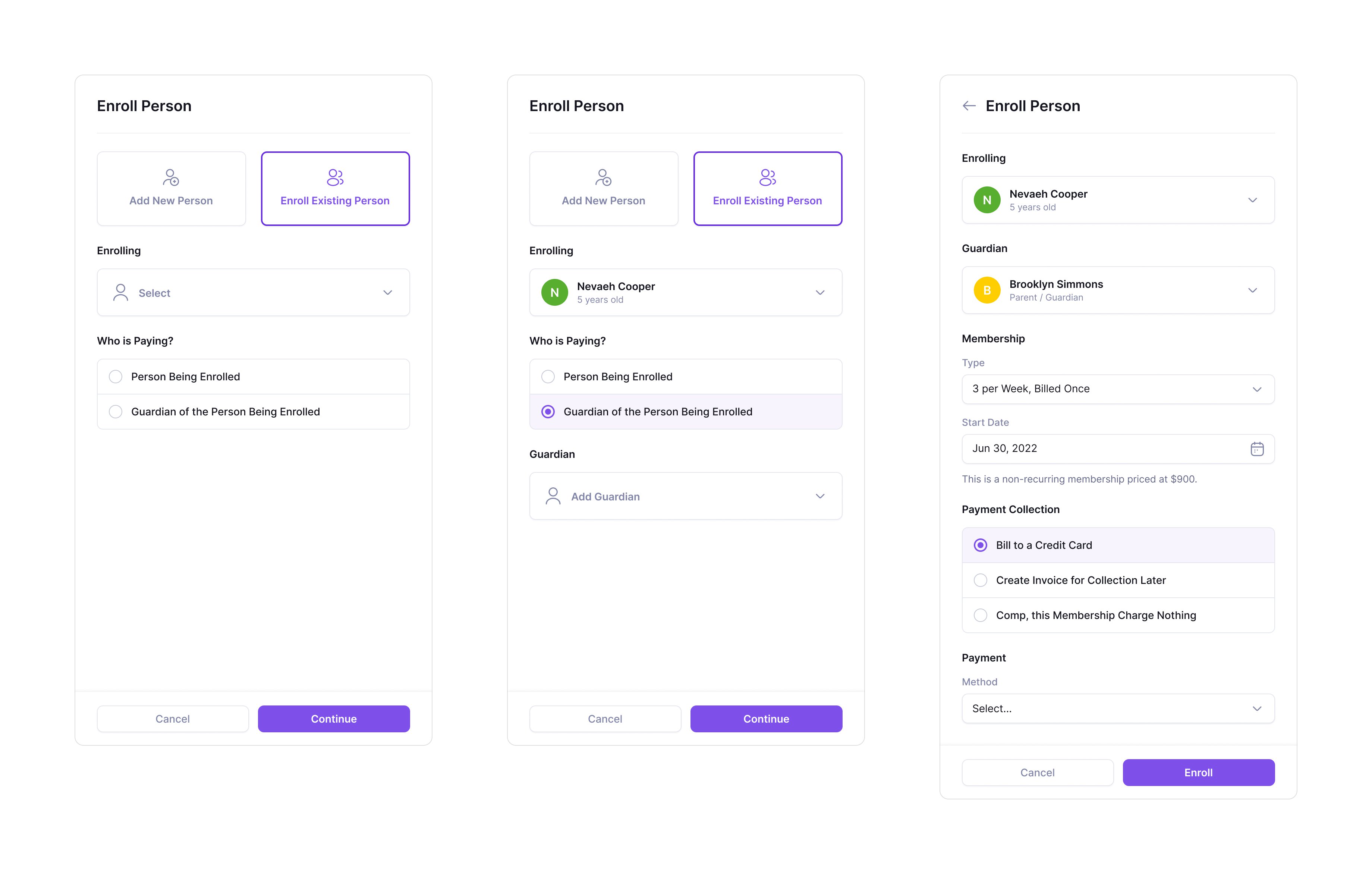
They might be adding a membership to an existing student, or creating a student at the same time. In either case a guardian could receive the bill. The flow has to identify the student and payer before collecting payment.
We made the sequence explicit. First choose a new or existing person. Then say who's paying, adding a guardian if needed. The next step keeps the student and guardian visible above the membership, start date and collection method. The operator can charge a card, send an invoice for later or comp the membership.
Walk-ins needed a different entry point. An operator wanted to hand a parent a tablet and collect what was needed for a trial. Sean compared it to the clipboard at a doctor's office. We designed an iPad-first kiosk for personal and guardian details followed by document review and signature. Someone signing up themselves and a parent signing up a child needed equally clear paths.
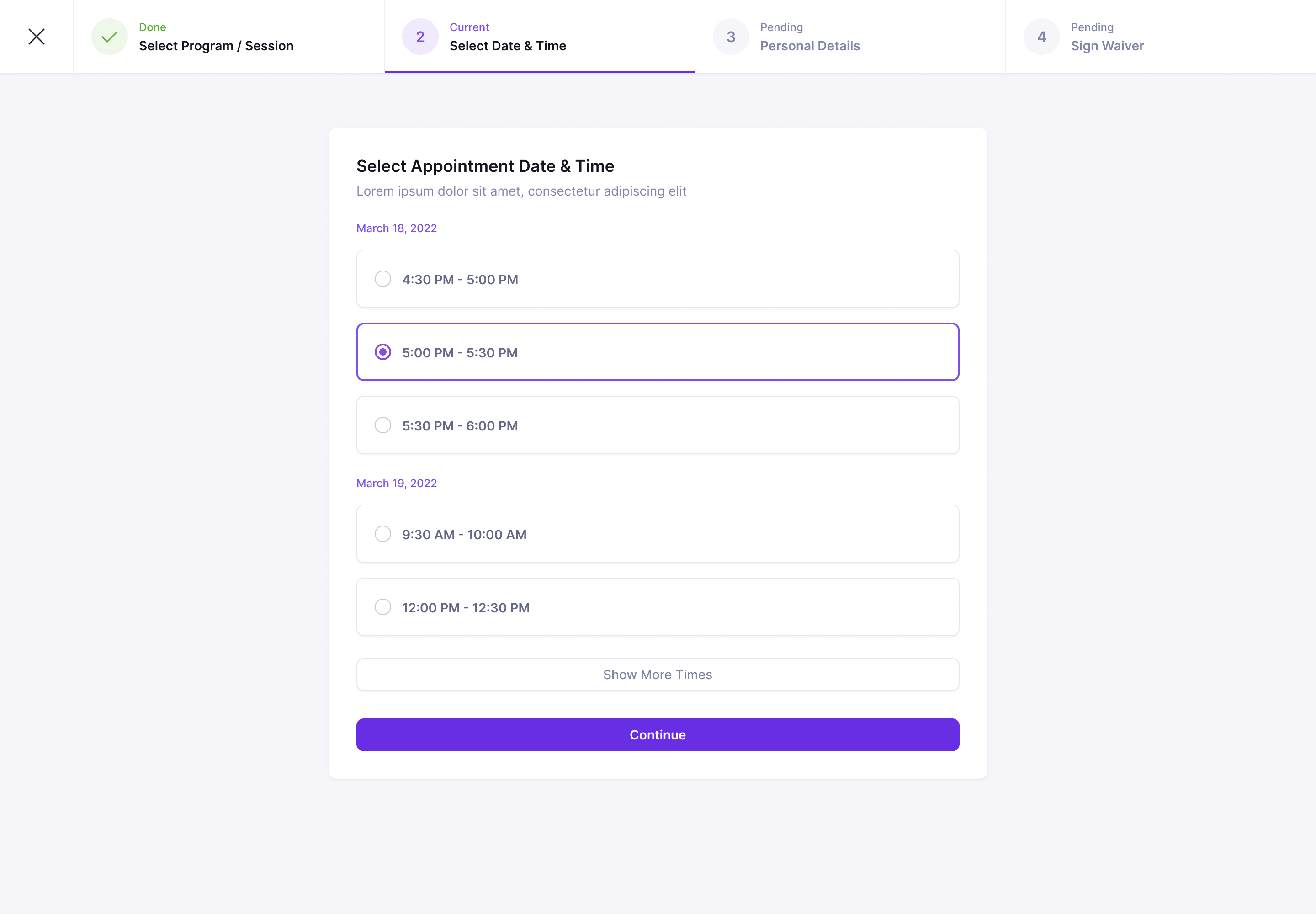
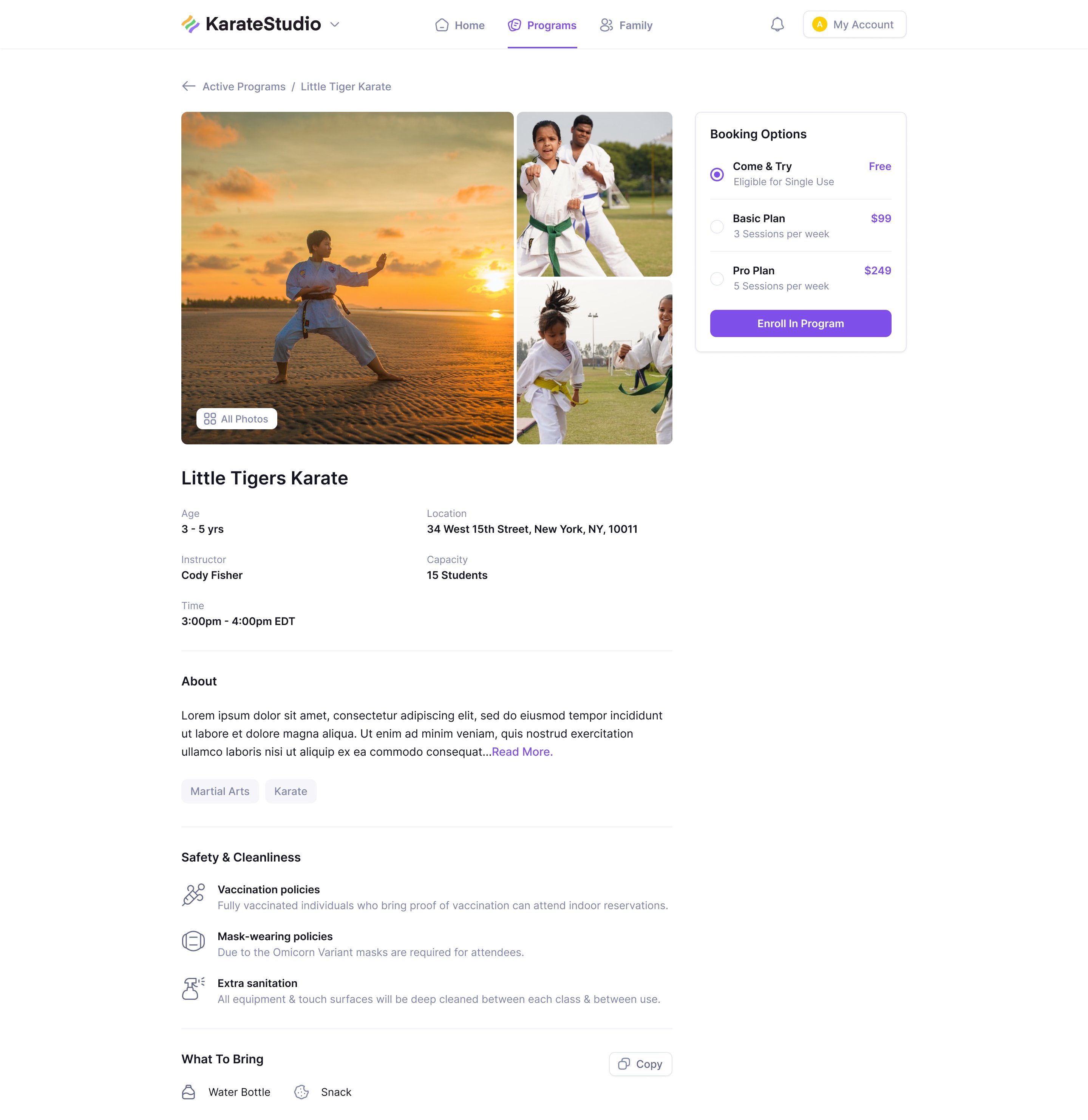
Public booking starts with the program and time. Age range, instructor, location and prices sit on the program page, so a parent can judge whether a class suits their child before entering family details and signing a waiver.
A timetable worth printing
Studios publish their weekly schedule as well as use it internally. Sean sent us a hand-made timetable from a dojo's website and asked for LaunchPad to generate it from real classes, clean enough to print or embed.
Our first answer was to make the calendar printable and let filters do the rest. Sean pushed back: it should be ordered like a calendar without being drawn to scale. He was right. A gap between 11am and 4pm has a purpose when you're planning your day; on a printed list of classes it wastes the page.
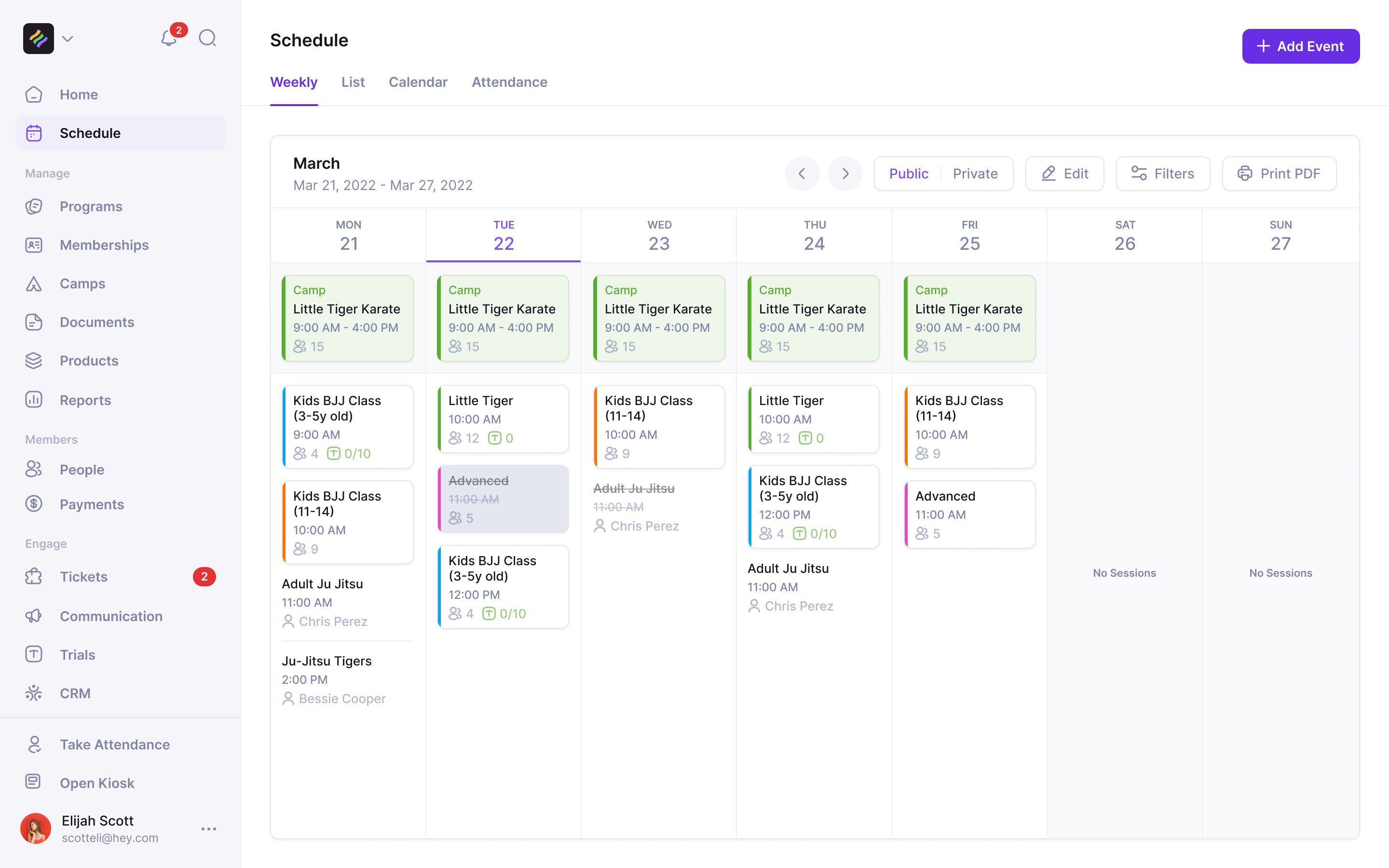
The weekly view stacks cards in time order. Each card keeps the start time, program colour and attendance counts. Trial capacity appears alongside enrolled students, because a full class and a class with room for a first visit are different things to the person answering the phone.
collapse empty hours, keep the order of the day
Short classes posed another problem in the day calendar. A fifteen-minute card drawn to scale can barely hold its name. We explored a horizontally scrolling view to give those classes room. In the weekly view, where names still sometimes truncated, hovering a card revealed its full title.
A camp is a program with dates
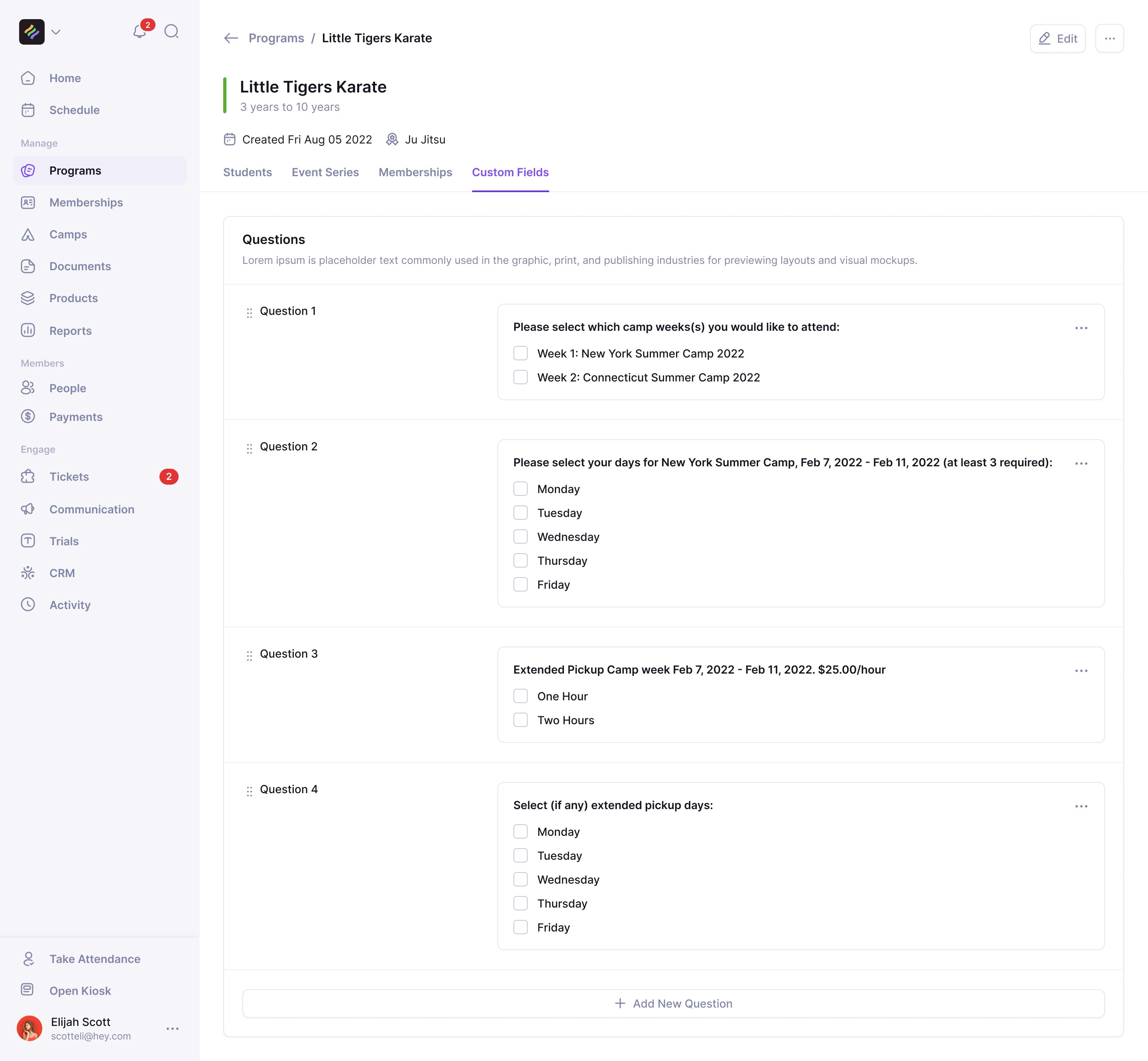
A summer camp runs all day for a week or two. Parents might book particular weeks, choose days or need extended pickup. Treating all that as a long class would leave the booking questions unanswered.
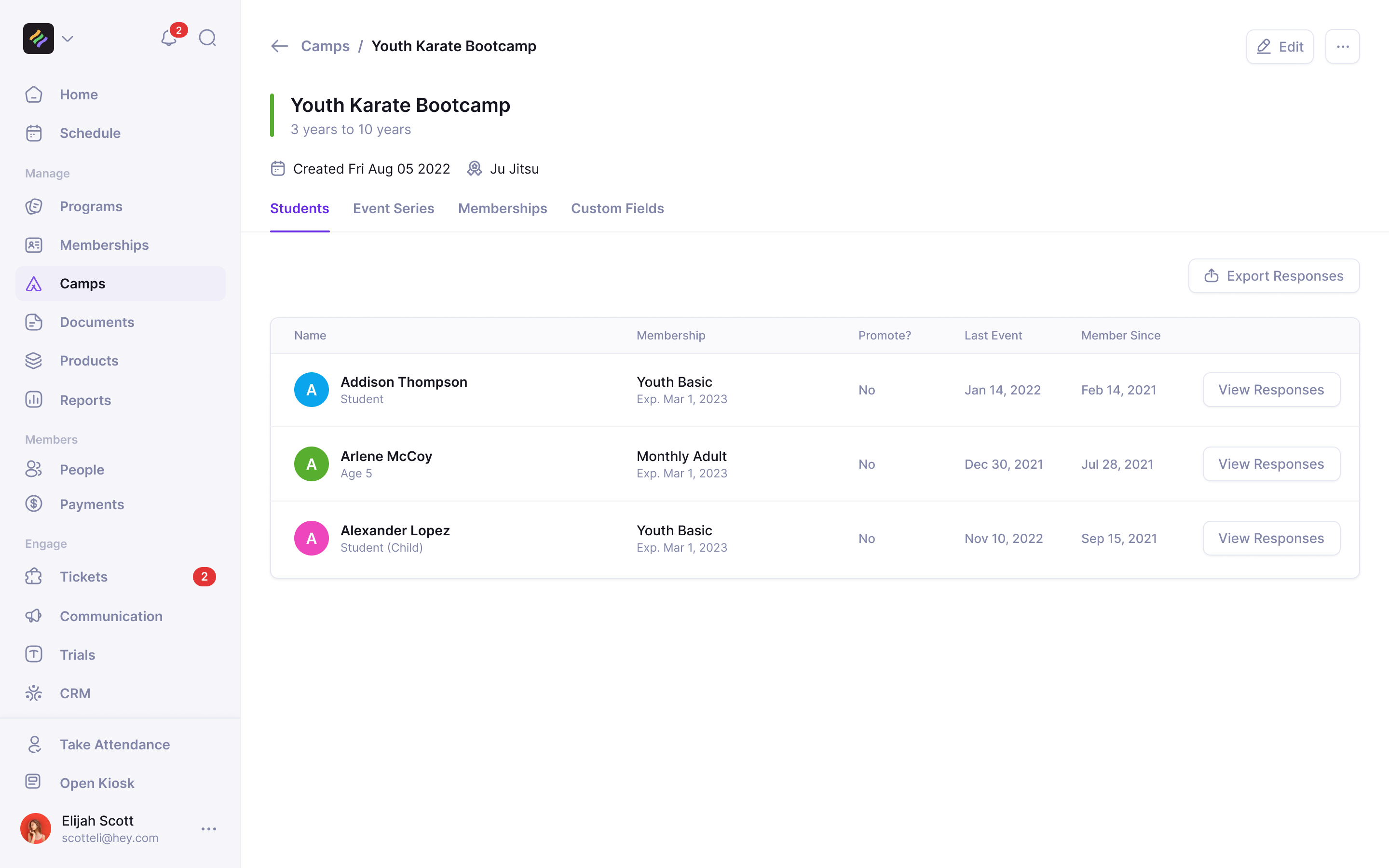
We proposed camps as programs with dates. The camp holds the students, memberships and enrolment questions; its individual days are events. Its page uses the same layout as a weekly karate program, so operators can use what they already know.
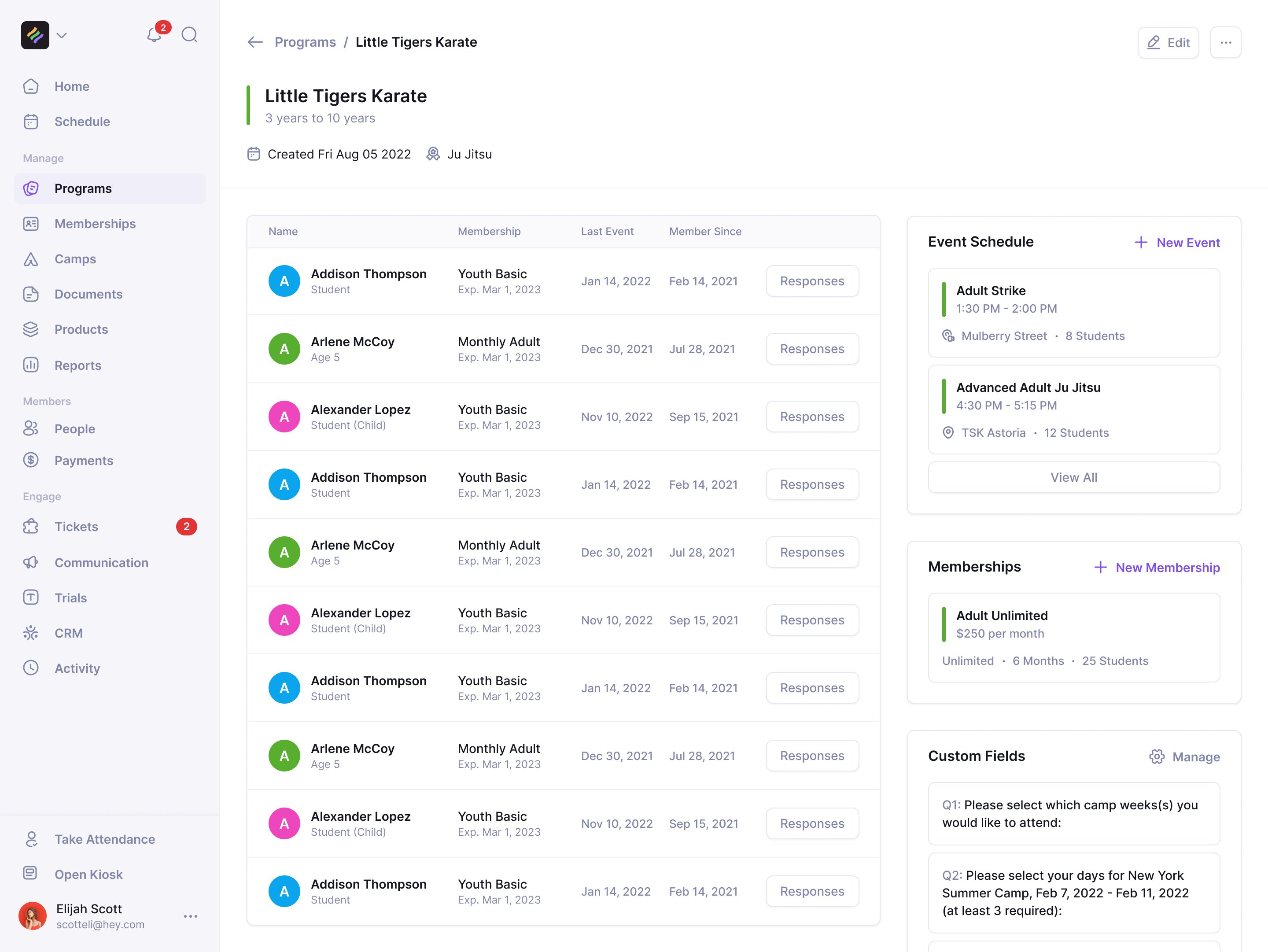
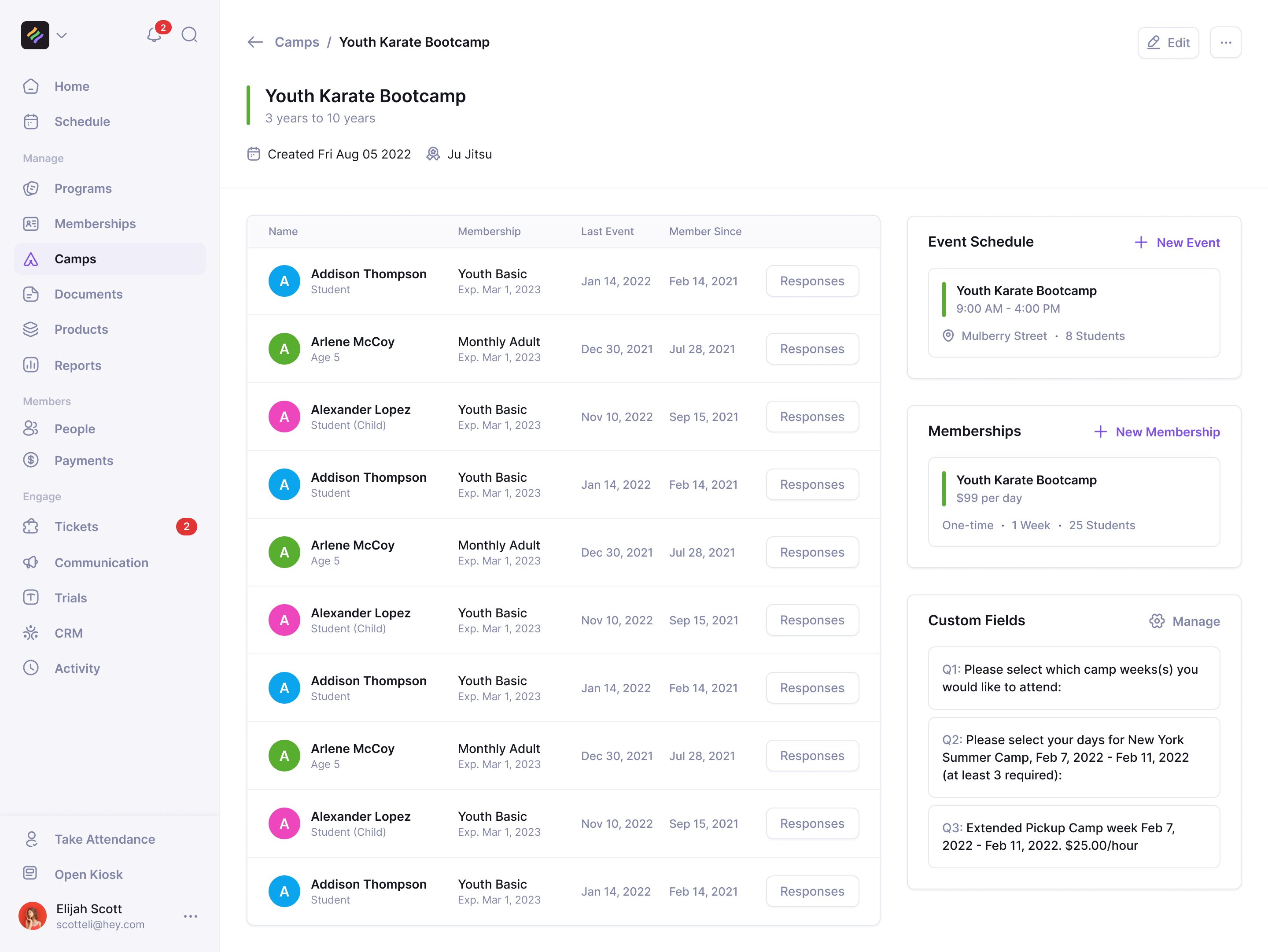
The differences belong in the enrolment questions. A camp can ask which weeks and days a child will attend and whether the family needs extended pickup. Those answers stay attached to the program rather than becoming a separate camp administration system.
A generated reply still needs an operator
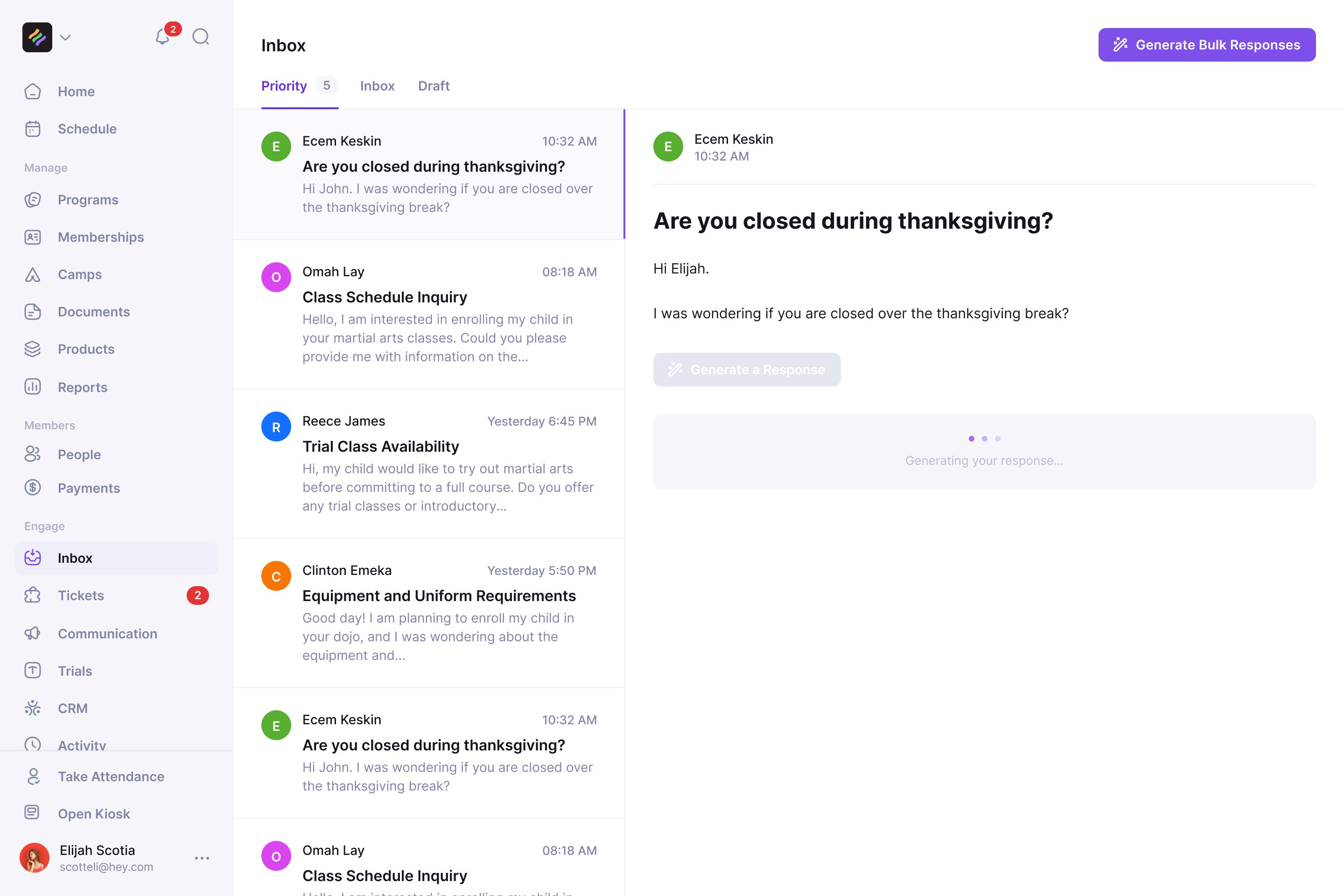
Sean built a ChatGPT integration into the email composer. When Andrew asked us to design AI email around it, we hit a more basic gap: LaunchPad could send emails, but had no inbox for a parent's reply.
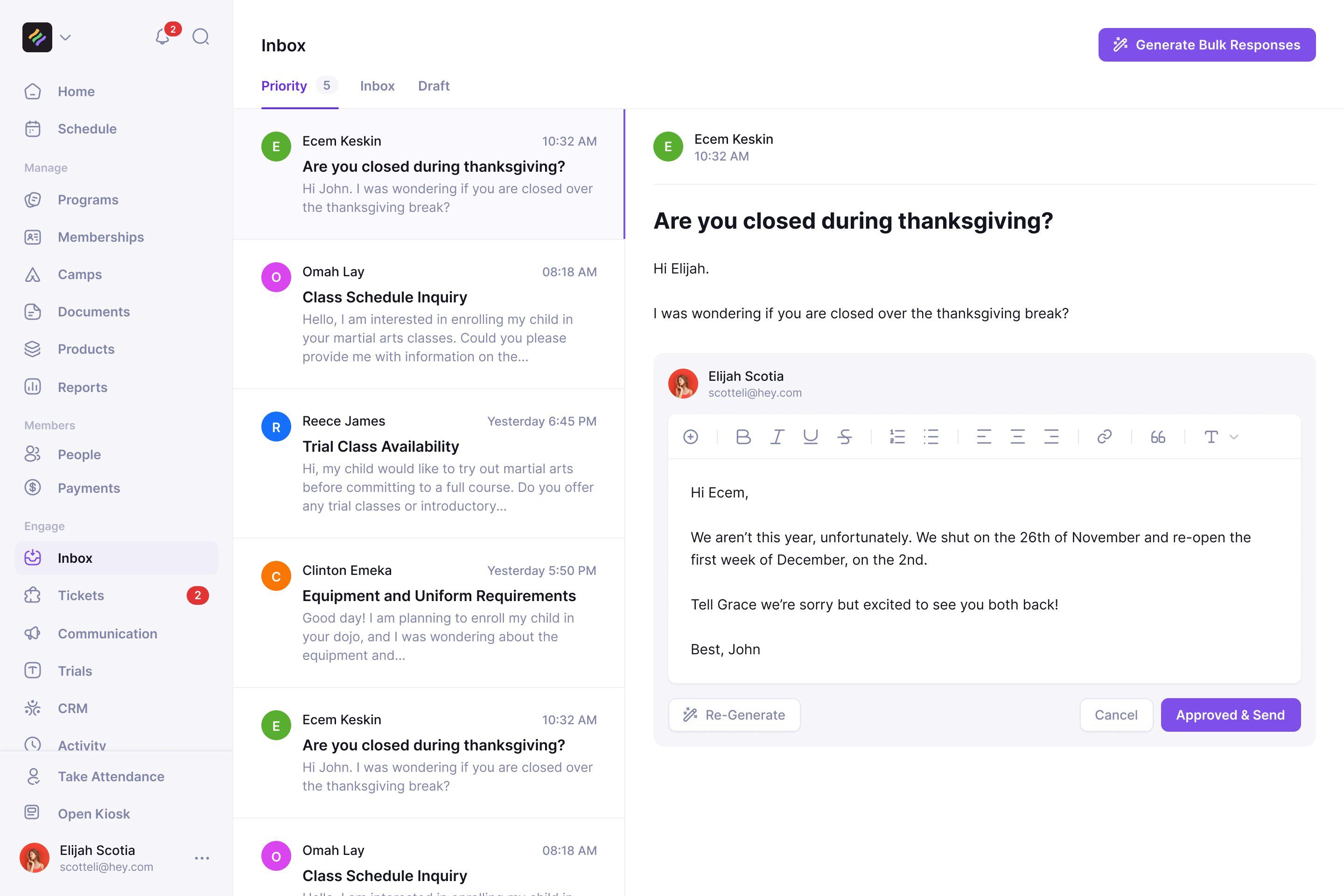
We gave email its own section, with the incoming question beside the response. Generating an answer puts it in an editor. An operator can change it, regenerate it or cancel. Sending requires a separate Approved & Send action, keeping the studio responsible for what a parent receives.
The other side of the front desk
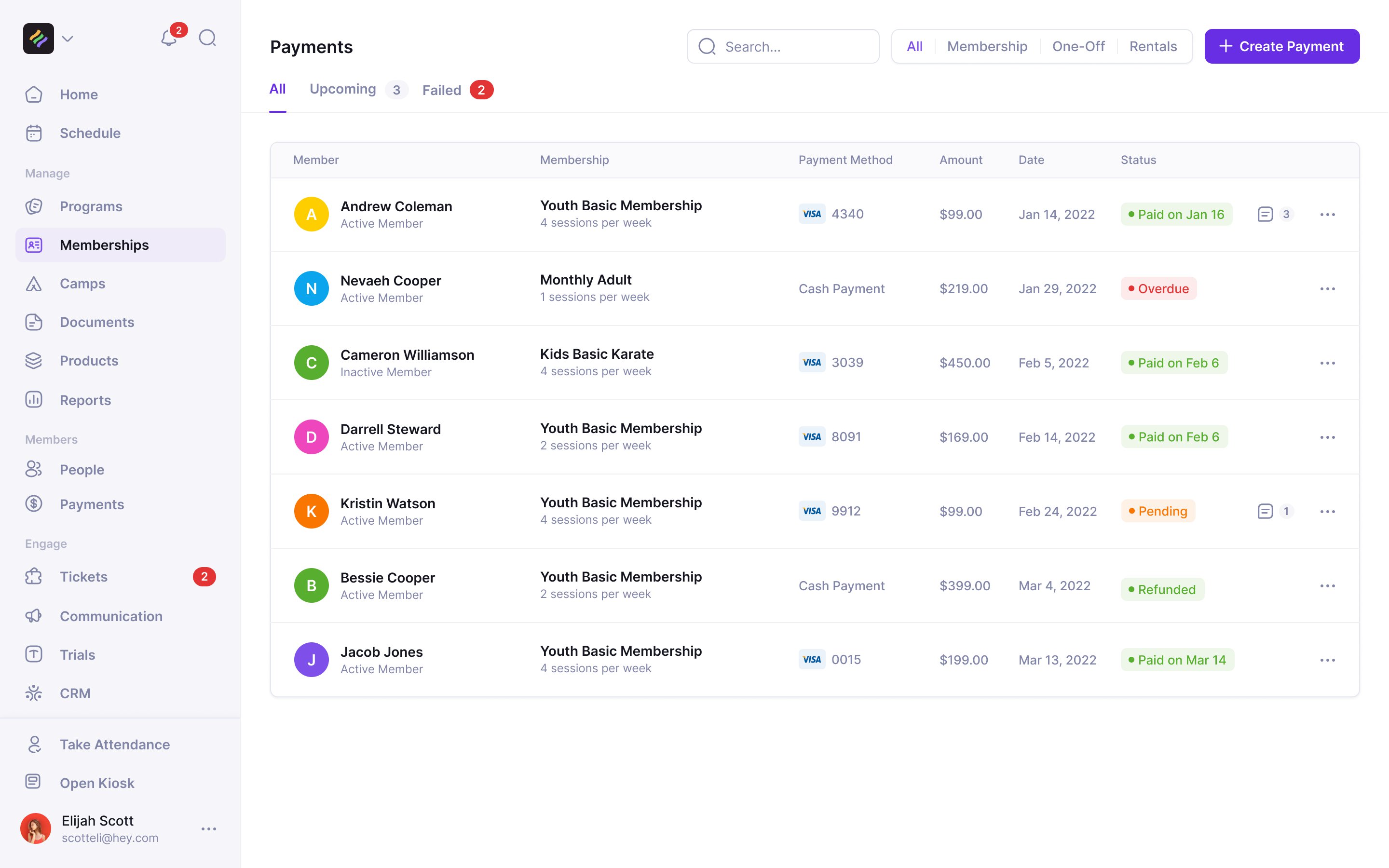
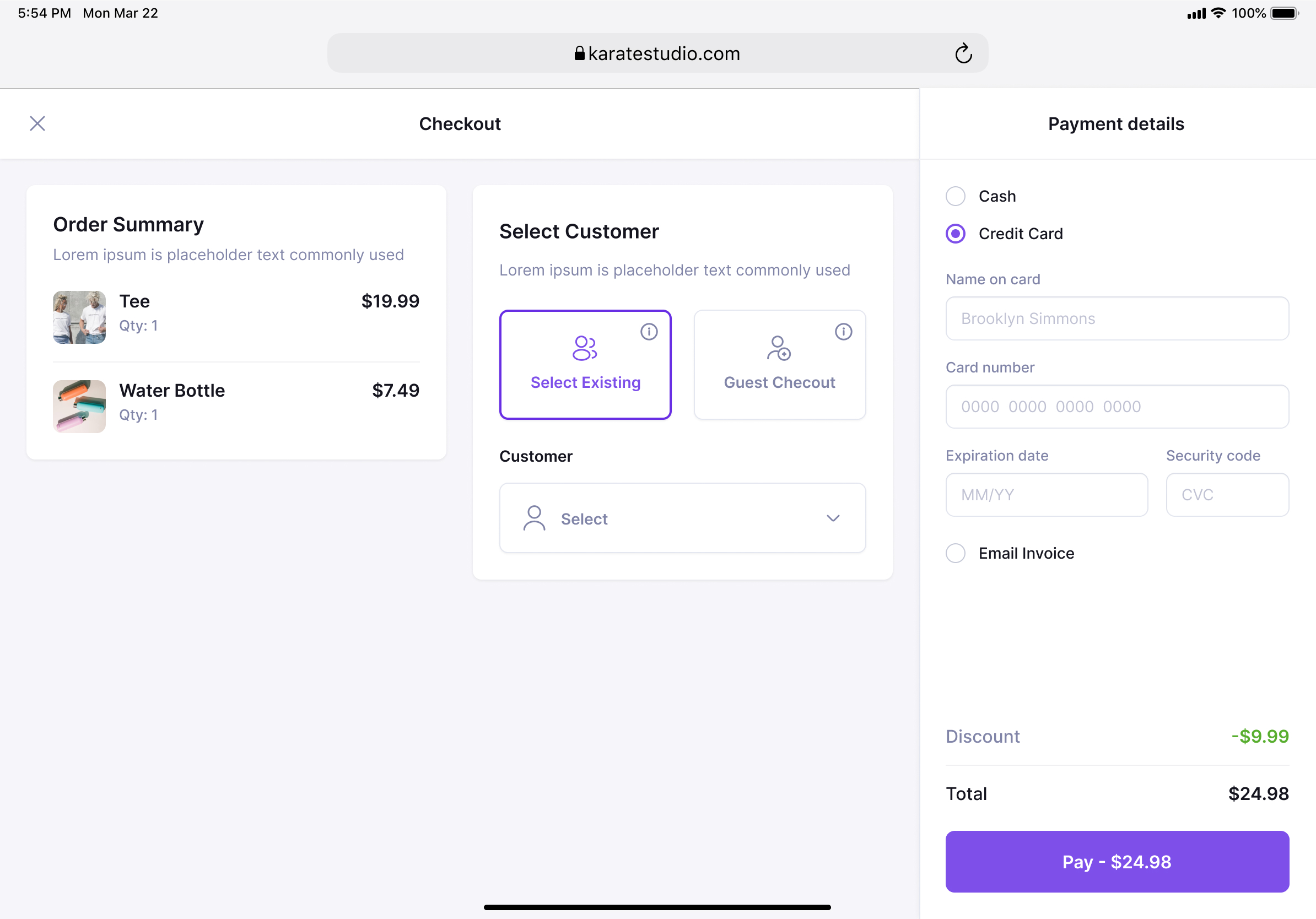
A studio also sells uniforms, takes payments and follows up overdue bills. We designed a tablet point of sale with the order and customer beside the payment method: cash, card or emailed invoice. A parent buying a uniform at reception shouldn't need to be taken through a class enrolment flow.
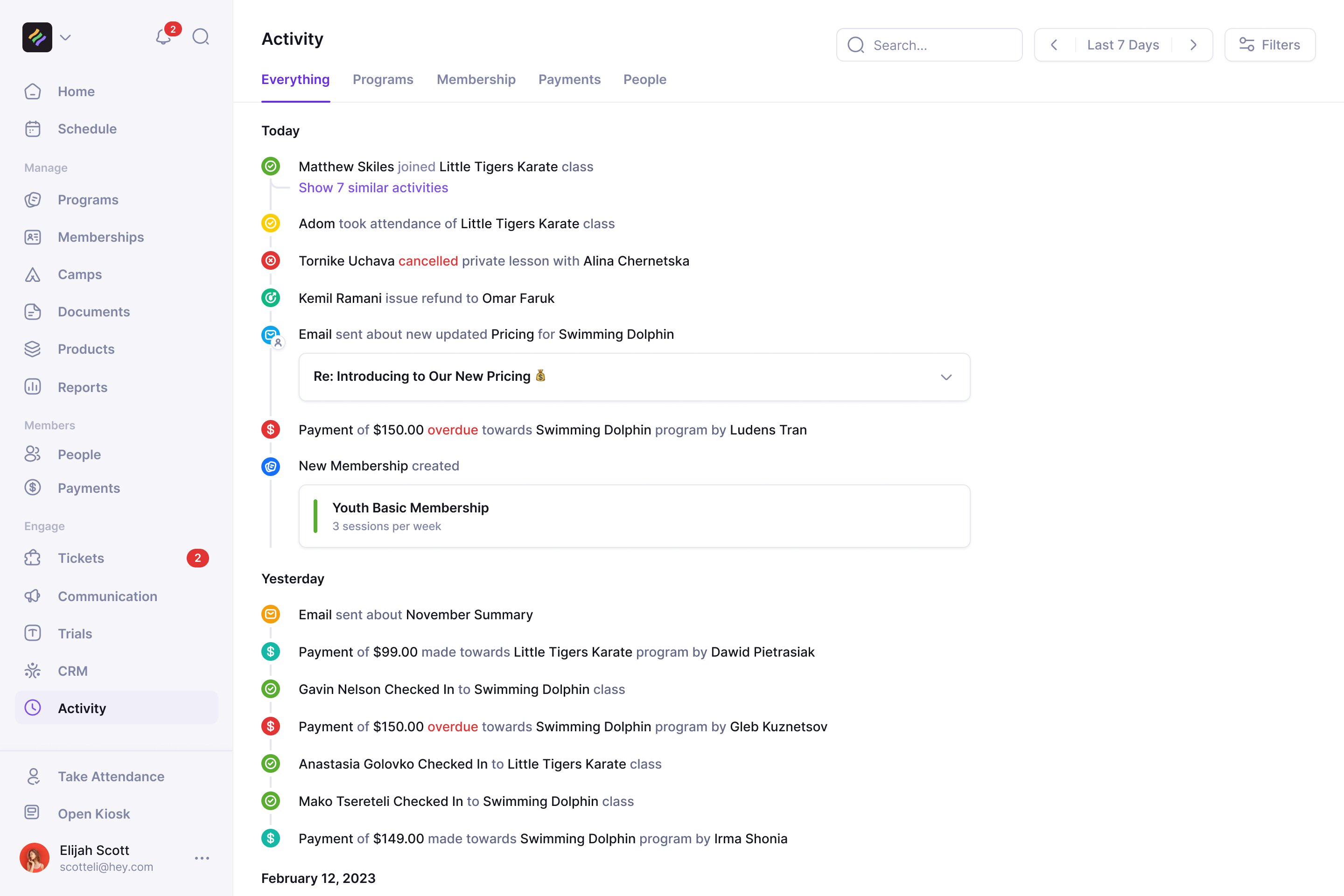
The activity feed brings joins, attendance, cancellations, refunds and overdue payments back into one history. It gives operators a way to check what happened across the separate parts of the product.
Our work included LaunchPad's Webflow website and its replacement when the company became Classmate in July 2023. The last product designs went over that September. Classmate is no longer running.

"NBS doesn't feel like an agency but more like a product team. They have exceeded our expectations and have been really easy to work with"
More from Launchpad