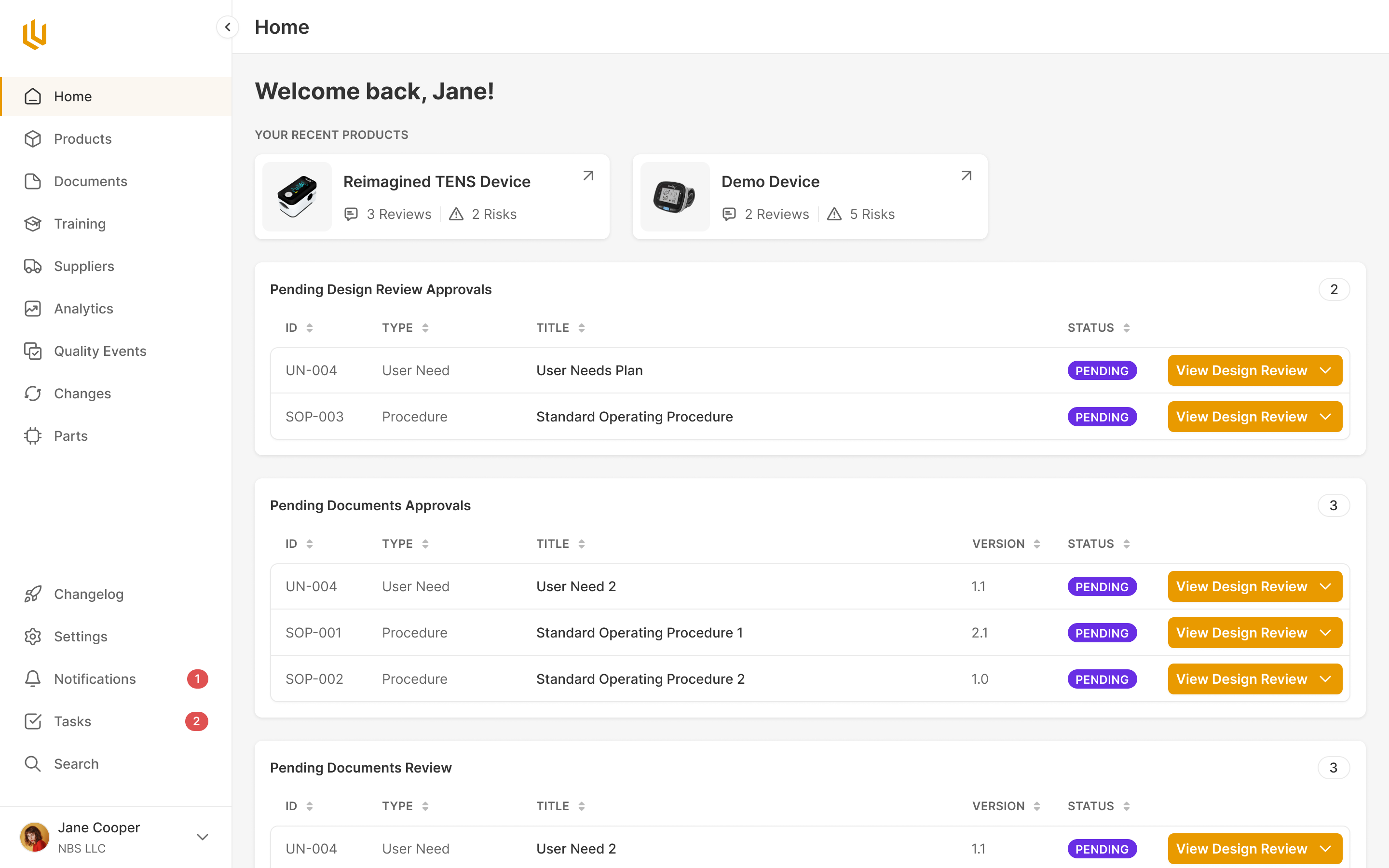
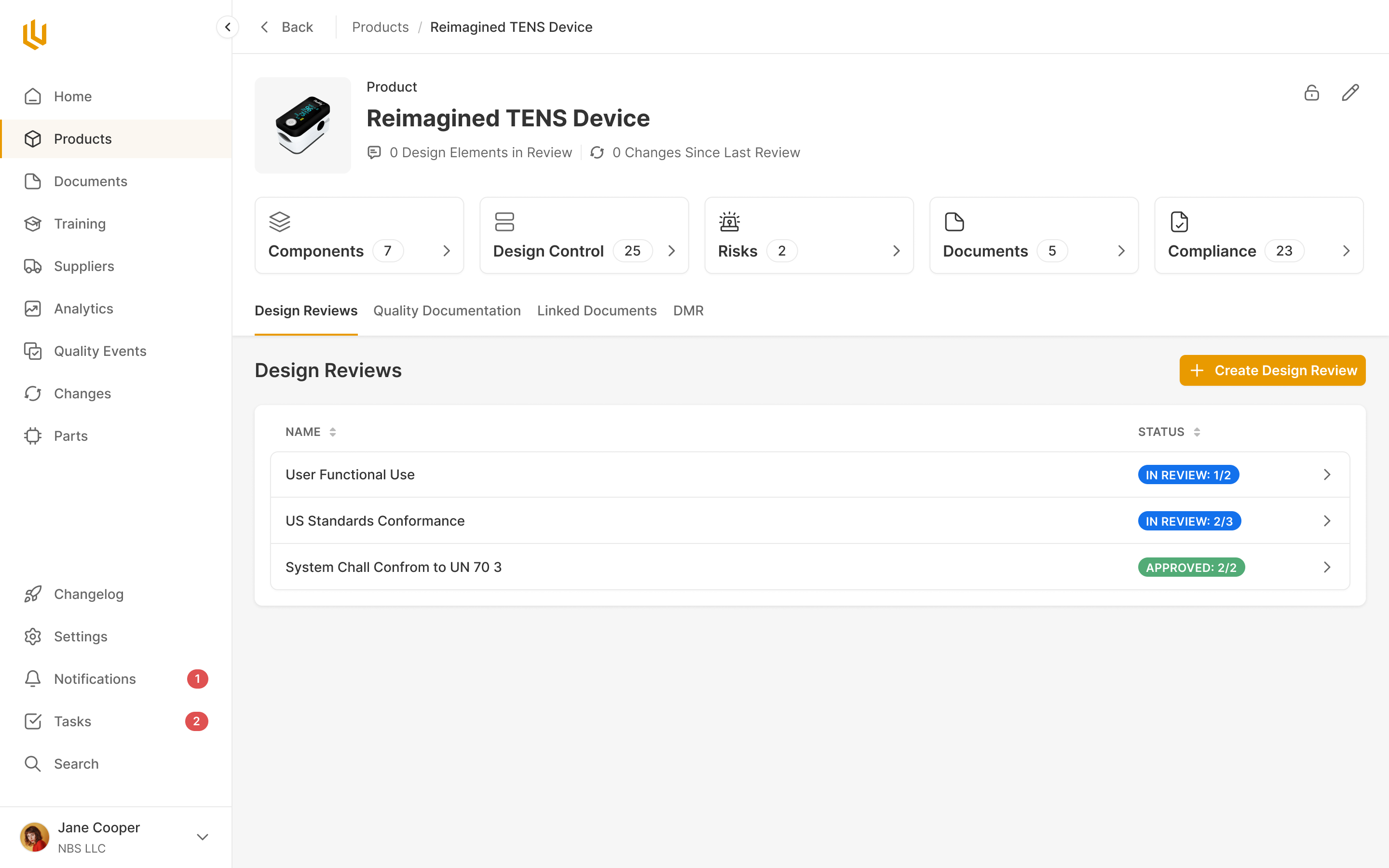
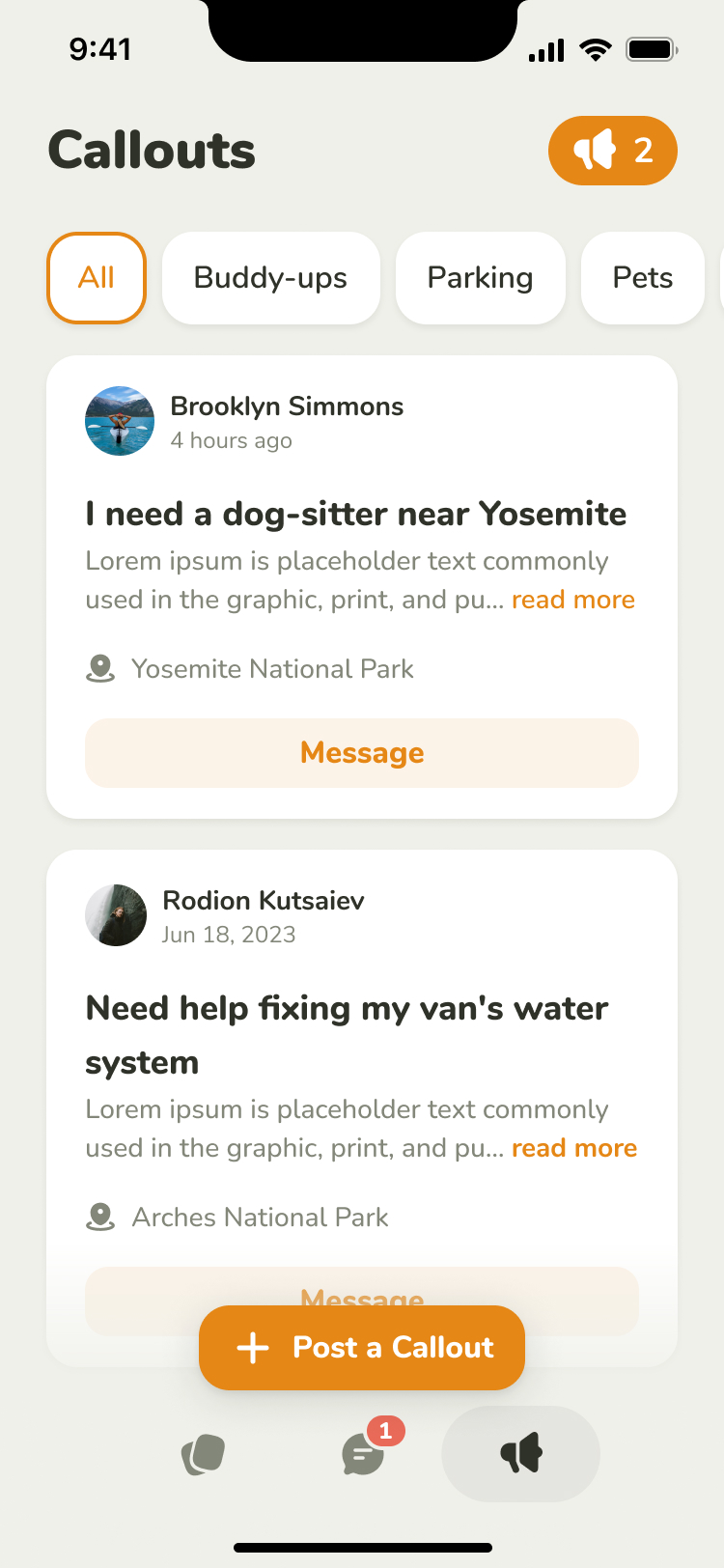
.jpg)
Bridle makes software for running a barn and for running Western equestrian competitions. We redesigned the barn product, then designed an events product for two quite different users: the producer organising the competition and the rider entering it. The producer needs to configure rules, collect fees and pay winners. The rider may be checking the standings on their phone while sitting on a horse.
We worked with Matt Greenleaf on the barn product in November 2023, then with Matt and Michelle Serna on the events product in a four-week sprint in early 2024. Michelle barrel races professionally and brought the knowledge of how these events work. We returned in March 2025 to adapt the product for breakaway roping. All three engagements were design work.
Give the barn a consistent way of working
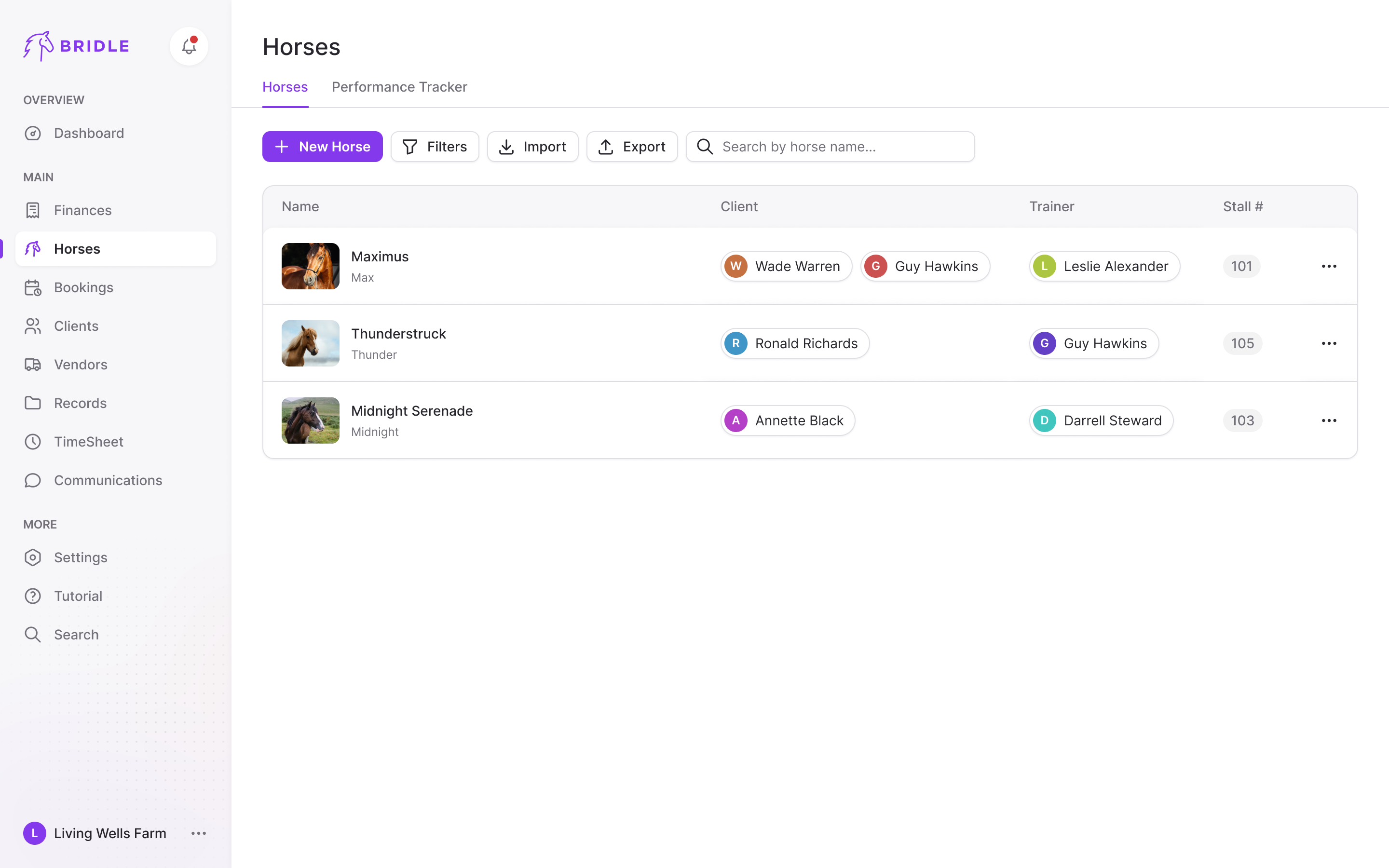
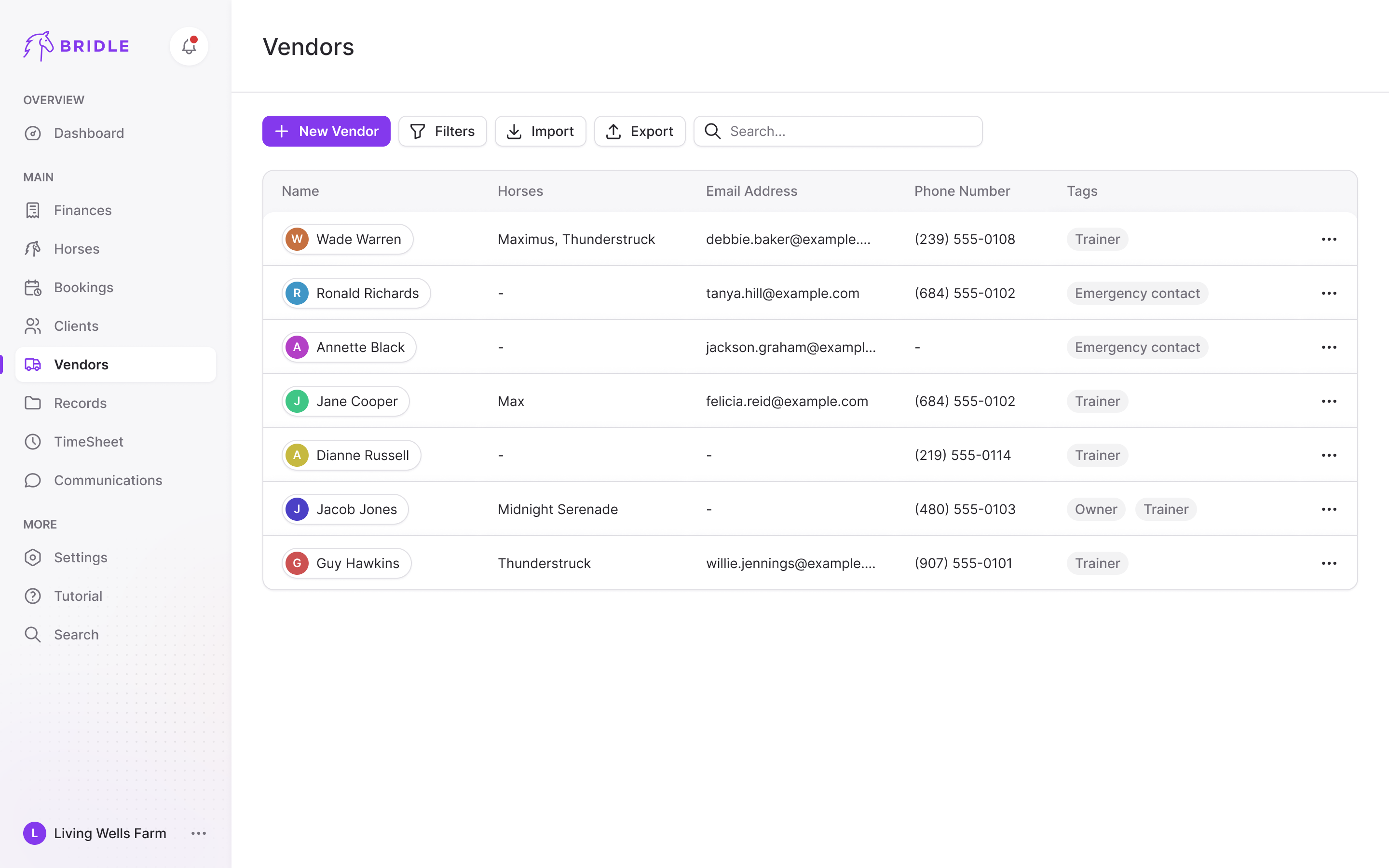
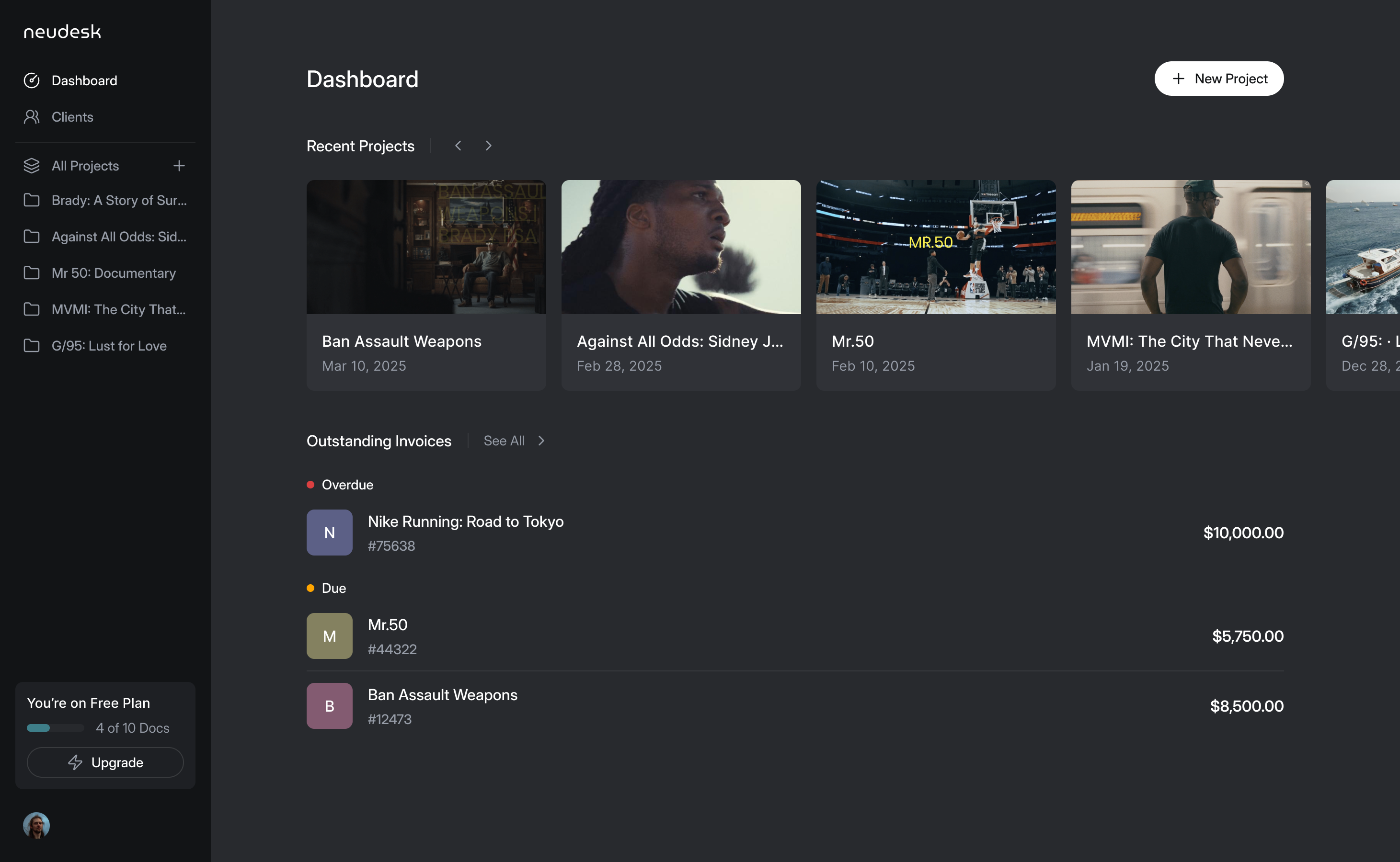
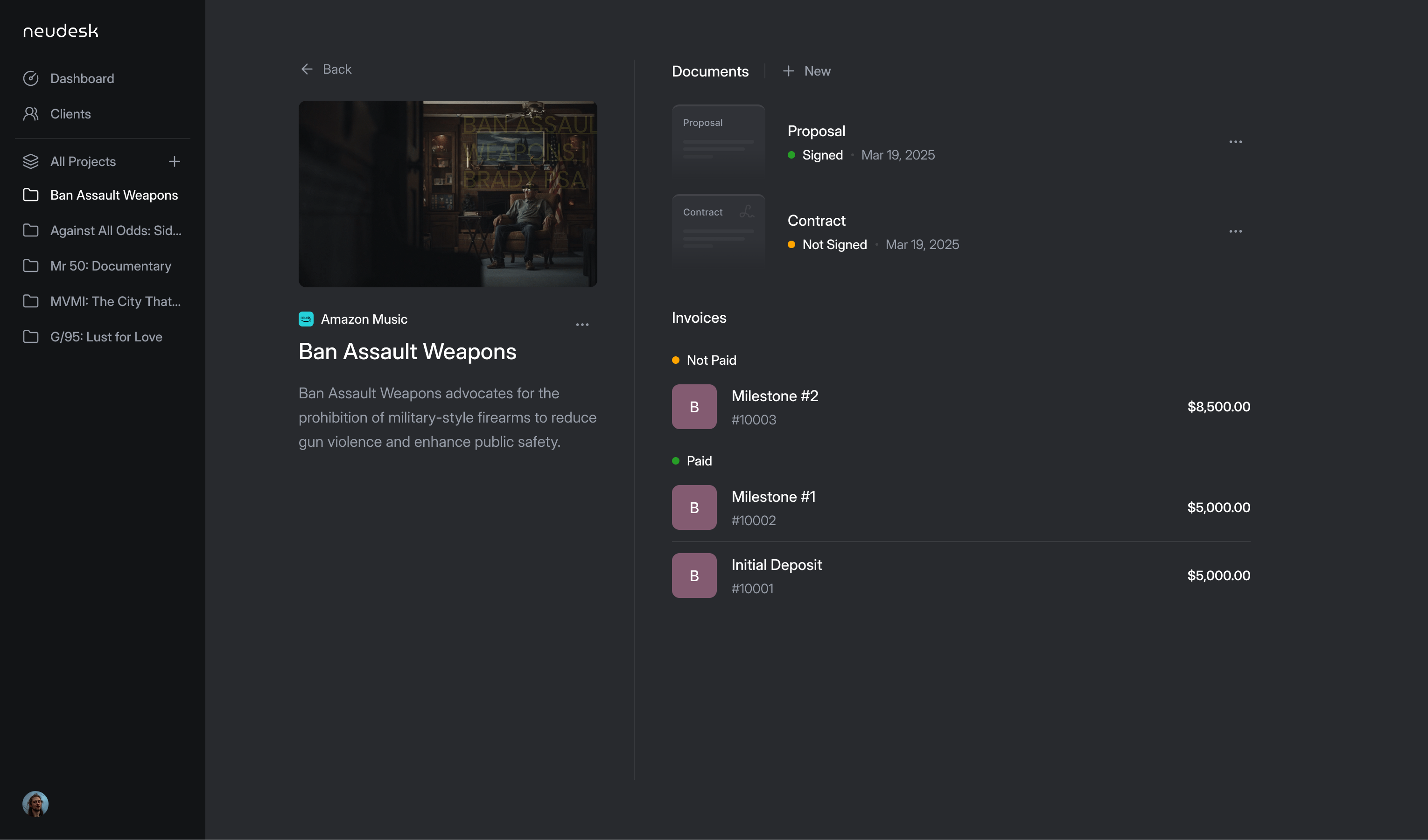
The barn product already had its features. The brief was to keep them, bring the interface into Bridle's identity and leave a design system the team could use. Starting with Finance let us settle the visual approach in one module before applying it across the product. Bridle's feedback also improved the structure: recurring invoices belonged with the other invoices, and filters needed to be visible on the page.
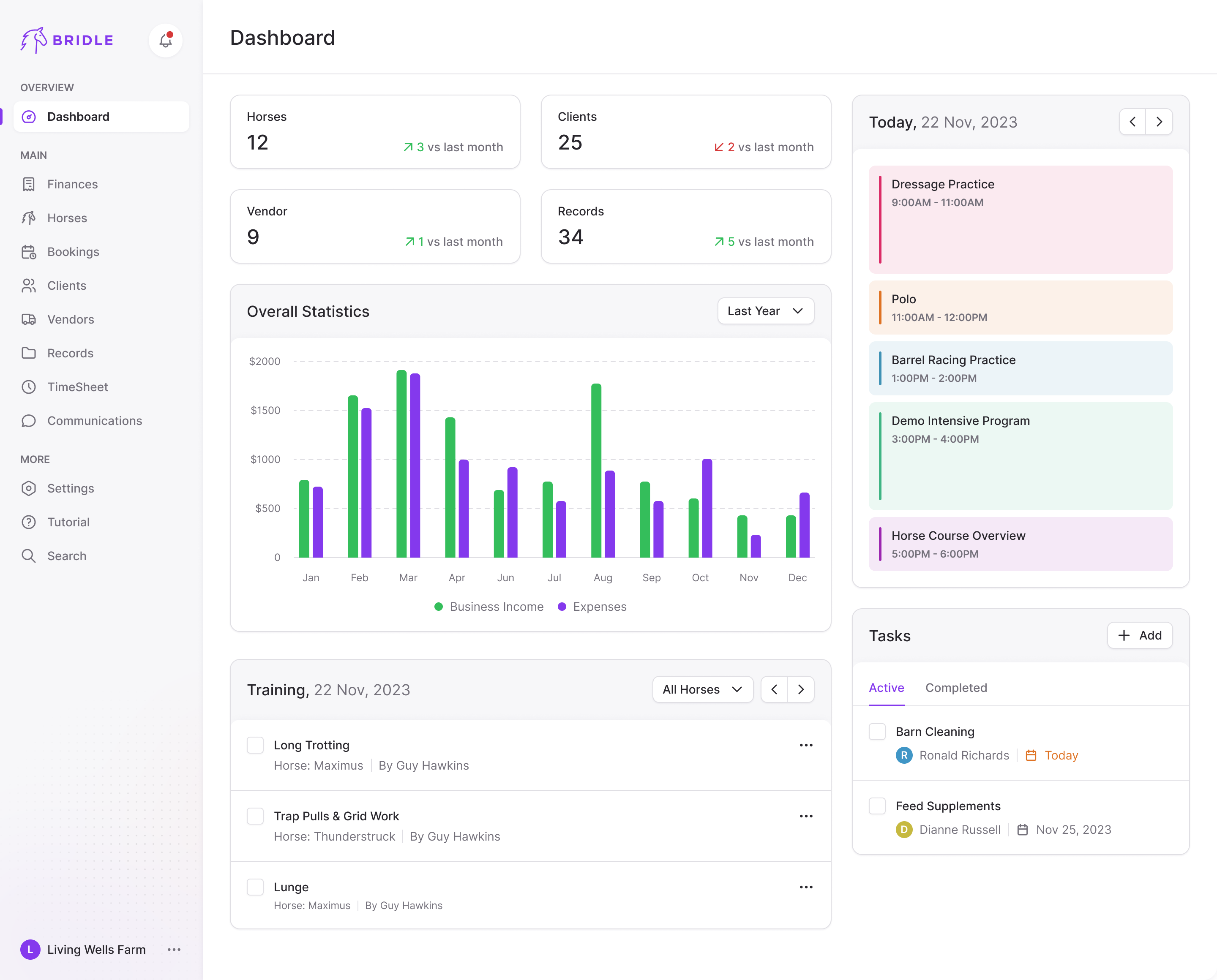
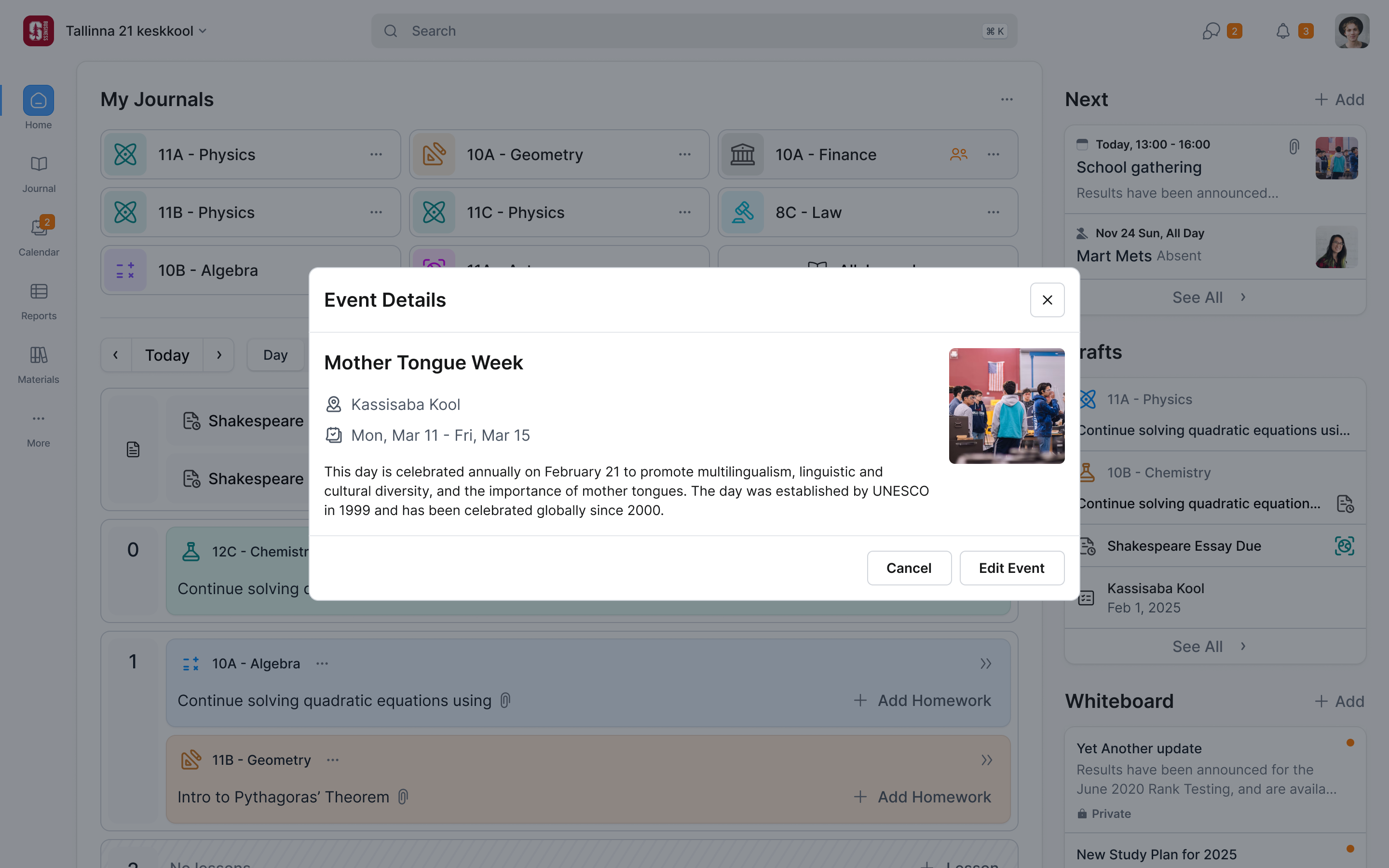
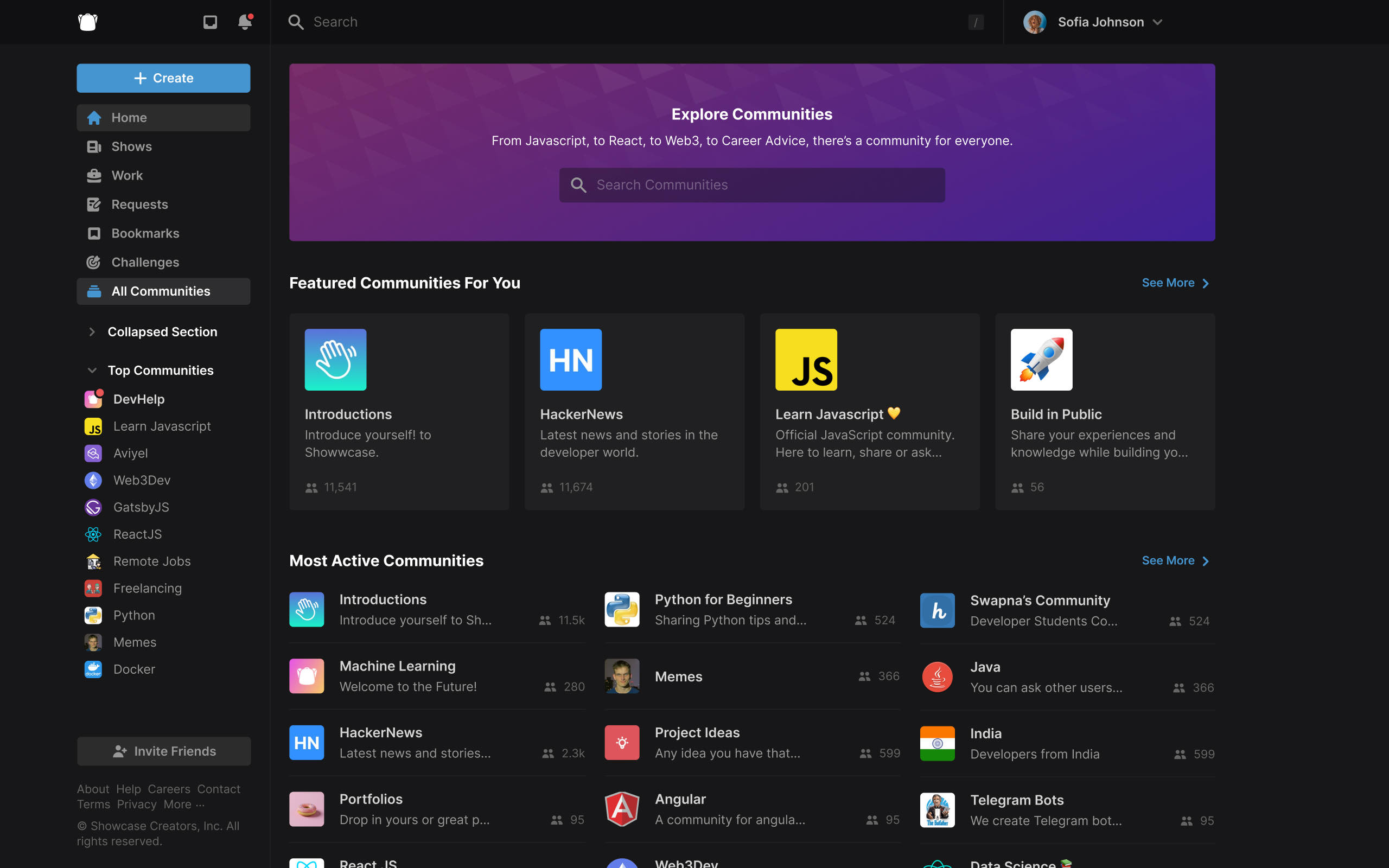
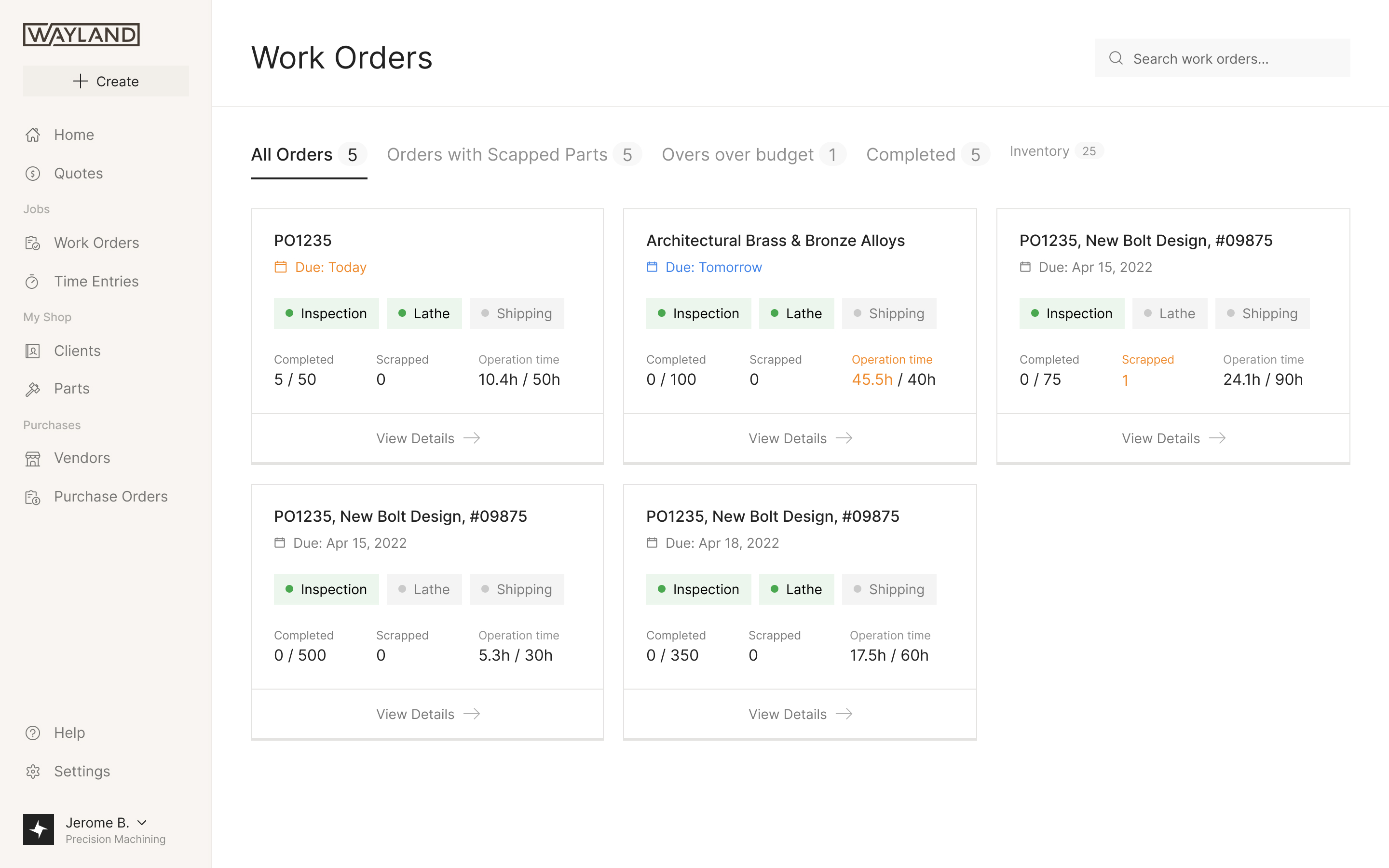
The larger challenge was keeping the modules consistent without making every job use the same layout. A list suits clients and vendors. Training needs to show whether each horse has work planned across the week. Prakash on our team worked with Matt to resolve the direction as we rolled the design out.
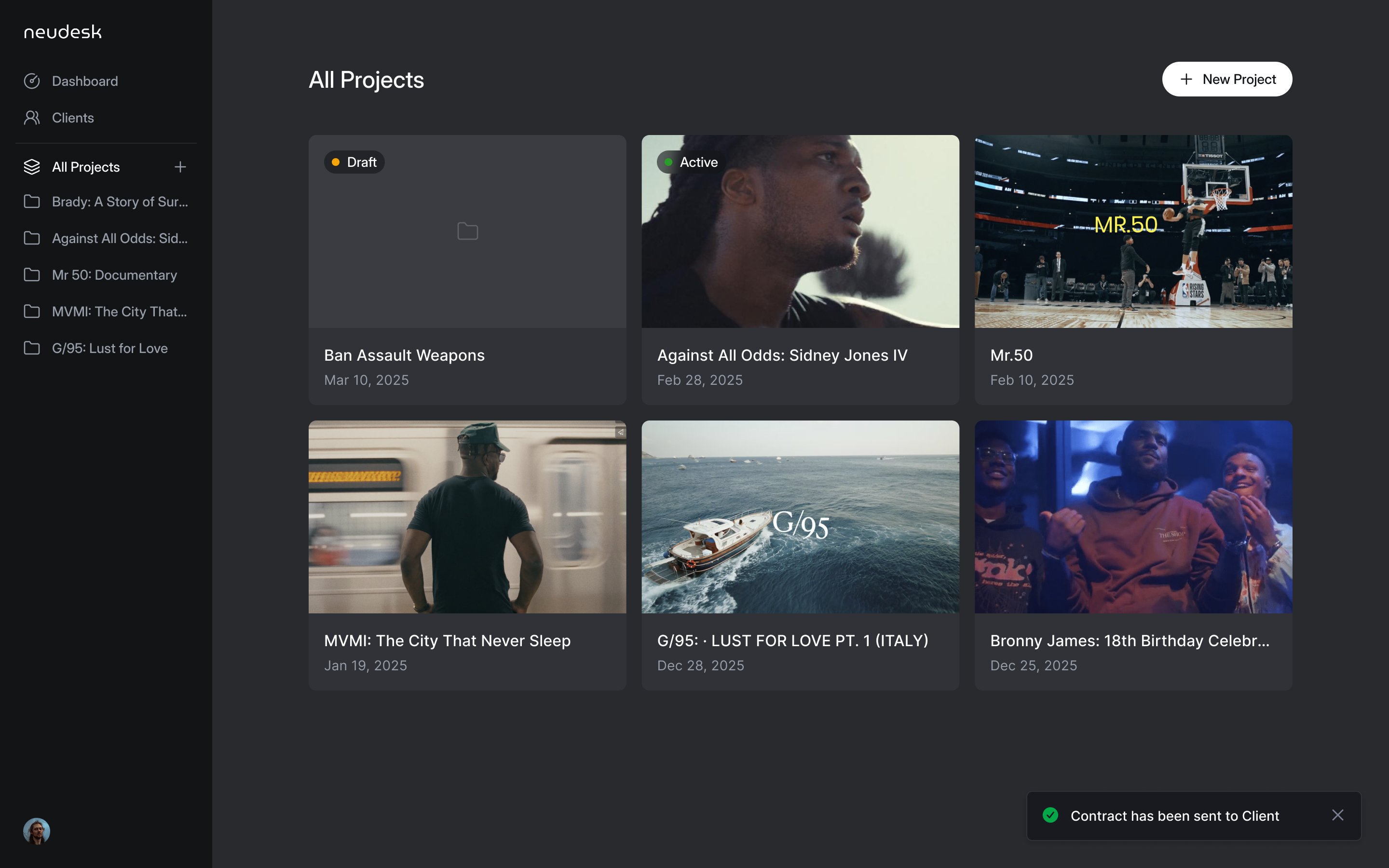
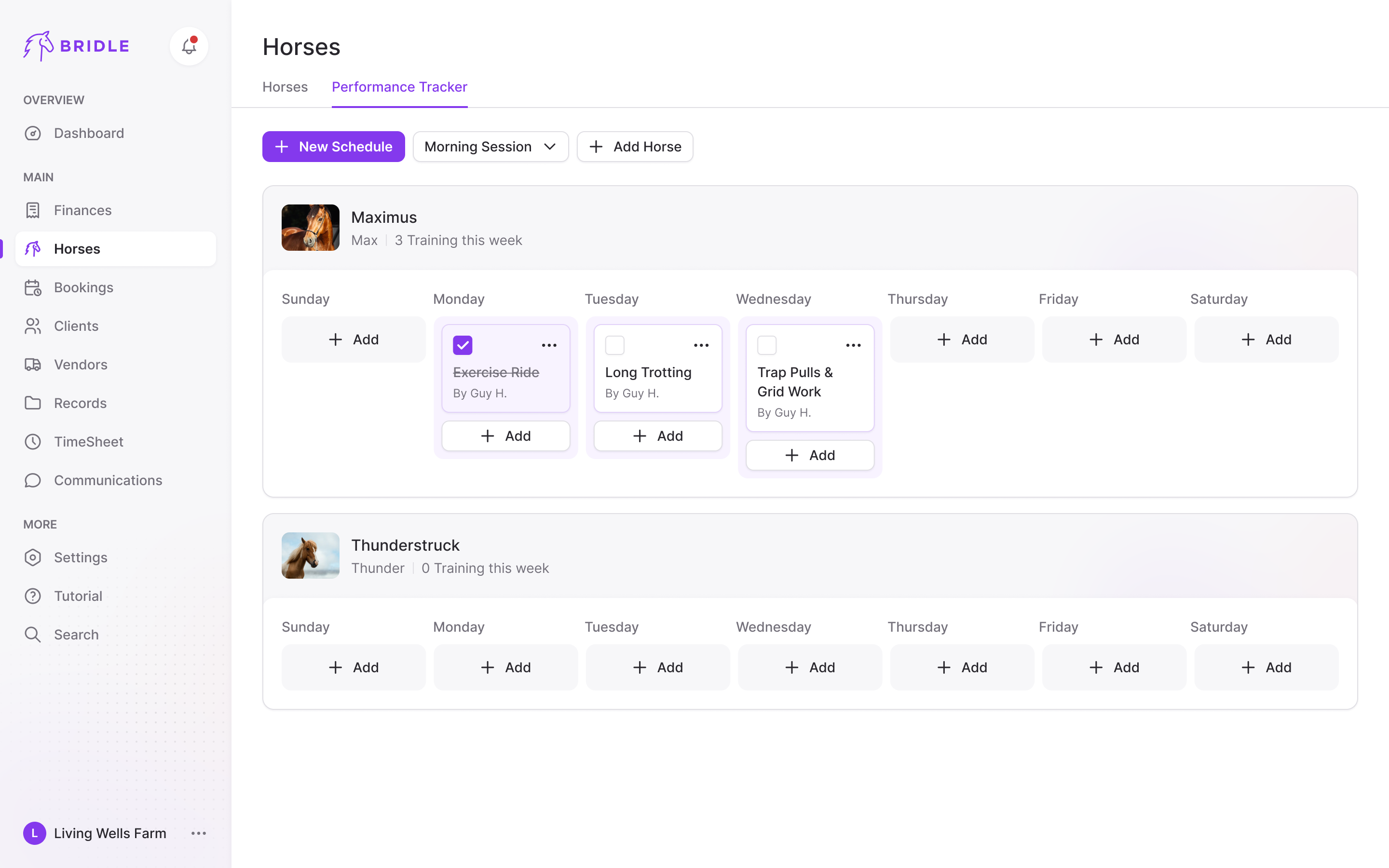
We arranged training as a weekly board, with a row for each horse and a column for each day. A completed session stays in its place with a tick and a crossed-out title. An empty week is visible too: the horse remains on the board, even when there are no sessions to display.
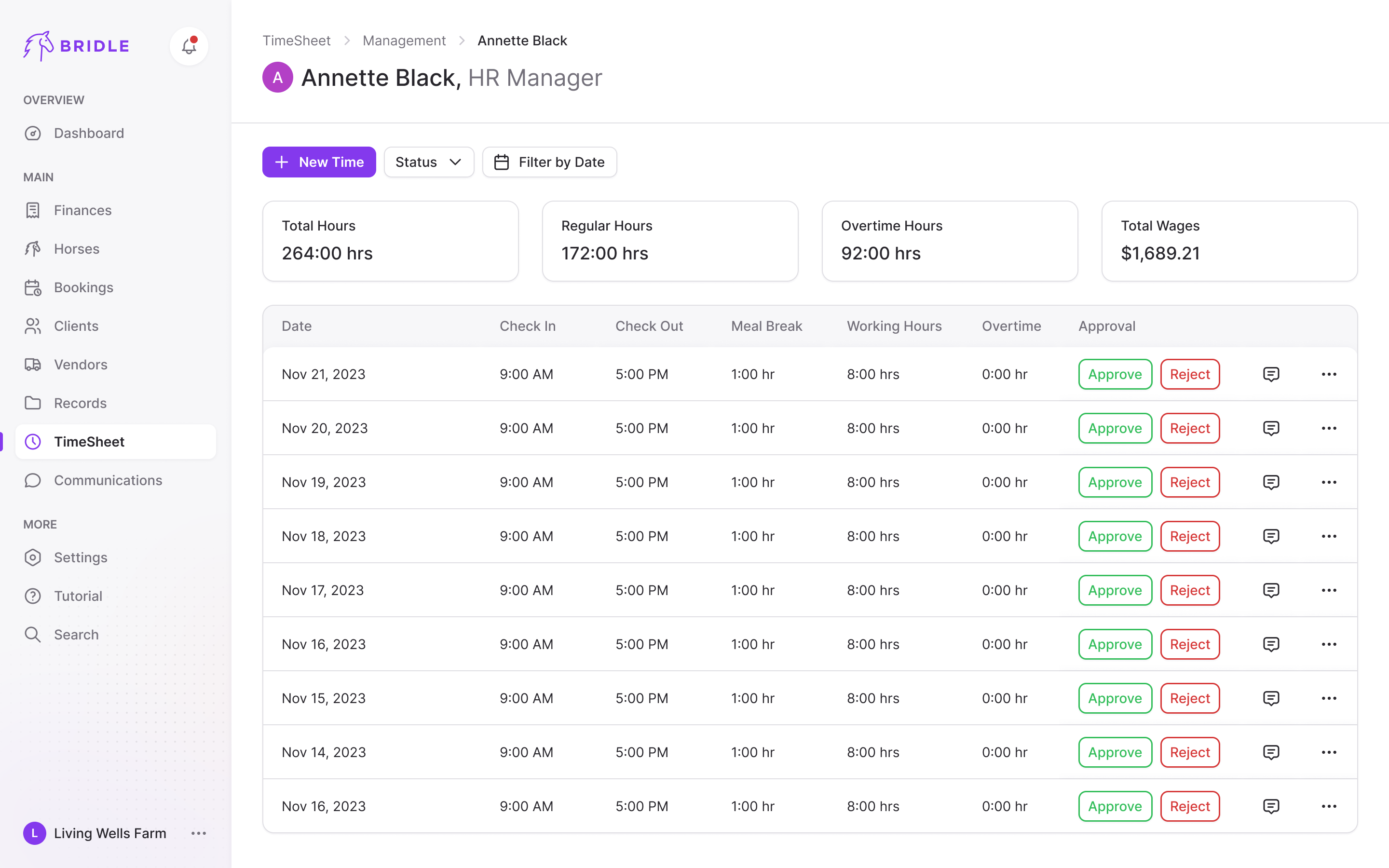
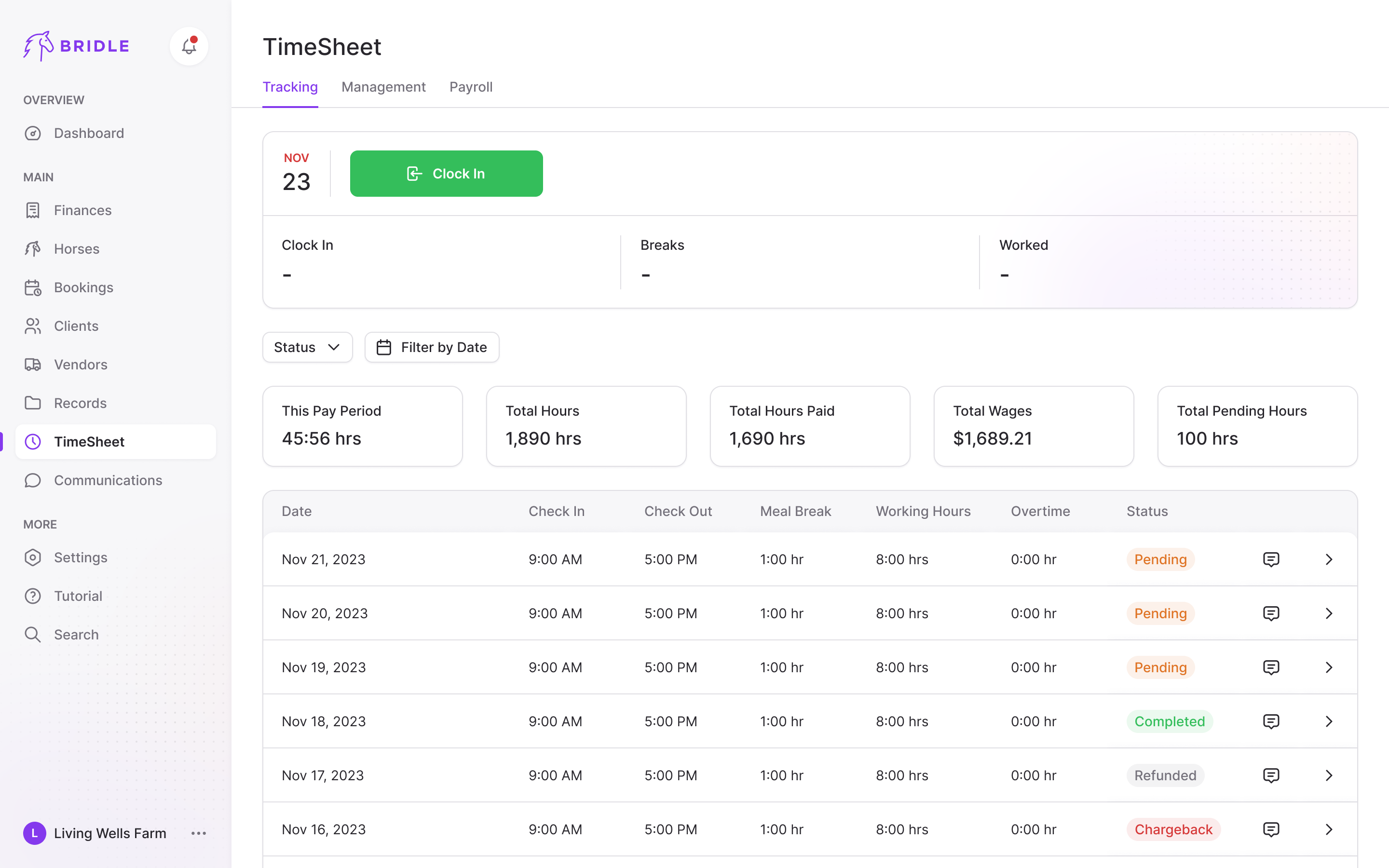
The timesheet brought clocking in, reviewing staff hours and preparing payroll into one area. An employee can see their current pay-period totals above their shifts; managers have the records and approval states needed to check those hours. The shared design system held these different views together.
A barrel race has several winners
For the events product, we first had to understand what was being entered and what winning meant. A horse and rider run a pattern around three barrels against the clock. In the common 4D format, the fastest time of the day sets the division boundaries: the second starts half a second behind it, the third a second behind, and the fourth two seconds behind. Each division pays its own winners. A slower horse can still win money.
That changes the product. A single ranked list of times doesn't tell a rider how they're doing. A generic ticket checkout doesn't capture the classes their horse can enter. And the entry price is connected to a payout calculation the producer has configured in advance.
A producer sets the rules per class, and an event can contain many classes. Each can have its own entry fee, horse and rider restrictions, division intervals and payout structure. The purse combines entry fees, an office deduction and any added money, then splits the result across divisions and placings.
the fastest time sets the divisions, and each division pays its own winners
Michelle walked us through the existing systems from both sides of the competition. Her experience kept the work grounded in the jobs people were trying to do, including the ones that wouldn't be obvious from a list of features.
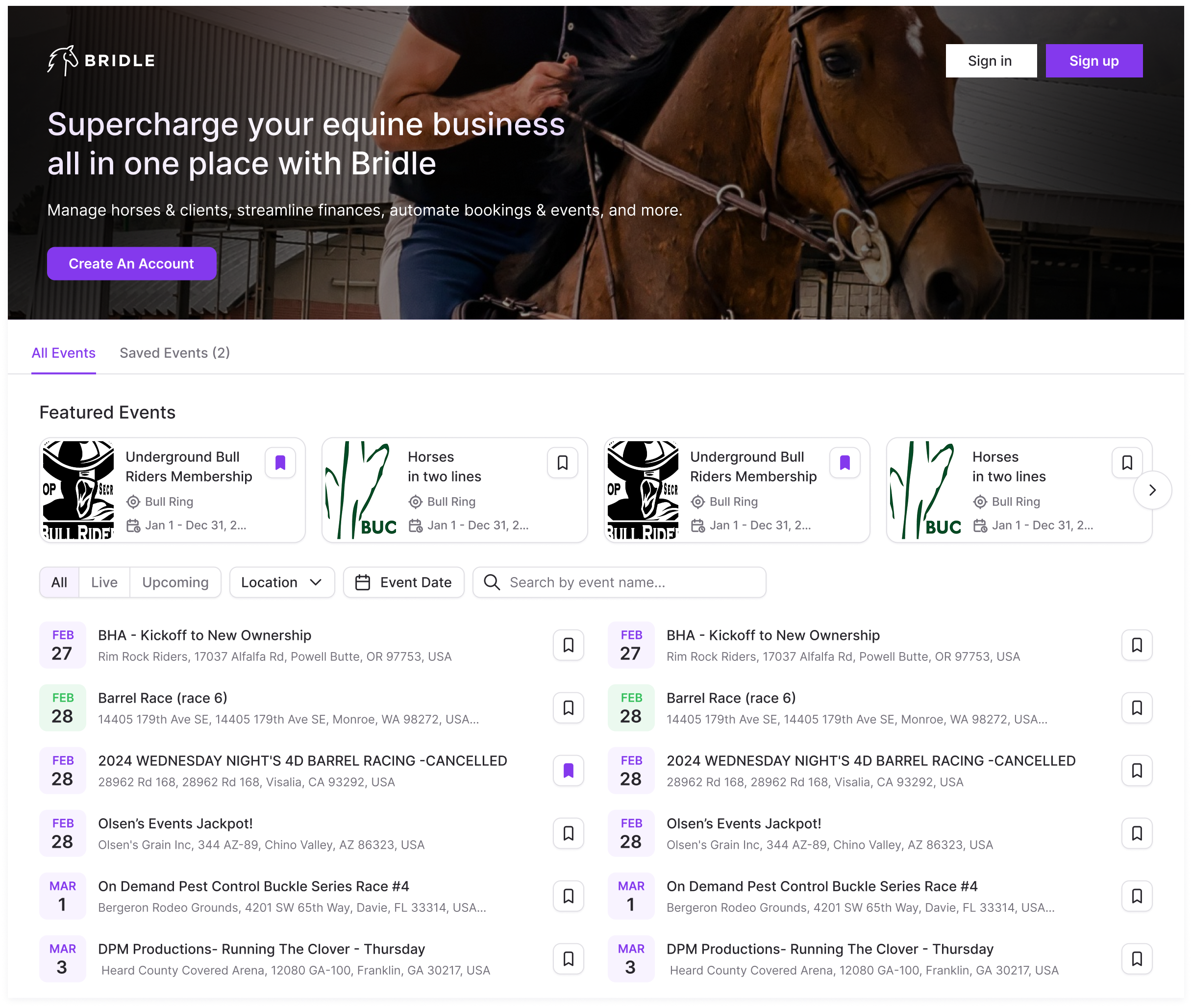
Open at the event, straight into the standings
Michelle's priority for the competitor app was immediate access to the live leaderboard. Riders repeatedly check when they're running and where they stand. Finding the event again on every visit would put navigation in front of the reason they opened the app.
We organised the leaderboard by division, with each showing its paid places and the rest available to expand. My first version exposed the full field in every division. Michelle asked us to focus on the payout positions. That made the default view answer the question riders were checking throughout the race: who's in the money?
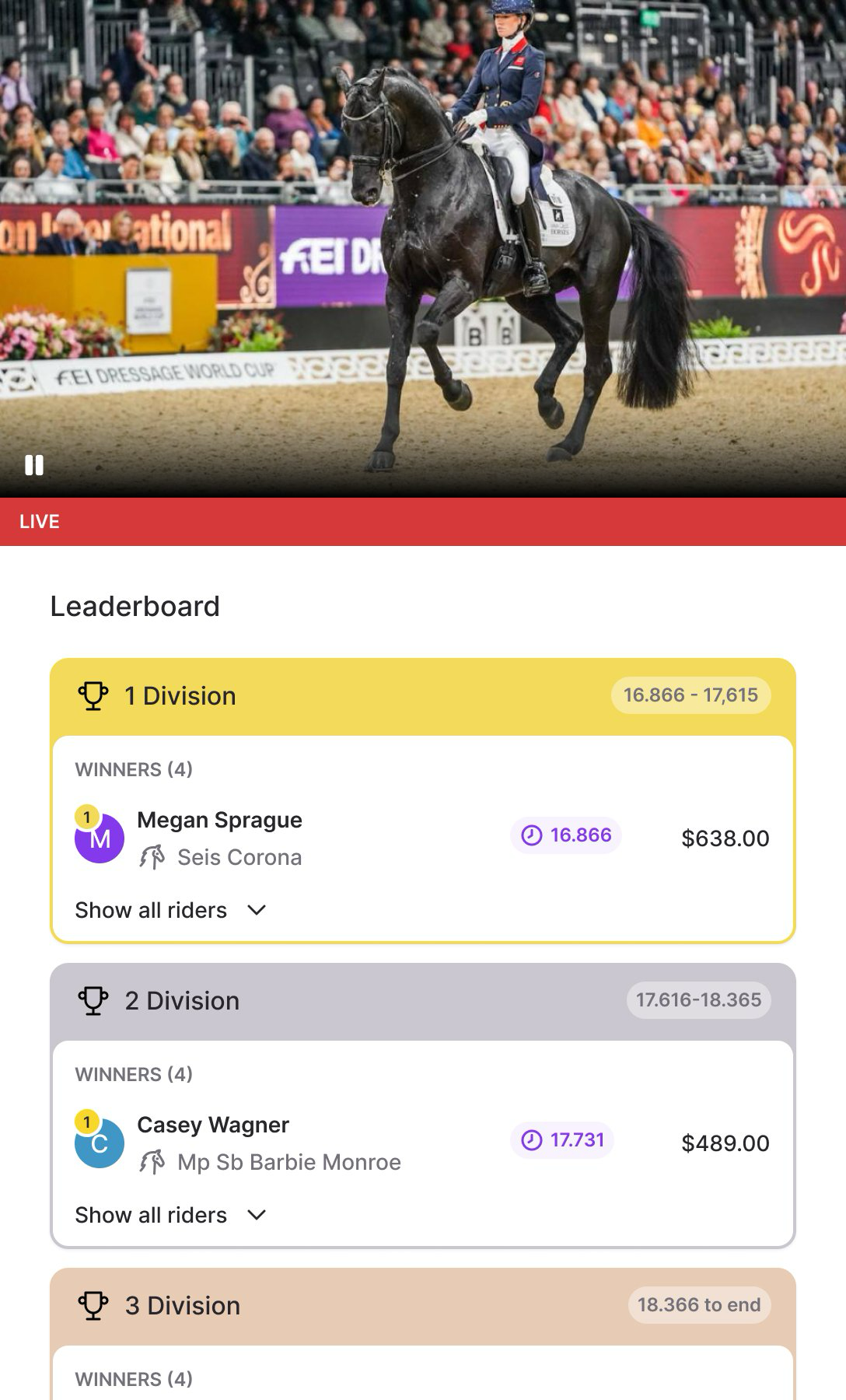
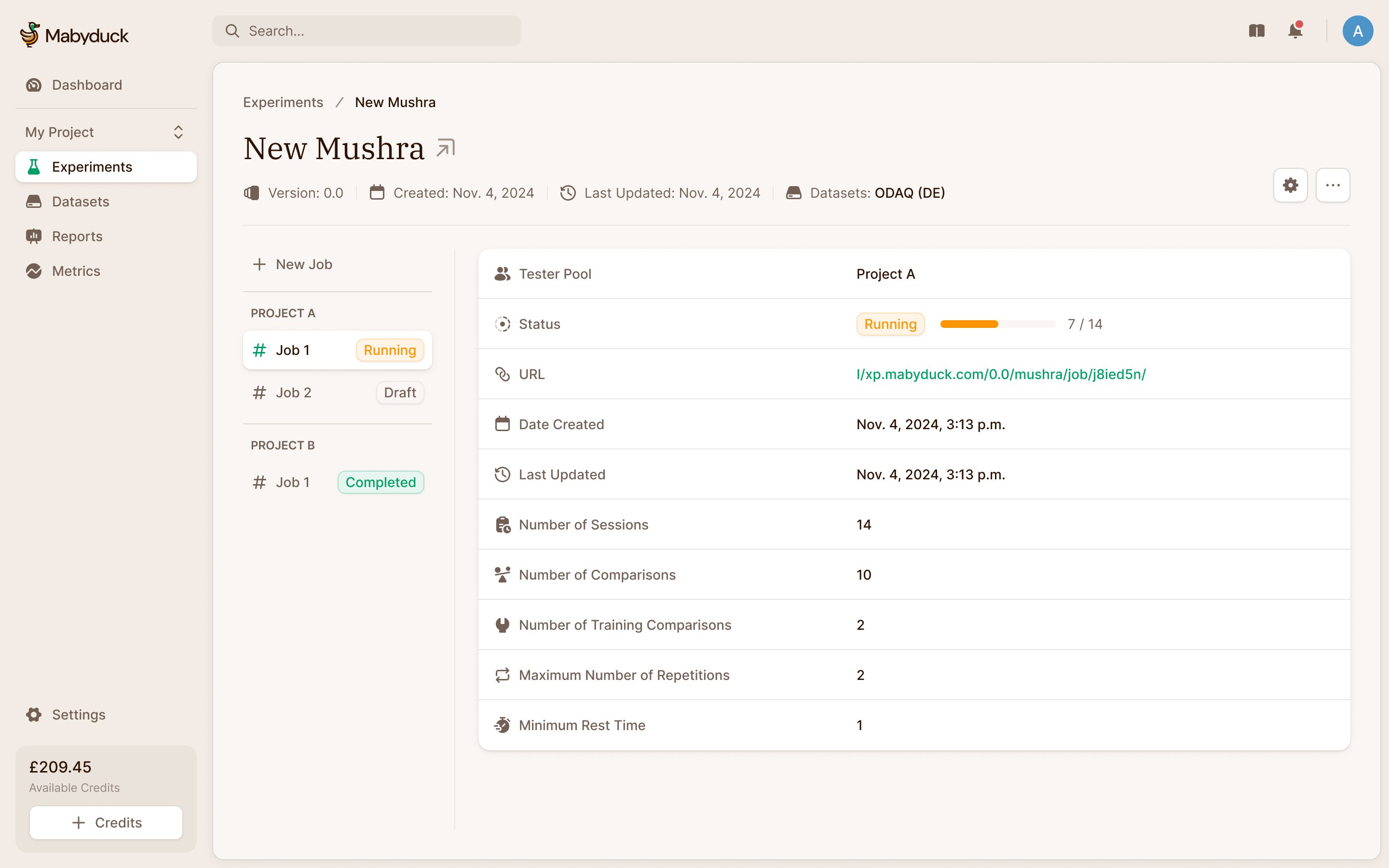
The producer's next job is paying those winners. My first design showed each winner's bank details individually. Michelle wanted to pay everyone at once. We designed bulk payouts through ACH or printed checks, taking the winners from the same standings rather than asking the producer to work through each person separately.
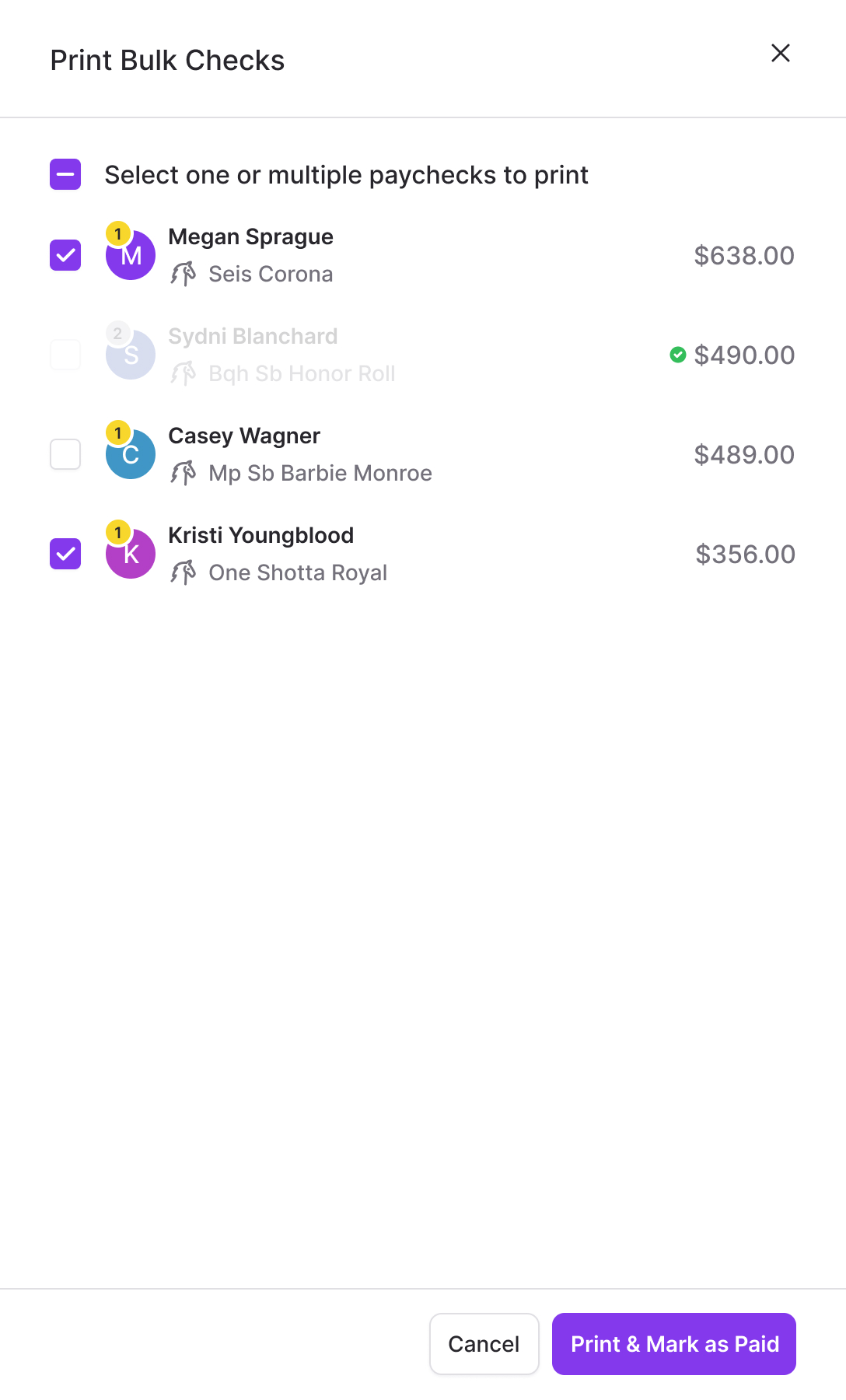
The paid state matters as much as the batch action. Someone already paid is disabled in the selection, so the next payout starts with the people still owed money.
Keep the rules, reduce the repeated work
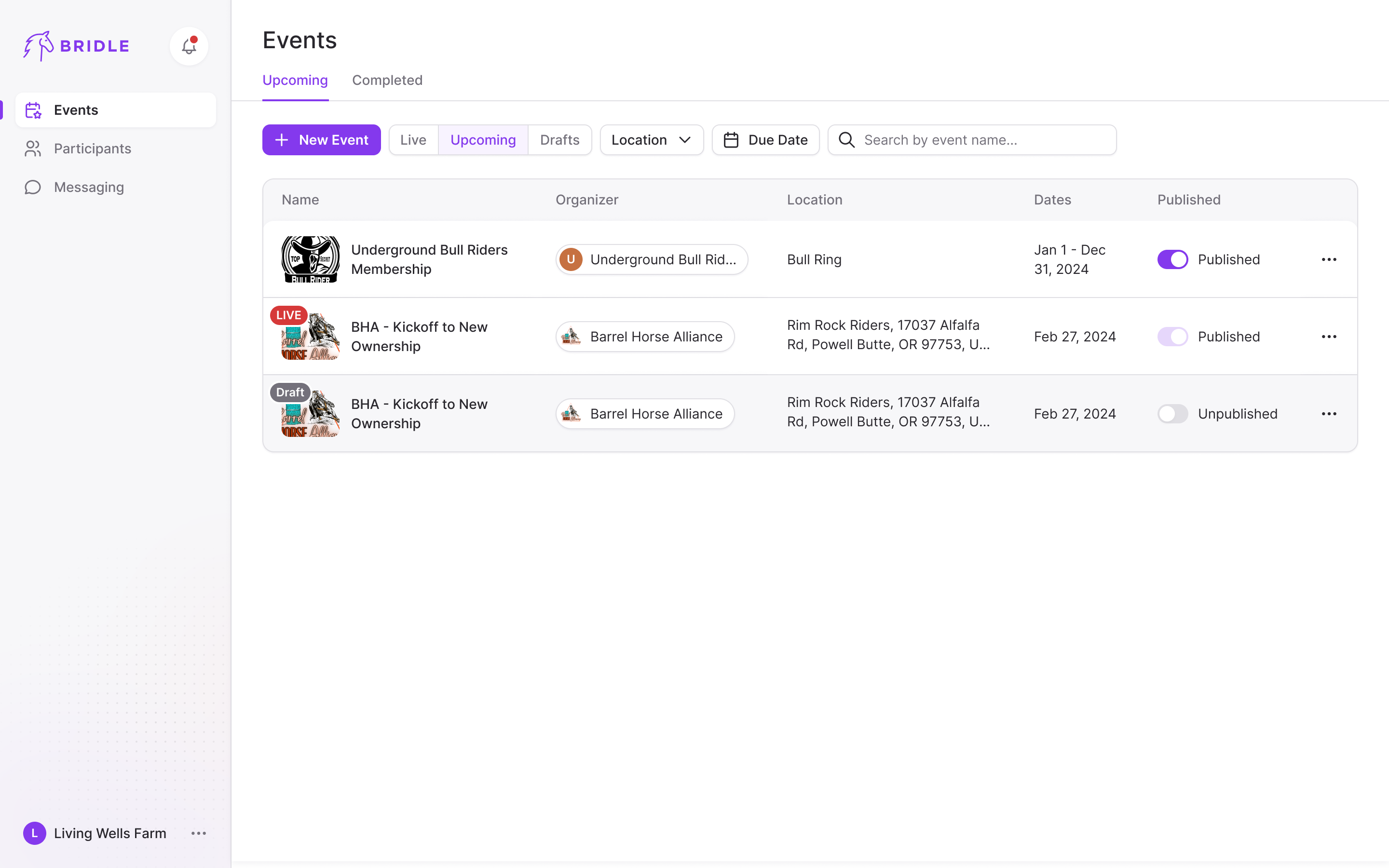
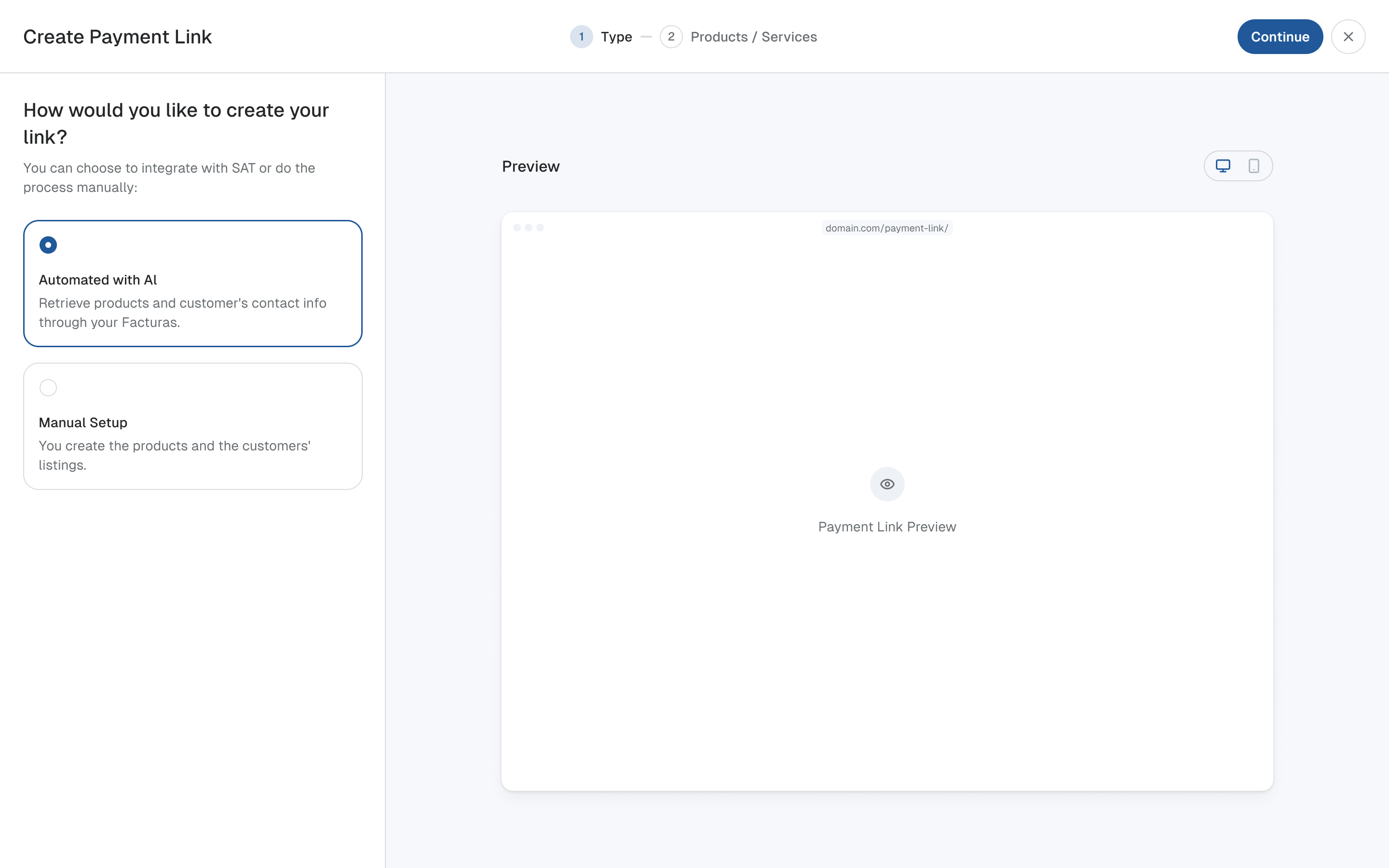
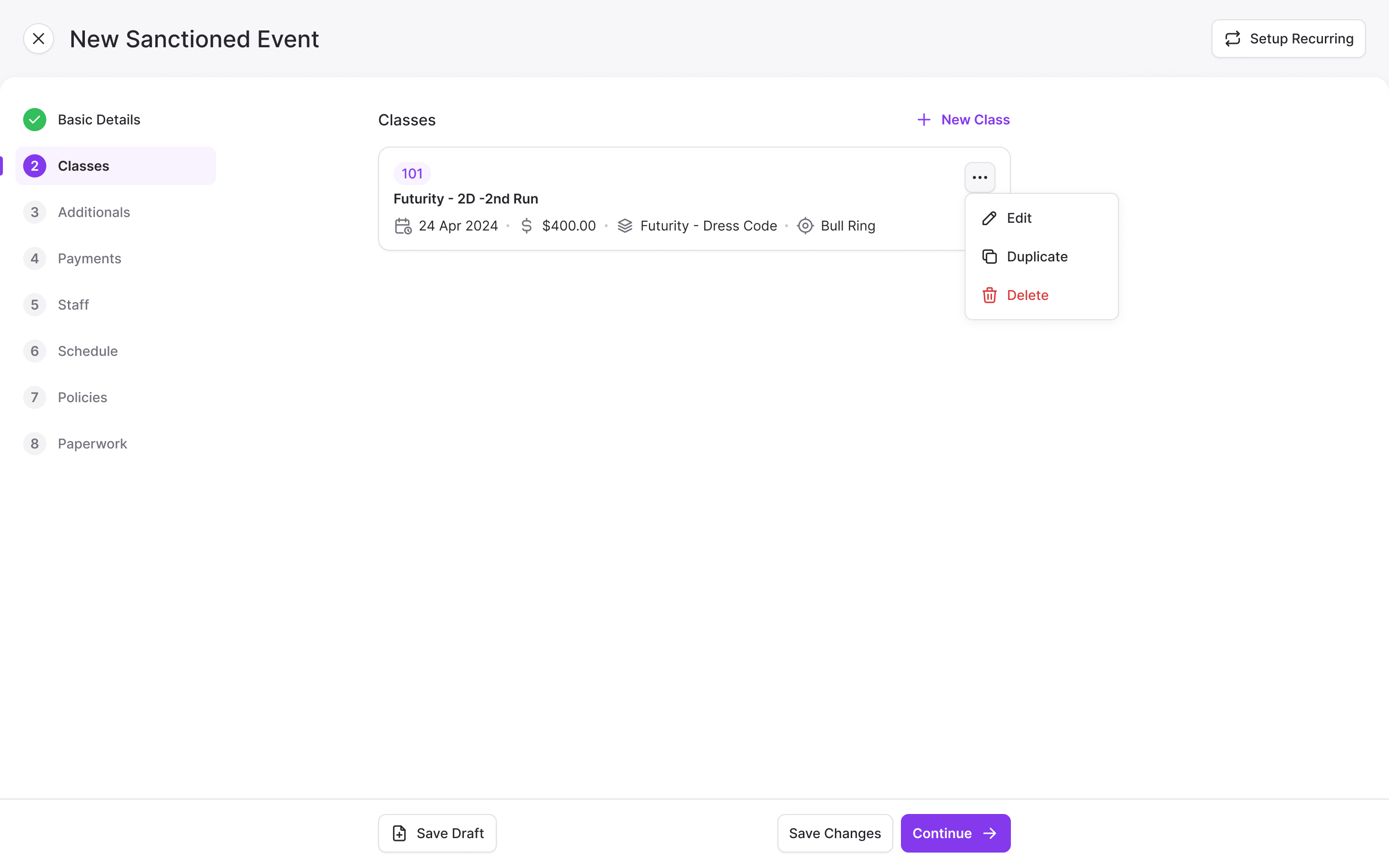
Our first event-creation design lived in a modal. Once we worked through class configuration, it needed more room. We moved the event into a full-page flow with steps down the left, giving classes their own space within it. Adding a class became a stepped form of its own.
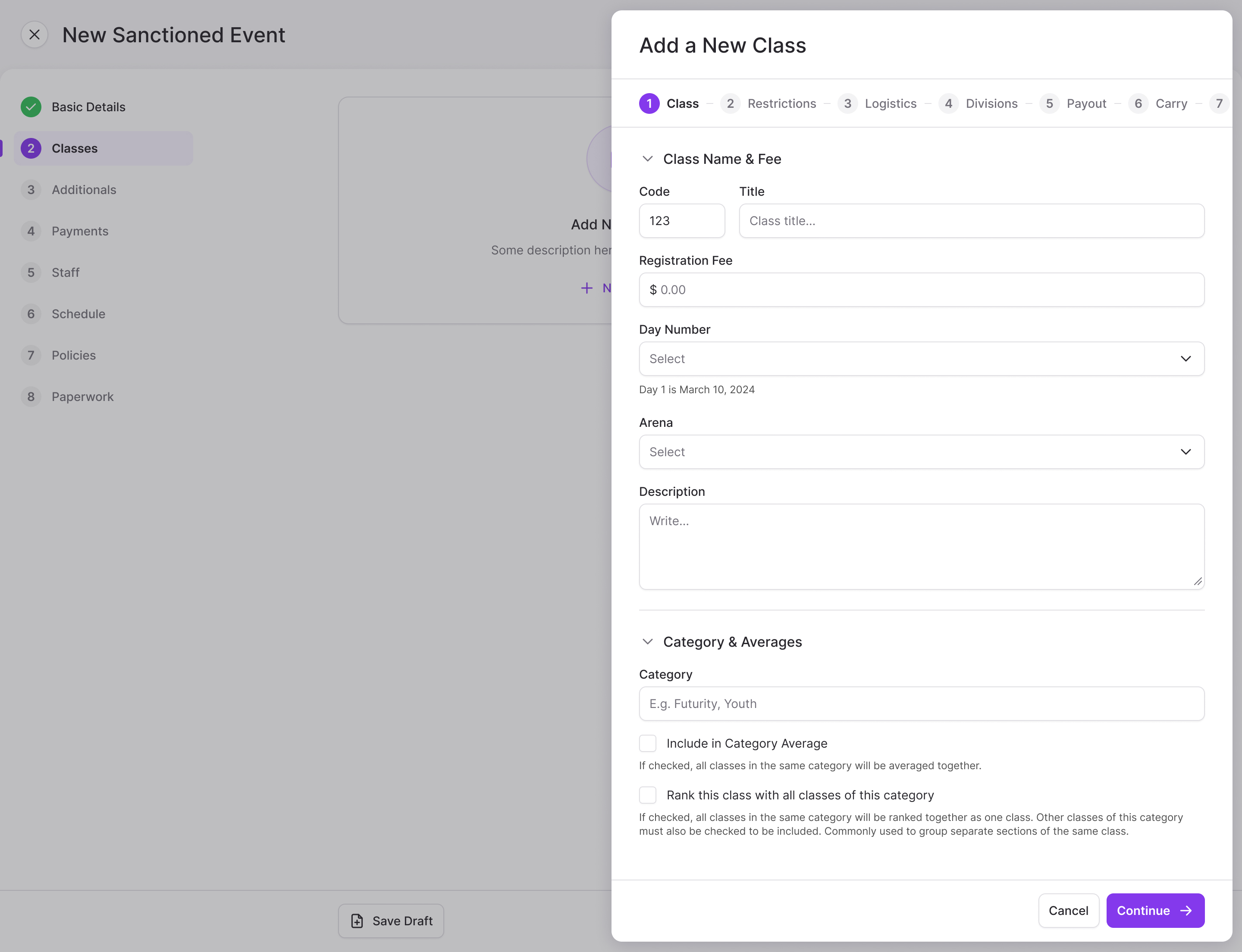
Michelle made a useful distinction during review: producers understand that setting up a class is involved. Managing classes once they exist is what wears them down. We still needed to collect the rules, but we could reduce how often a producer had to enter them and how many rarely used settings competed for attention.
a long setup is tolerable when the next class doesn't start from scratch
Less common fields moved into collapsible sections and an advanced step. Class codes came prefilled, starting at 100, with the option to replace them. Category stayed free text because producers were already using that field in different ways. Forcing a fixed list before understanding those uses would have removed flexibility they relied on.
We also discussed which competitor details producers should be allowed to require. I favoured choosing sensible defaults and putting exceptions out of the way. Michelle wanted to keep the control until producers had tried the prototype. We kept it for that review rather than deciding on their behalf.
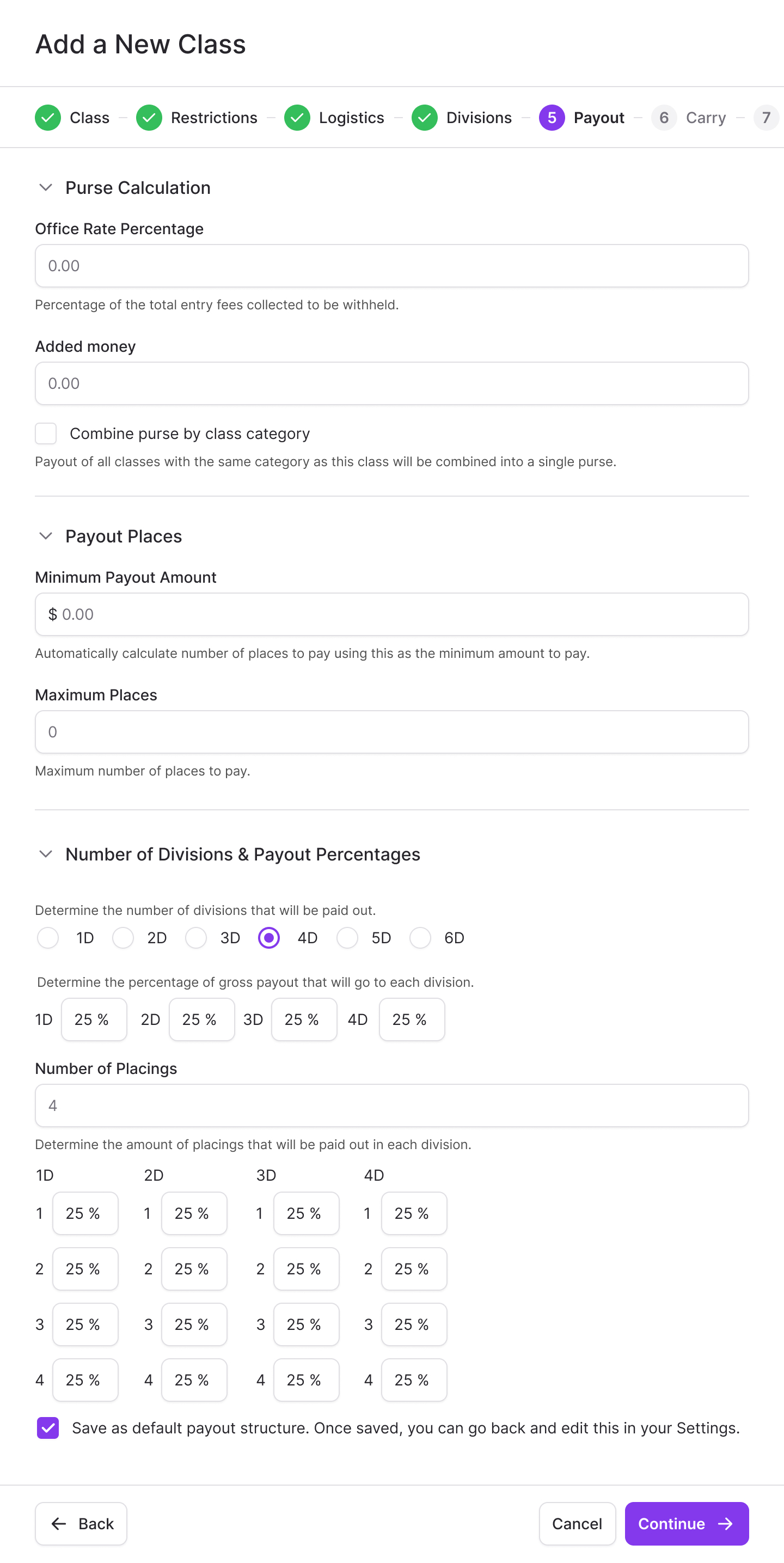
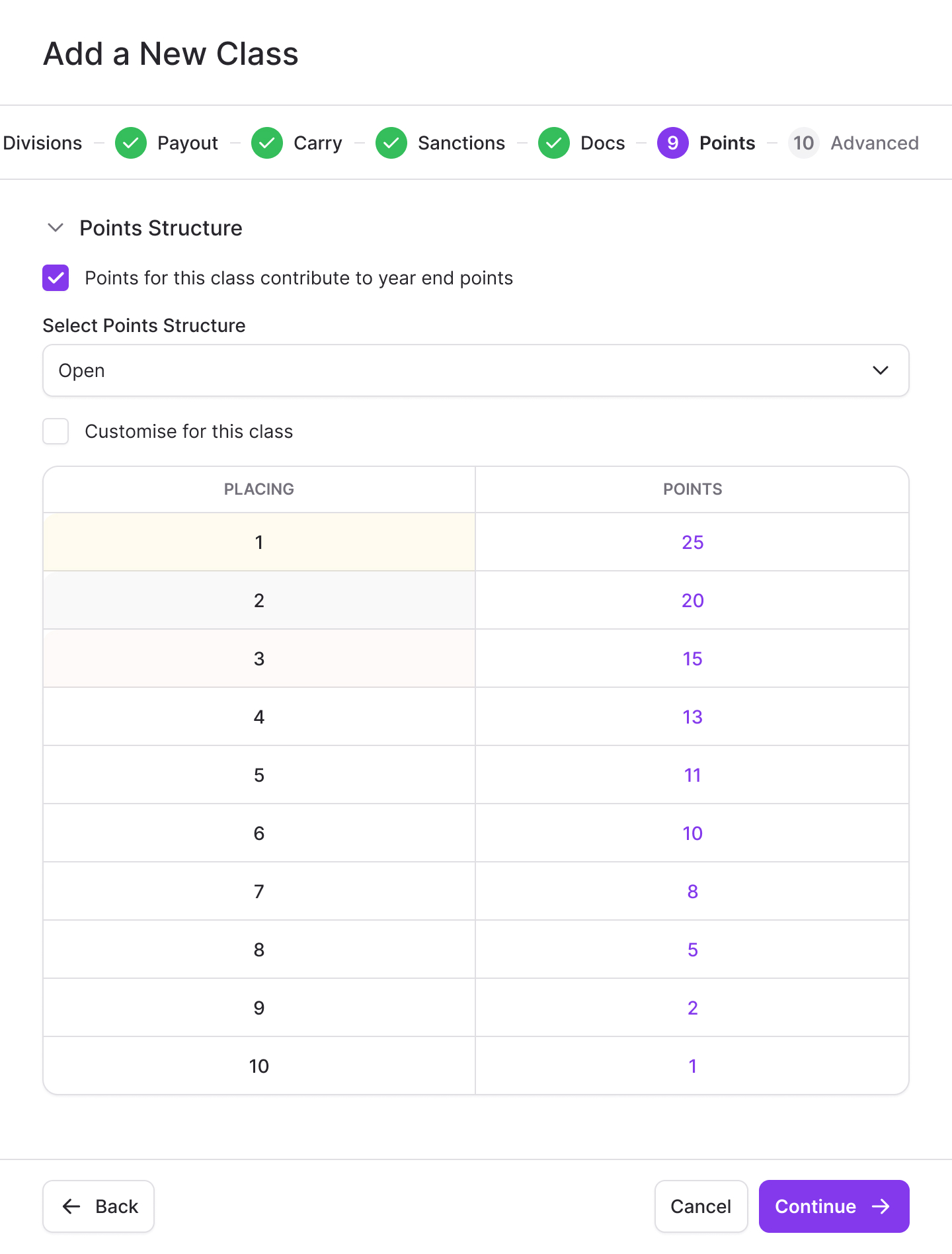
Payout splits can be saved as defaults. Points structures such as Open and Youth are configured once and selected per class, with room for a class-specific adjustment. A producer can also duplicate a class, carrying the existing configuration into the next one.
Explain eligibility before asking for payment
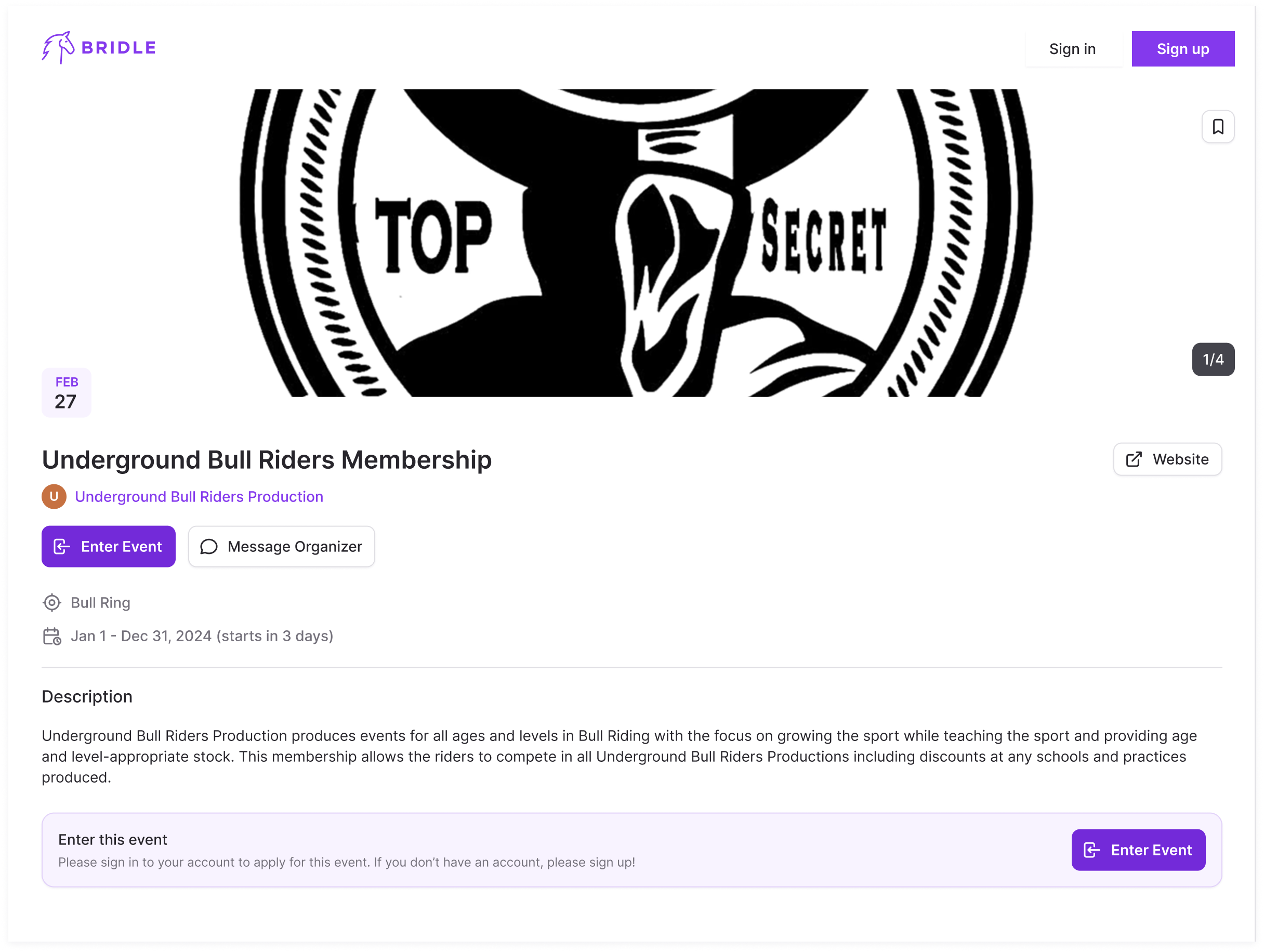
The competitor enters horse by horse. Vitalii on our team designed the class list so a rider could look through the options and open the class they wanted to enter. Each card carries the fee and relevant details, with restrictions beside that class. A horse's age requirement is visible before the rider moves through checkout.
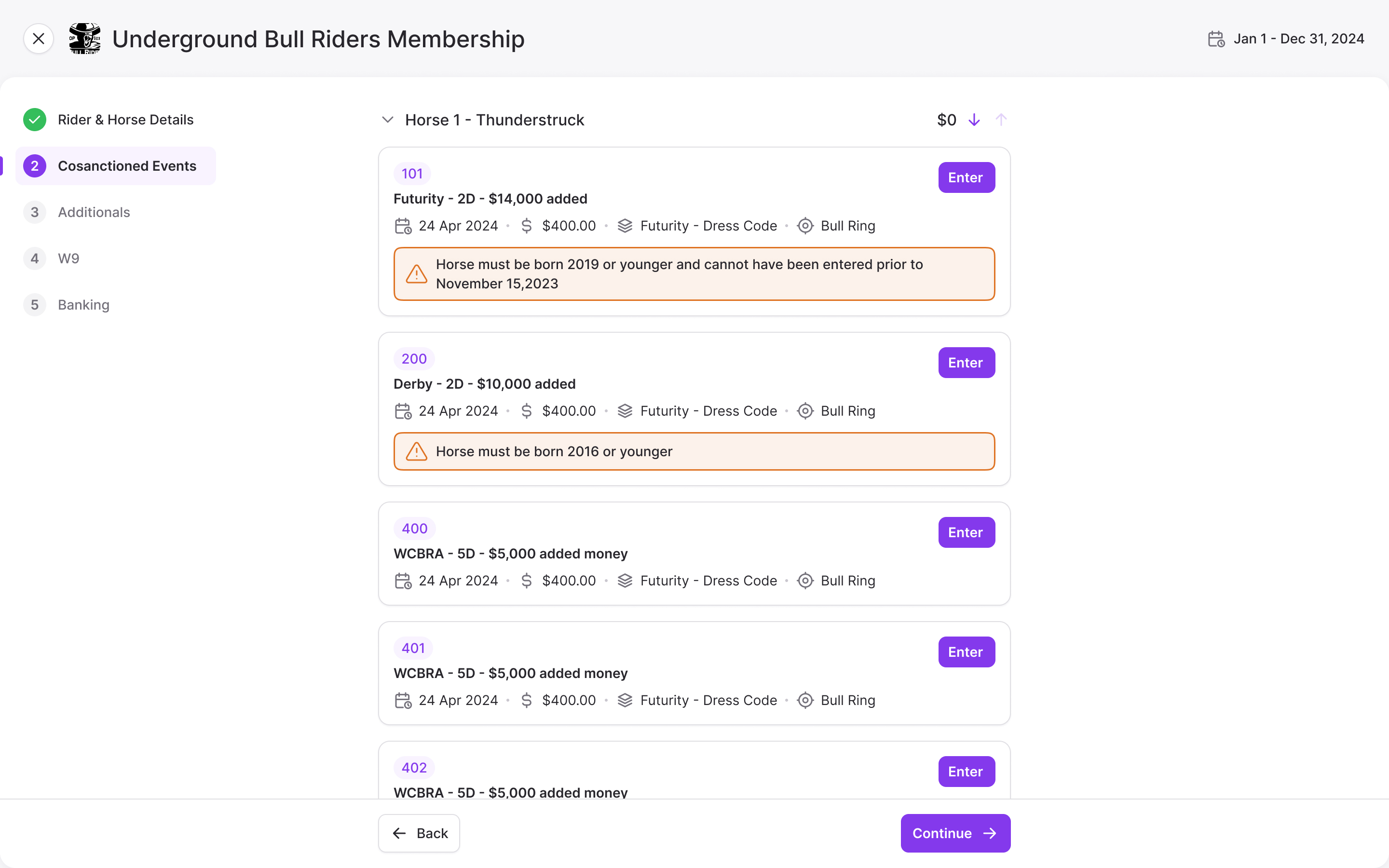
That kept entry from opening as a page full of dropdowns. The producer's extensive configuration became a set of choices the rider could understand in the context of their horse.
We cut work from the flow where it didn't belong. I'd included a draw step, but Michelle explained that the draw wasn't part of entry, so we removed it. Stall selection used a barn and a stall number rather than a seat map. W9 and banking steps only needed to appear when the person hadn't already supplied that information.
returning competitors shouldn't have to supply the same details at every event
Adapt the competition model for roping
In March 2025 Bridle returned with about eight weeks to deliver a version for the CINCH Breakaway Roping Championships. Our design engagement was two weeks. Competitors would use a native iPhone app; producers would stay on the web.
Changing the colours and adding “powered by Bridle” was the small part. Roping changed the competition model. Classes became ropings, using the association's terminology. Each could be a shootout, a handicap or a slide, with competitors in six numbered skill levels. We had to account for entry restrictions and the way different rounds affected who continued.
Rounds could run from one to ten, either progressive, where a miss eliminates the competitor, or full rounds, where they can continue, with an optional short round for finalists. Fees needed a distinction too. A cattle charge applies per entry, while an office fee may apply once for the event. Marking a fee as jackpot or not determines whether it goes back into the competitors' prize money.
where a fee is charged and whether it enters the prize pool are separate decisions
We reused the checkout pattern, but changed the configuration and competitor information to fit the sport. Money won replaced points. The deadline also made scope decisions concrete: the draw used randomisation and manual drag and drop, while more complex fast-time payouts for the short round were deferred. The design had to give producers a workable way to run the event within the time available.
Two products, one account
The barn and events products served different buyers, but their information could eventually overlap. A horse's records in the barn product might later be useful when entering a competition. At the end of the events sprint, we discussed how to keep that possibility open without making visitors work out which product they needed.
I recommended leading with events on the main site, because it served the wider audience, and giving barn management a clear route of its own. We also agreed on the direction of a shared account across both products. That would let someone move between them without creating a second identity, while leaving the future connection between horse records and event entries possible.
More from Bridle