Graceview was a regulatory horizon scanner. It watched the places regulators, governments and courts publish, worked out what was new, and told the legal, risk and compliance teams who had to act on it. Its customers were law firms and the in-house teams at banks, asset managers and other large companies, whose lawyers had been reading regulator websites by hand.
Jules Ioannidis, Graceview's co-founder and COO, had designed the first version himself. He wanted it to feel as good as the software his customers used outside legal work. We started with a two-week trial in June 2024, then stayed as Graceview's design partner into early 2026. Jules brought the requirements and what customers were asking for; we designed the product and its design system on the shadcn components the engineers already used. Nothing went to engineering until Jules had reviewed it.
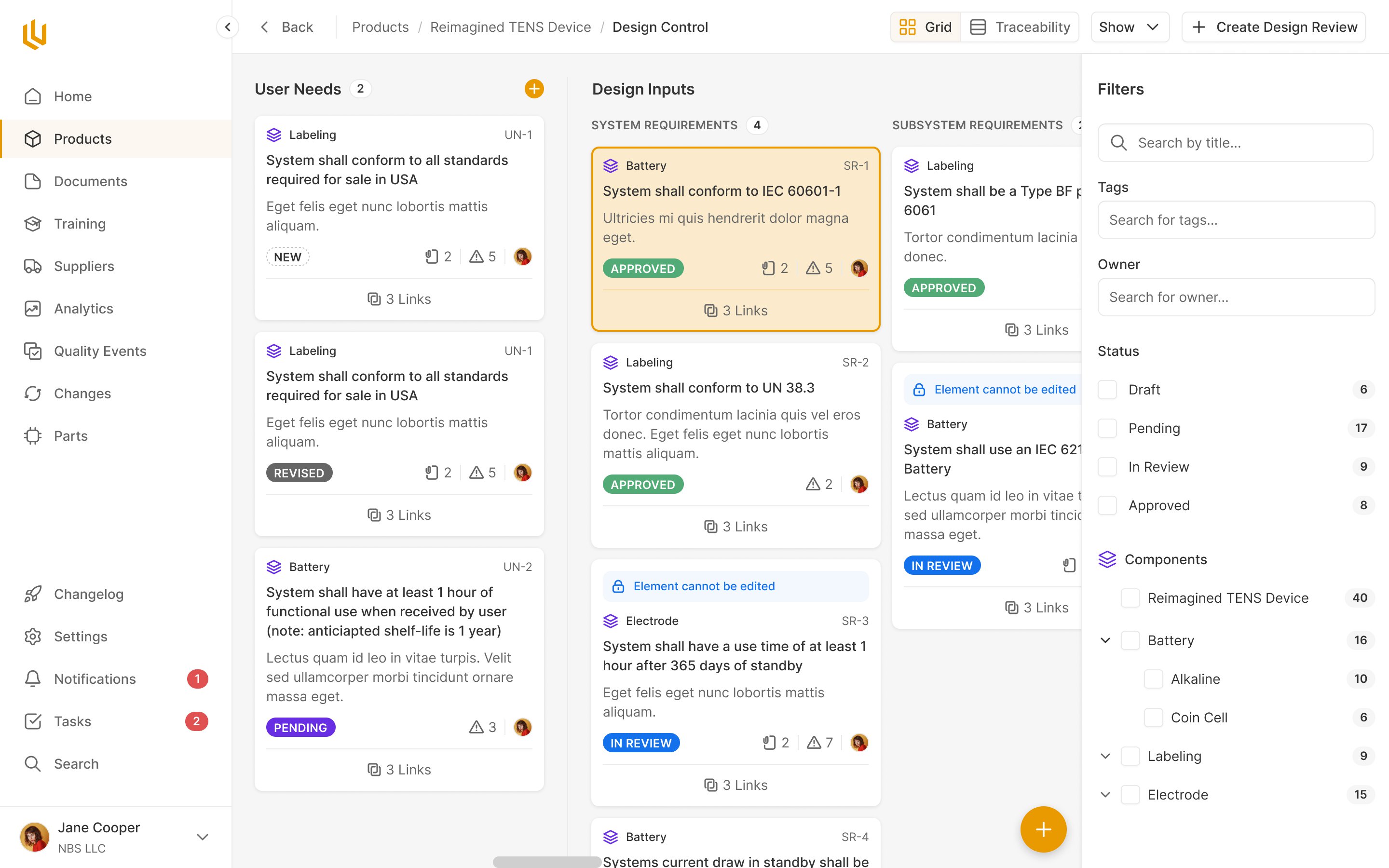
A country list cannot describe where a rule applies
A bank in a dozen countries answers to central banks, securities regulators, parliaments, tax offices and courts, each publishing on its own website and often not in English.
Every one of those has to be found, judged relevant or not, placed by jurisdiction and area of law, dated (when a consultation closes, when a rule takes effect), summarised and sent to whoever acts on it.
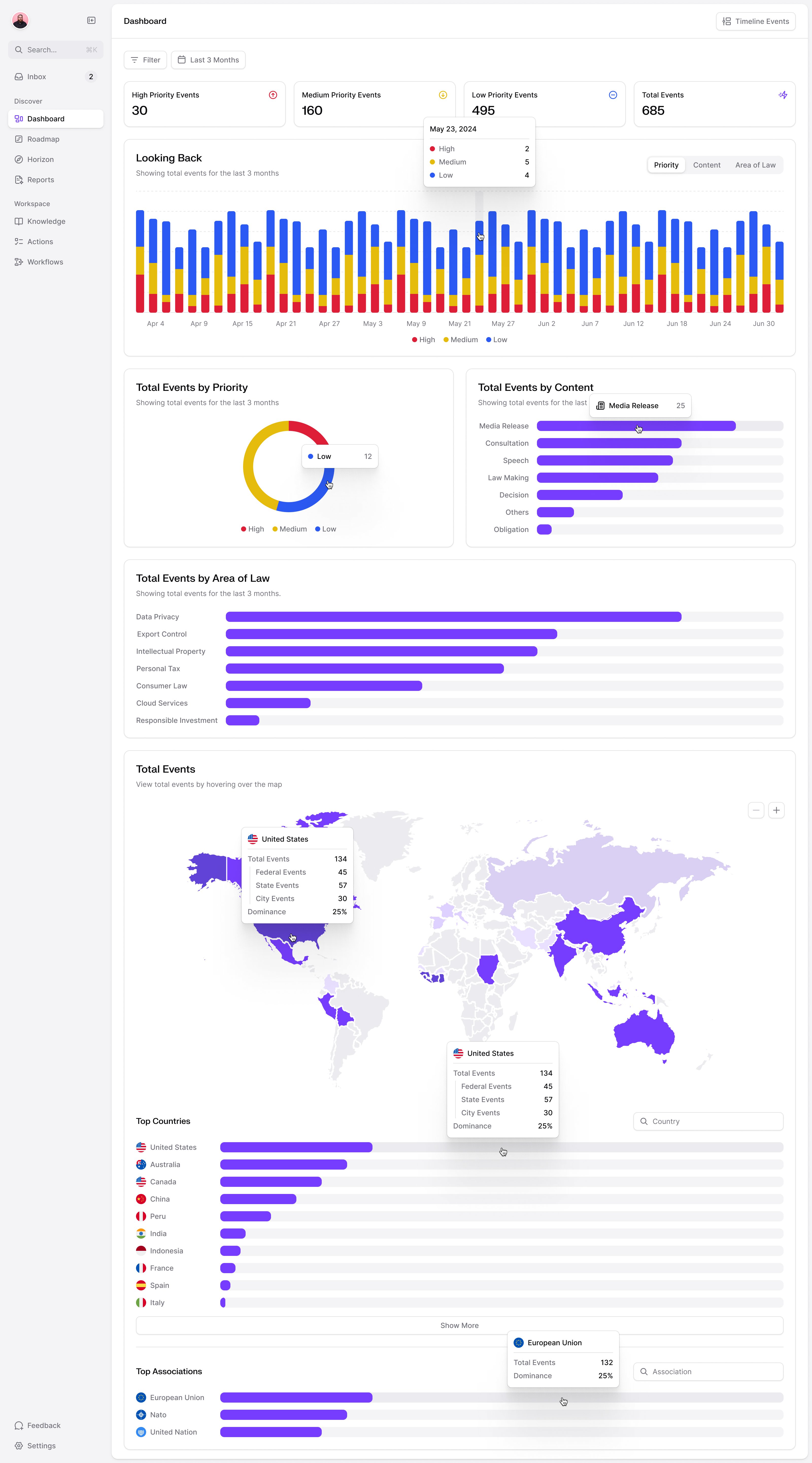
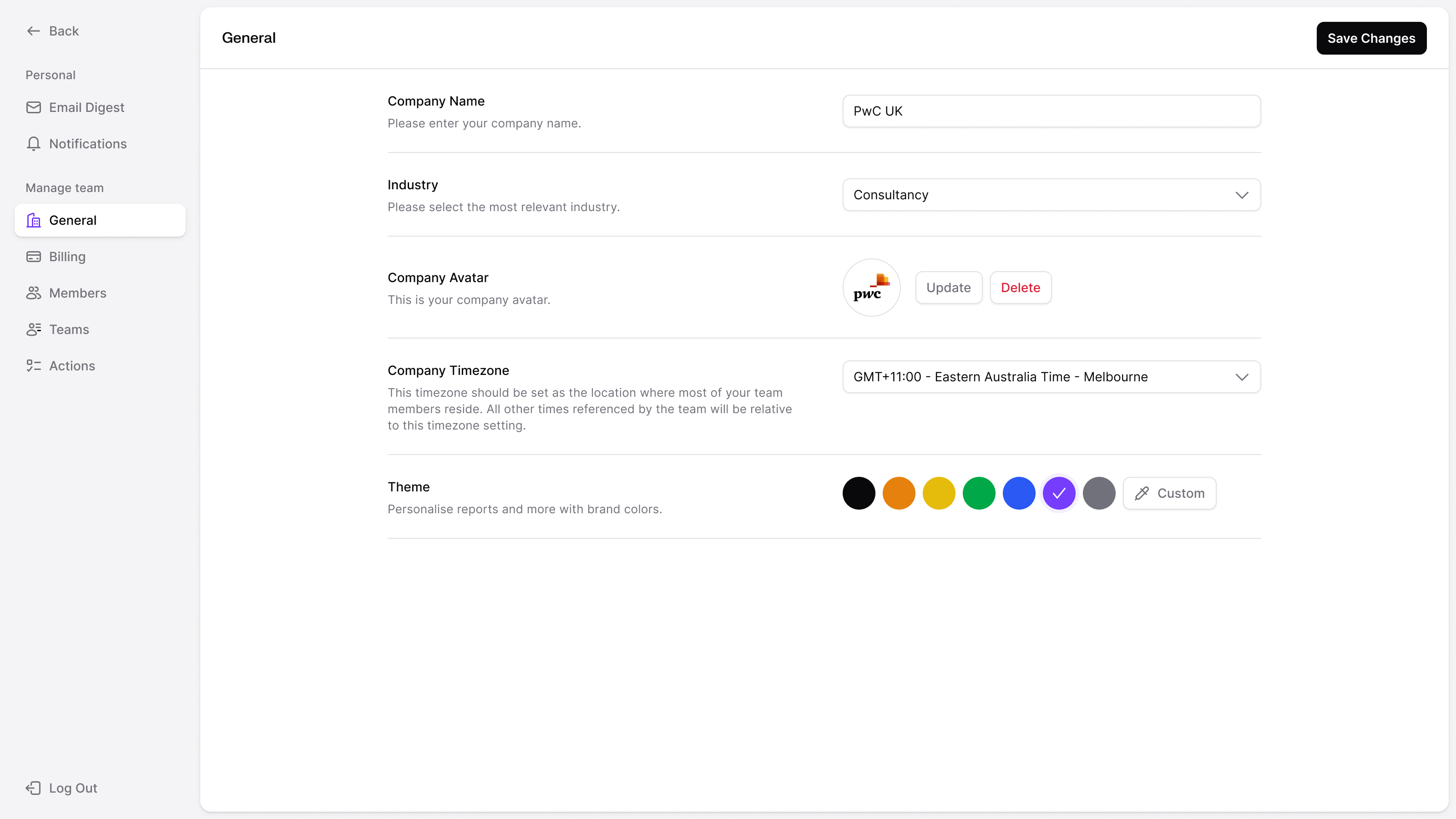
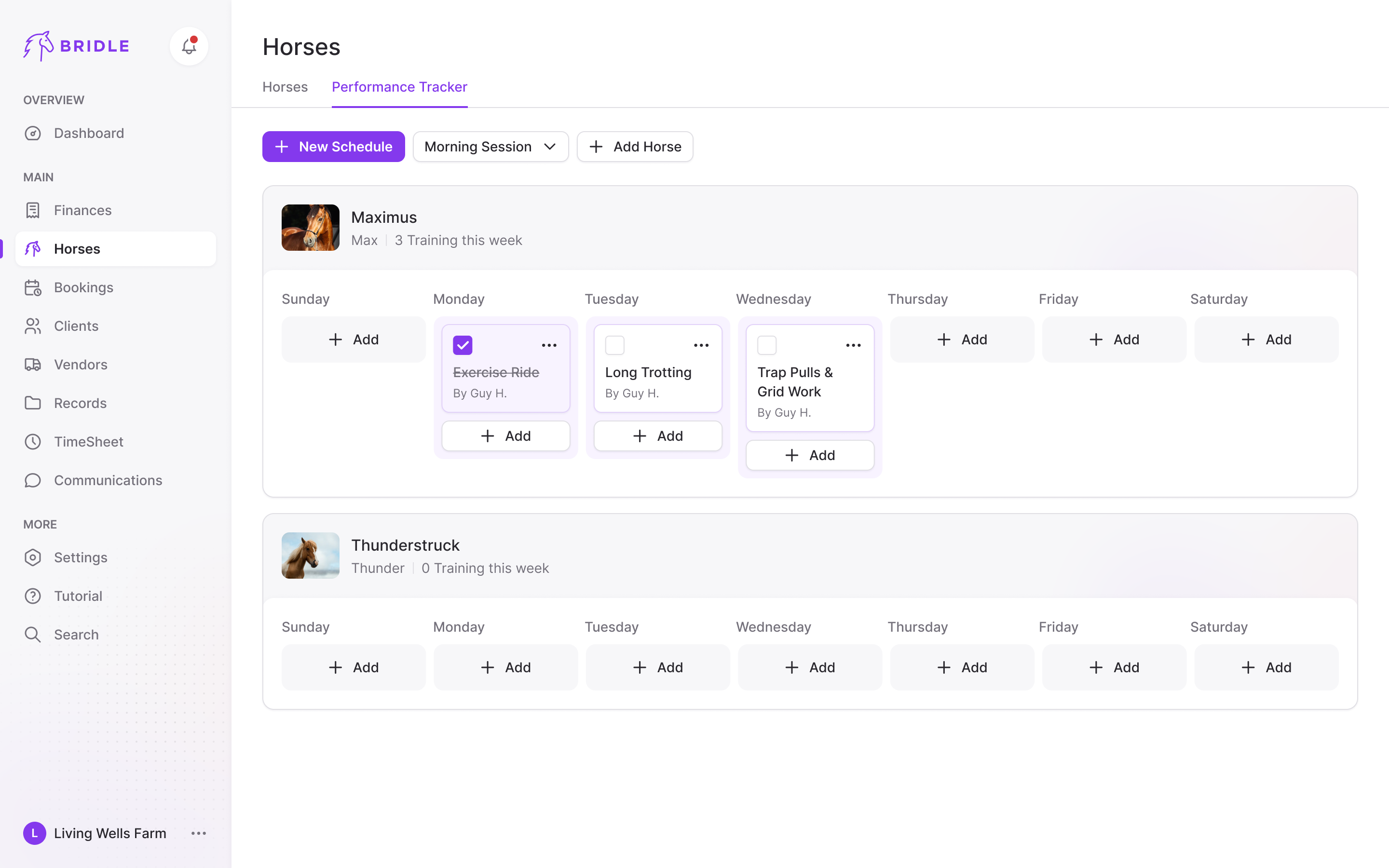
Where a rule applies was the hardest thing to model, and Jules put the problem to us early. A client might follow federal rules in one country, a single state in another and the EU on top, which a country-first tree makes awkward to pick. We settled on splitting jurisdictions by level, federal, state and city, with associations like the EU beside them, and showing a selection as flags and a count ("EU, NATO and 10 more") rather than a long country list.
a jurisdiction can be a city, a country or an association of countries
When we started, the scanner did the finding and lawyers at content partners did the deciding and writing. So the product had two sides, one for partners to curate and one for clients to read.
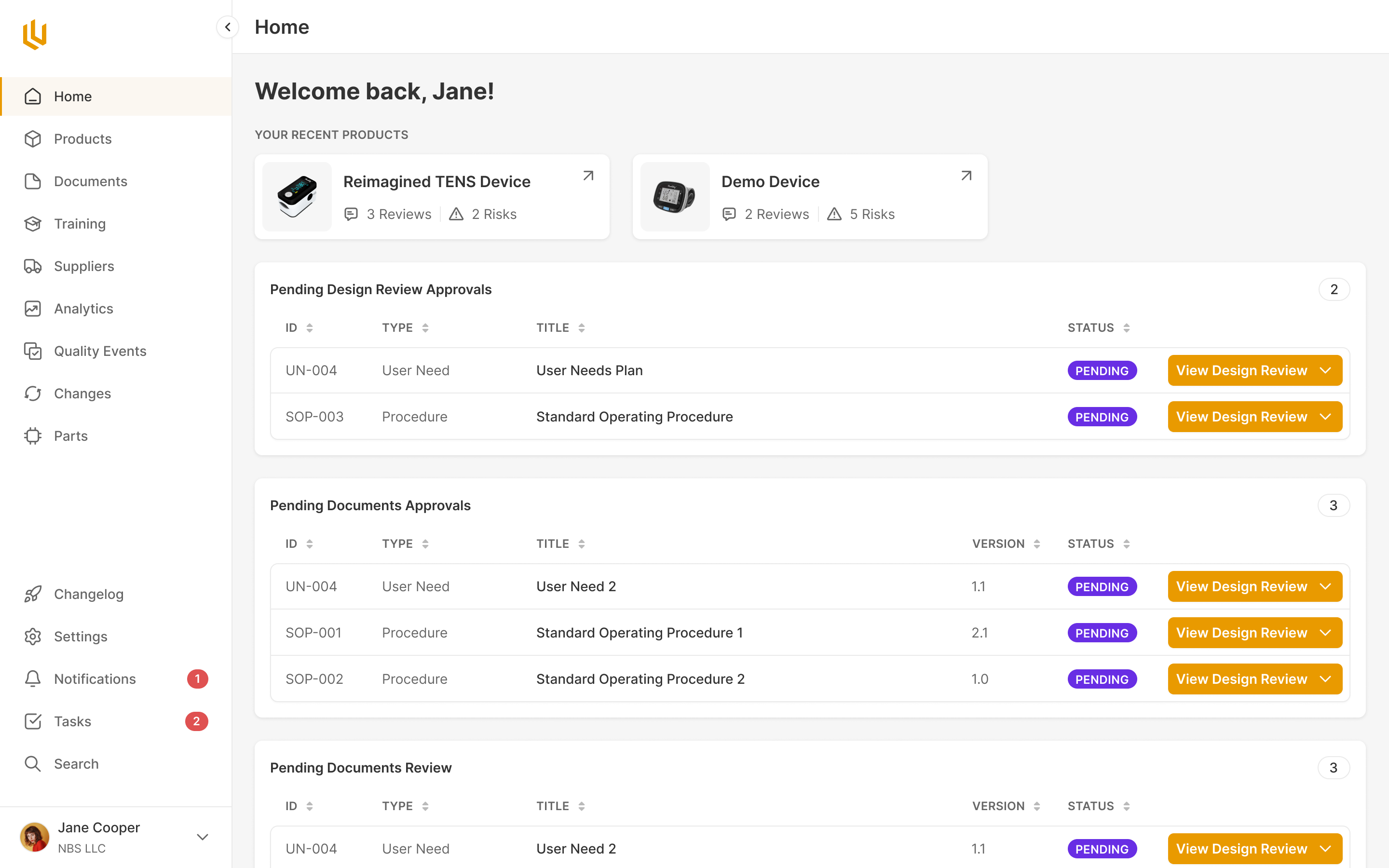
The client side reads like a briefing
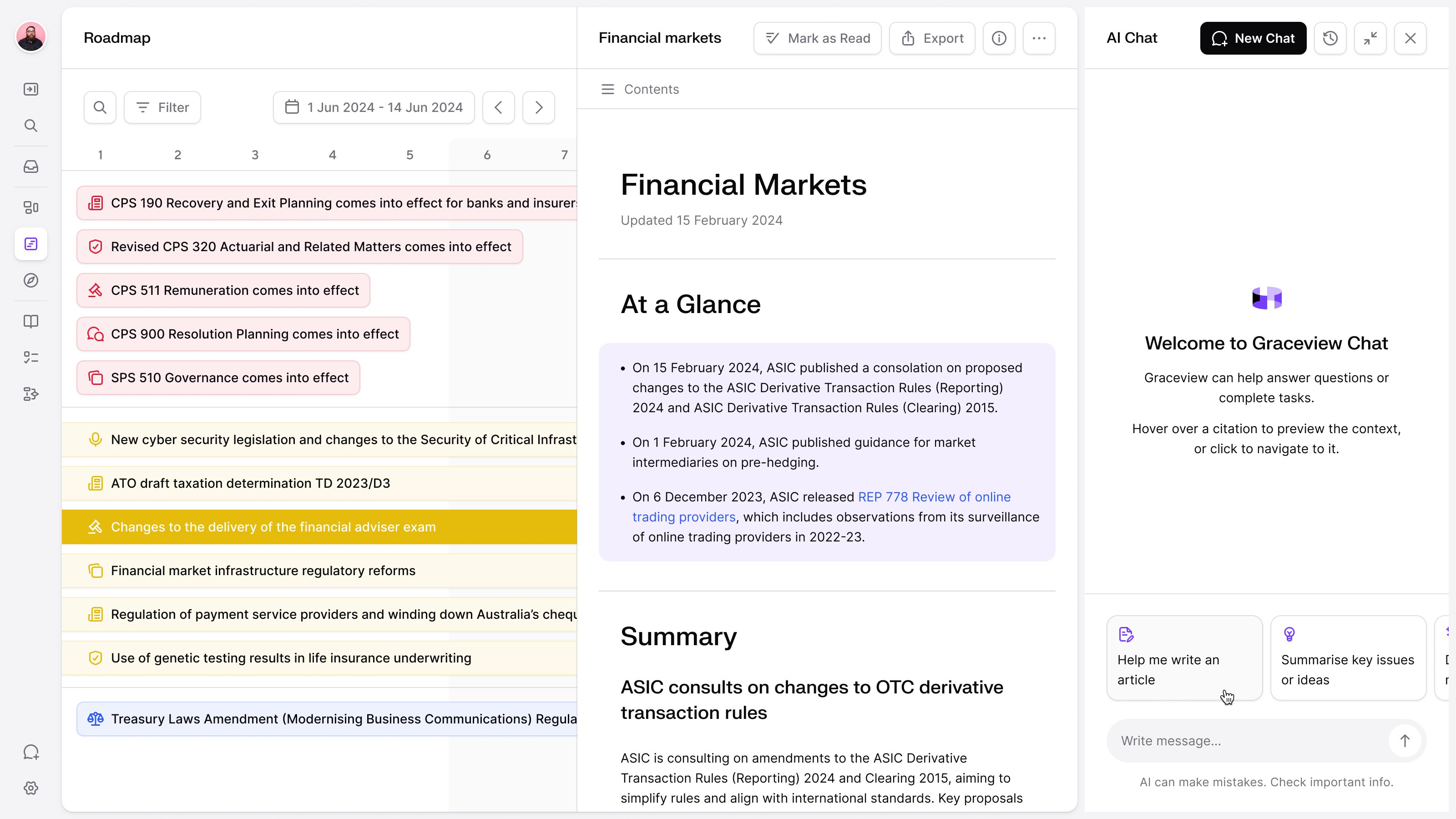
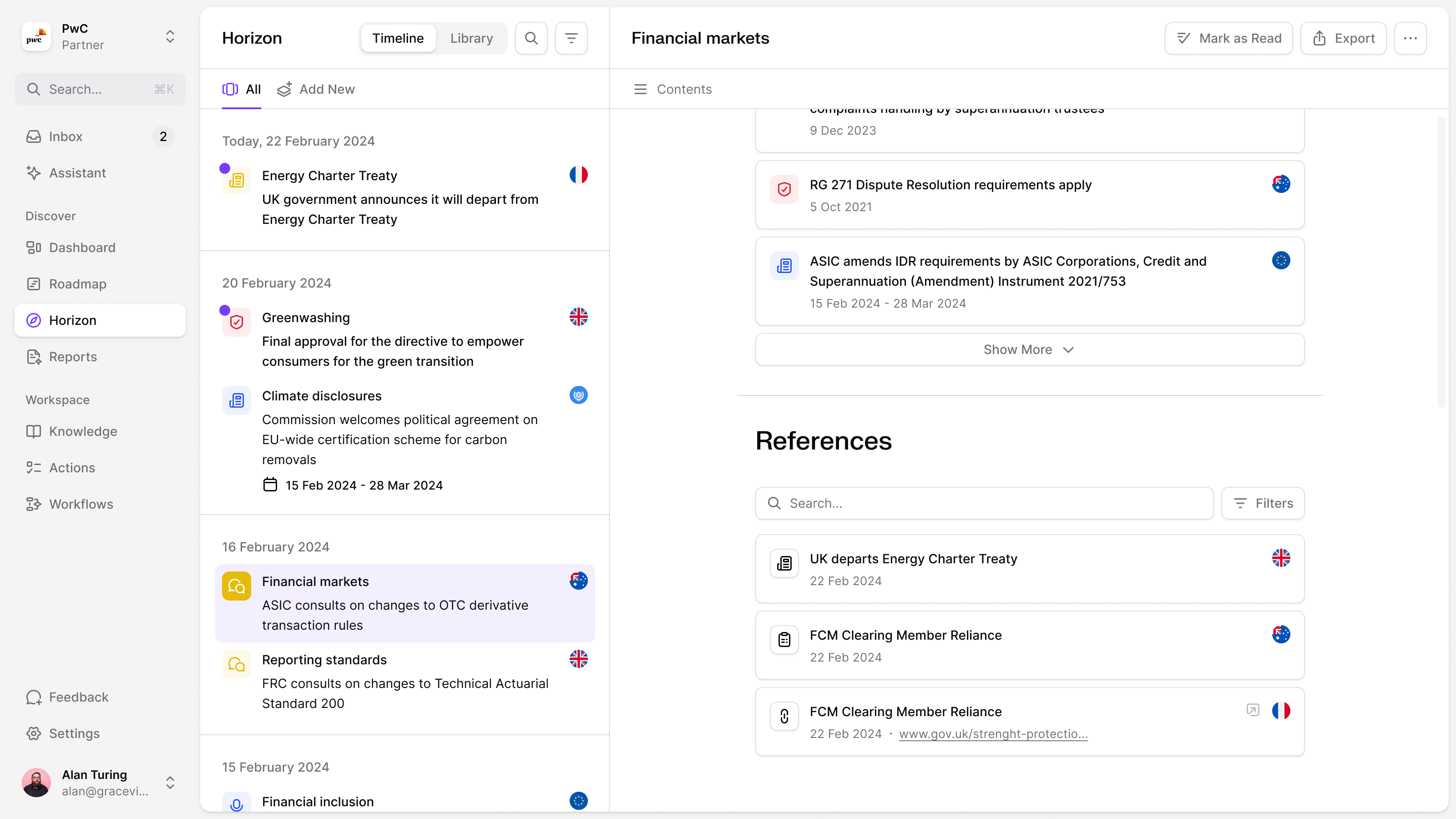
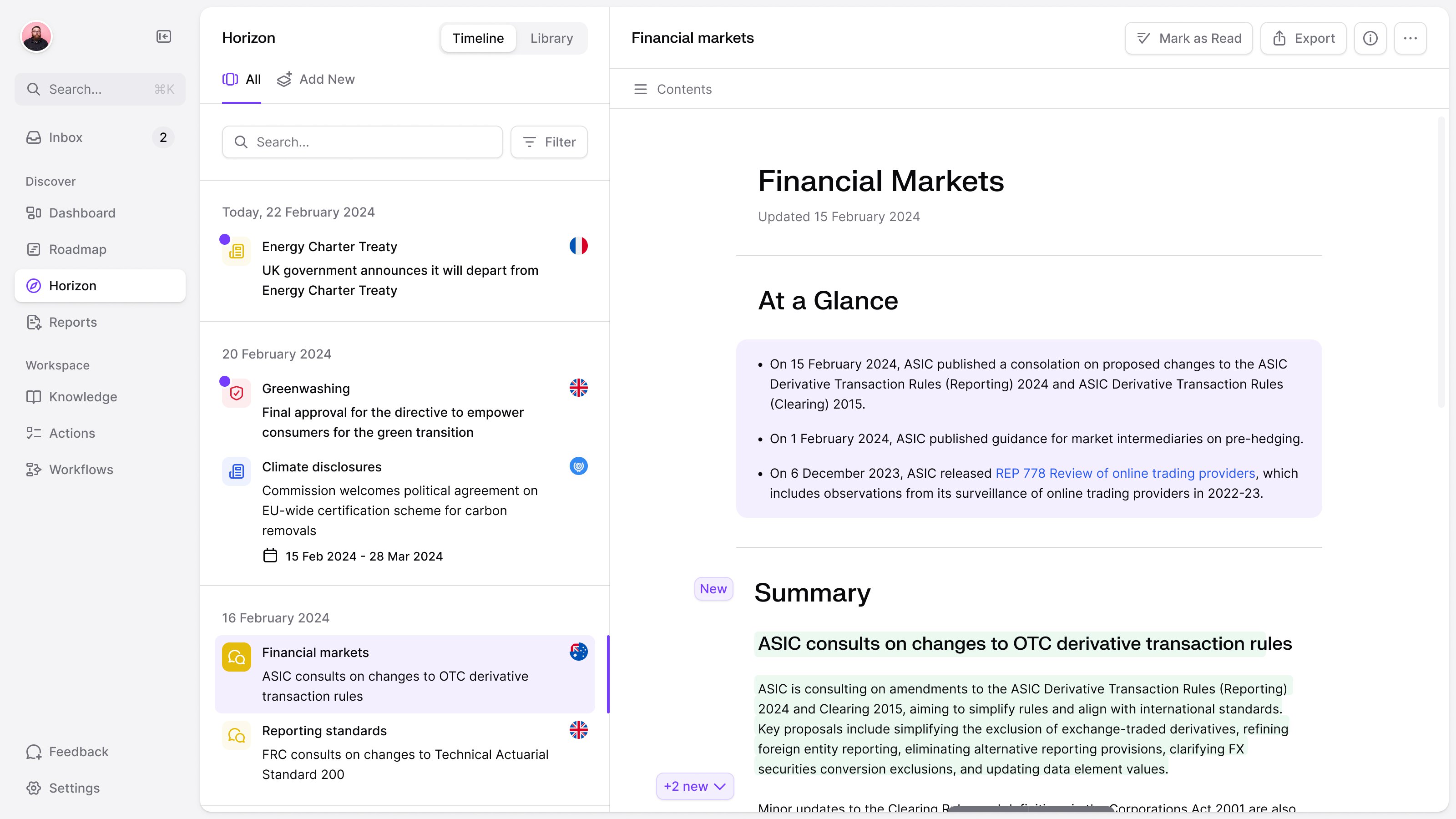
A general counsel needs to know what deserves attention before reading an entire update. Horizon put recent changes down one side and a topic's page beside it. Opening a topic started with a short "At a Glance", with the longer summary and operational detail below. The reader could move between updates while keeping the feed in view, then go deeper into the one that mattered.
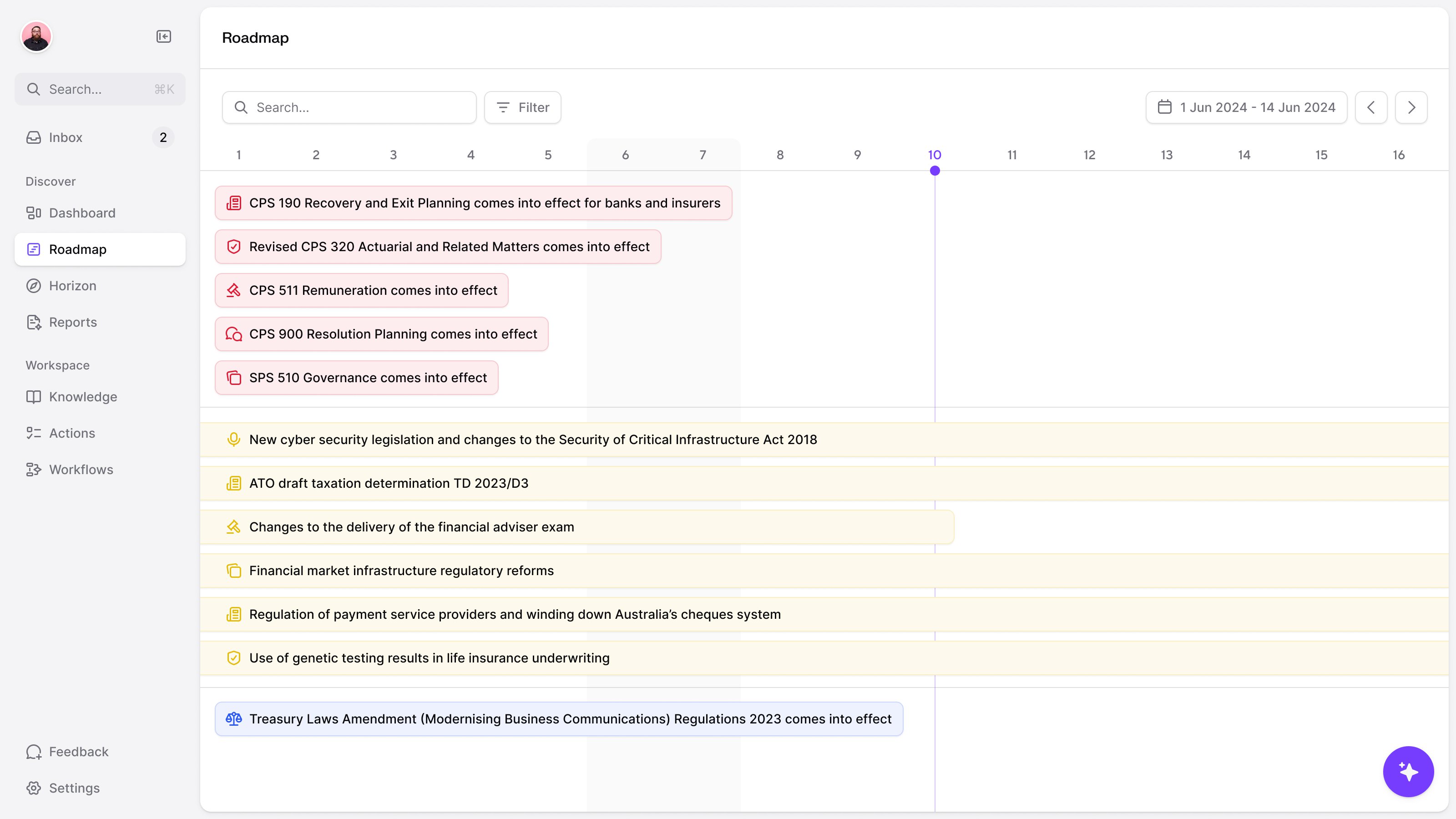
The publication date was only part of the story. An announcement today might describe an obligation changing months later, or a consultation with a window for responses. The roadmap laid those dates out ahead of the team. Consultations could occupy a period, while a rule taking effect belonged to a particular date. That distinction had to survive the move from source text into a calendar.
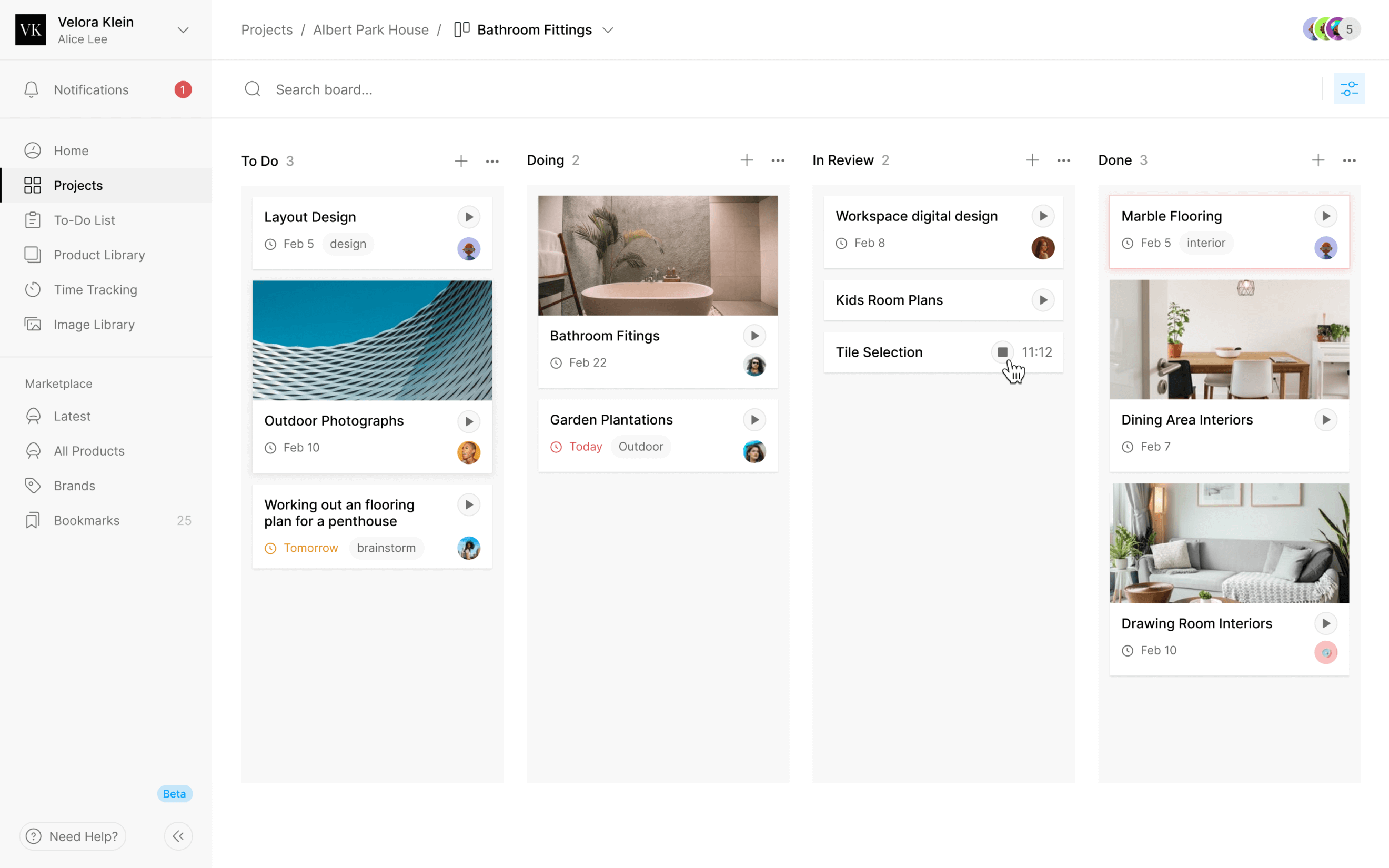
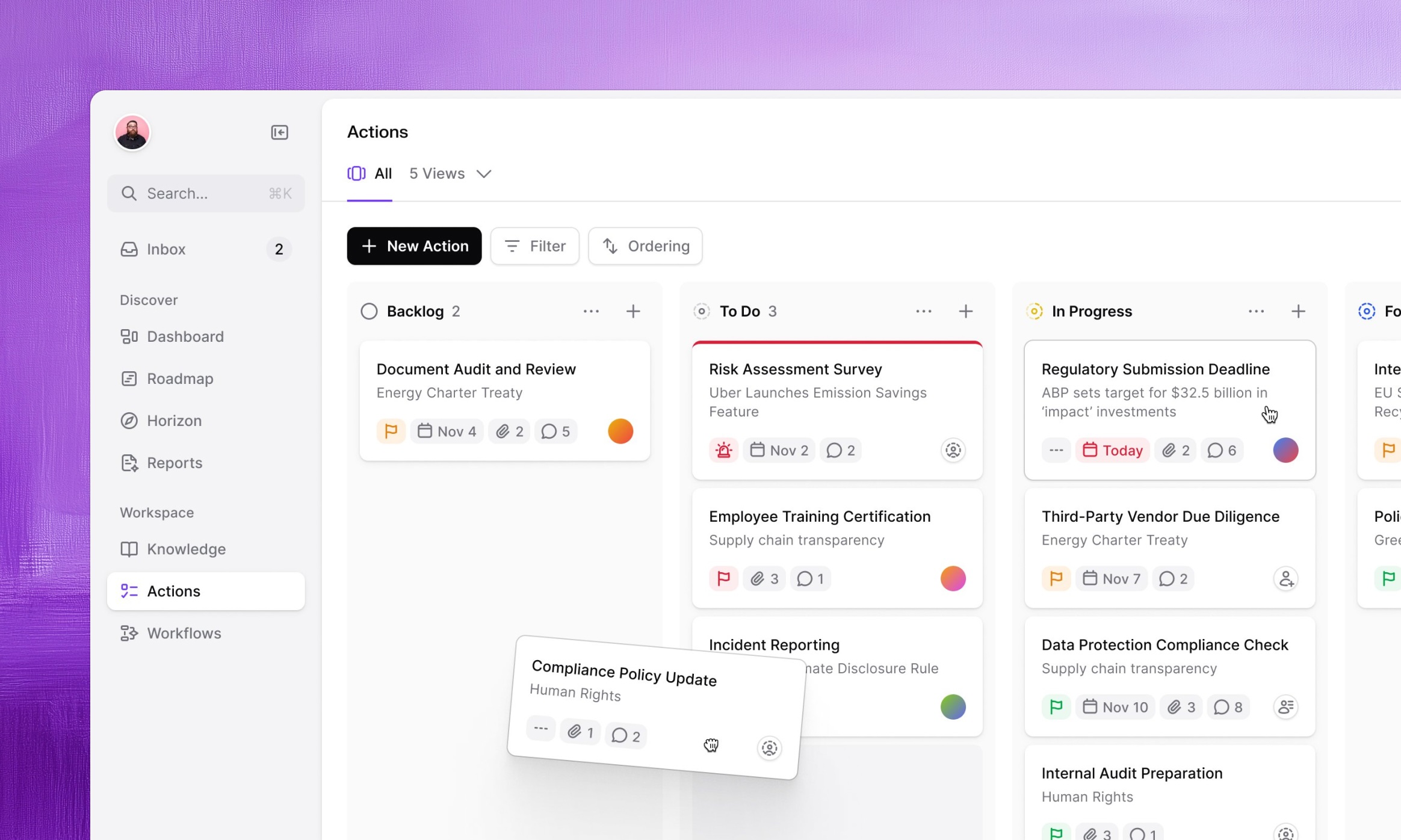
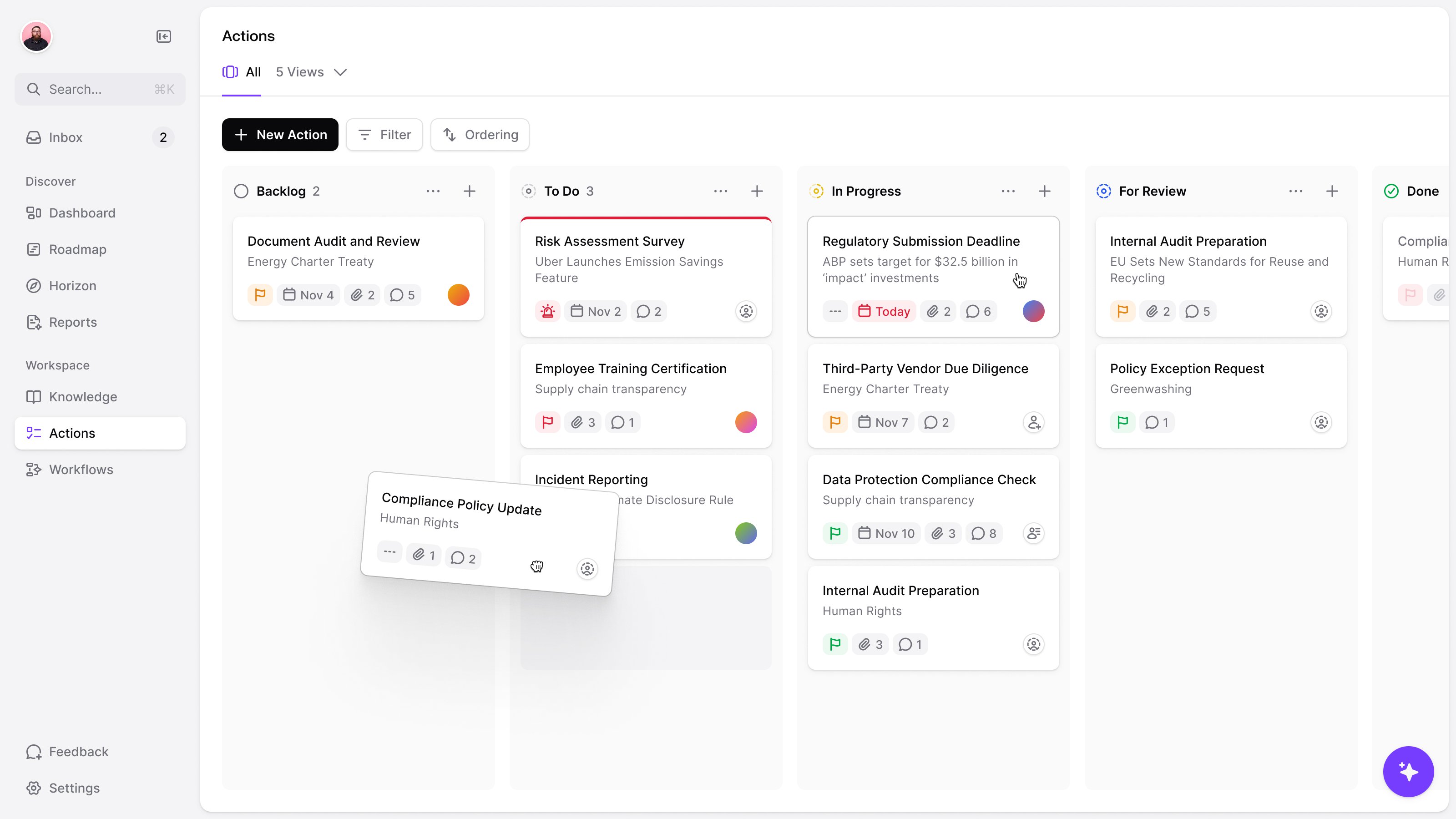
Any update could become a task on the actions board, a kanban borrowed from Linear. We kept the fields few, so turning an update into work did not require filling out another long form.
The calls went back and forth between one global search and separate ones for Horizon and Documents. We landed on one box behind Command-K with tabs to narrow it, plus a "find in" field on each view, and prototyped it before anyone built it.
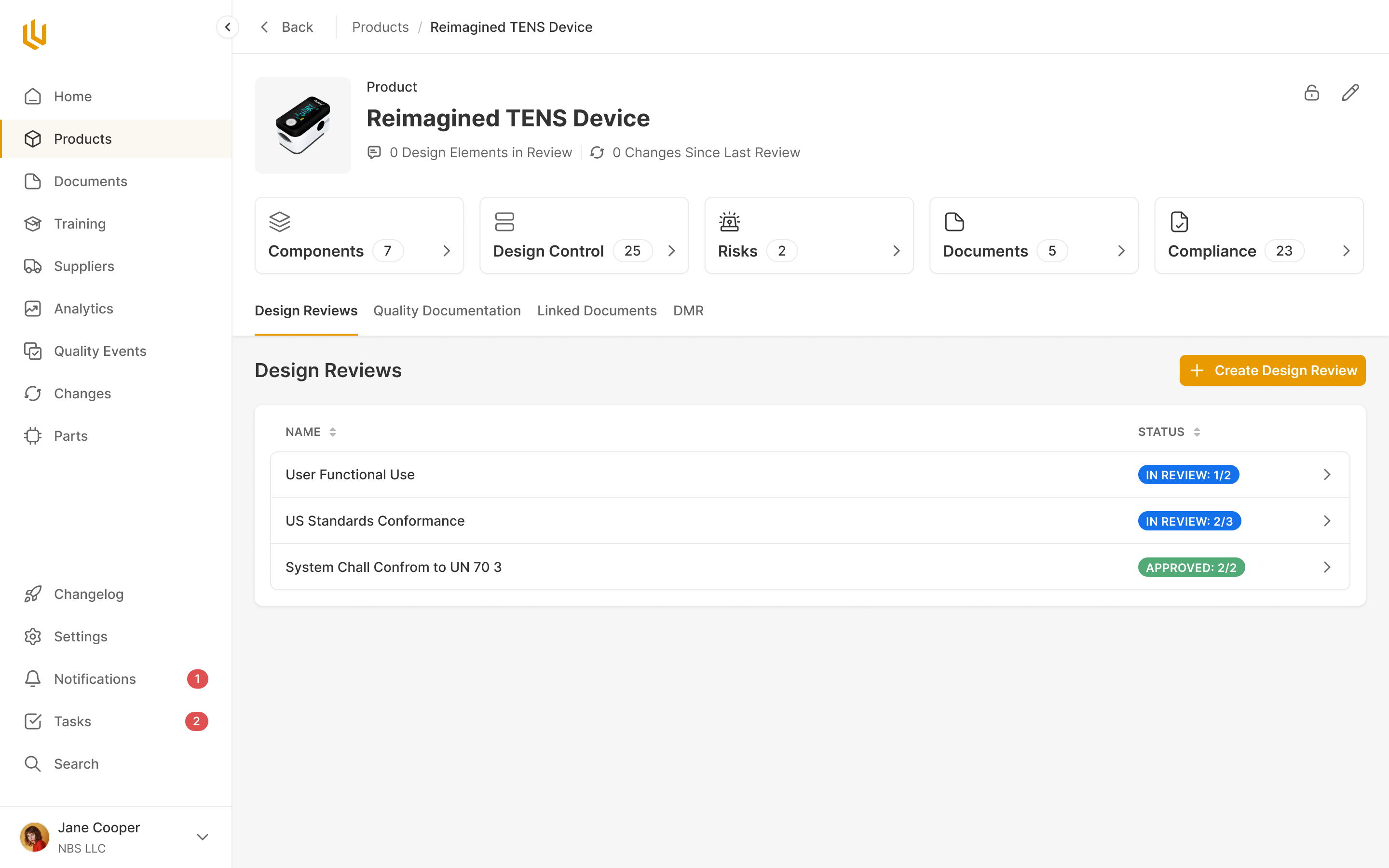
The same update needs a different interface before publication
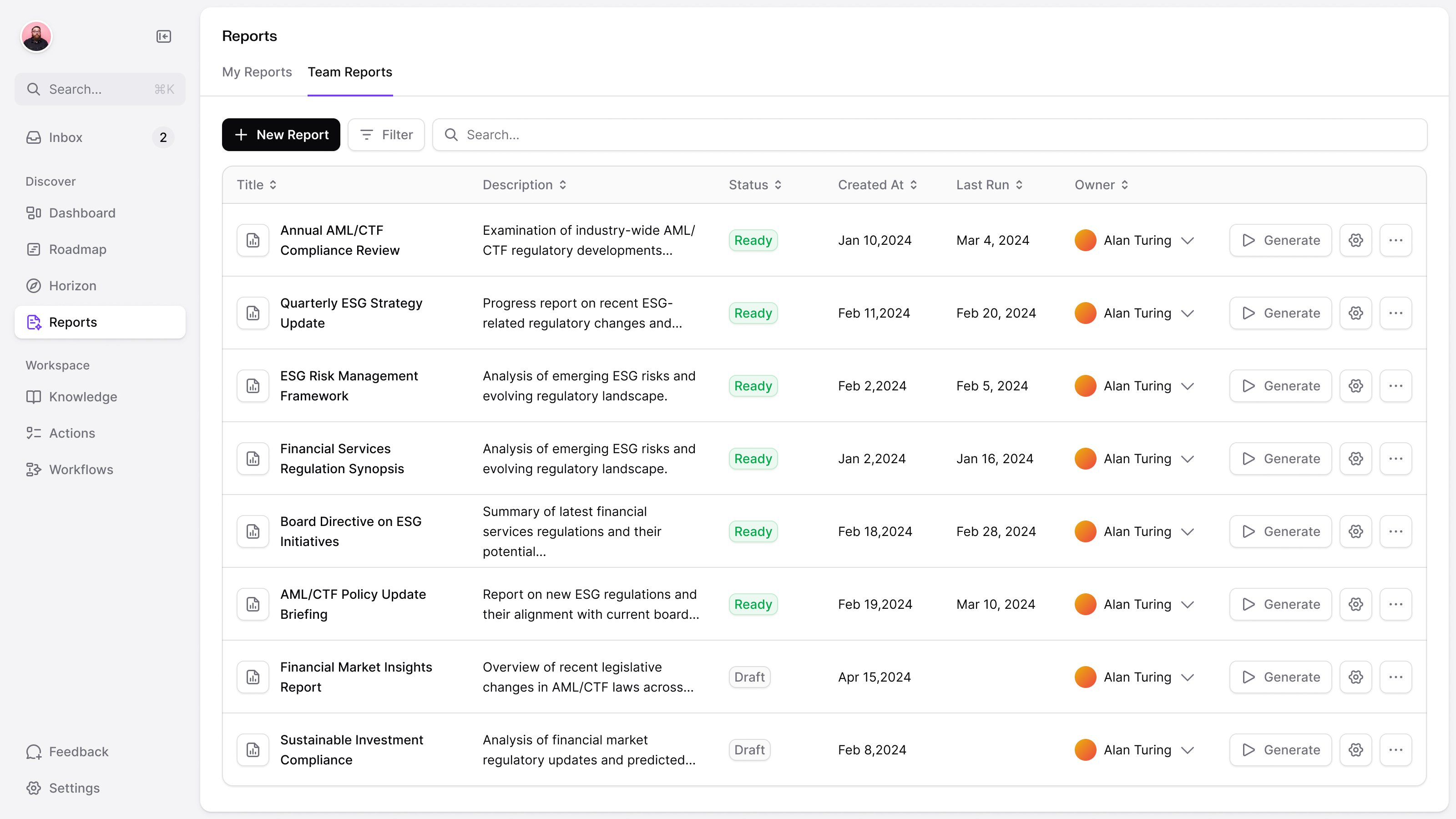
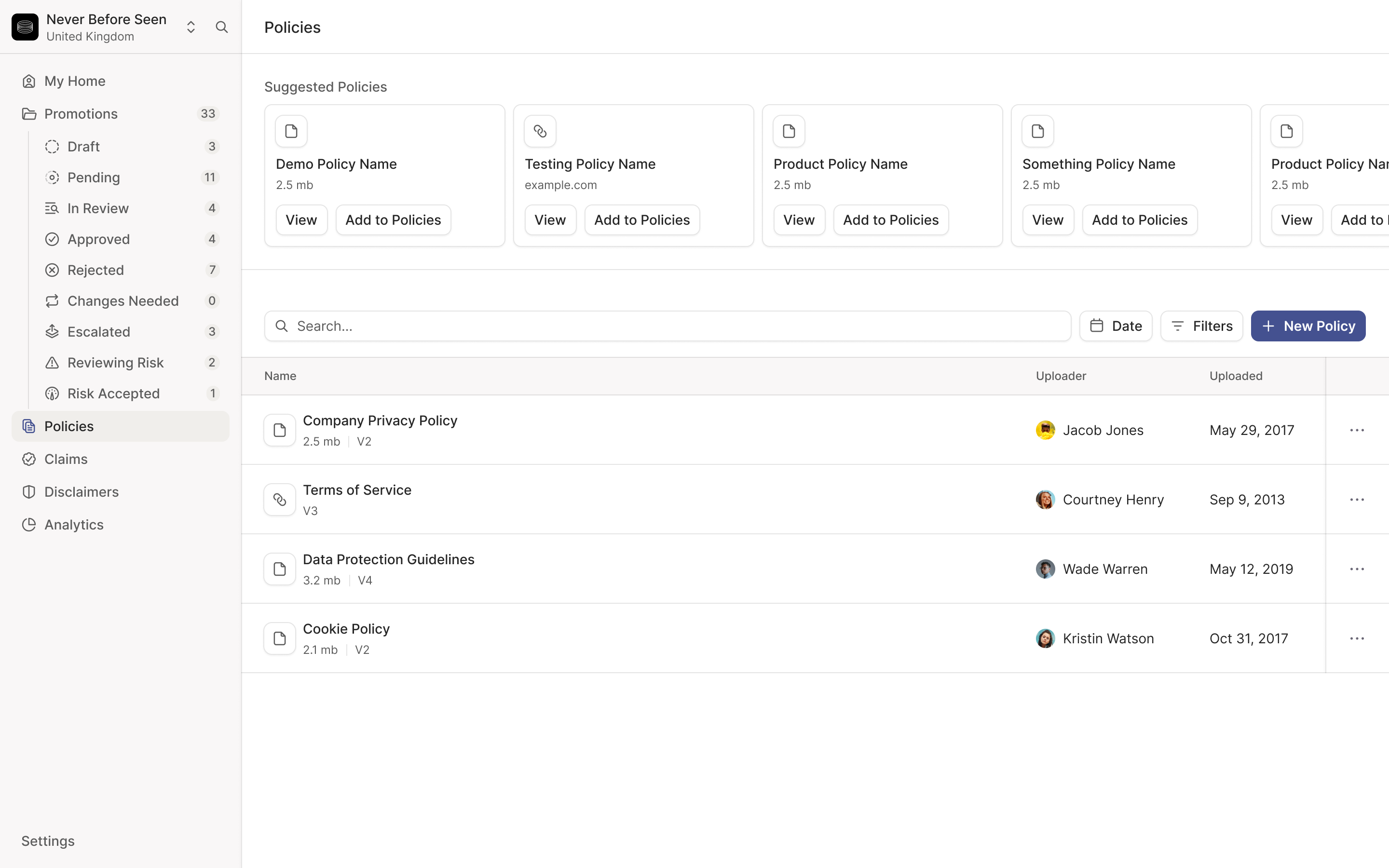
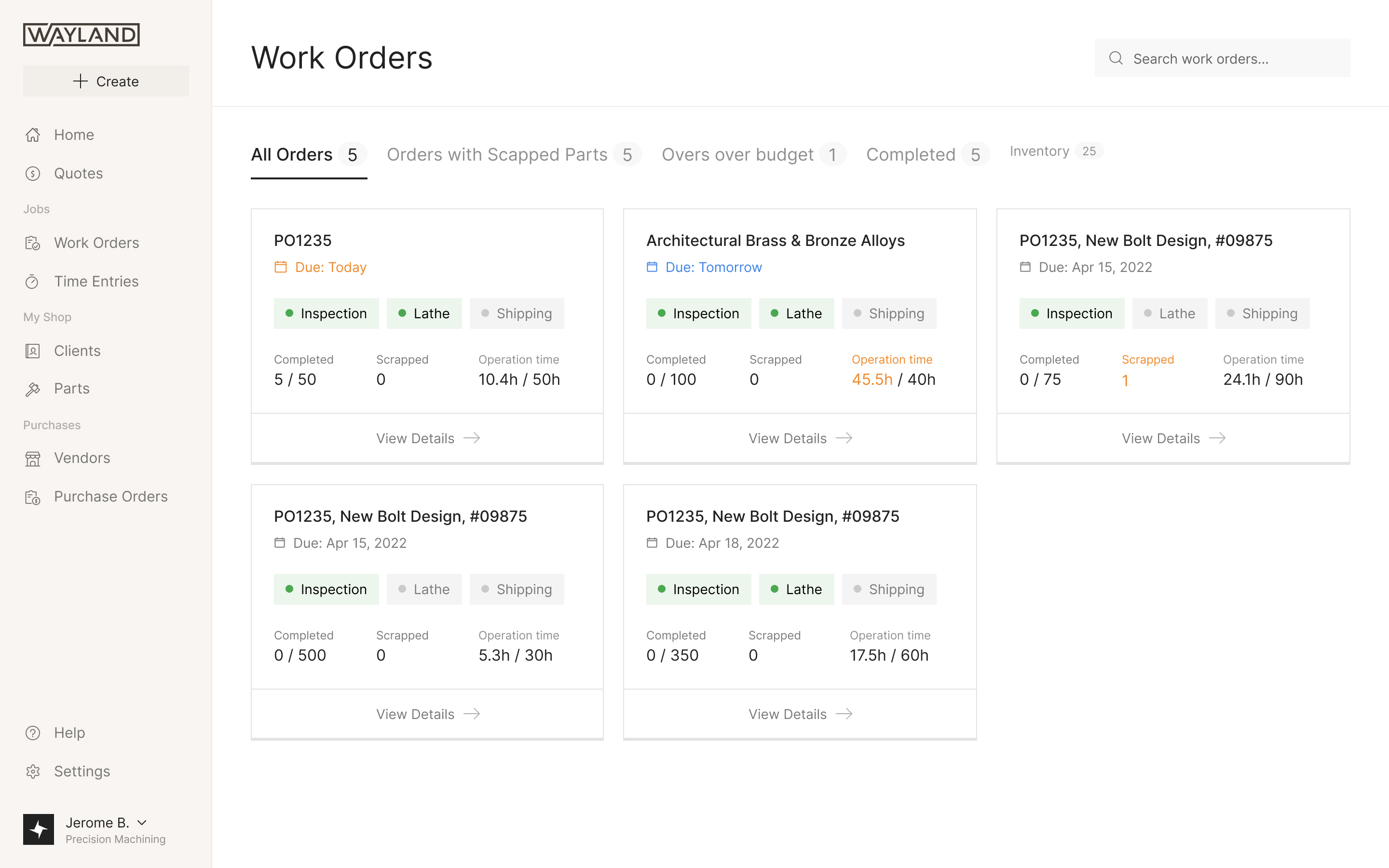
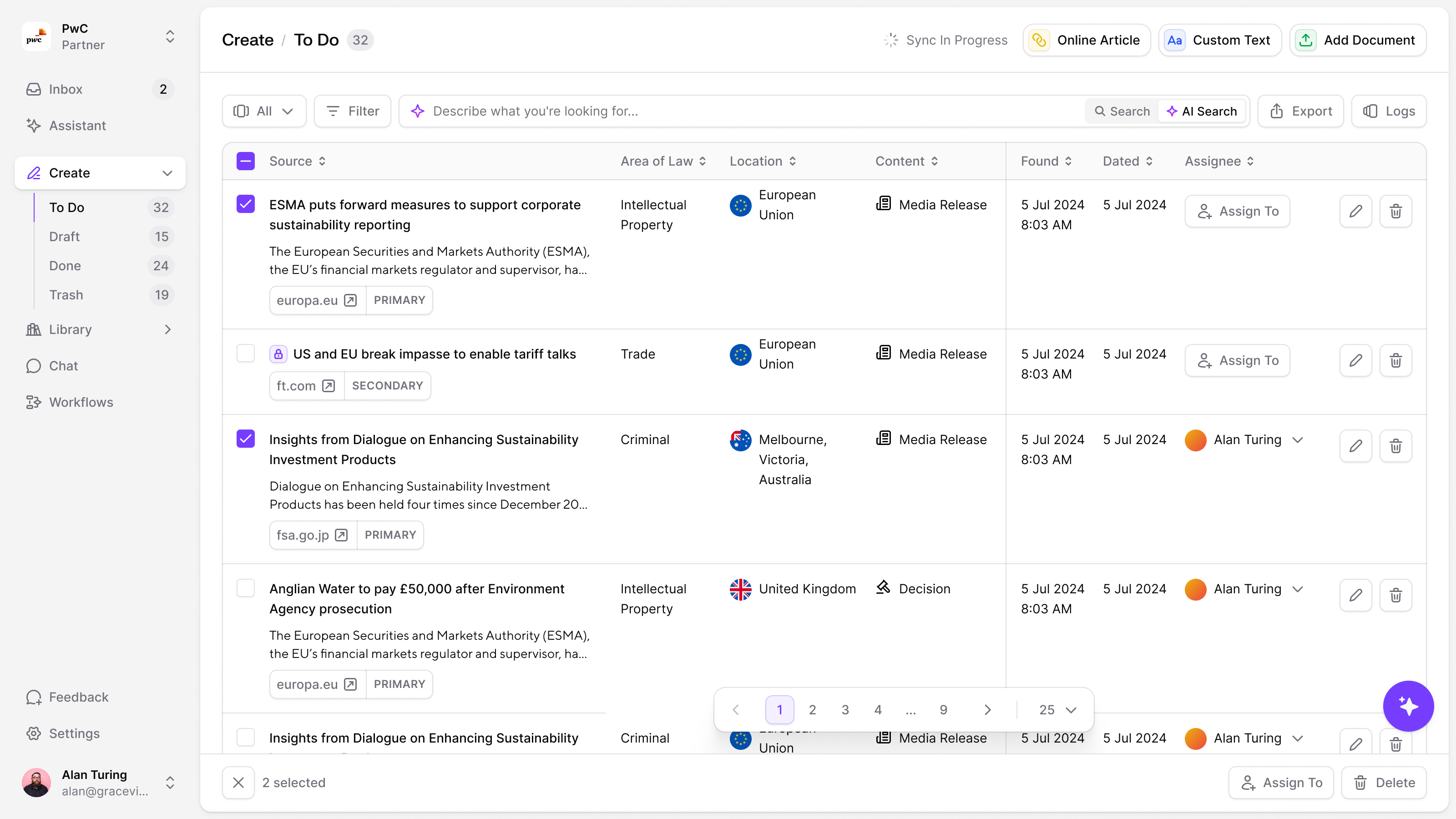
The reader needed a briefing; the lawyers preparing it needed to decide what was worth briefing. Everything the scanner found landed in Create, sorted into to do, draft, done and trash. Source, area of law, location, content type and assignee sat in columns, so a partner could judge and assign an item without opening it. Selecting rows brought up bulk actions. What a partner kept became a page or an event in the library, after review.
Partners asked for saved views. We'd designed those for another client, so we lifted the pattern and let an admin set them up for the whole team.
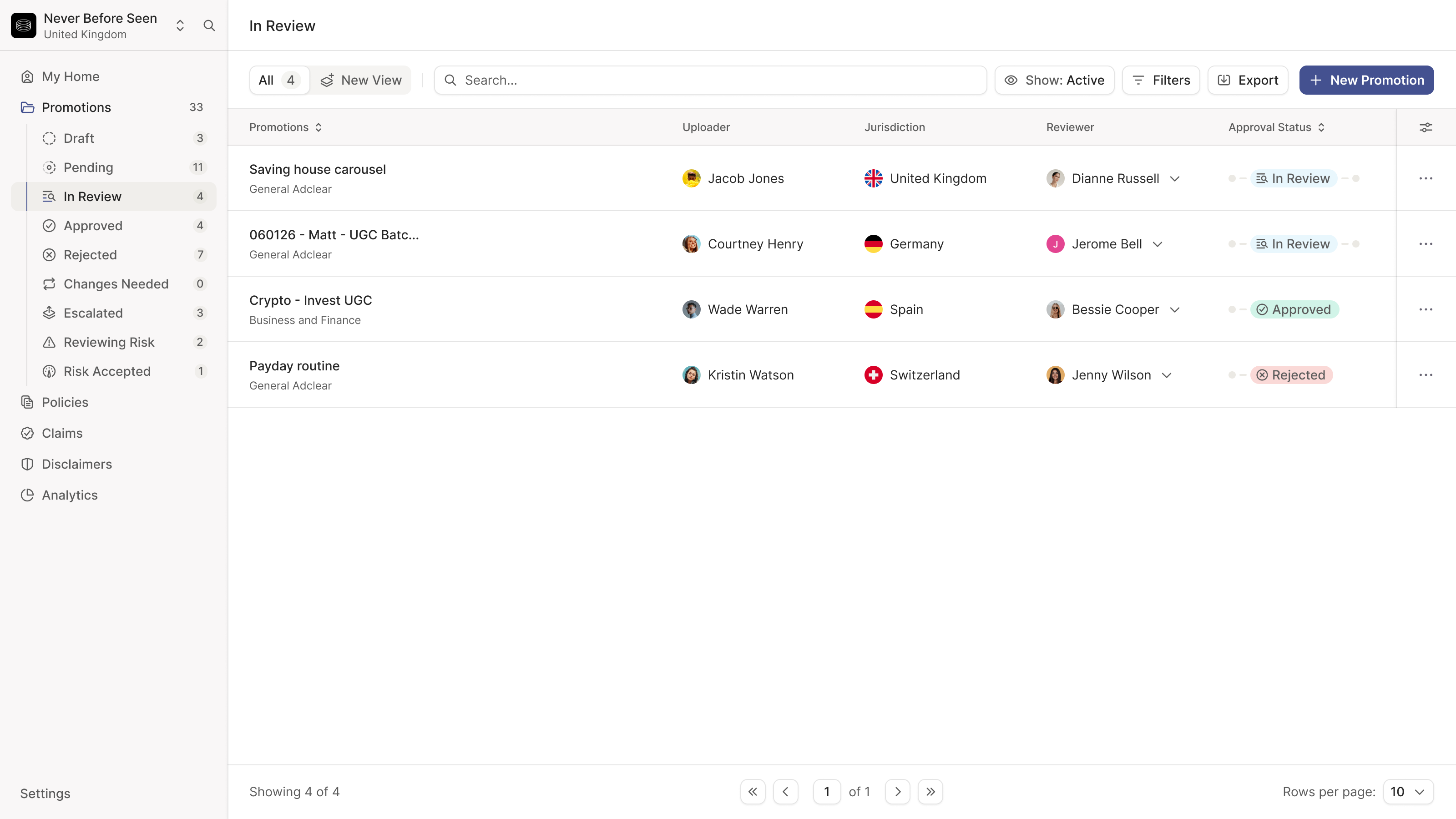
One partner's review ran from author to second-line reviewer to QA, while another only needed draft and review. So each partner sets up its own review states, as in Linear, and marks one as publishable.
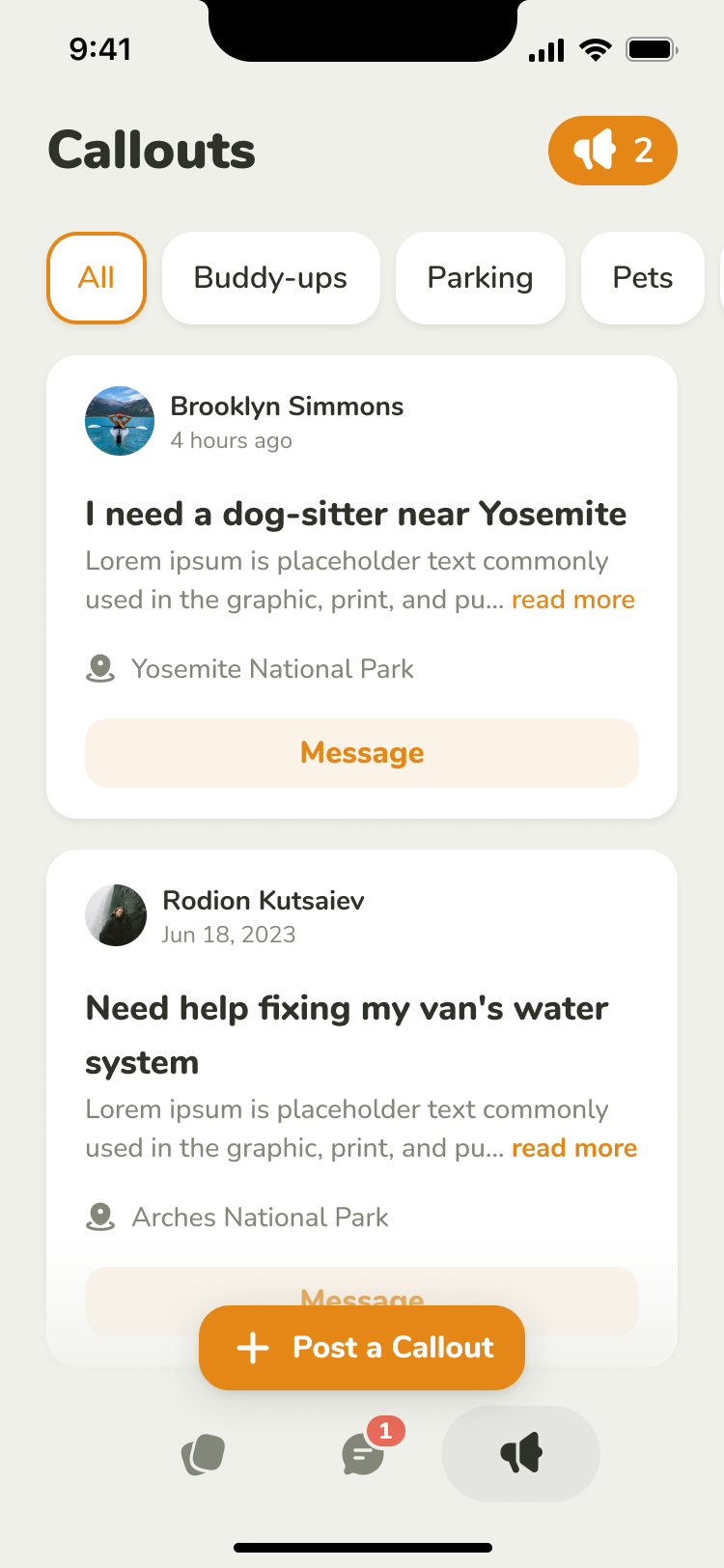
A quiet feed might mean nothing happened, or something broke
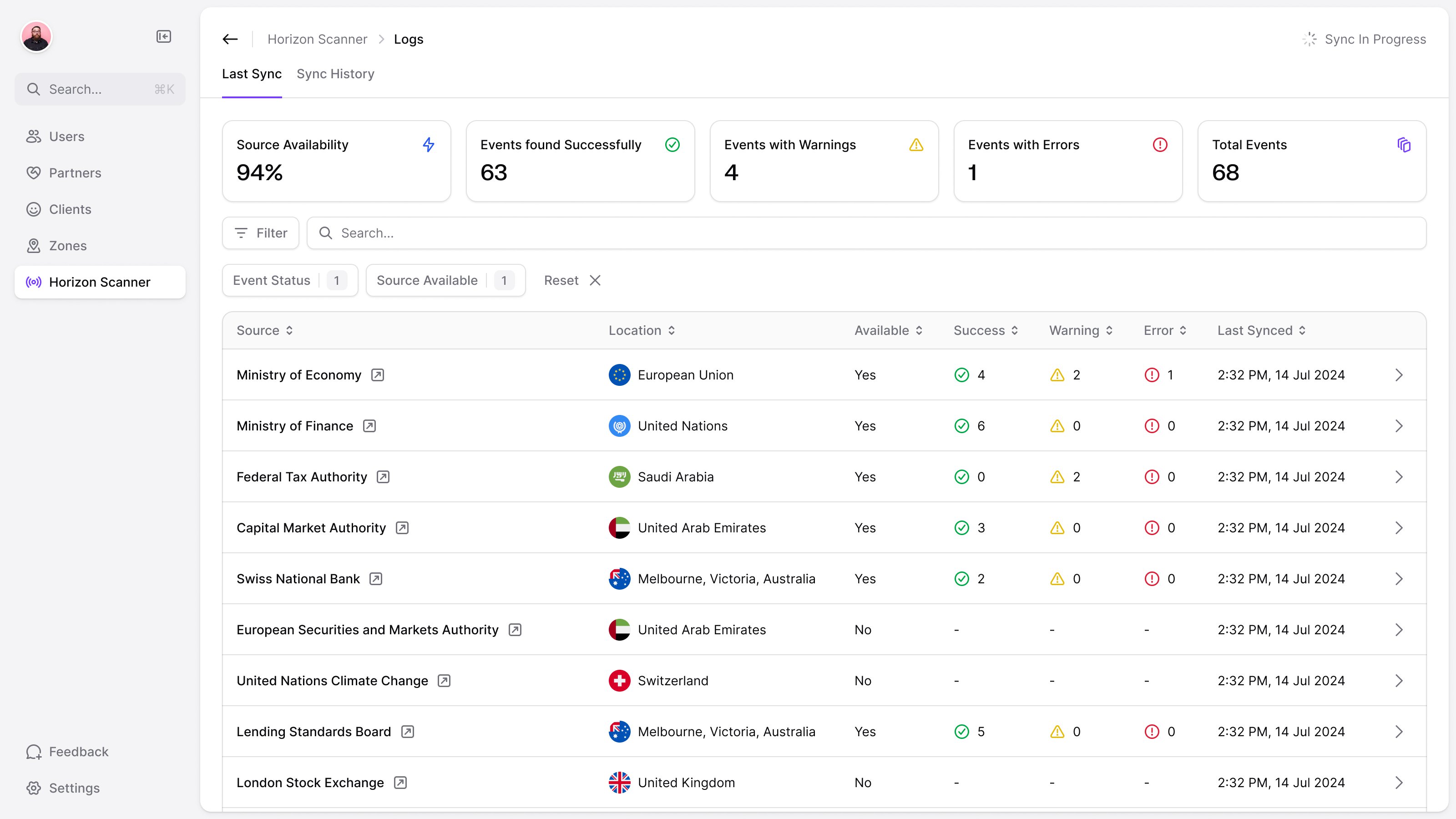
Sources go offline and scrapes fail. The logs list every source with its last sync, its successes, warnings and errors, sorted by consecutive failures, so the one broken all week sits at the top.
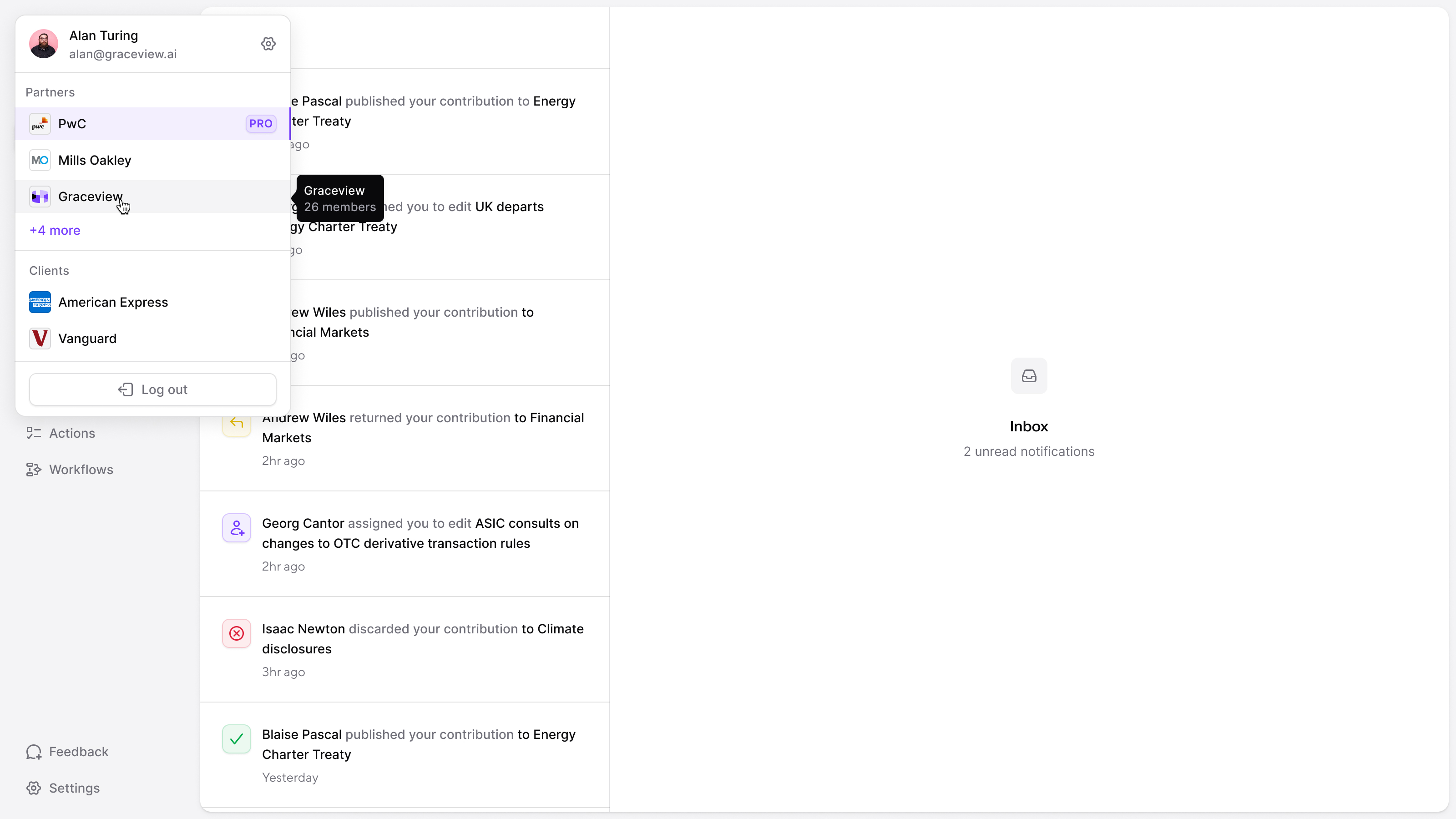
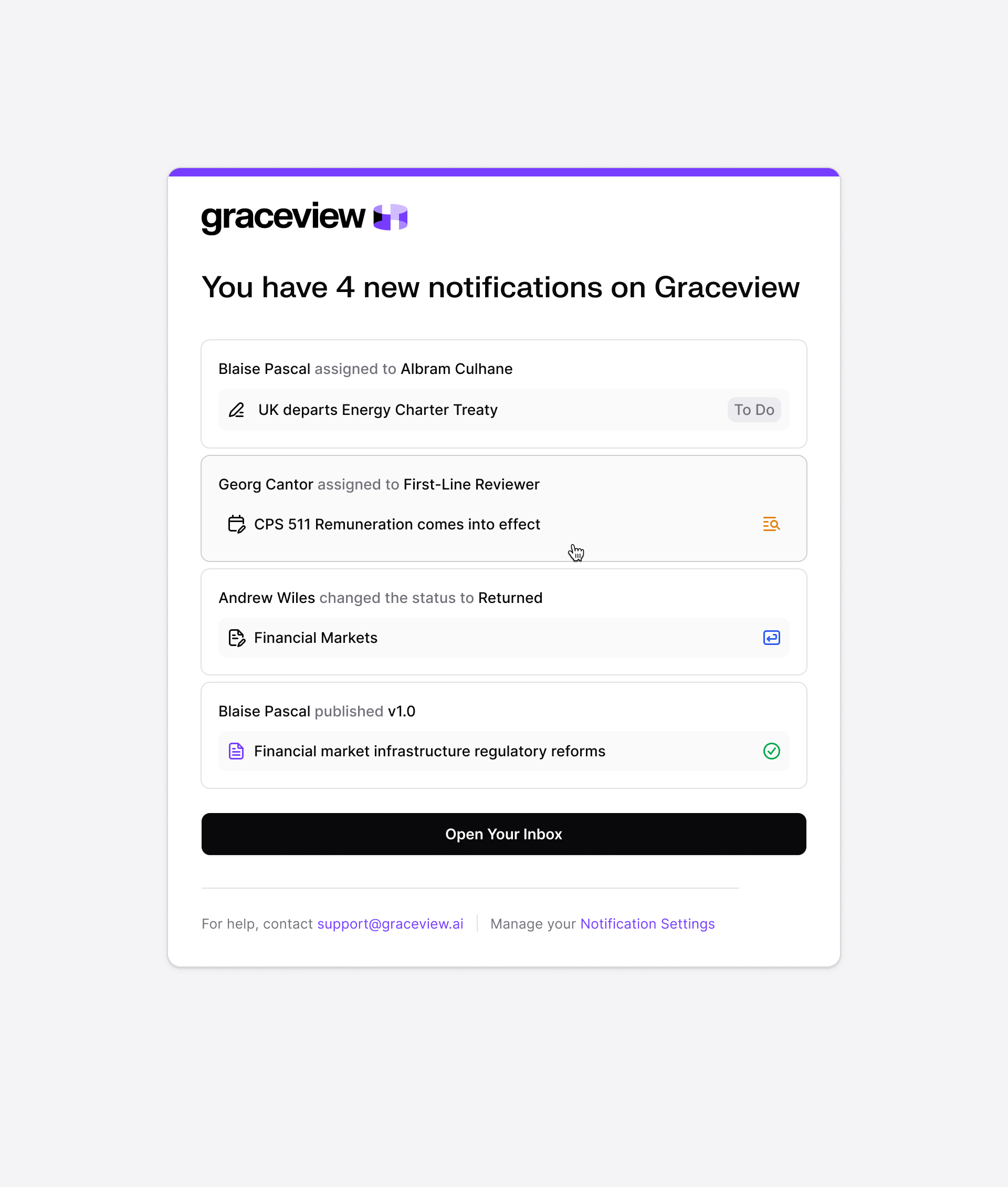
A failed source needed attention from the people operating the scanner. Content assignments and review changes belonged in the partner inbox instead. Like Linear's, the partner inbox shows each item's current state and latest change. Emails go out in batches every ten or fifteen minutes, under Graceview's name, because a client's digest could hold content from several partners.
The assistant answers from what's in Graceview
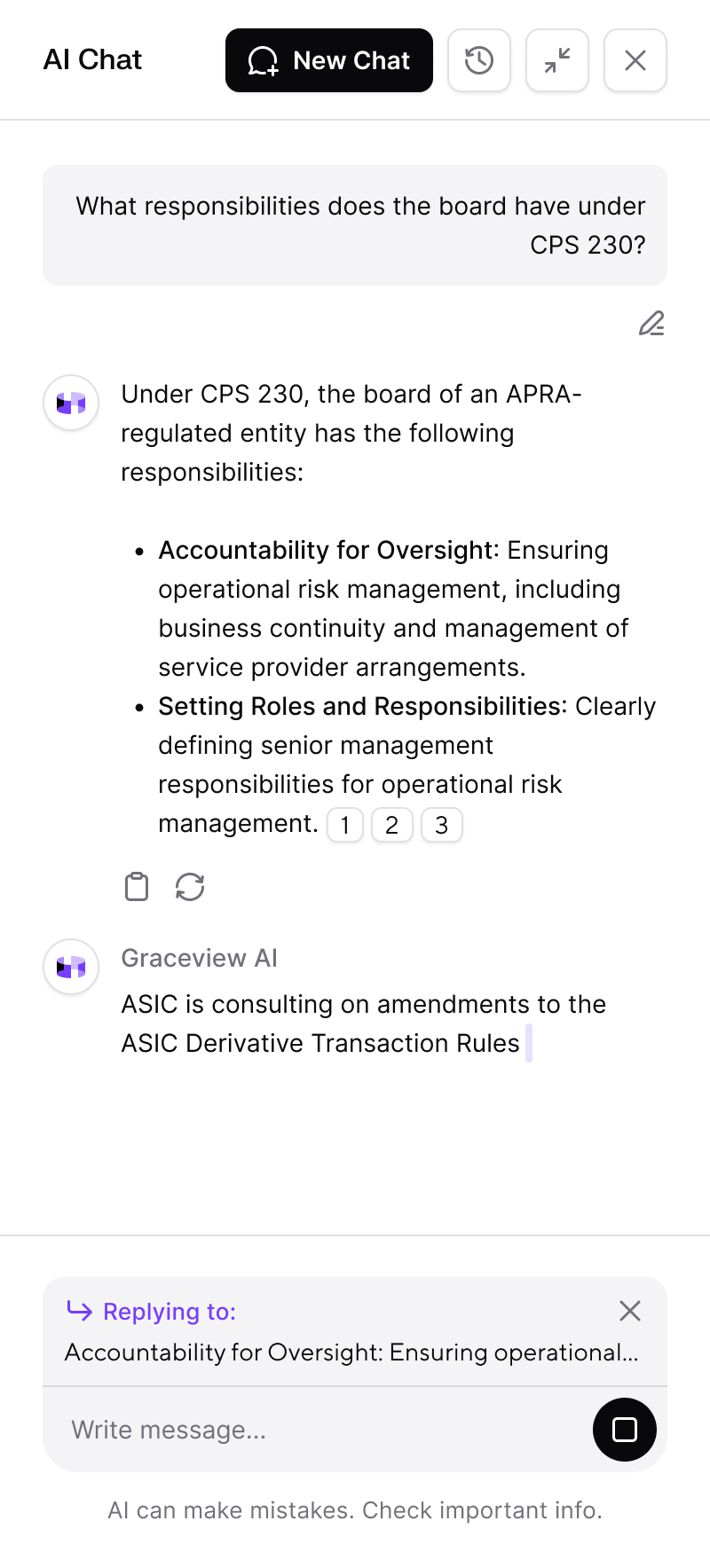
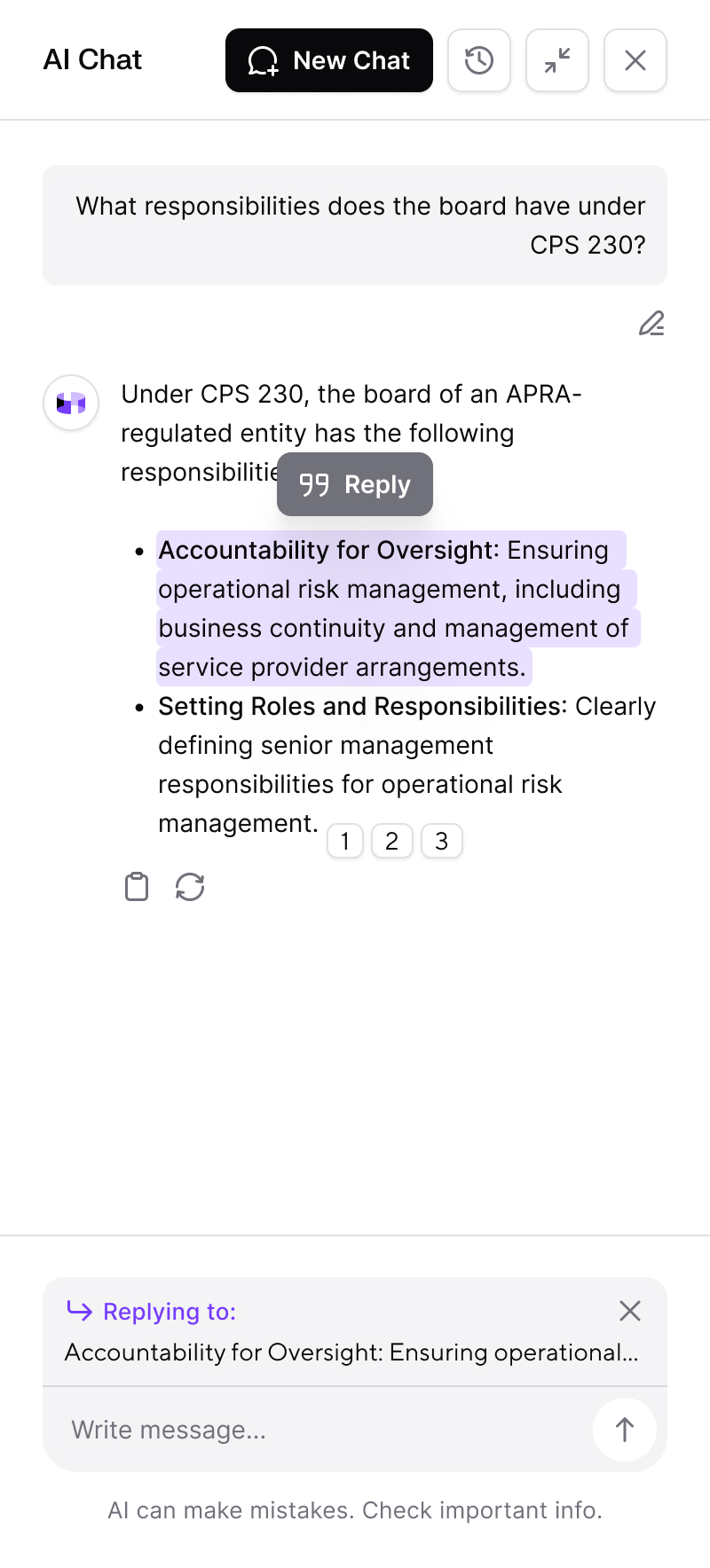
AI chat was in the first sprint. Jules wanted citations inline rather than at the end of an answer, so each paragraph carries its own numbered sources, and you can highlight part of an answer and reply to just that.
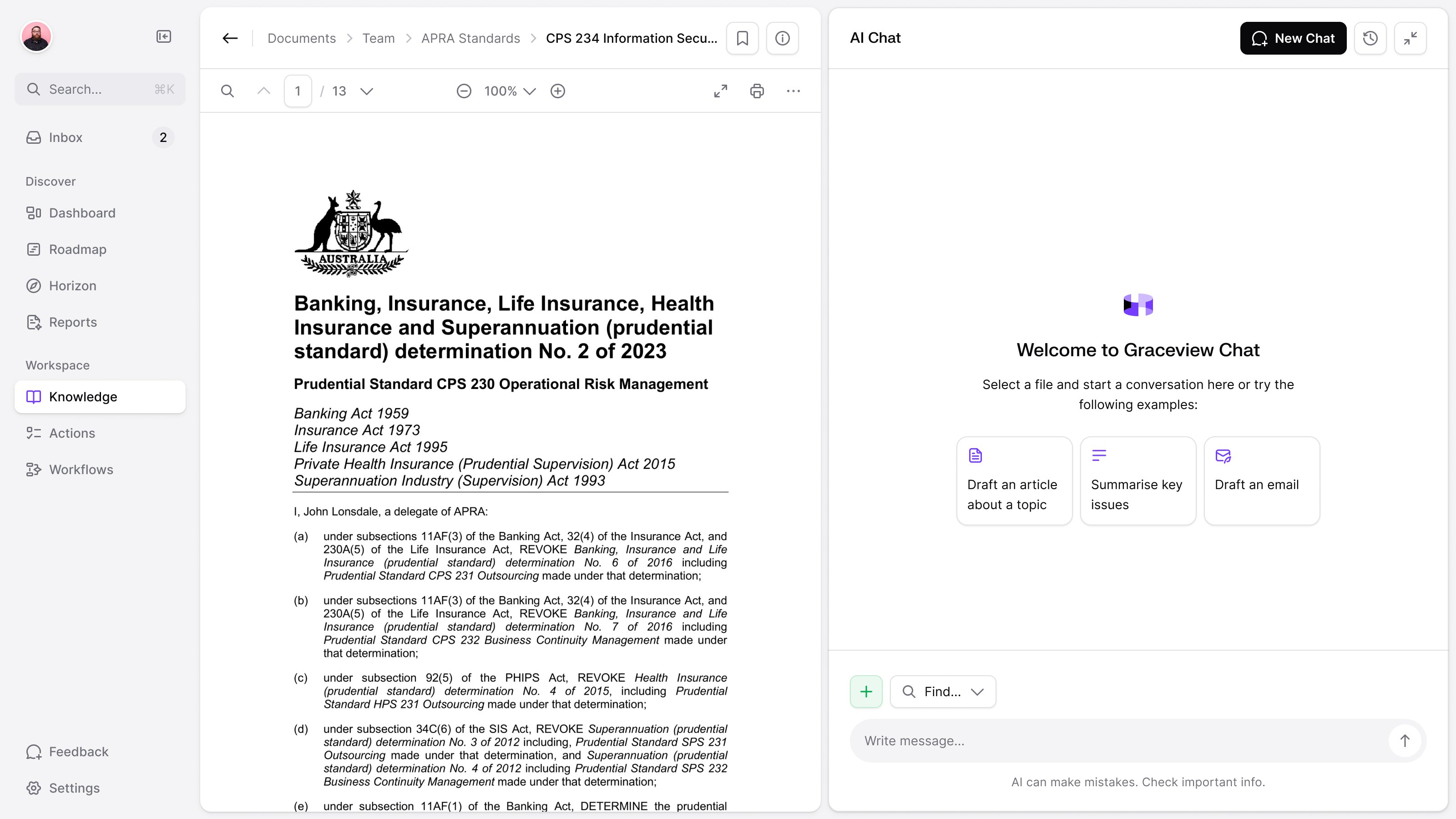
We took the attachment button off. To ask about a file, you put it in Documents first, because Graceview didn't want its chat used as a general-purpose ChatGPT. The document viewer and chat sat beside each other, so the question and the material it referred to could stay on screen together.
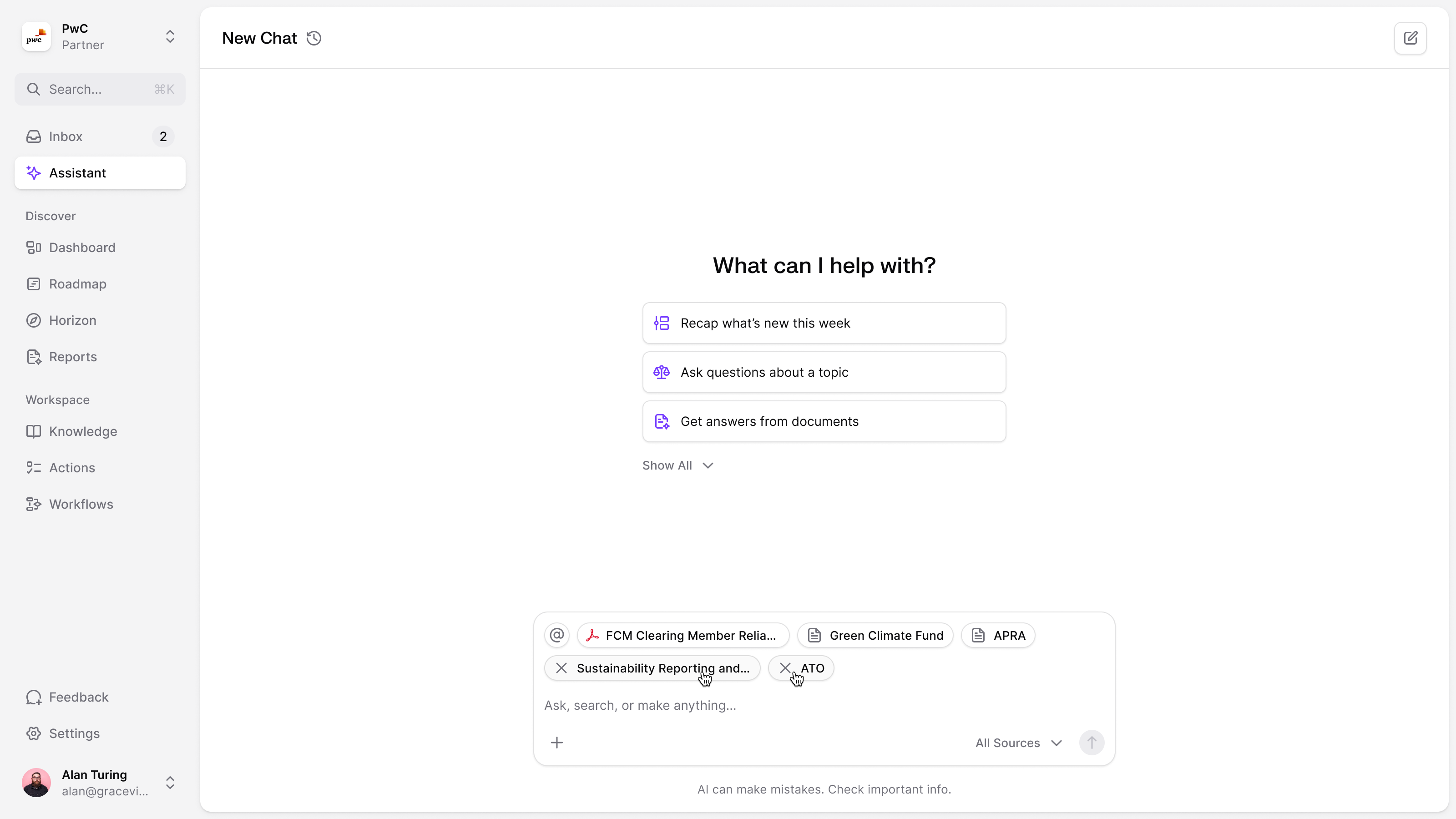
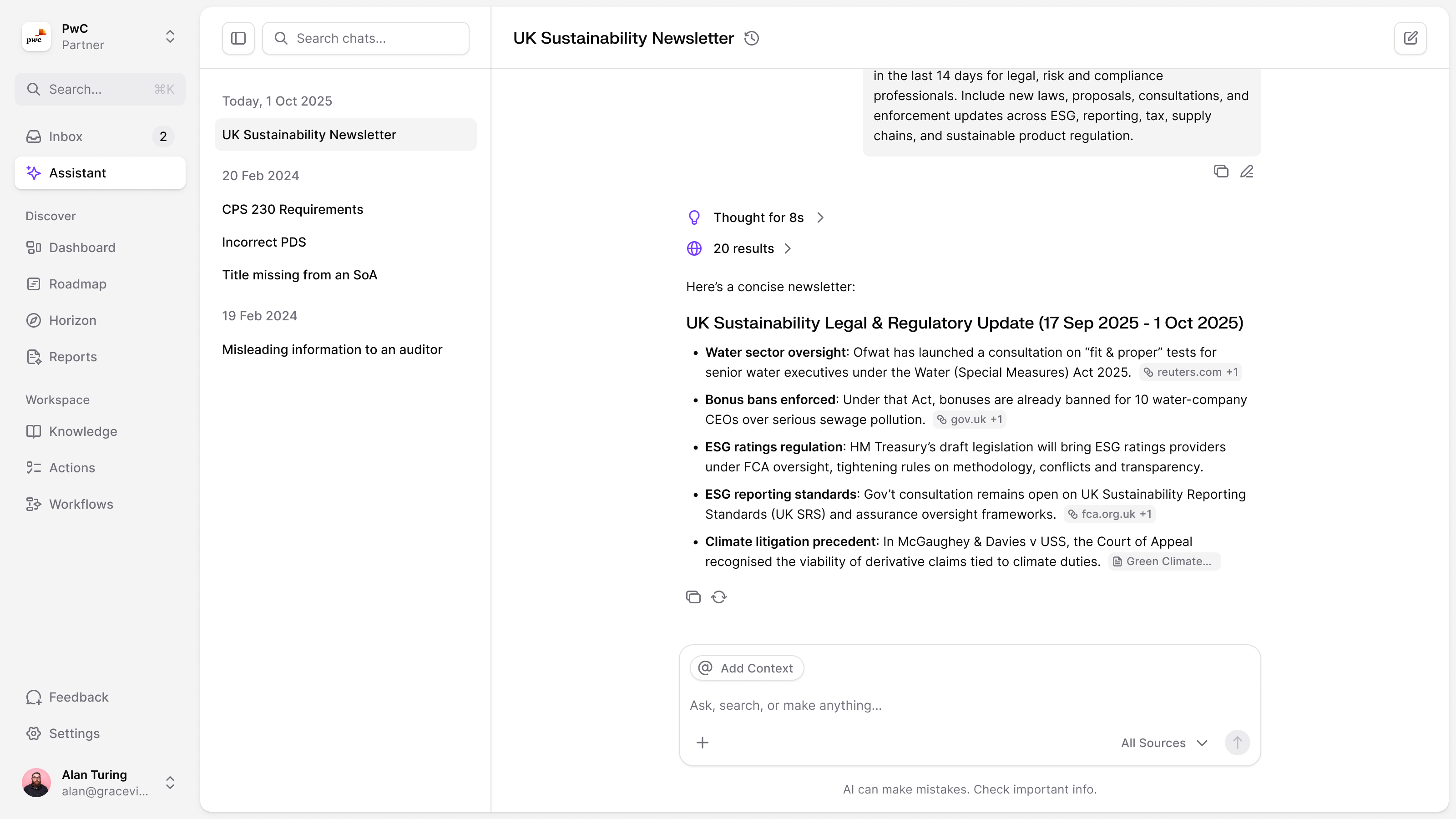
In 2025 the chat became the Assistant, which searches the timeline, the library and the knowledge base, each a tool you can switch off. You add context the way you mention a page in Notion: pick the material, see it as a chip above the prompt, remove it if it doesn't belong. The answer shows its search results and reasoning in compact rows, with sources beside the claims. Those controls made the scope of a question visible before sending it and the basis of the answer inspectable afterwards.
Some records are a liability
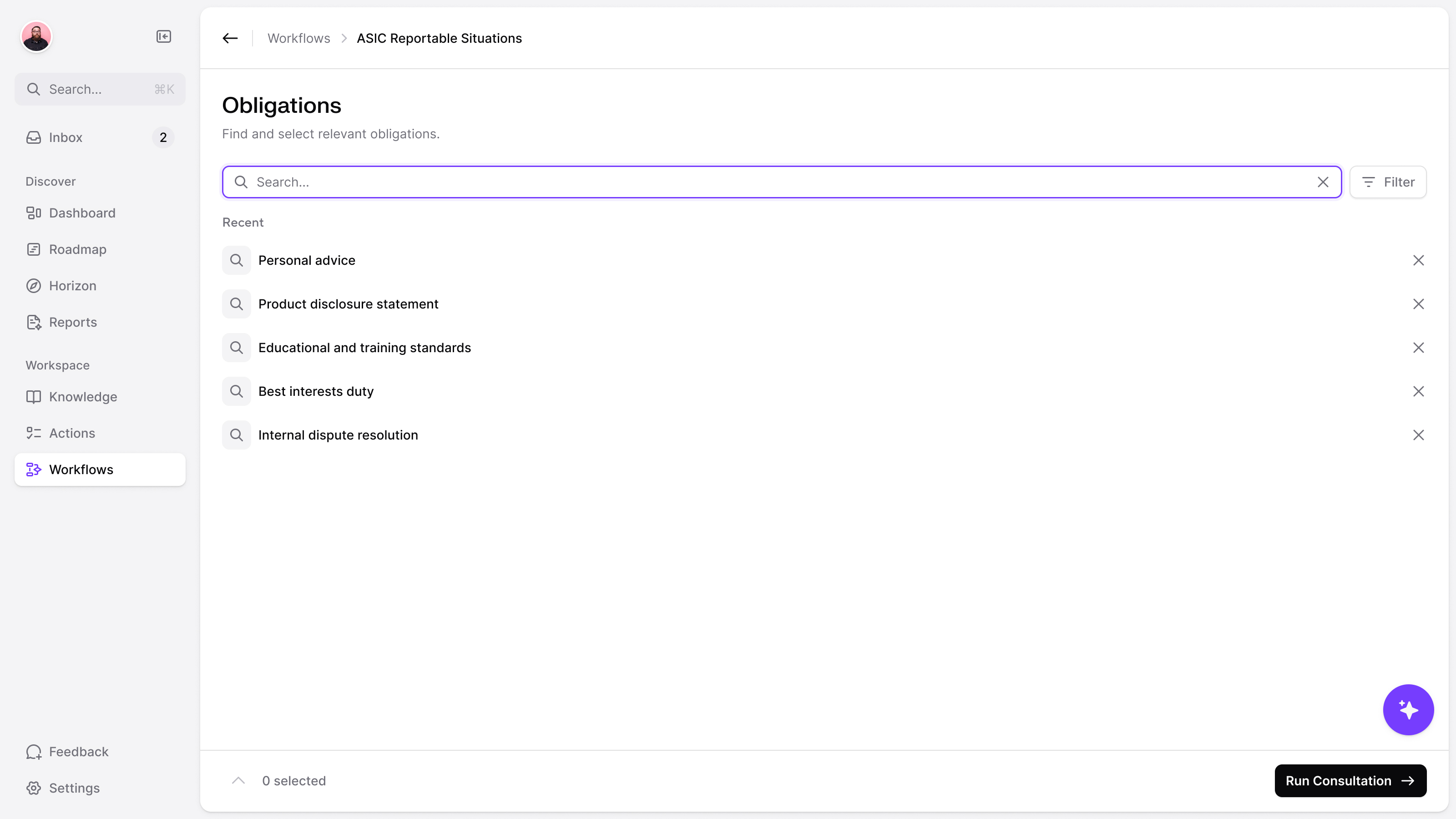
Graceview's breach tool, which we redesigned, walks a team through whether an incident has to be reported under the ASIC Act and the Corporations Act: a few yes or no questions per section, then a conclusion. It doesn't store the reports. Jules's clients were wary of creating records that could be asked for in legal discovery.
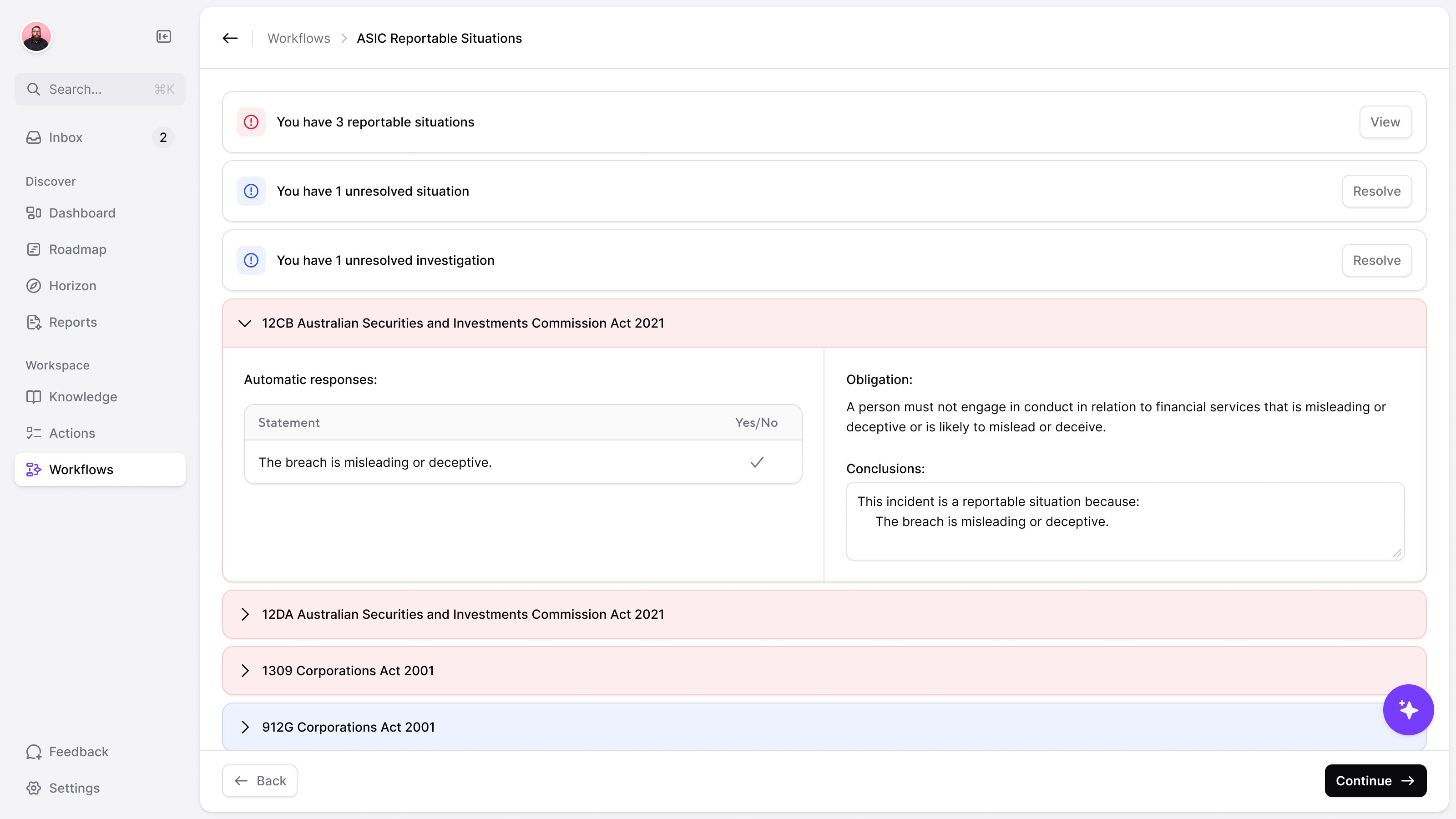
the consultation does not leave a stored incident report
Customers stopped wanting the lawyer in the loop
Midway through 2025 Jules opened a call with a change of direction. Lawyers had sat between the scanner and the client because the models hadn't been good enough to trust alone. Increasingly, customers didn't care. What they wanted, he said, was something like Perplexity for their own regulation: see the sources, set what comes through, get the data out in their own shape. They wanted to inspect the sources and filters themselves.
A law firm wanted every new decision from an international patent court, with a weekly digest. A global bank wanted each update tagged against its own topics and rated on its own impact scale.
My first question was where any of that would live. The feed was one queue; you couldn't save a search, let alone several. If a bank had several topics and a firm had several courts, was that one feed or many? Monitors started there.
Graceview then had a model tag every source against a new taxonomy of areas and sub-areas of law. You browse the areas you care about and follow sources the way you'd follow accounts.
Later that year Jules wanted the product reshaped around monitors. He took a week to skeleton it; we took two to mock it up from the components we already had.
Monitors were the last thing we designed with Jules, through January 2026: several per workspace, one for each area or country a team watches, replacing the single queue. To do, draft, done and trash became unread, read and hidden, as in a feed reader.
Filtered out should still be recoverable
Hidden holds whatever a keyword filter, an AI filter or a person ruled out. It has no unread count, because the count would never stop growing, and no search, because anything that costs money to run is switched off in there. Bring something back and it returns as unread, so it can't get lost twice. When Jules asked whether the missing controls should show disabled or go entirely, I took them out. The filter stayed in place, so removing the other controls would not leave an empty toolbar or make the table jump around.
restore a hidden item as unread, so someone still has to see it
Each team gets its own definition of important
Custom columns are where the bank's request ended up. You define a column, a type and an instruction, and the AI fills it in for every item, with a bounded backfill of recent items. Filtering those columns lets a team make "high impact, my topics" a saved view. We worked through how that selection should feed scheduled digests. For the pre-filter that decides what comes through at all, we planned a score out of 100 instead of a yes or no, so each team could pick its own threshold.
the same source can matter for different reasons to two different teams
Graceview became part of Legora
In May 2026 Legora acquired Graceview to bring regulatory horizon scanning into its platform, monitoring tens of thousands of official sources across more than 100 jurisdictions. In June Legora launched it as Monitors.
Congratulations to Jules and the Graceview team. We wrote a few words about the acquisition.

"NBS feels like working with an elite in-house design team. Our workshops take us from sketchpad ideas to developer-ready designs in days, helping us to ship faster and continuously refine our product. Our ROI from partnering with NBS has been enormous."
More from Graceview