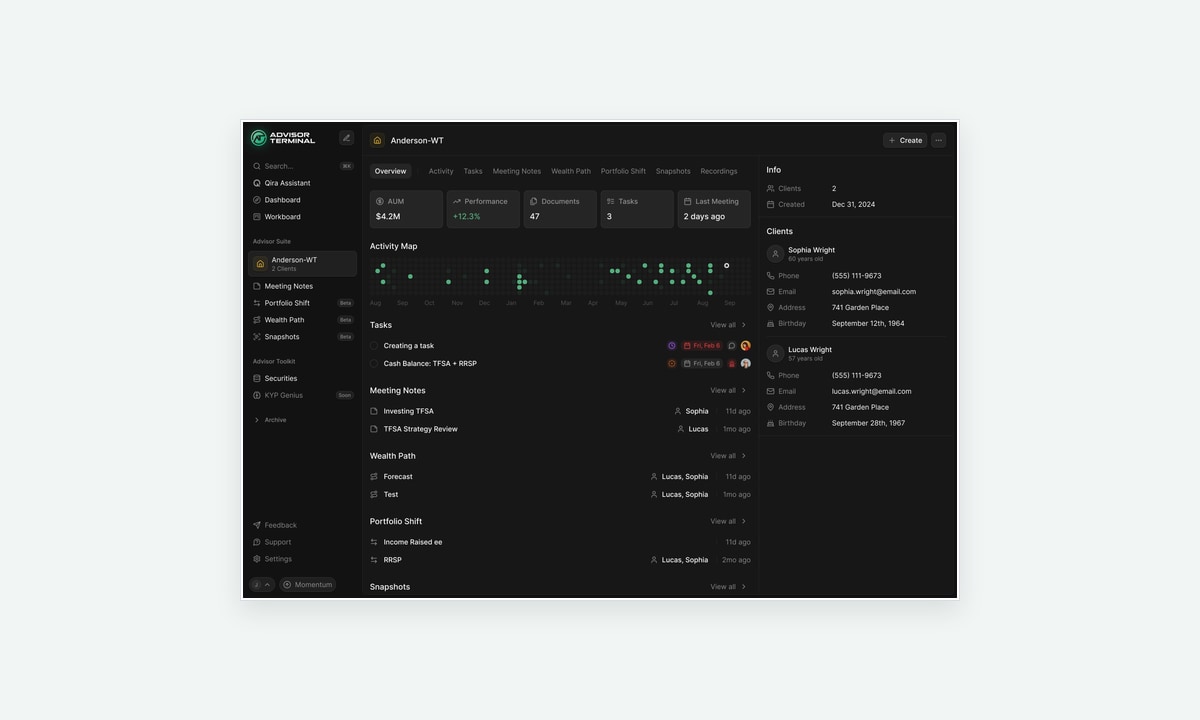
Advisor Terminal is a workspace for financial advisors to manage their client relationships and the work around them. Meeting notes, follow-up tasks and planning documents all refer back to people. Those people can also belong to a household, a company or a trust.
We worked with Lucas and his team in the summer of 2025, starting with interface concepts and a design system, then developing the household navigation and surrounding workflows. Prakash Ghodke designed the screens, with me directing and reviewing the work. Lucas brought the product direction and a detailed view of how advisors needed to move through it.
The difficult part was keeping the advisor oriented. A meeting note could belong to a group with several participants. A task might concern one person. The interface had to show that context while giving the advisor room to work on the record itself.
Choose the household once, then work within it
Lucas wanted the tools in the Advisor Suite to be scoped to the selected household. That meant choosing a household affected more than one dashboard. It determined the context for the meeting notes, portfolio work and planning documents beneath it.
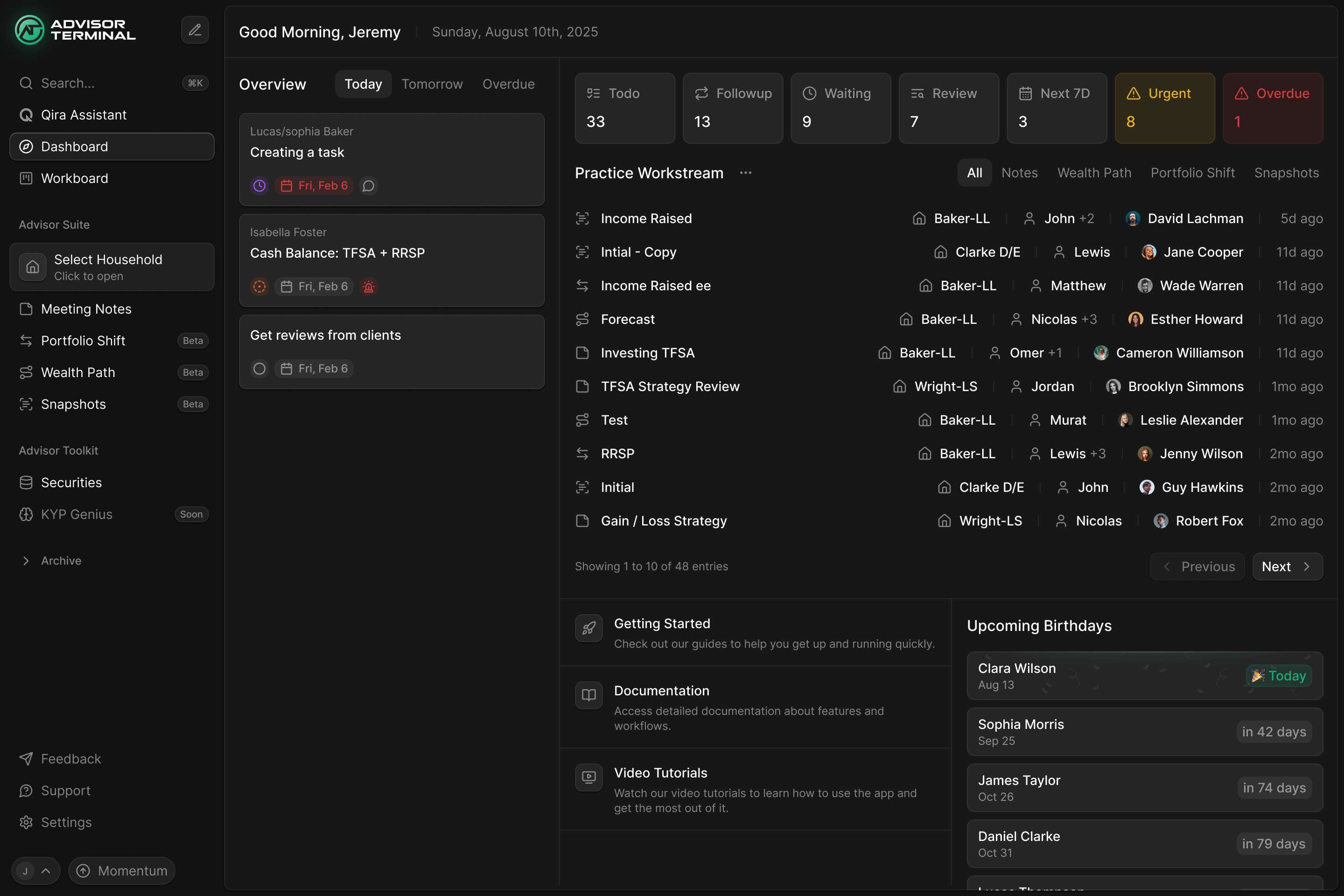
We developed a household component in the sidebar. In the selected state it names the household and shows its client count. The related tools sit directly underneath it, so the scope stays visible as somebody moves between them.
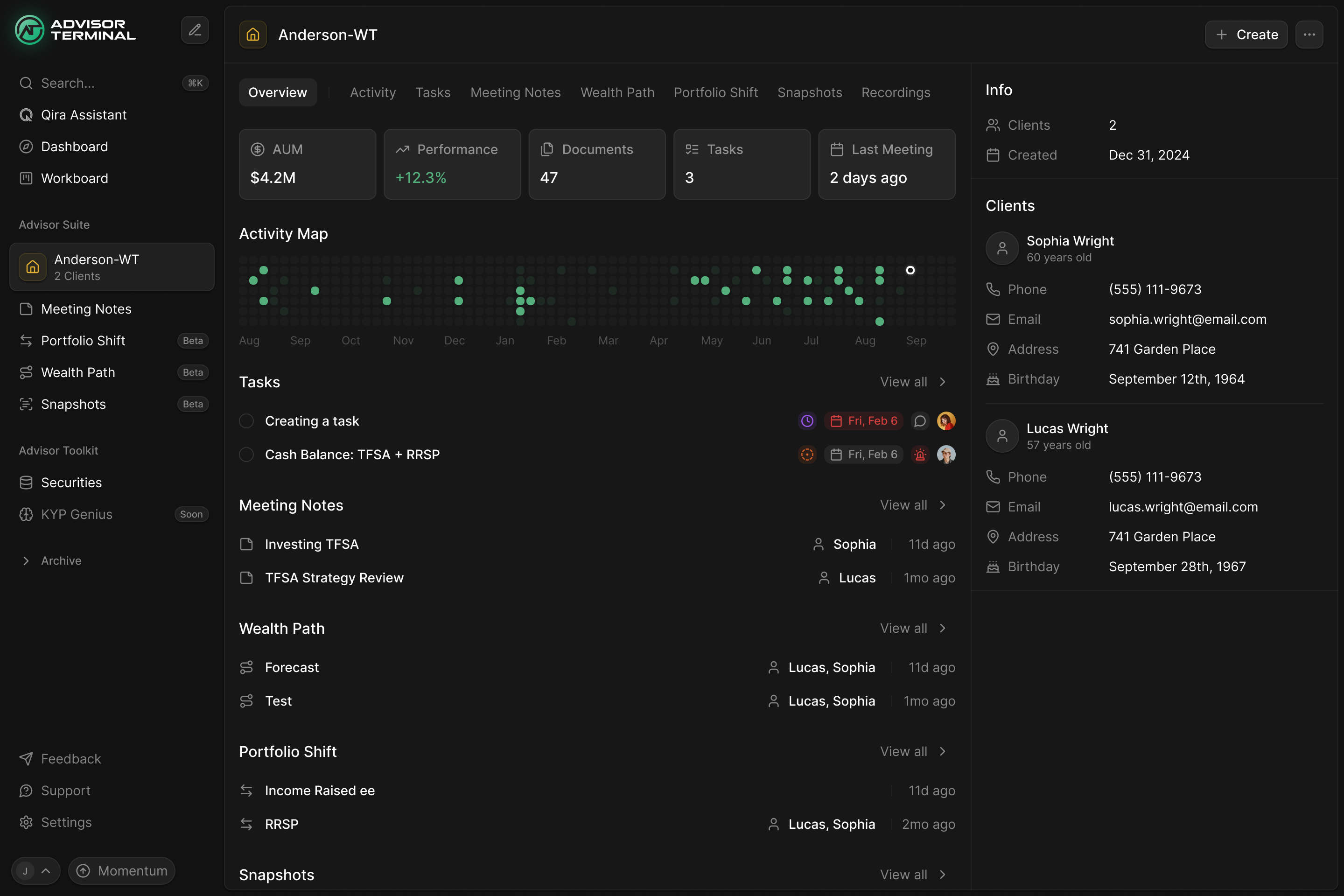
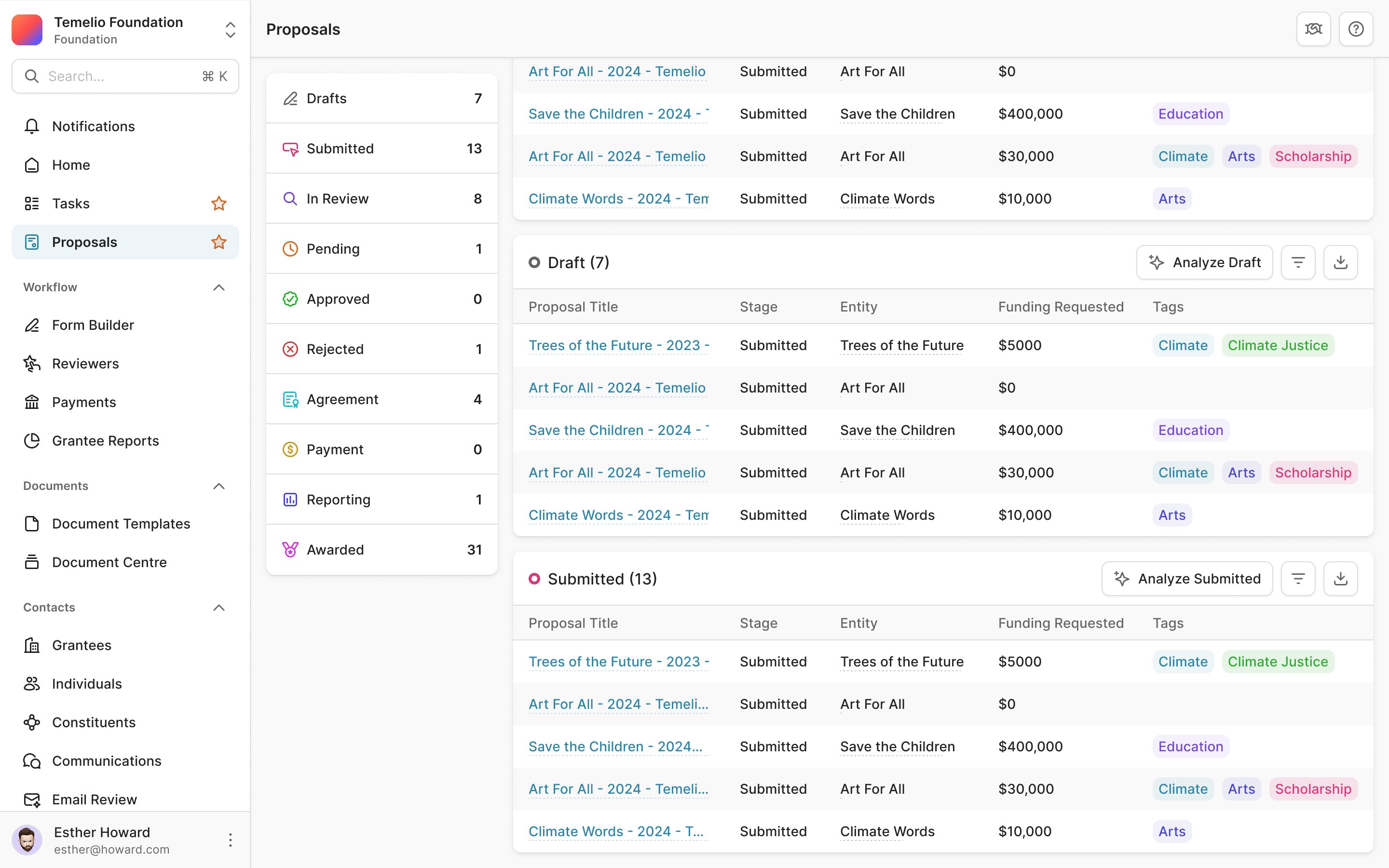
The household page brings the related work together: tasks, notes and planning documents have their own sections, alongside the people involved. An advisor can use that overview to find the recent work, then open the relevant document. They don't have to turn each module into a separate client directory.
That last point was part of Lucas's direction. With the household component taking on the directory role, he said a separate master Clients page could come out of the flow. Creating and importing households still needed a home, but the everyday route into client work could use the same component as household switching.
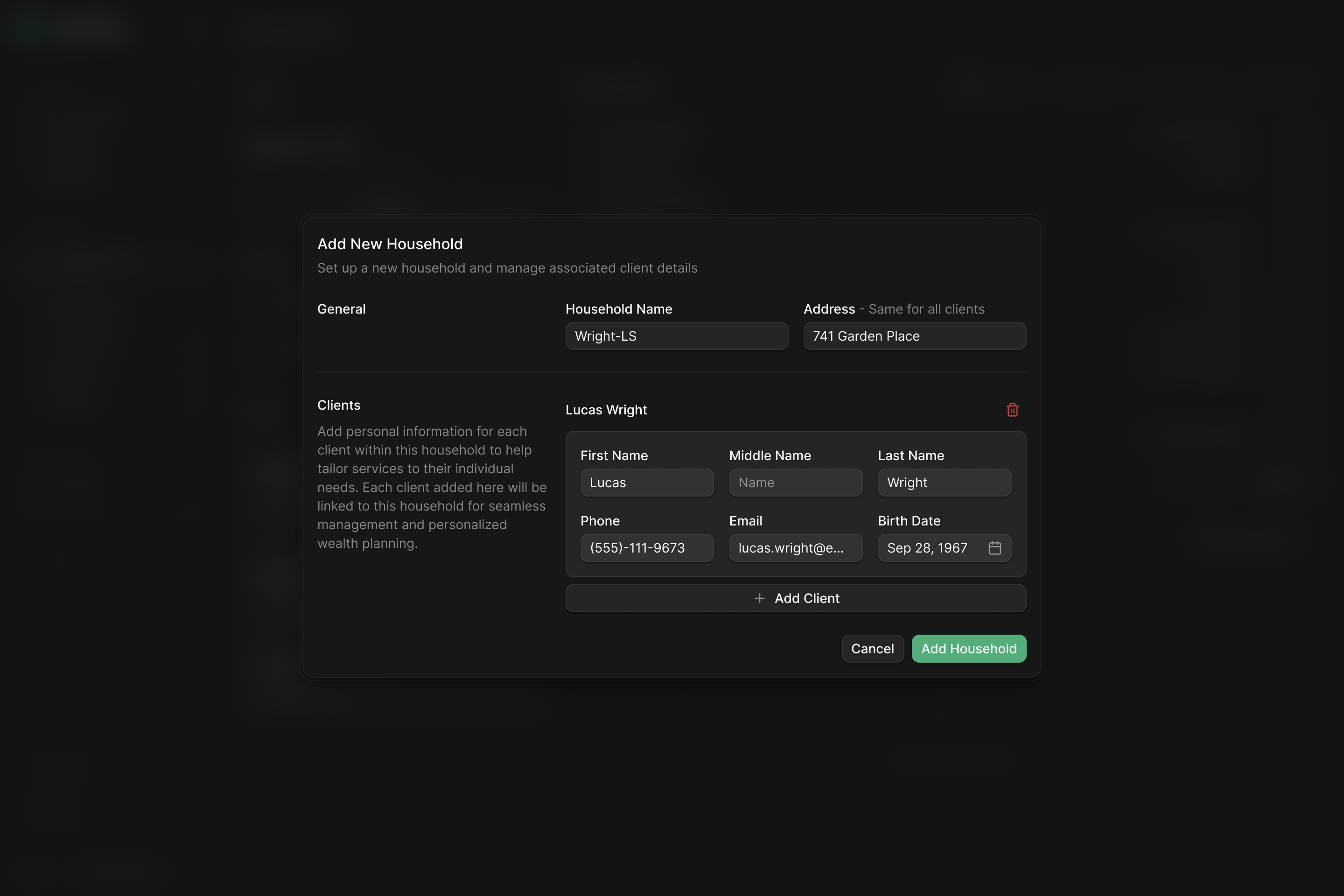
the household selection carries through the workspace
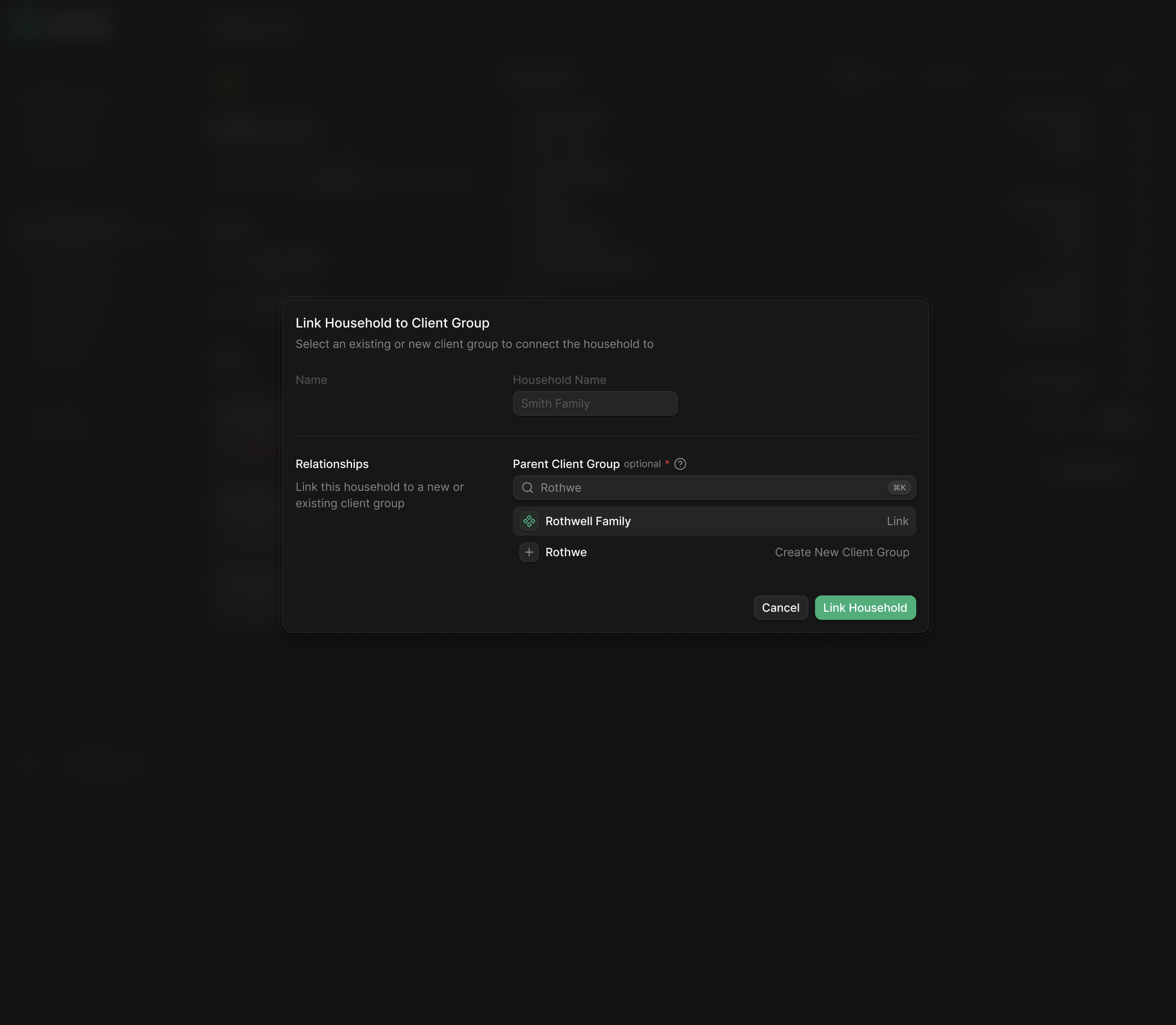
Keep switching connected to search
A household selector can look like an ordinary workspace dropdown. Lucas wanted the interaction to open the command panel, because the panel also needed to find documents and support other actions. Labelling the whole thing Select household would narrow what people expected it to do.
I worked through household switching and search together. The command panel can show household results, their associated people and an action to add a household. Categories across the top give the same interface a way into other kinds of record.
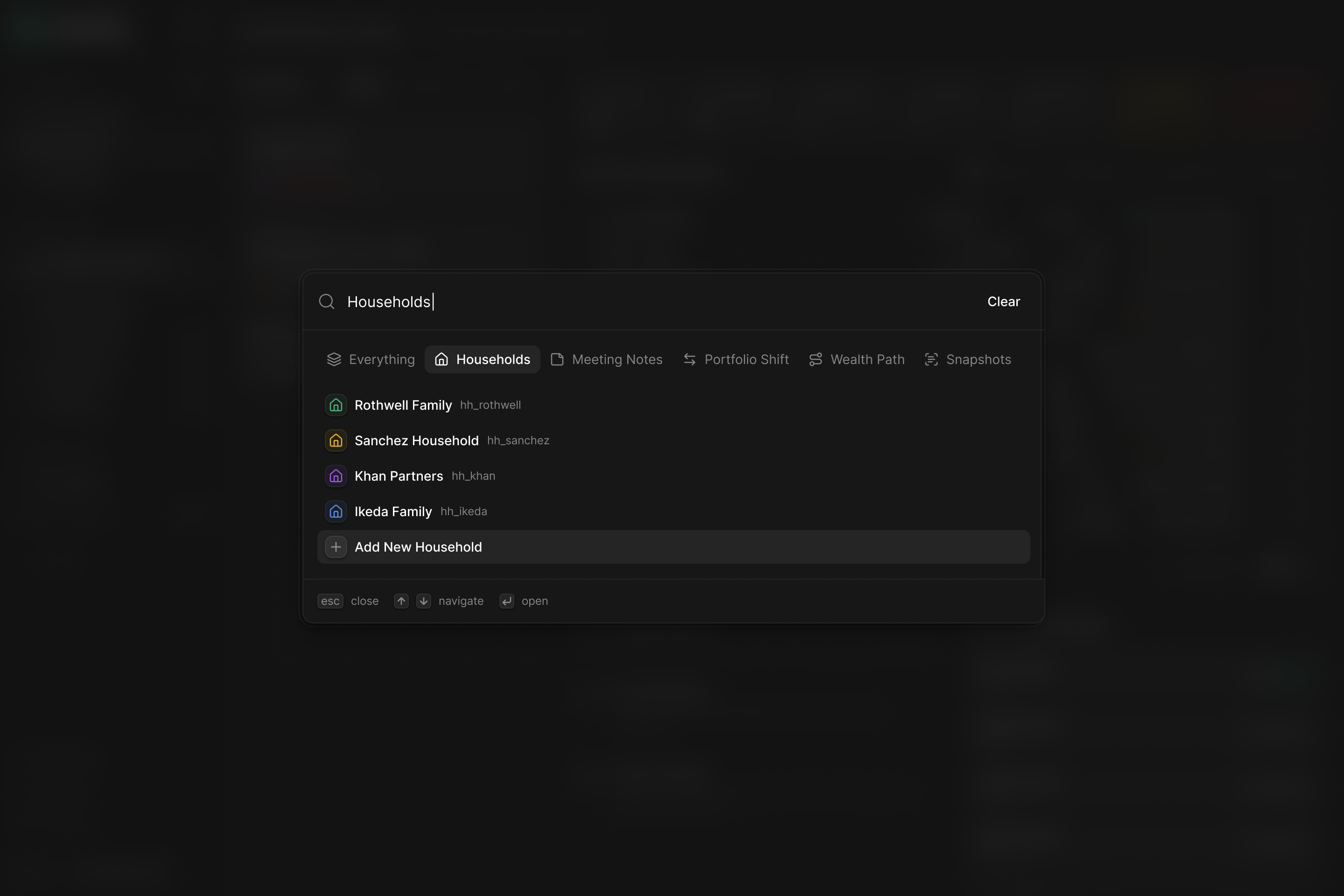
We kept a command entry point even when a household wasn't selected. Lucas had pointed out that the logo state still needed something clickable, and that the command panel's future role extended beyond households. Switching context and searching for a record could share an interaction without making one dependent on already being inside the other.
Open the note, keep the other notes close
Lucas also questioned the extra screens between opening a module and doing useful work. His navigation notes asked for the most recent meeting note to load immediately. That removed an intermediate page and changed how the document should behave: it was the main view of the module, rather than a temporary object to close.
I distilled that direction into the design work: refine the household selection and remove the empty landing states on object pages. For meeting notes, the layout gives the document the main area, keeps the other notes in a narrow list beside it and places metadata in a separate panel.
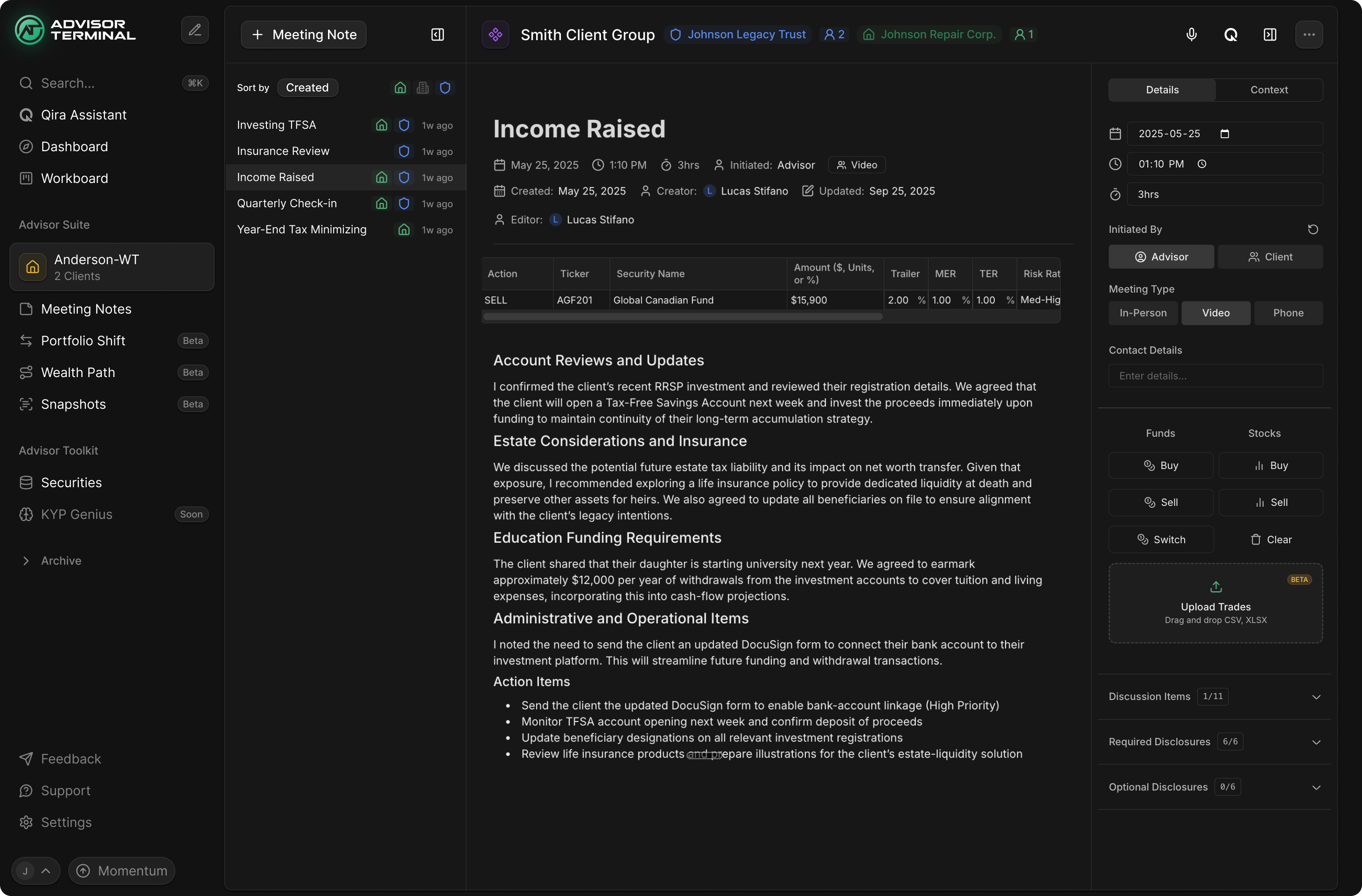
The header identifies the client group and the entities involved. The document contains the account of the meeting and its action items. Date, duration and meeting type sit alongside it. Those are different kinds of information, and separating them lets the advisor read or write the note while checking its context.
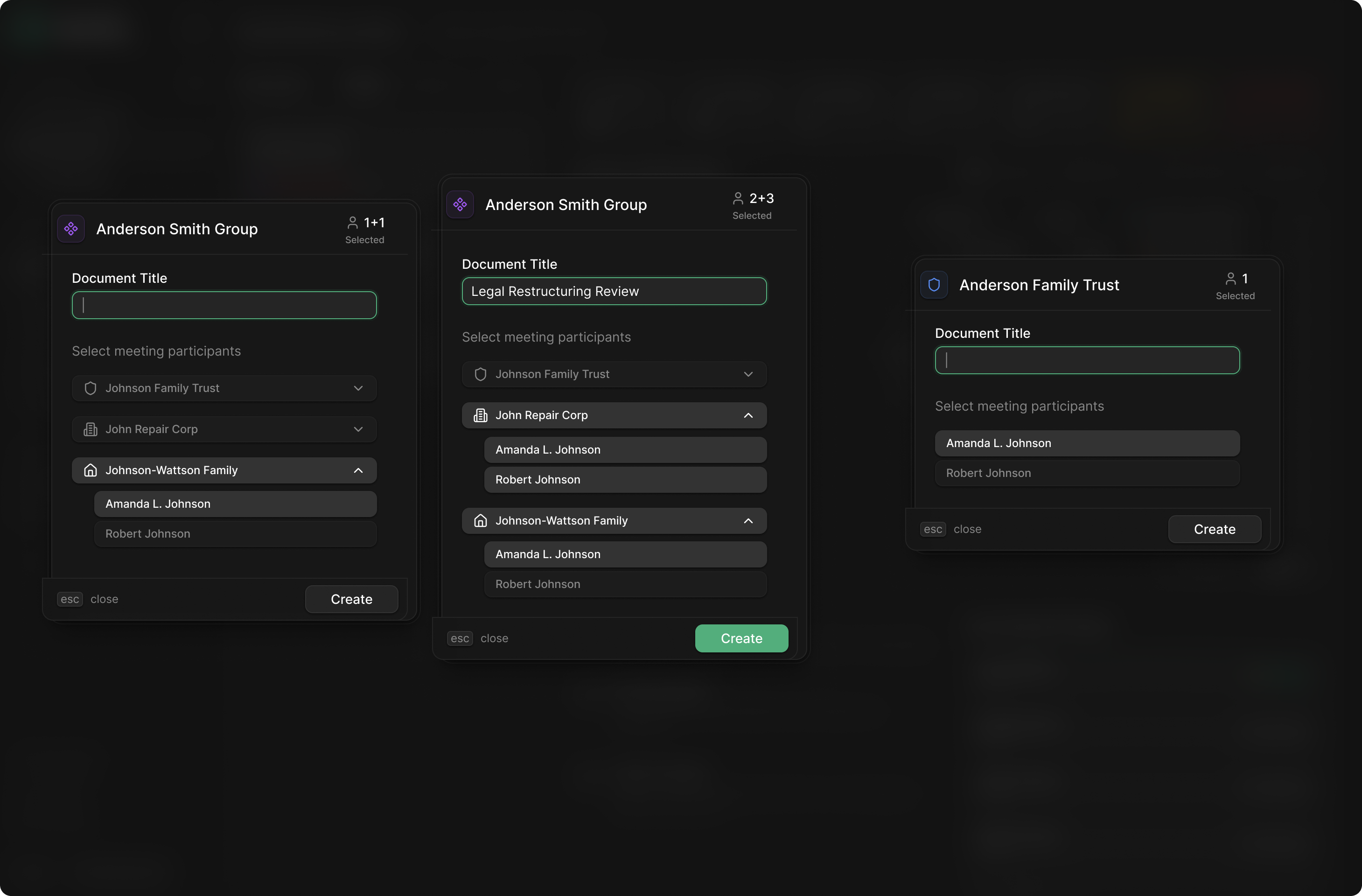
Creating a note also has to account for who participated. Our creation designs show people within their family, company or trust, with selection counts and a title field. The advisor can connect the new document to particular participants rather than treating the household name as a substitute for everyone involved.
Give an assistant the same task records as the workspace
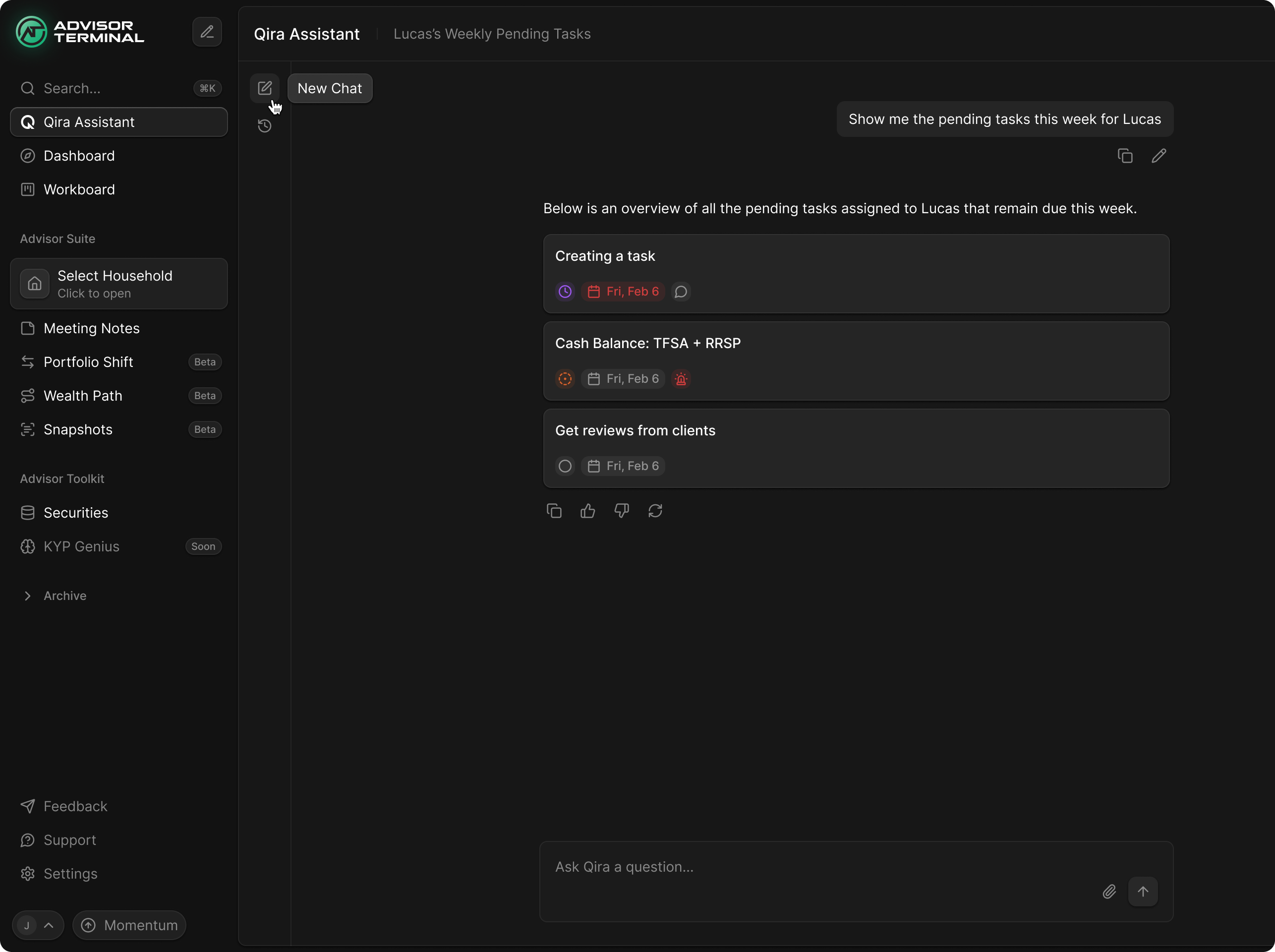
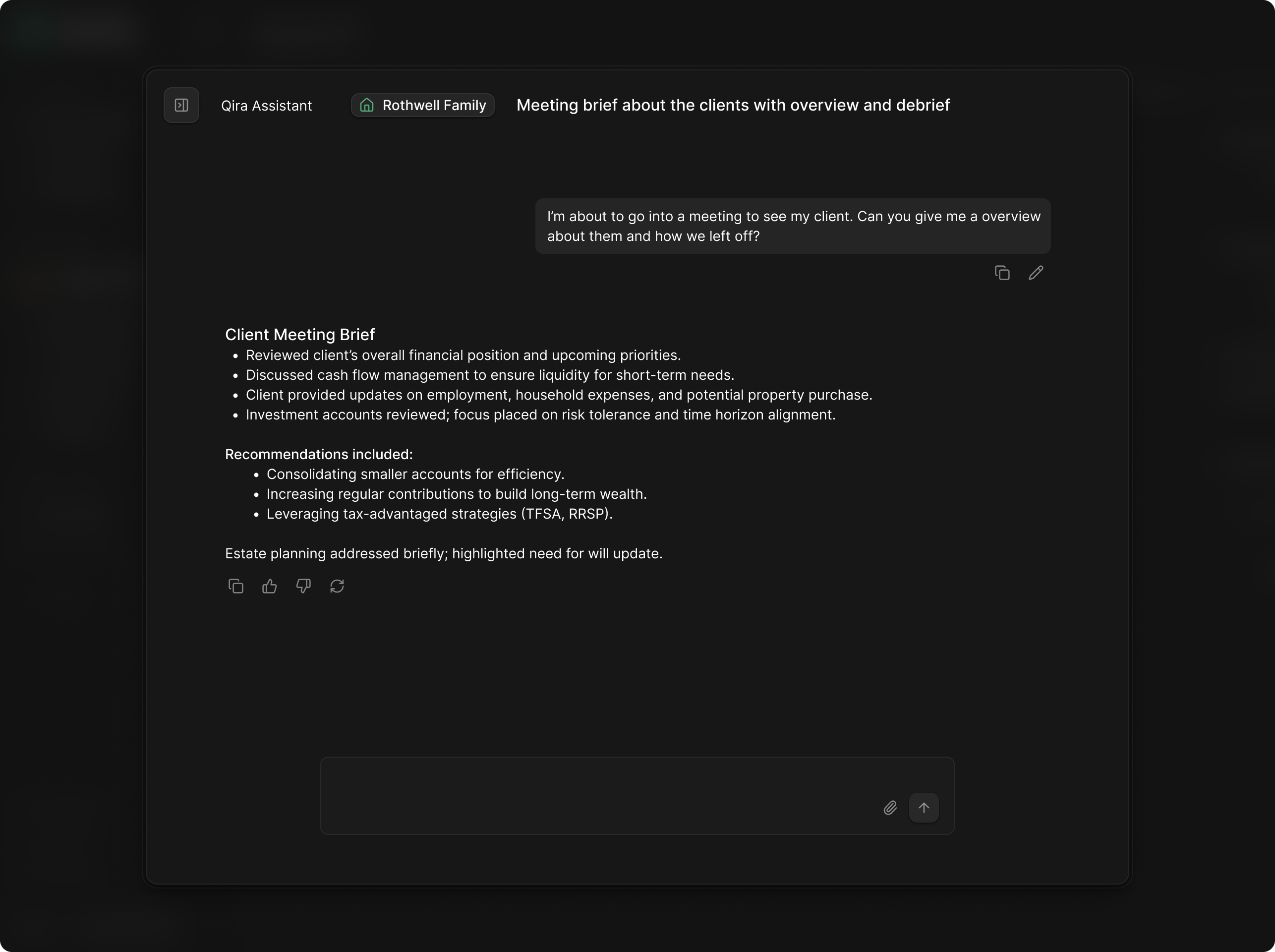
We explored Qira, Advisor Terminal's AI assistant, alongside the household work. The concept needed a way to answer a question about work already in the product. Our design shows a request for the week's pending tasks returning task cards in the conversation.
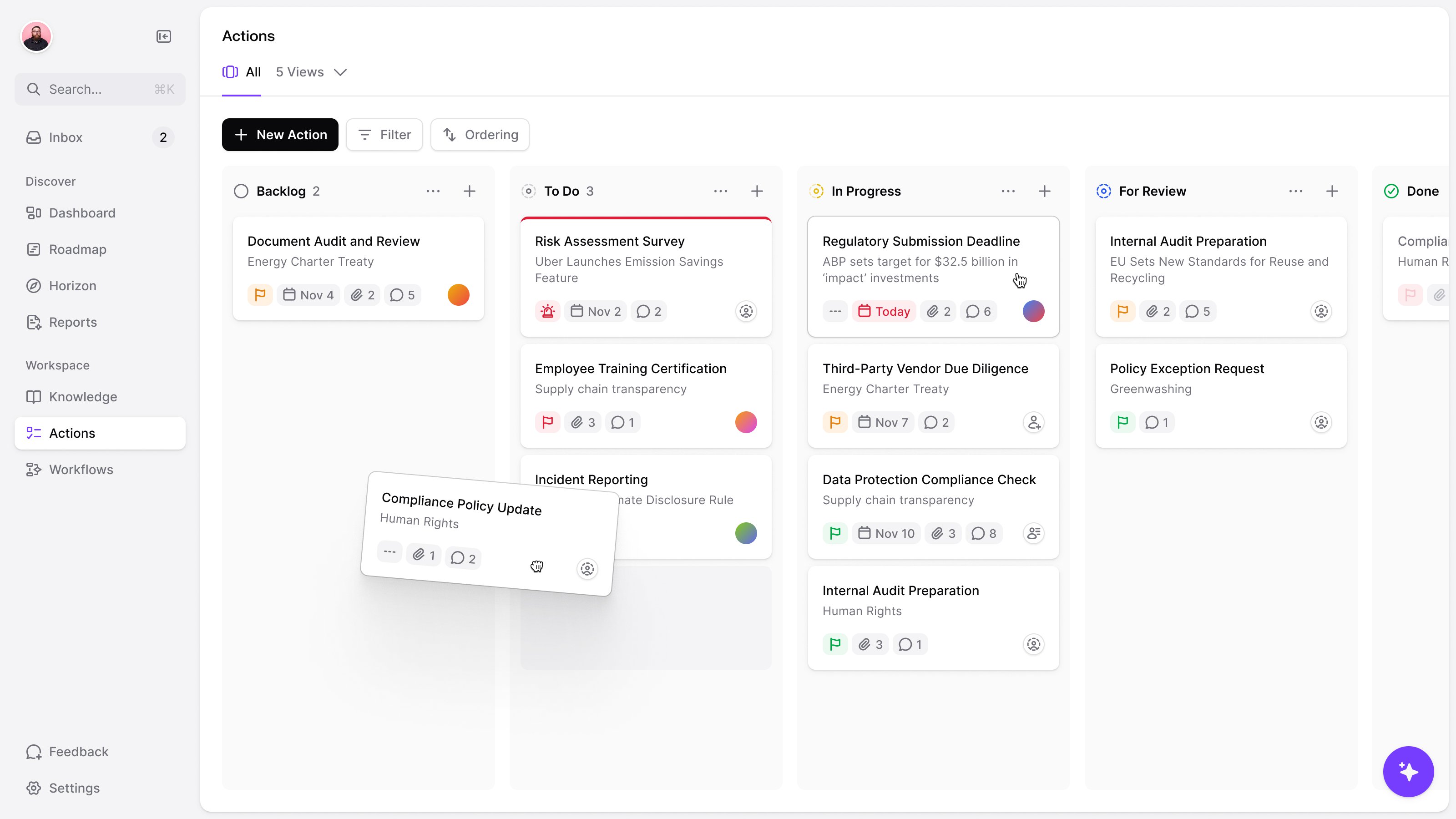
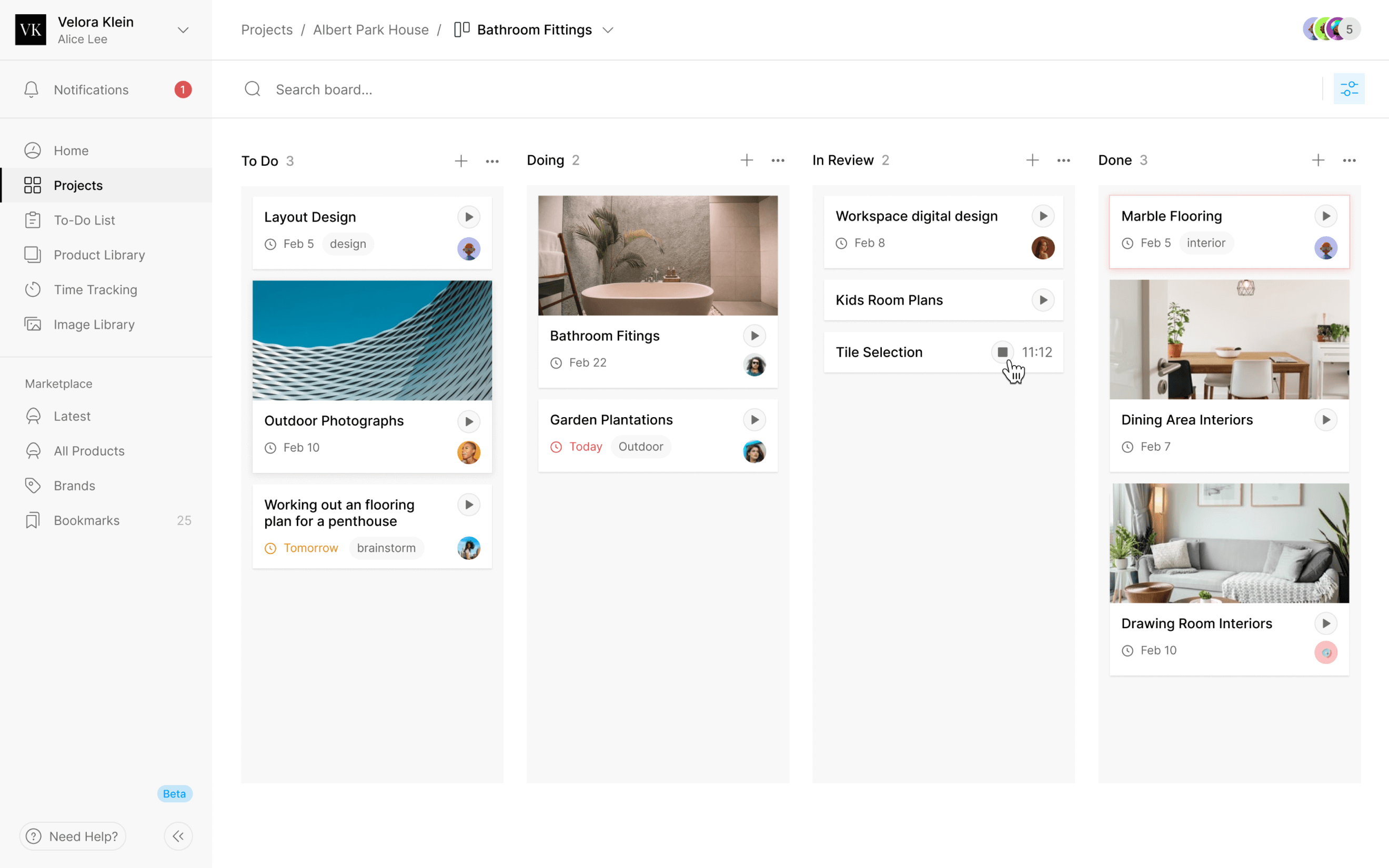
The cards retain their dates and status indicators. The response can explain what it found while the records themselves remain recognisable. The Workboard gives those tasks a different view, organised into stages such as Todo, Followup and Waiting for Client.
We handed over the household views, navigation and Qira explorations in Figma for the team's next round of product work.
More from Advisor Terminal