Overjet builds software for the dental industry. Our work with its team focused on credentialing: collecting a provider's information, verifying their professional credentials and taking an application through review. A single application can contain several state licenses, insurance documents, missing fields and decisions made by different people.
We worked with Overjet across 2024 and 2025. Our designer Prakash Ghodke developed the screens, with me directing and reviewing the work. Overjet supplied the product requirements and domain expertise. Its team, including Ethan Kalm and later Ruben Rohde, worked closely with us on the details.
The challenge was keeping the work readable at two very different scales. Staff needed to scan a queue of applications, then investigate one license closely enough to make a decision. A useful summary had to lead back to the evidence behind it.
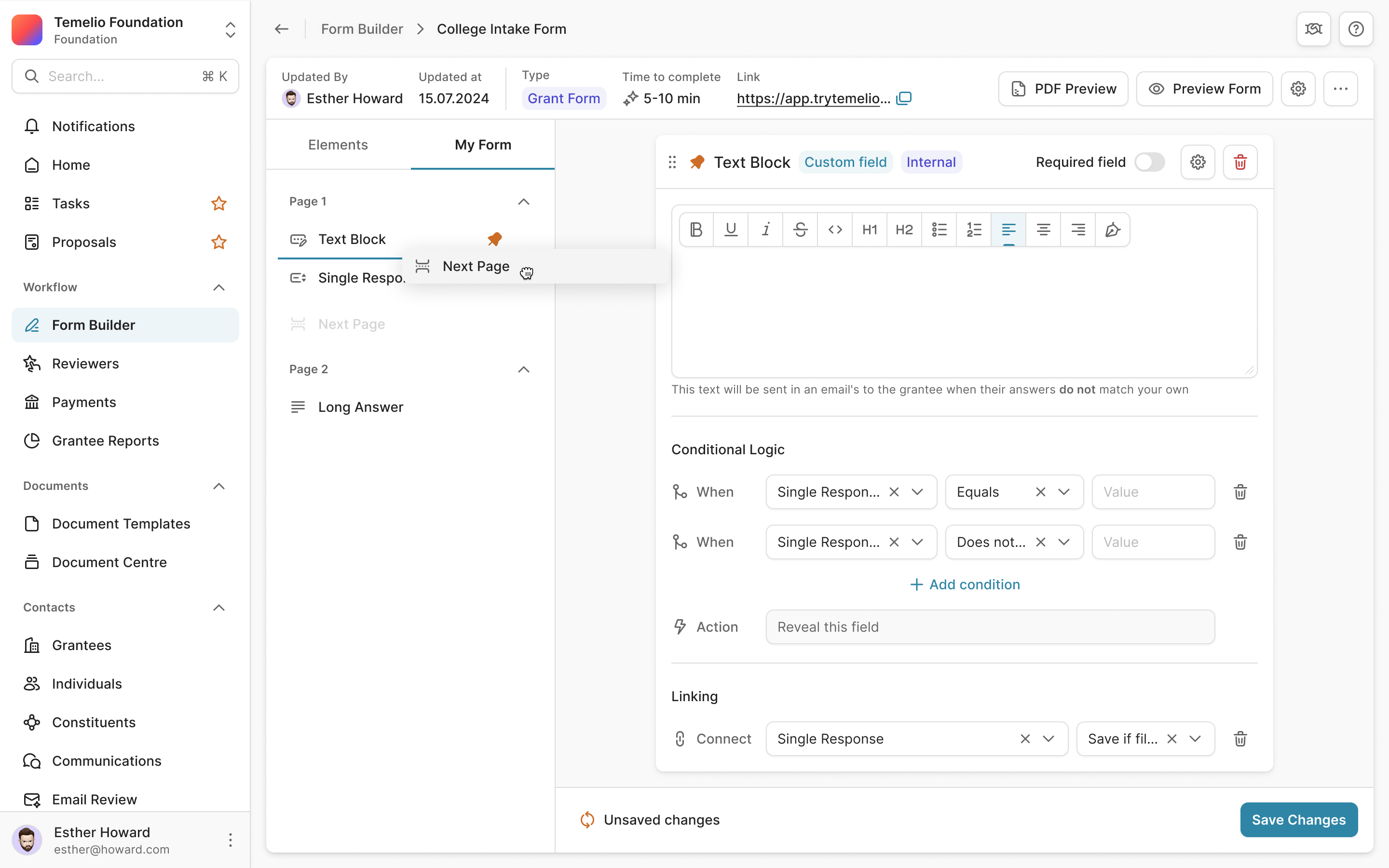
Show what still needs checking
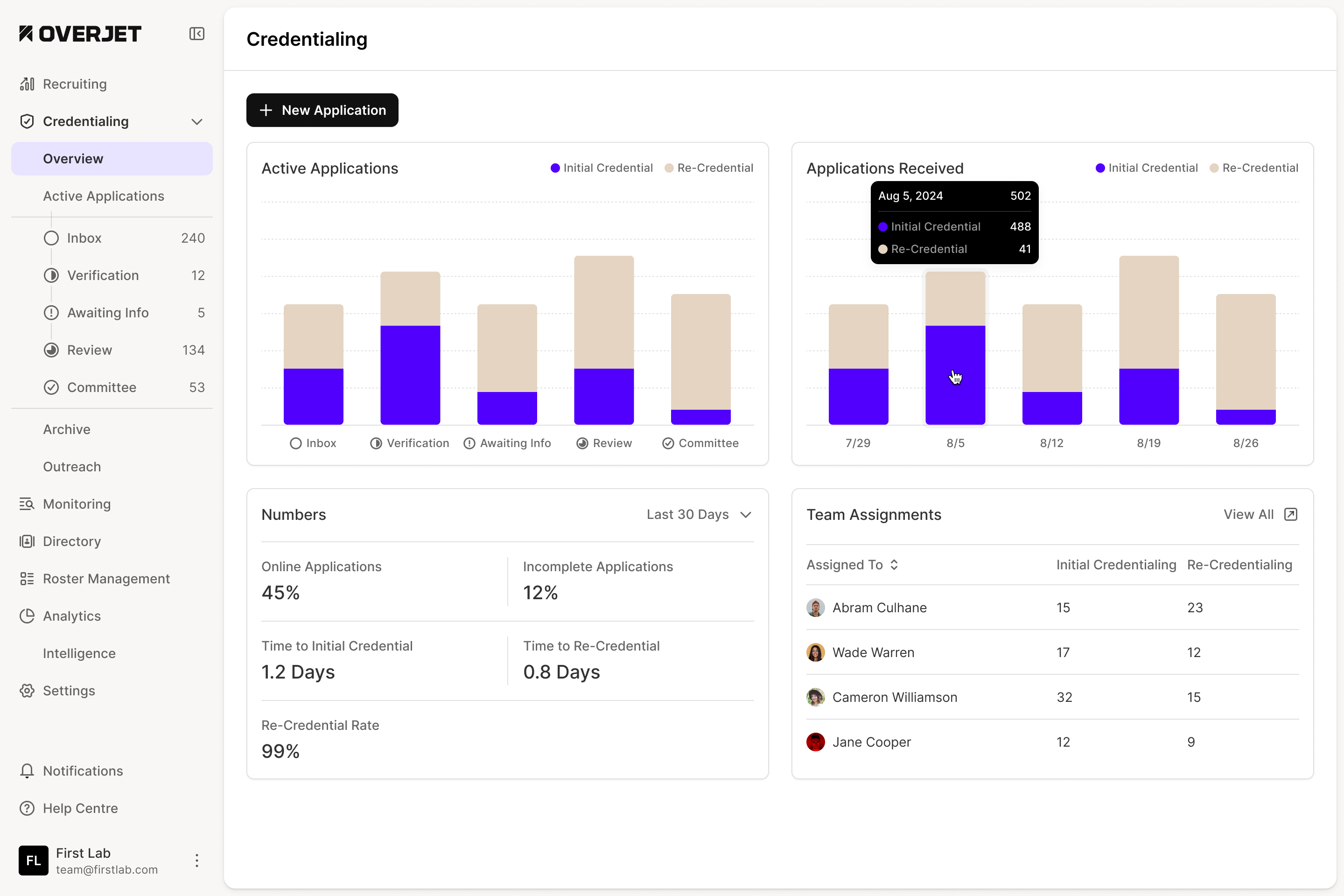
Consider the application below. One insurance check has a problem, several checks are waiting, and a state license has already been verified. The application is also missing information. Compressing all of that into a single completion label would leave the reviewer opening every section to find out what to do.
We put a checklist beside the application details. Each check has its own state, and can expose a more specific issue beneath it. A missing expiry date stays attached to the license it belongs to; an expired insurance policy appears beneath its insurance check. The reviewer can scan the list, pick a problem and work through its details without losing the rest of the application.
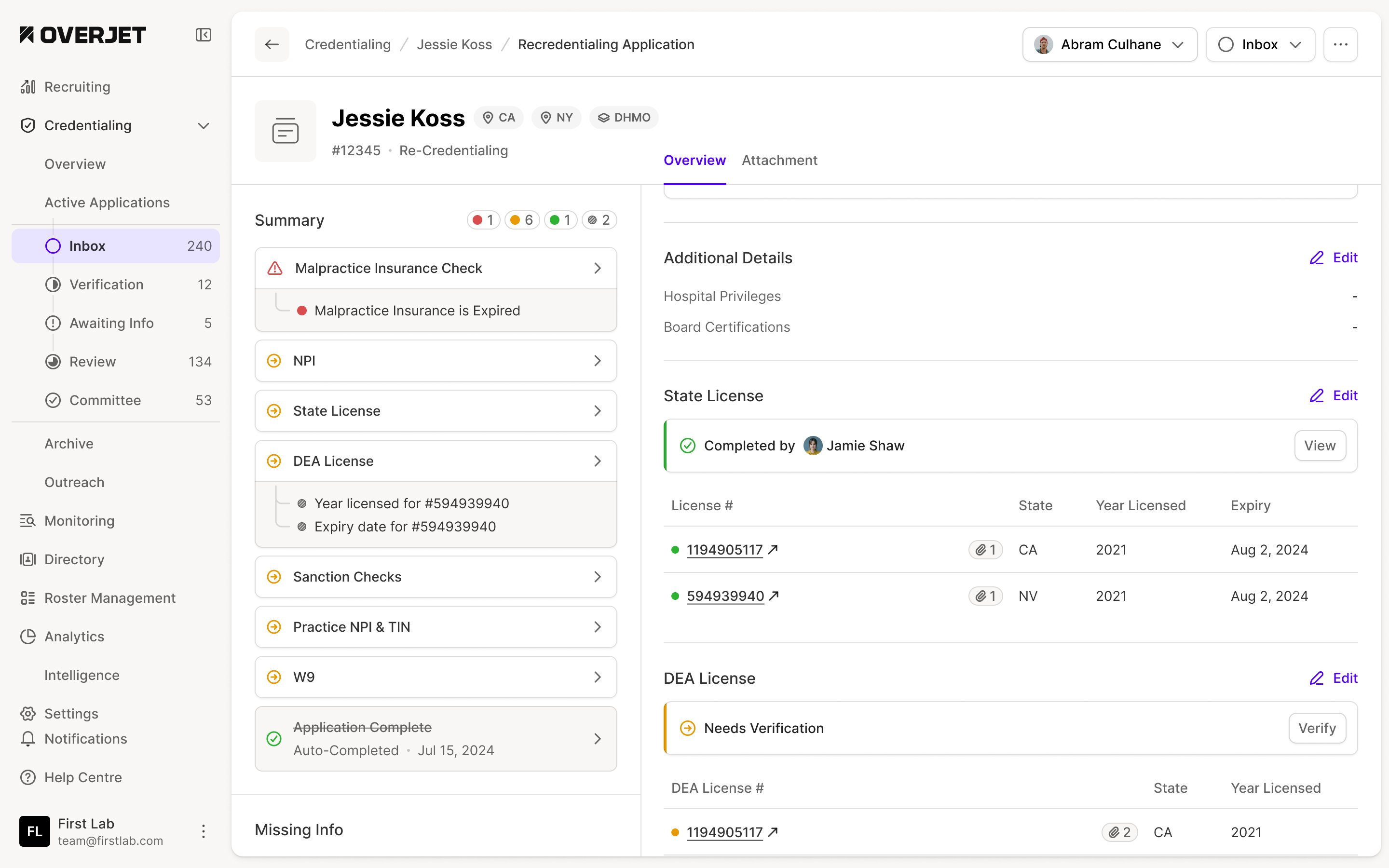
This also meant distinguishing the information someone supplied from the work of verifying it. The license table holds the license number, state and expiry. Above it, a completion record shows that the check was carried out and who did it. Another section can still need verification even when its fields have been filled in.
Ethan raised missing information explicitly during review. The design needed to expose the gaps while preserving the rest of the record, rather than treating an incomplete application as an empty one.
Keep the documents connected to the record
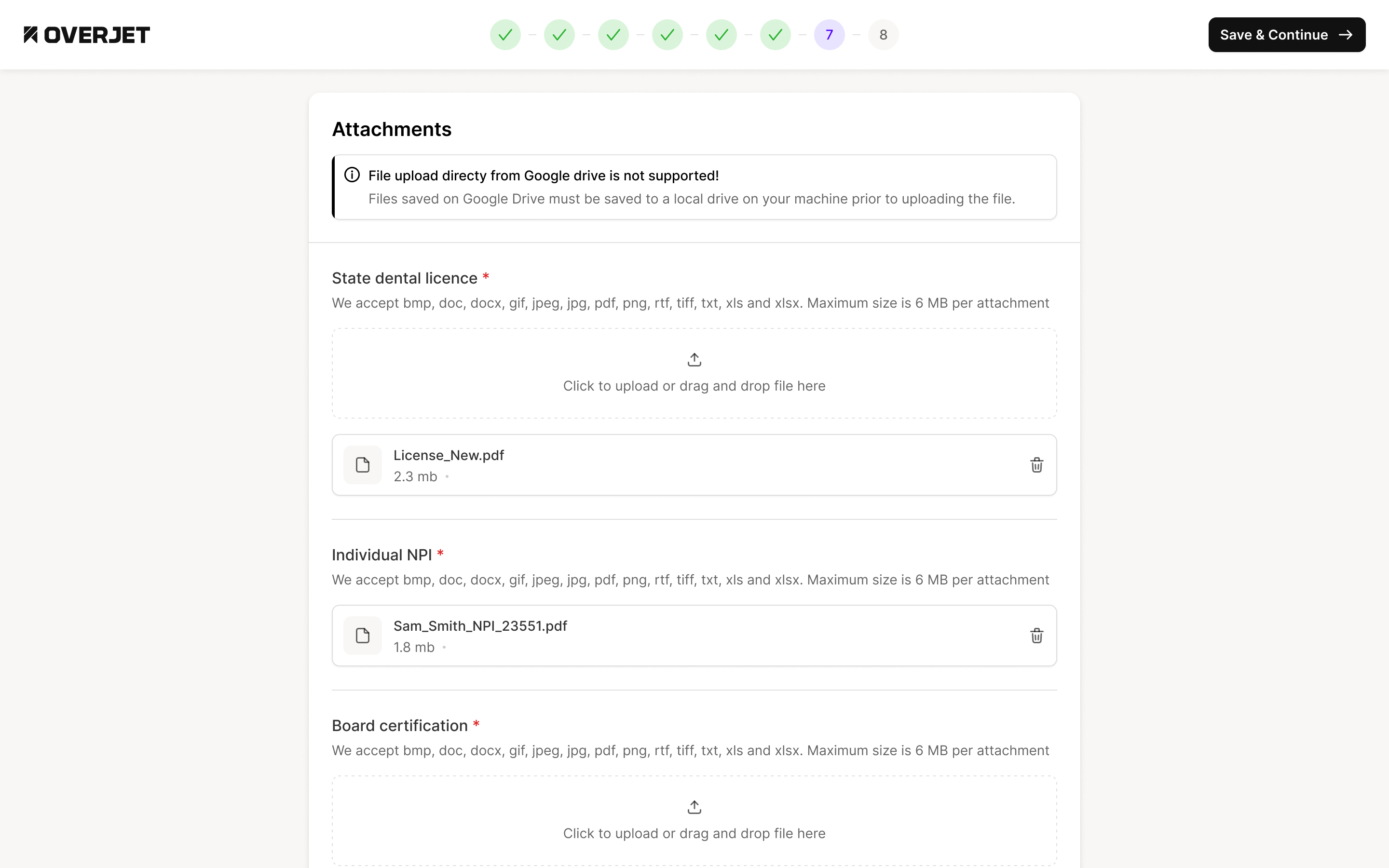
Licenses and their supporting files needed to stay connected through editing and review. One provider can have more than one license, and one license can have more than one attachment. A general pile of uploaded files would make the reviewer work out those relationships again.
We kept uploads inside the license editor, beneath the fields they supported. The design accounts for an upload in progress and one that has failed, with a retry action on the failed file. Someone can see which document belongs to which license while making the correction.
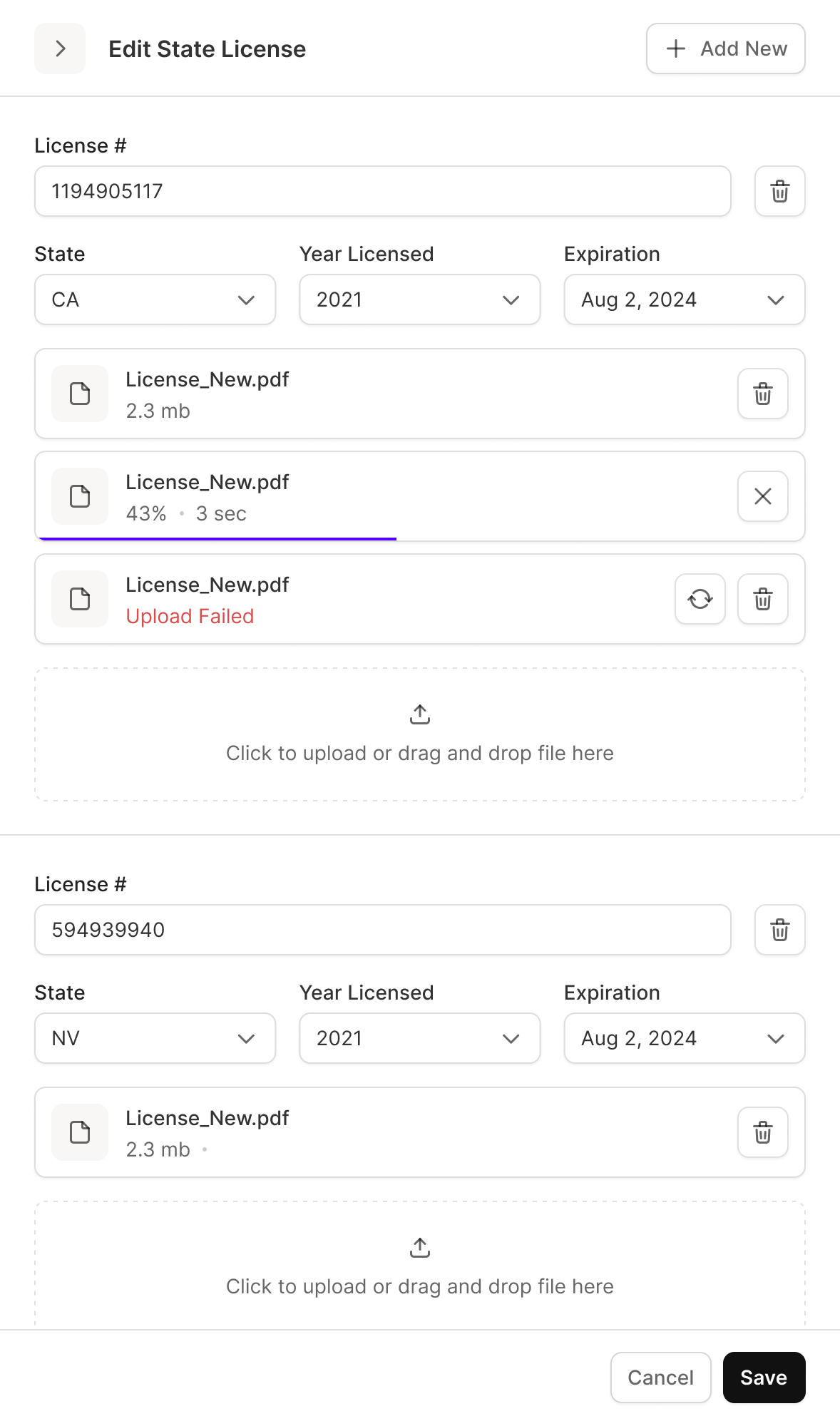
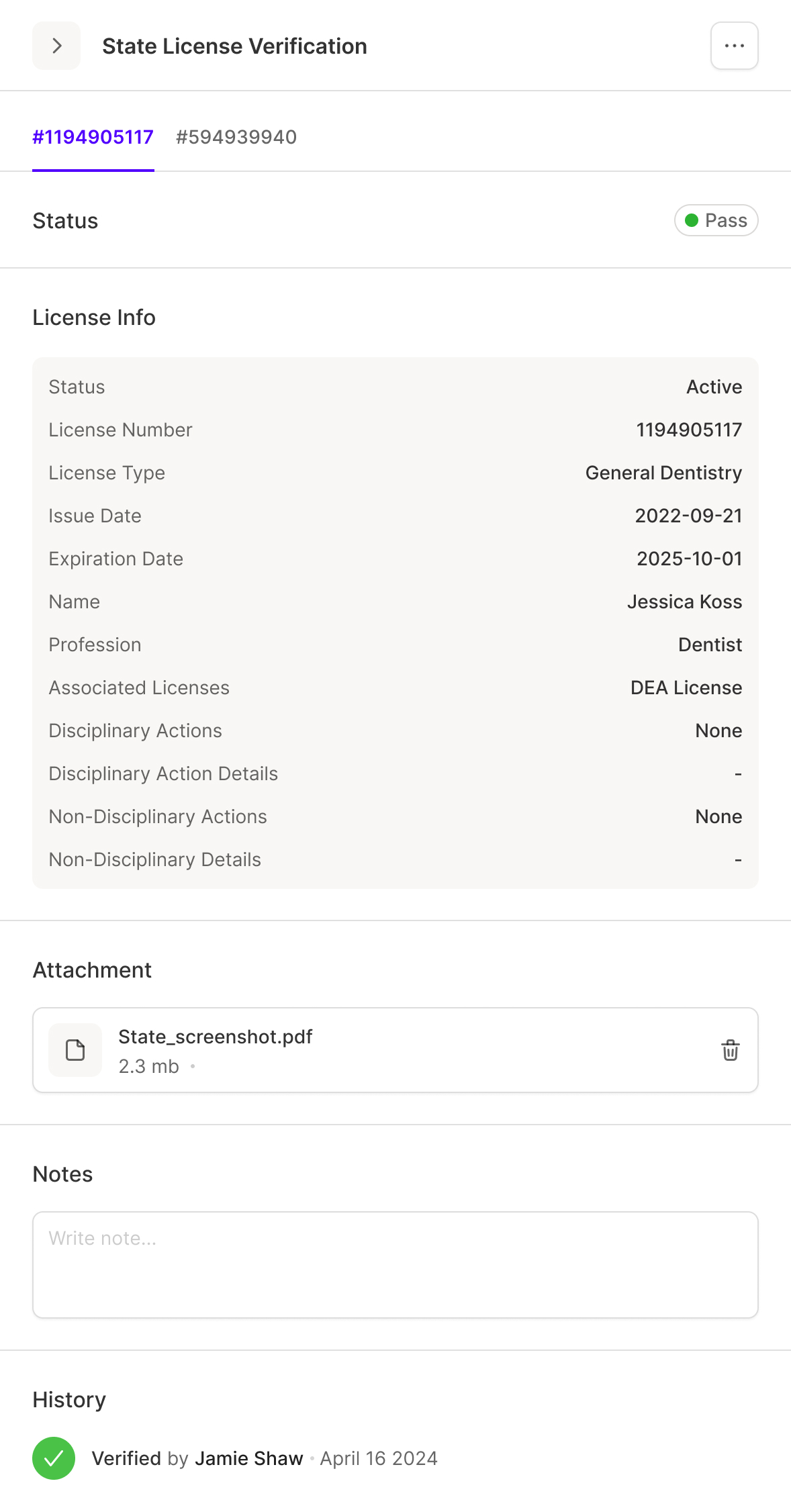
the license, its evidence and its verification stay together
I later asked for attachments to have an explicit column in the license rows. The files were important enough to be visible while scanning the table. Reviewers shouldn't have to open a record just to discover whether supporting material exists.
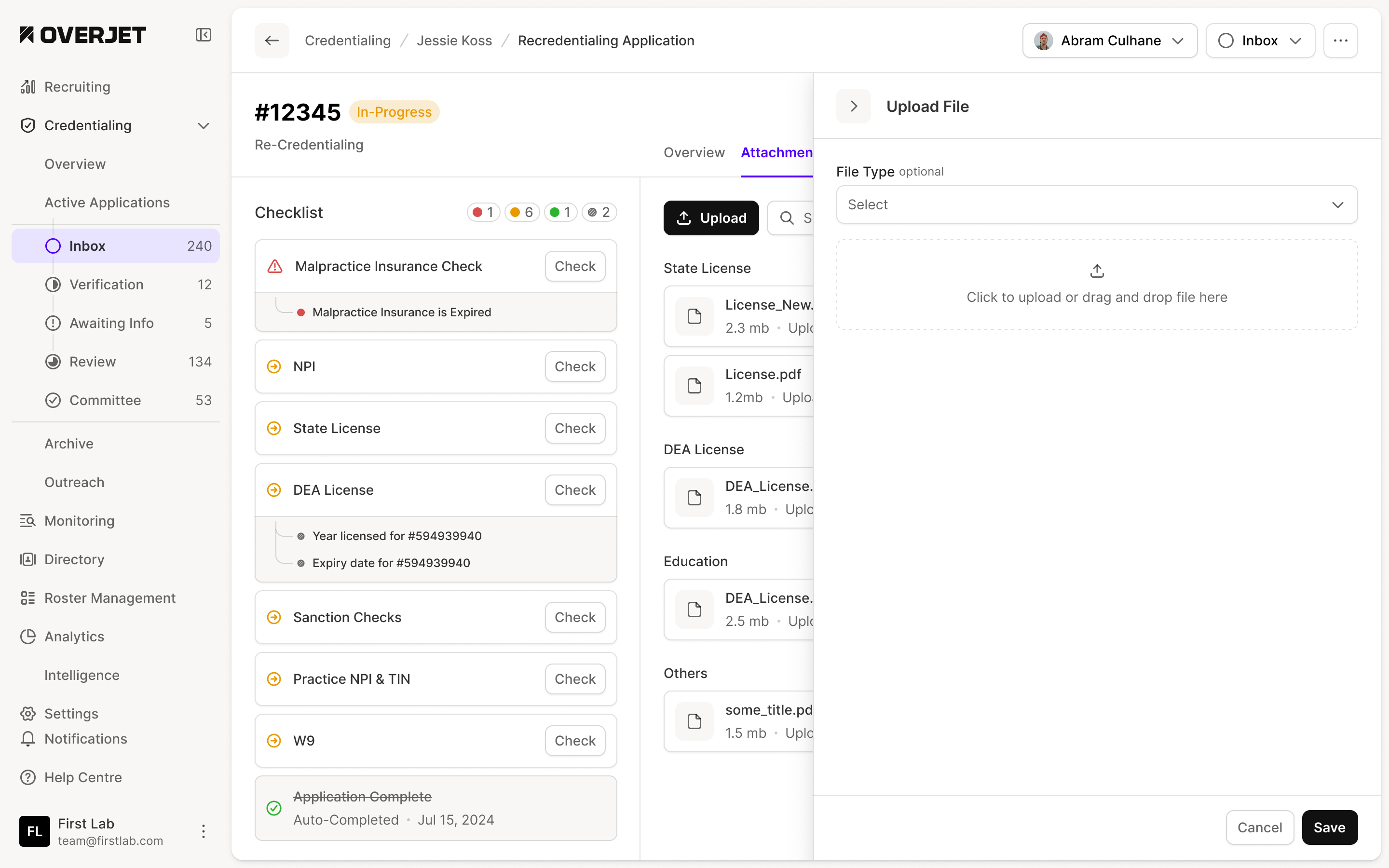
The same relationship appears in the application-level attachment view. Files are grouped by the check they support. The upload drawer asks for a file type, so adding a document includes placing it in the right part of the record.
Ask for the gaps without asking for everything again
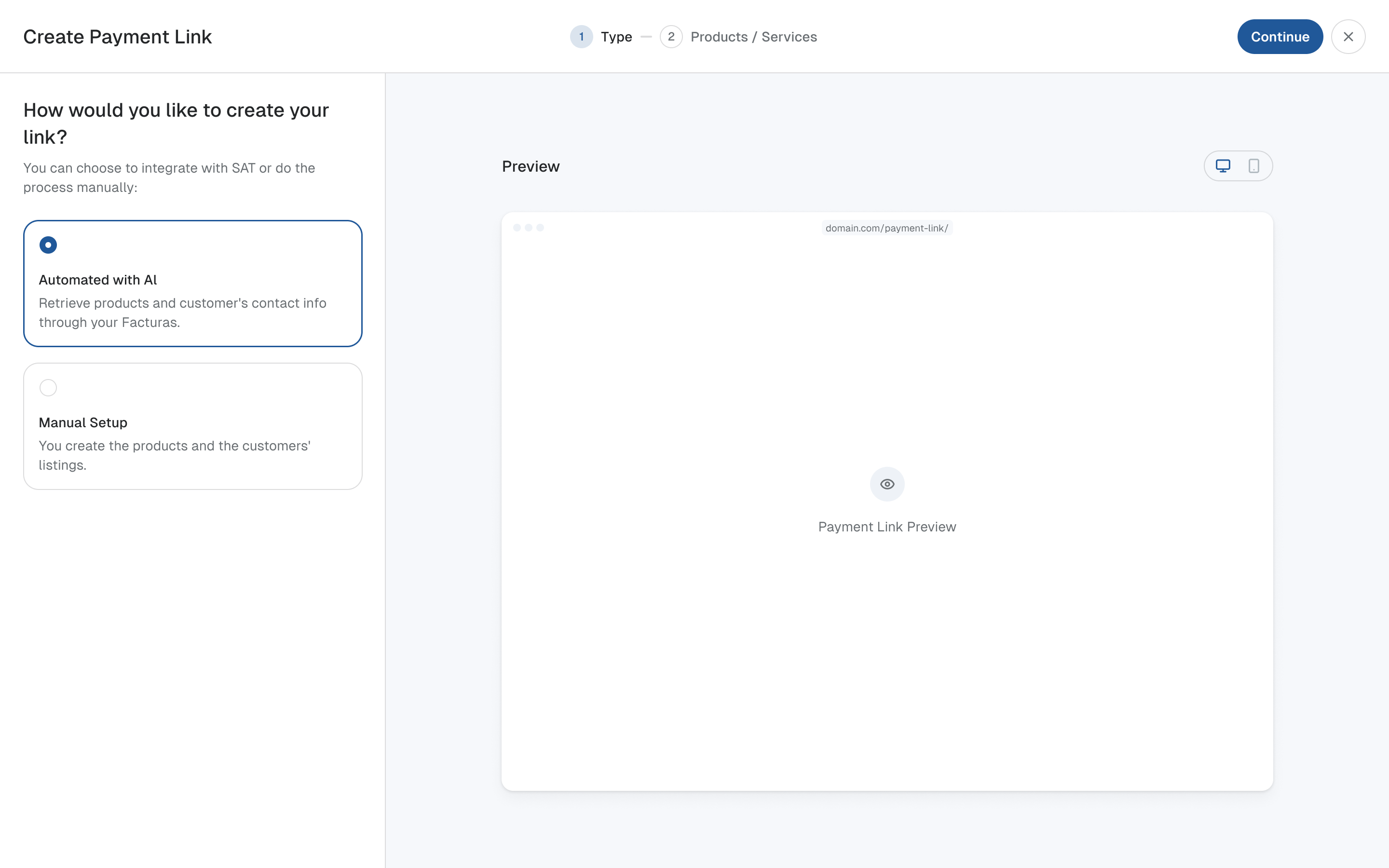
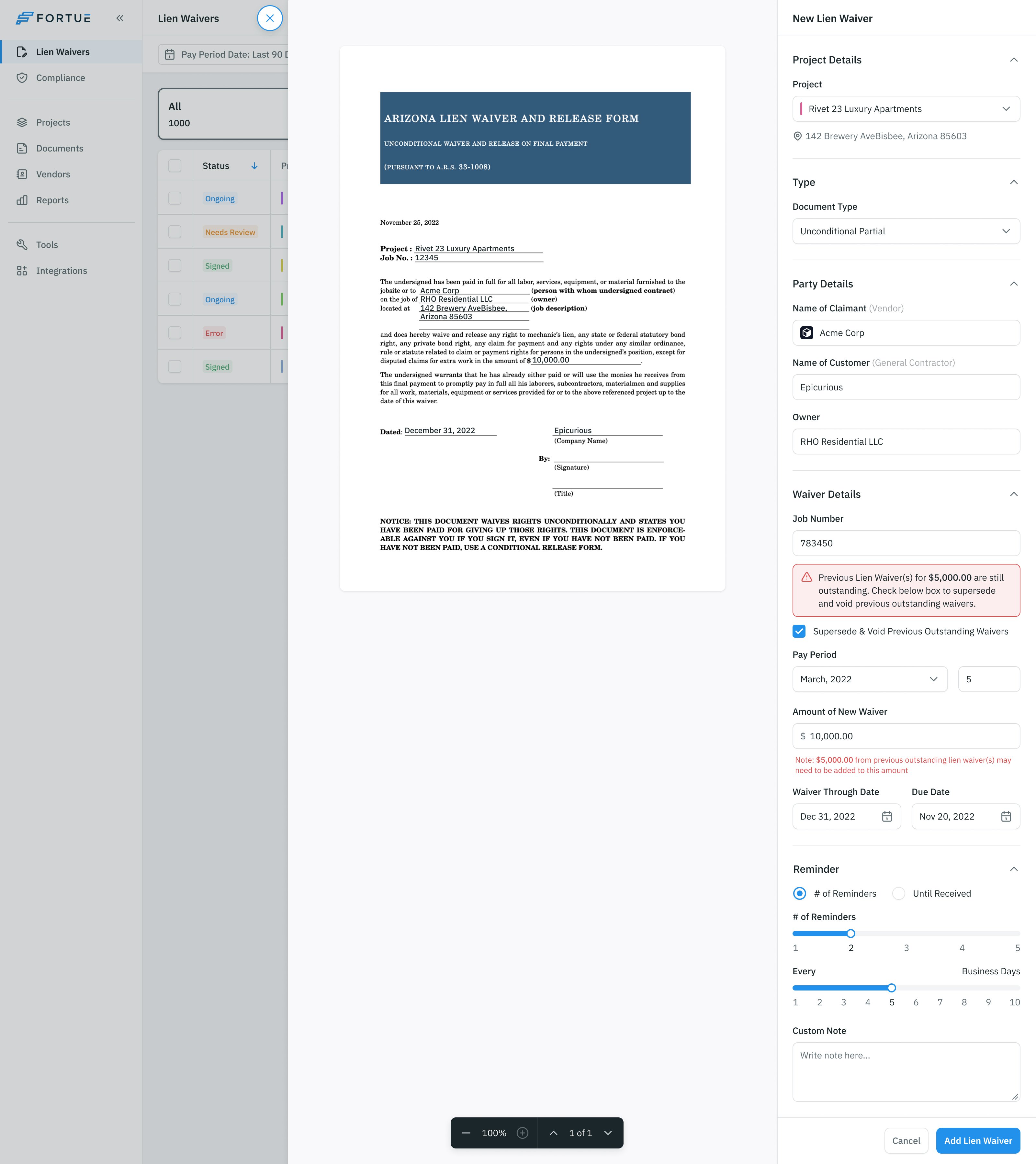
The information-request design starts with the fields the reviewer needs. They select the missing items, see the request assembled alongside them and can remove an item before continuing. Custom text and file requests cover cases outside the standard fields.
That gives the reviewer a chance to check the request itself. Selecting a phone number on the left creates a phone-number request on the right. The application remains identified in the breadcrumb, and the request has a clear next step.
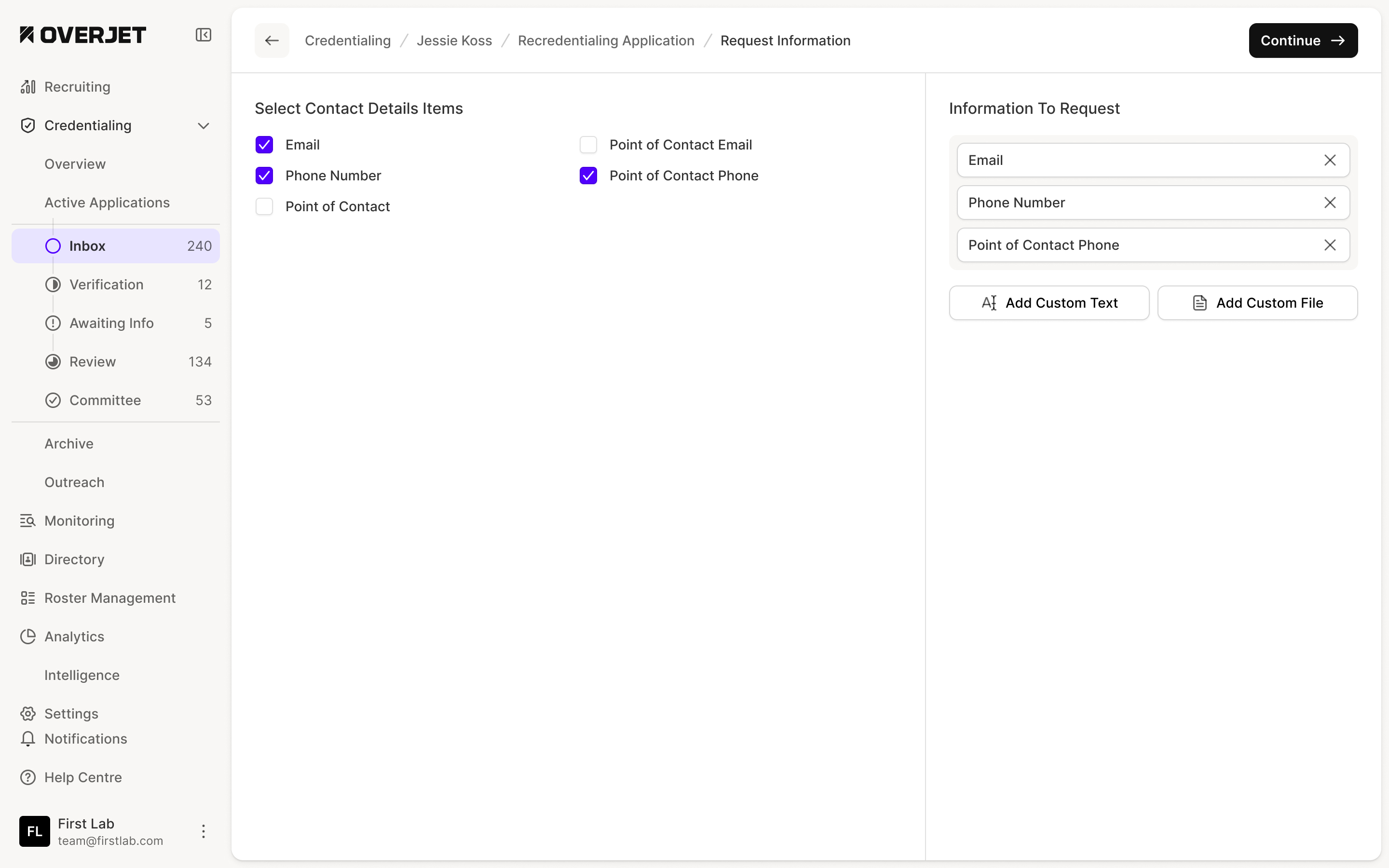
This was part of the wider distinction between a record, a check and a request for more information. They can refer to the same license while requiring different actions. The layouts keep the application context consistent as staff move between those jobs.
Make the table work across the process
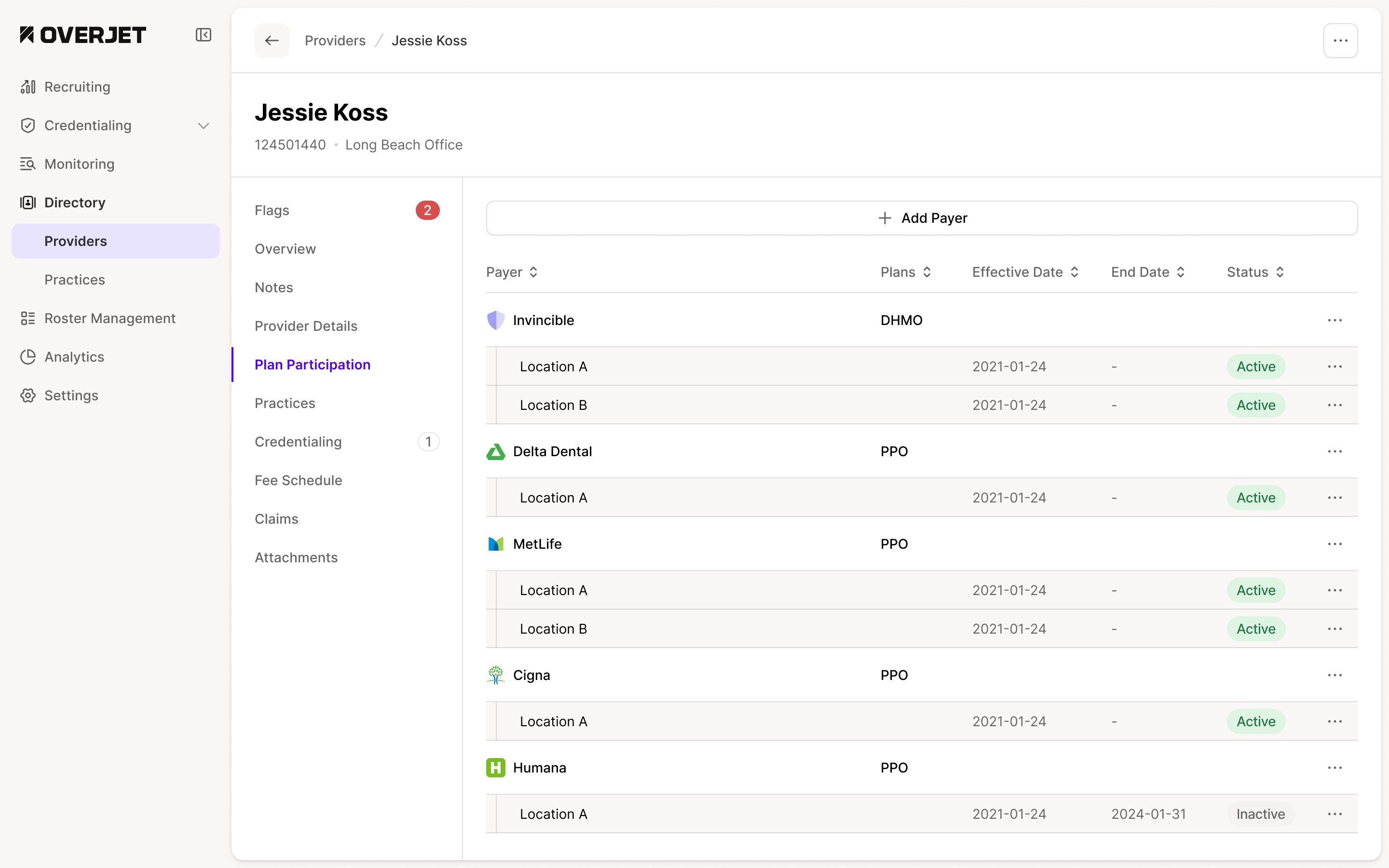
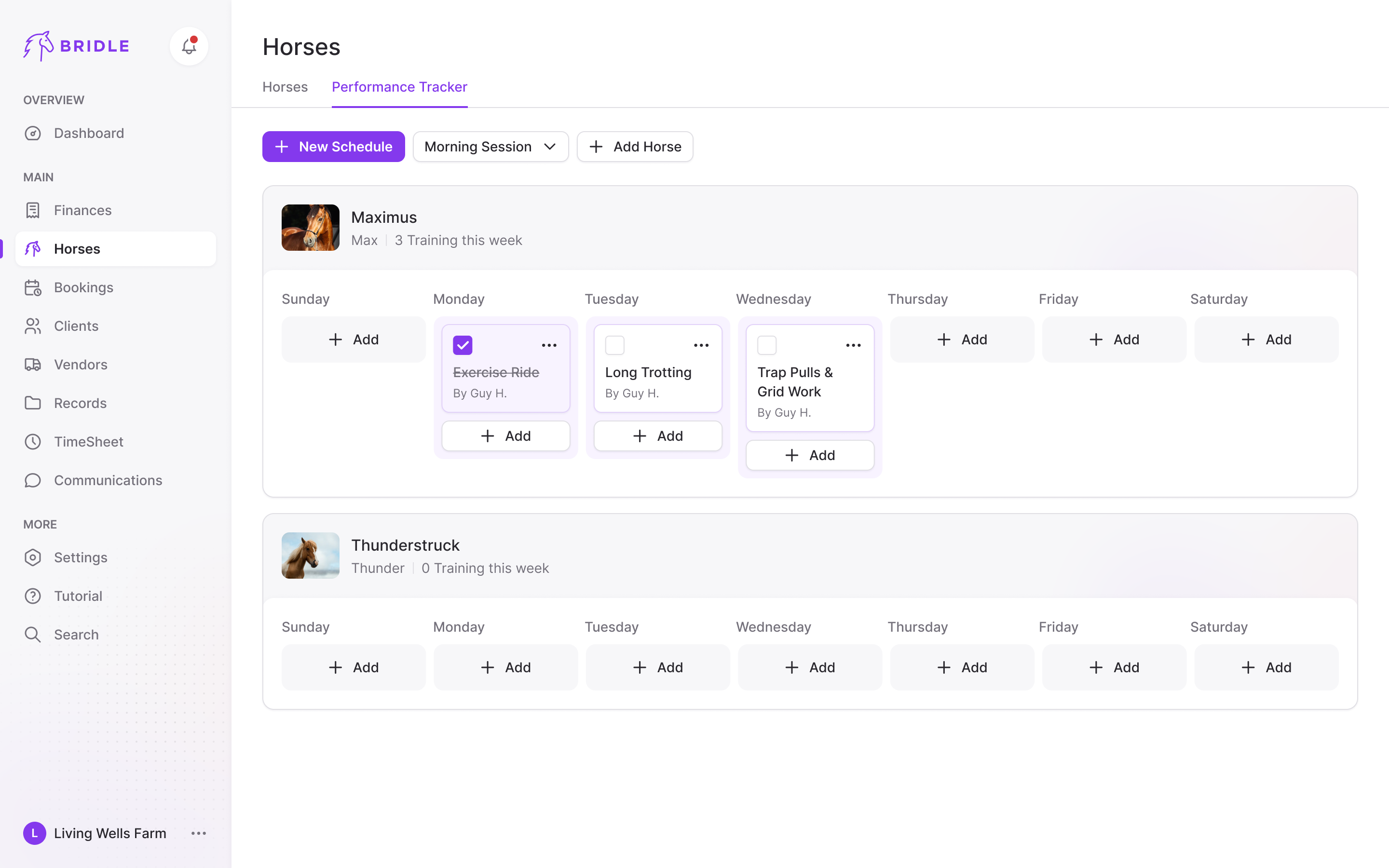
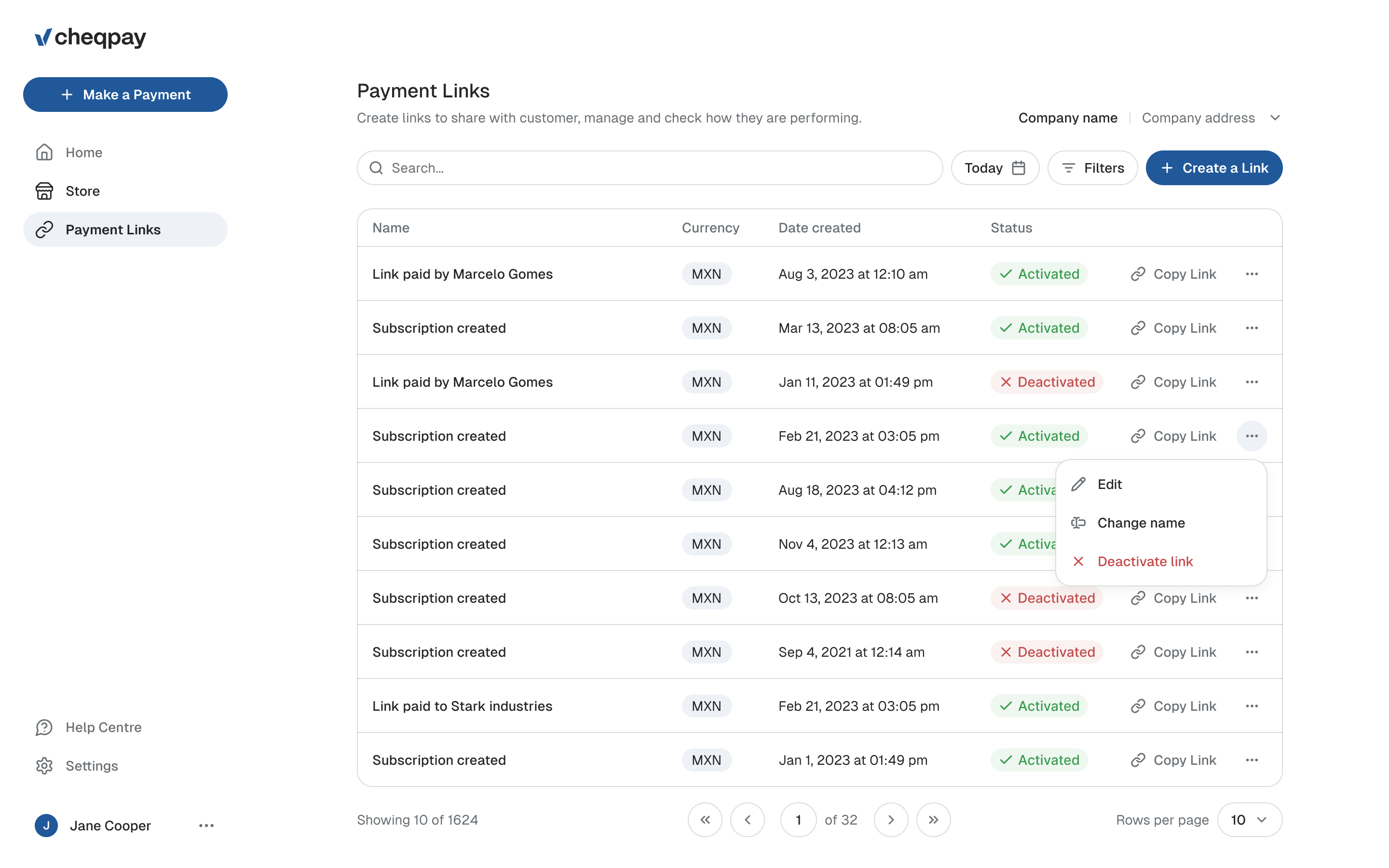
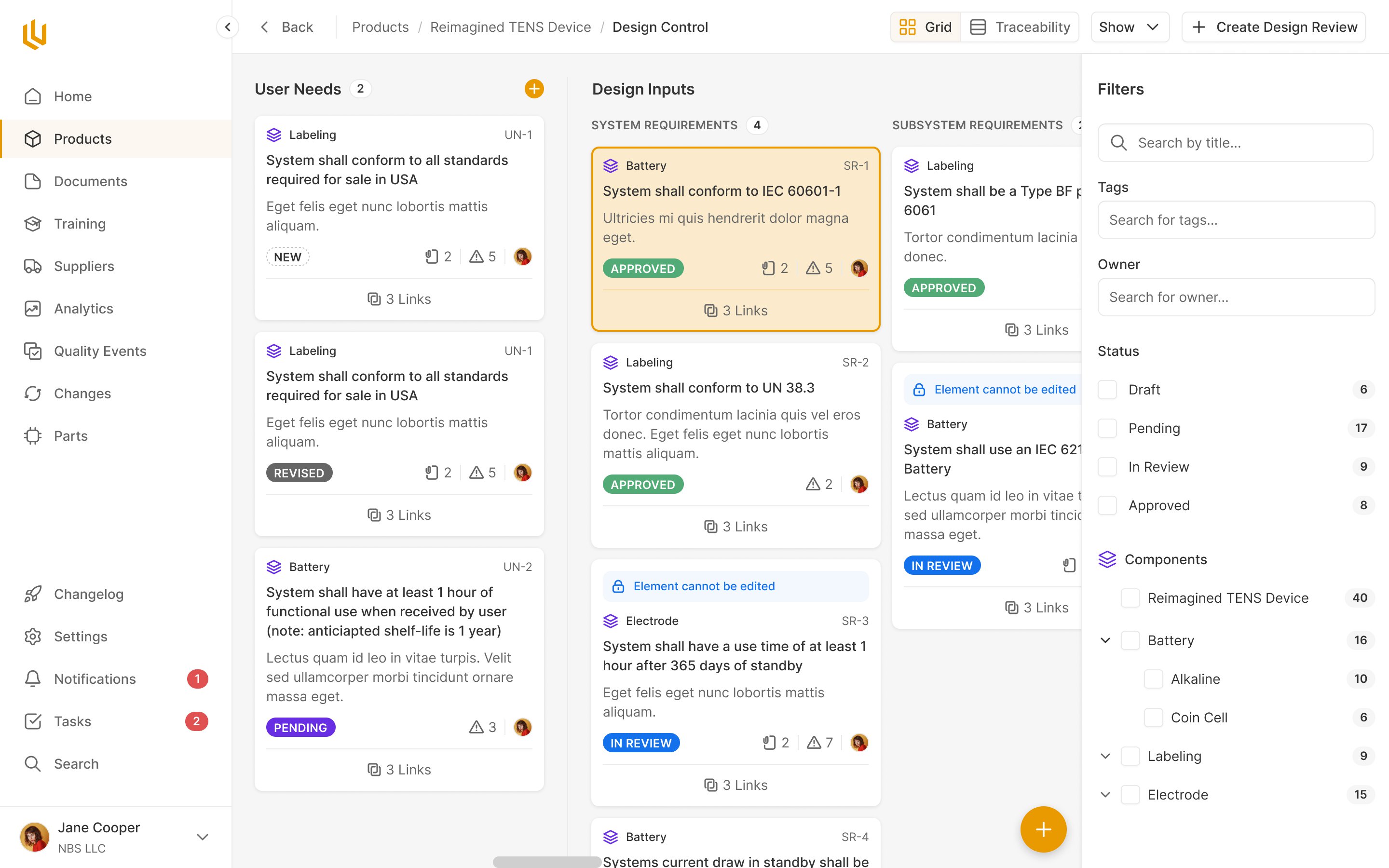
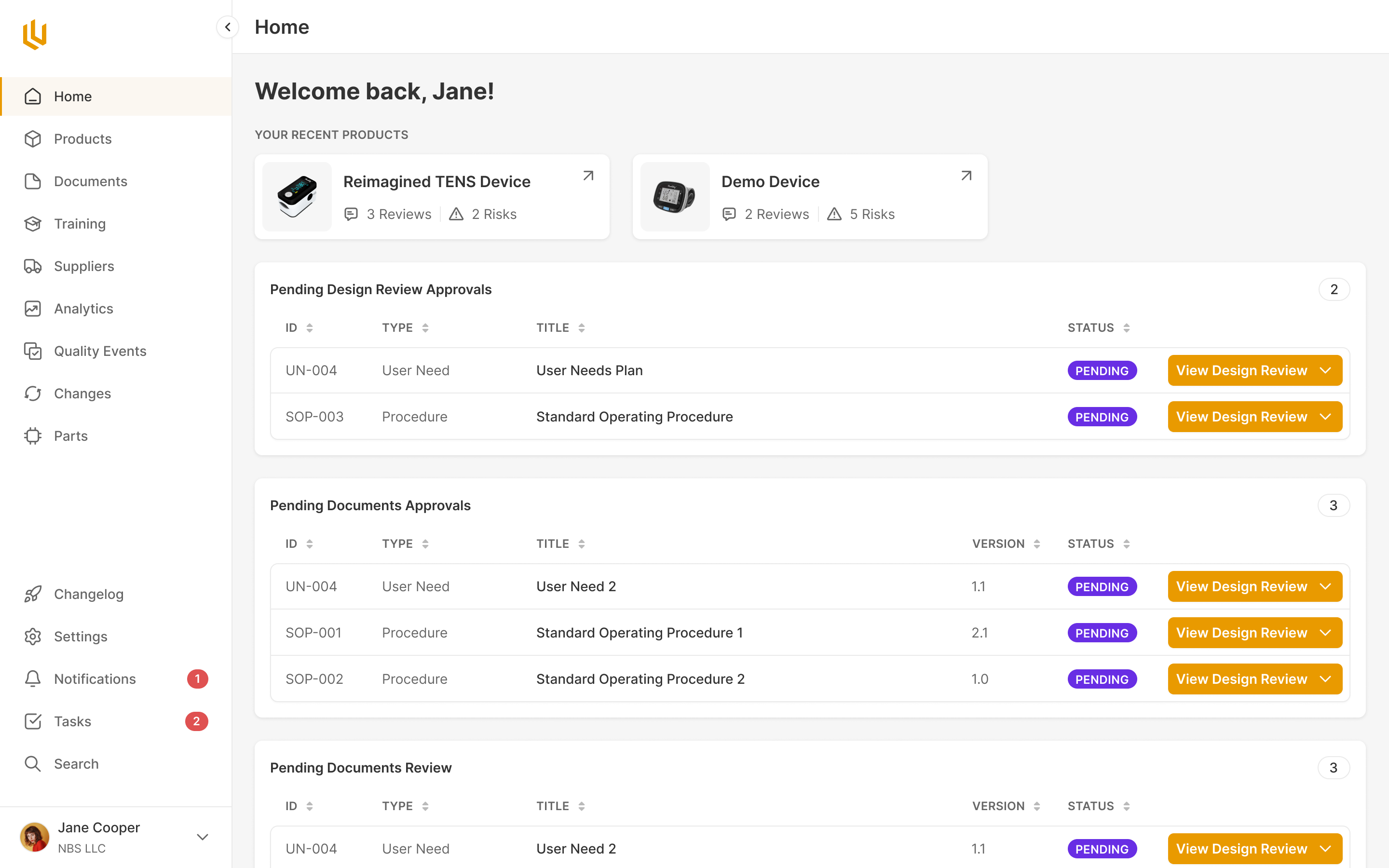
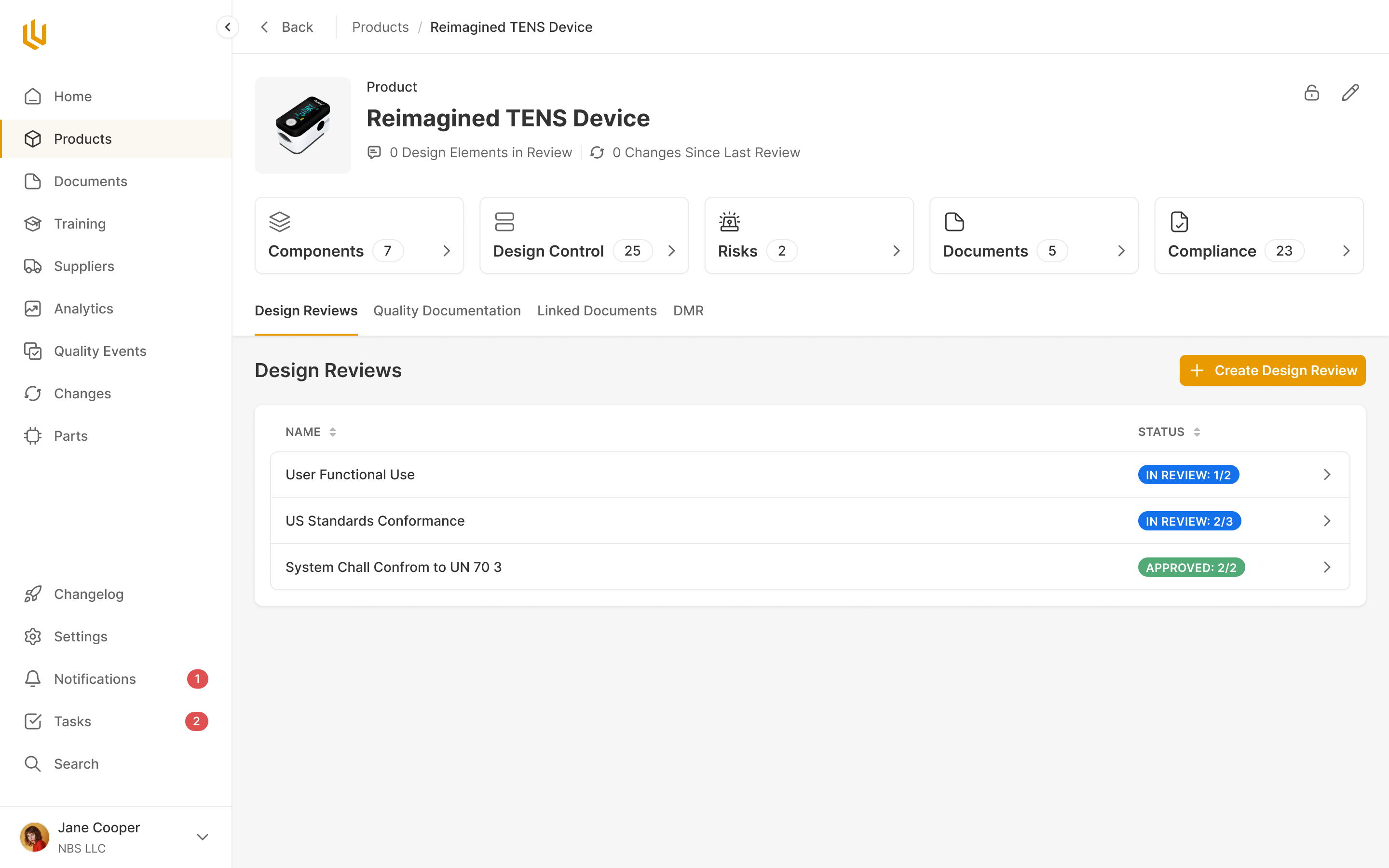
In a later round, Ruben and I worked through how to extend the table system across provider lists, credentialing and recredentialing requests. Ruben proposed starting with those tables while he developed the profile architecture and defined the home screen's content. We could work on a shared structure while the less settled areas took shape.
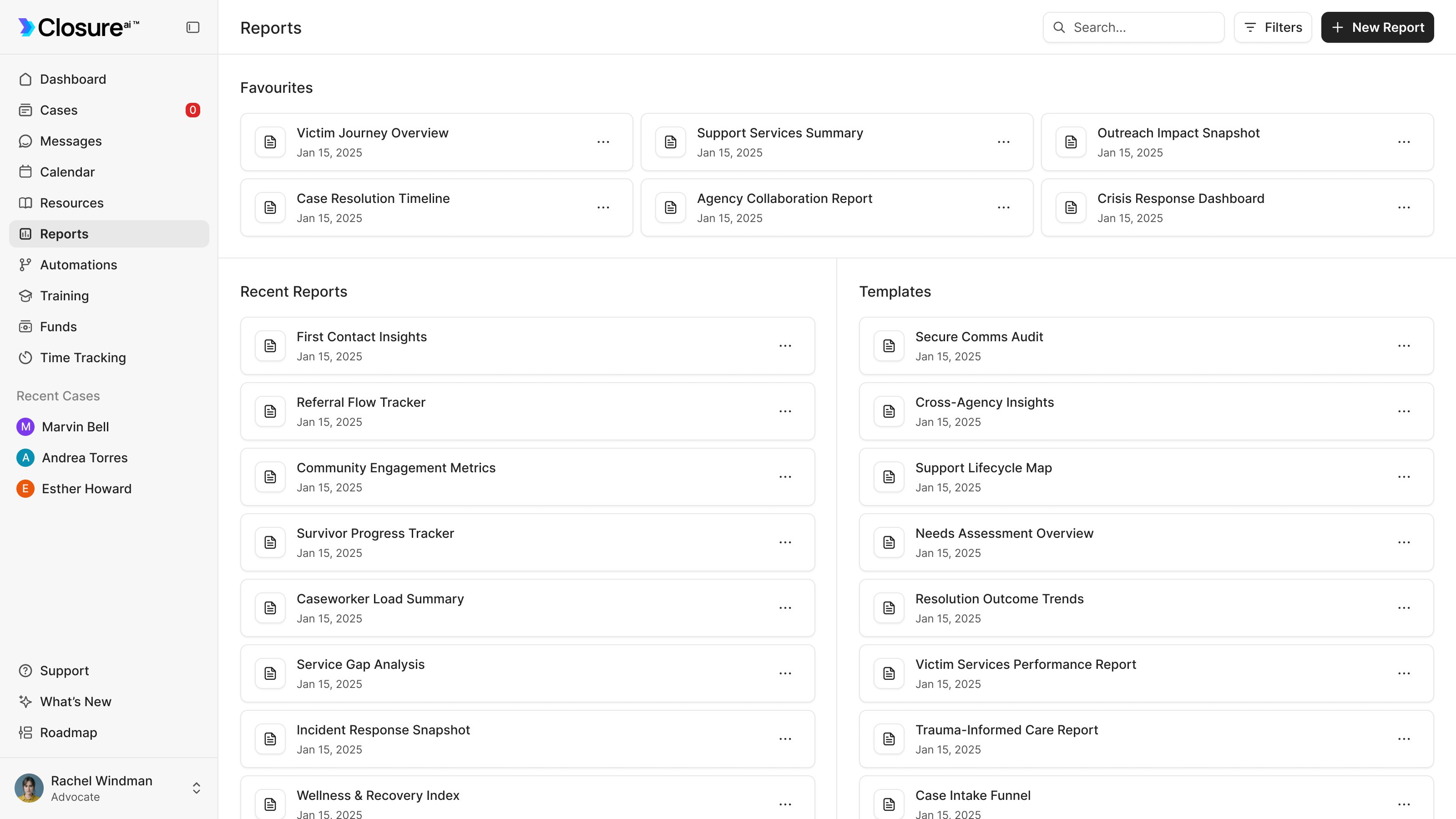
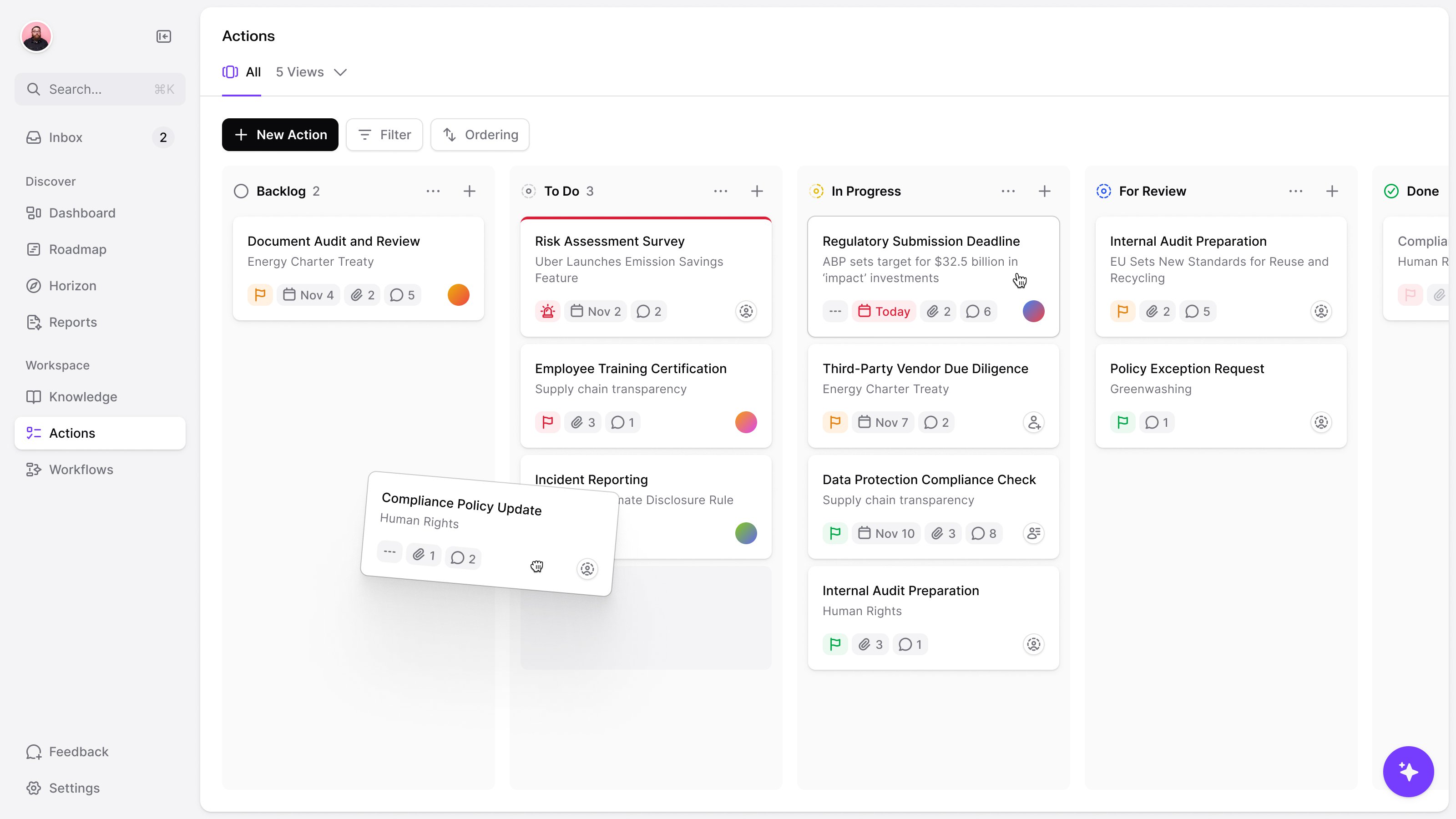
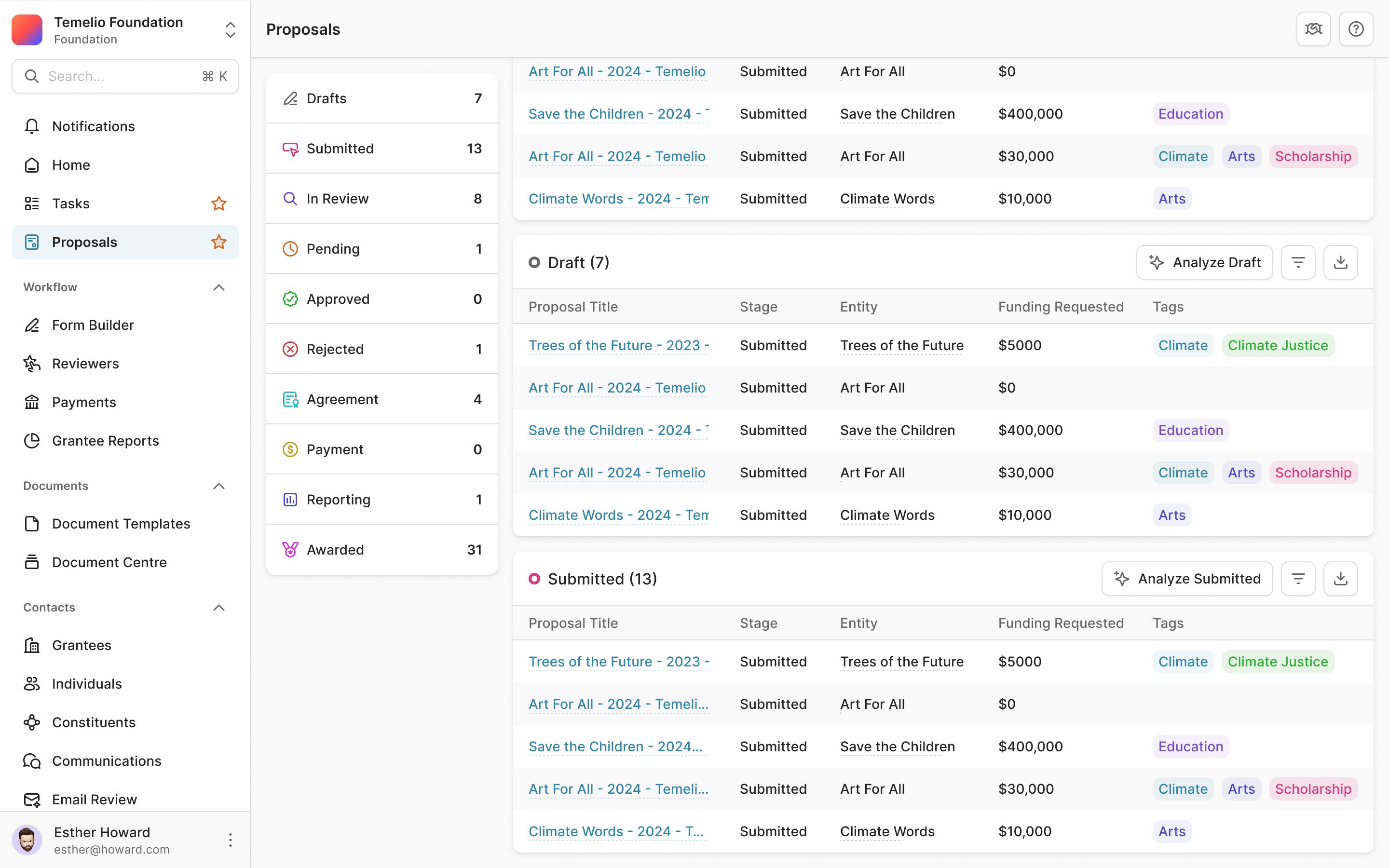
That structure needed several kinds of action. A page could have a primary action, a selection could expose bulk actions, and a single row could have its own menu. We extended the existing table components and their cell types, rather than treating each queue as a separate layout exercise.
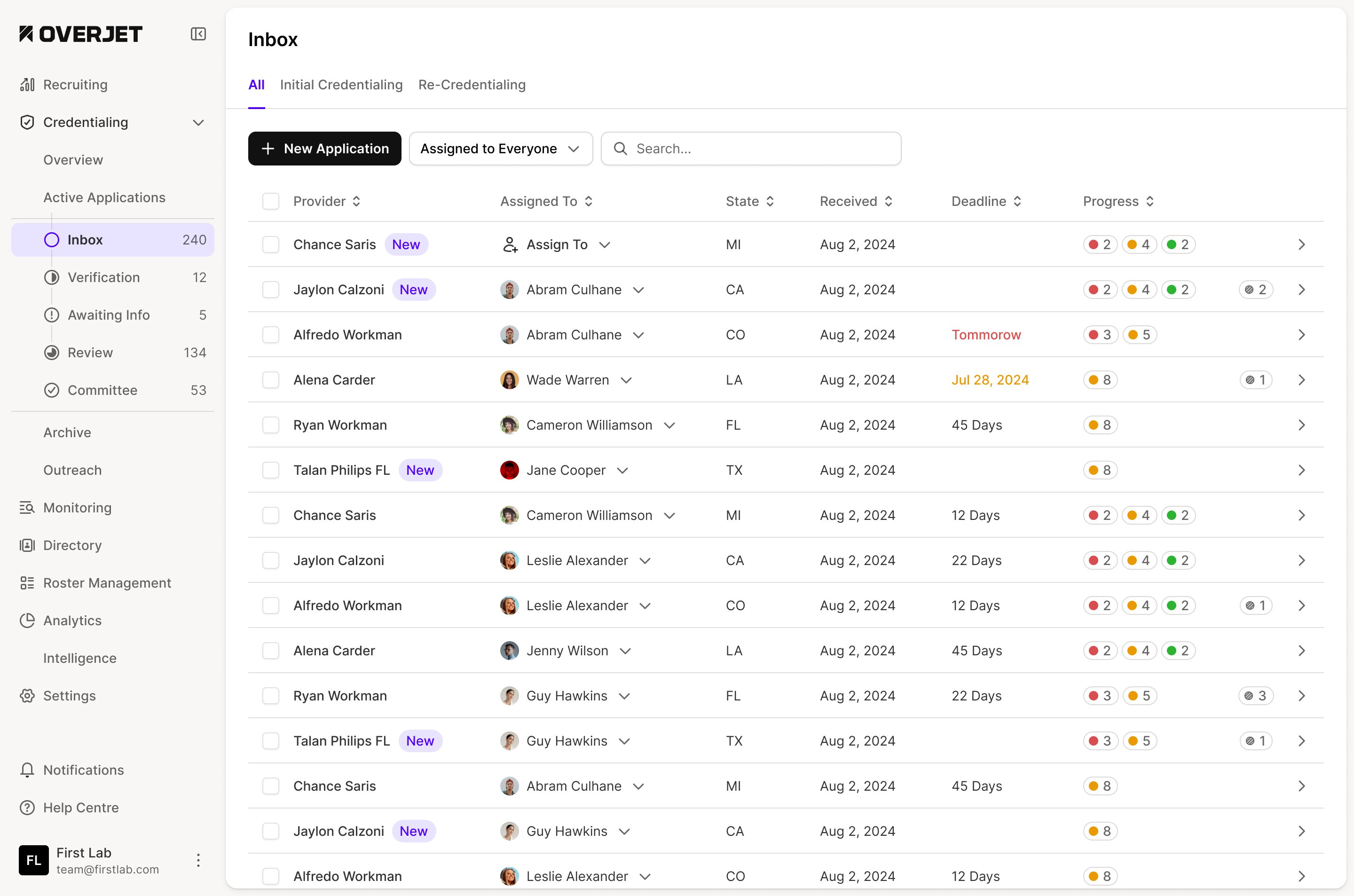
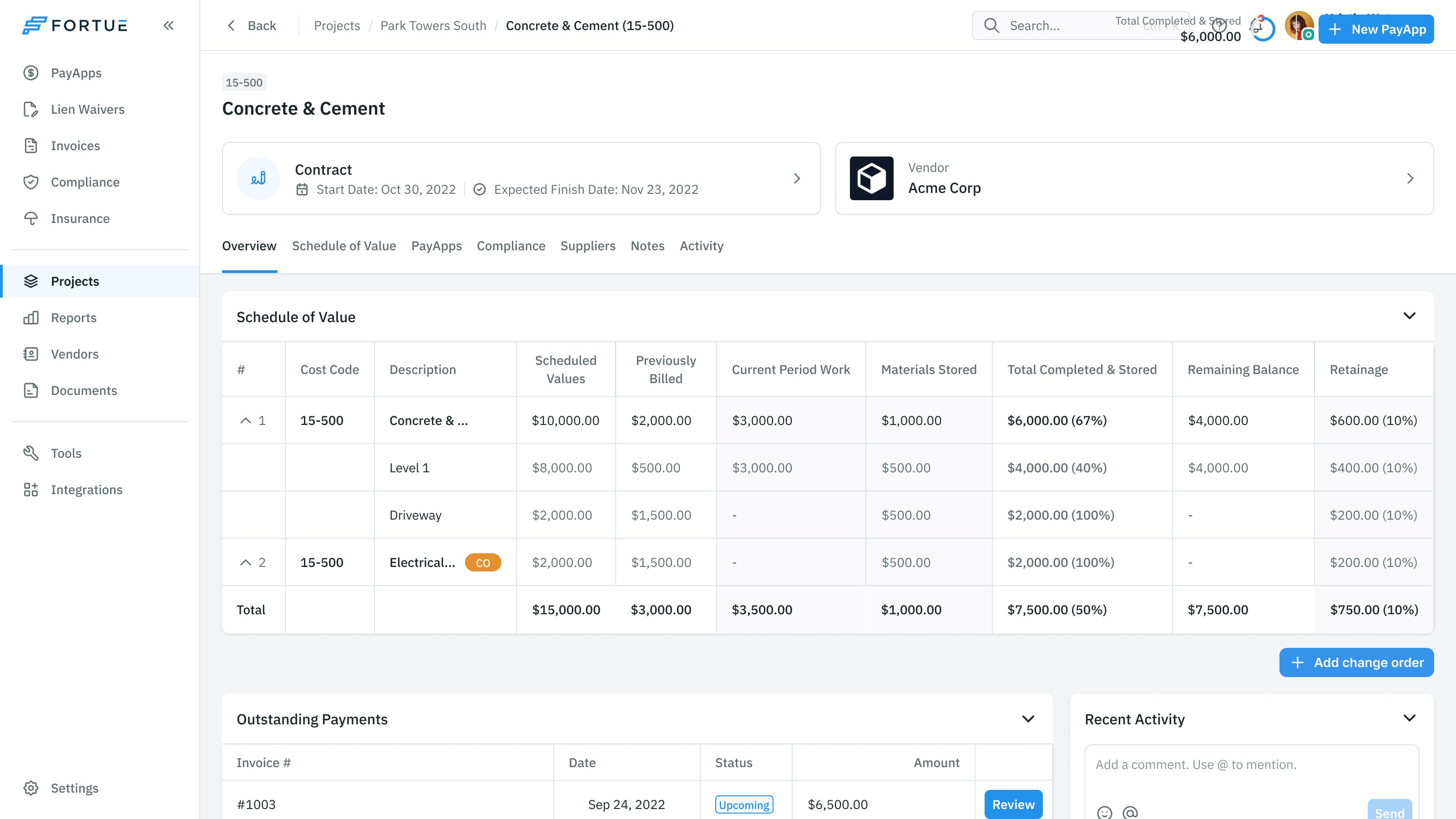
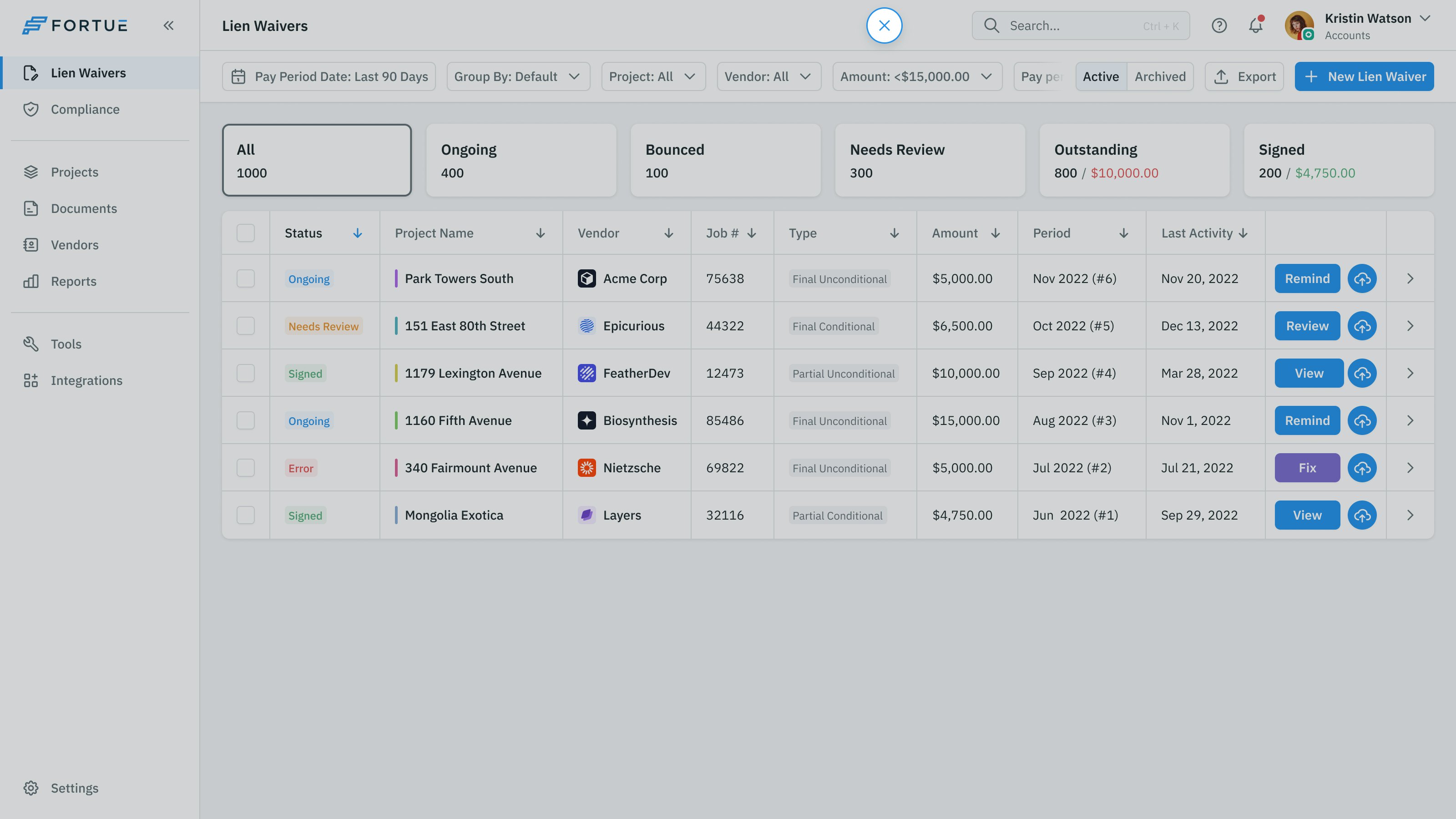
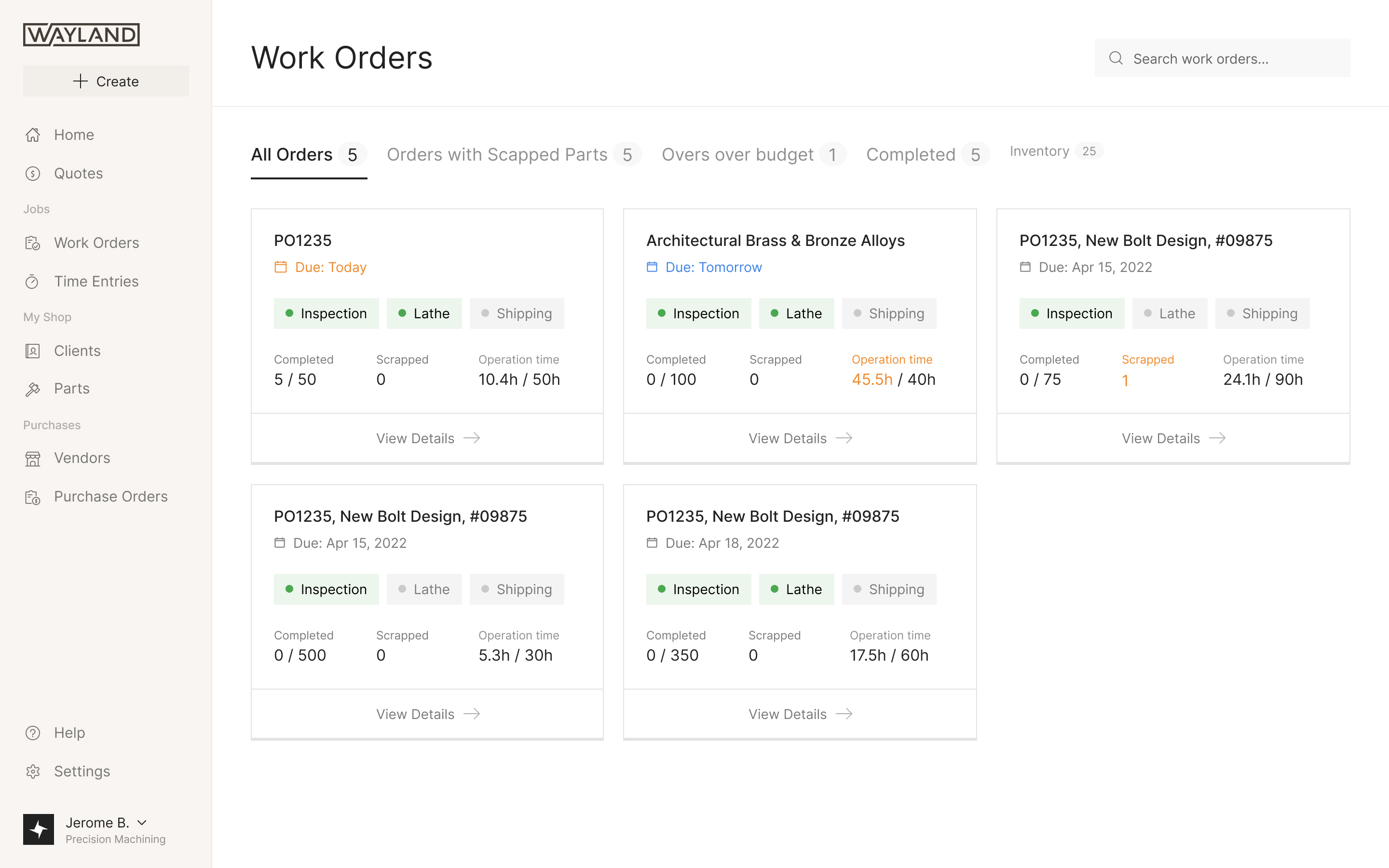
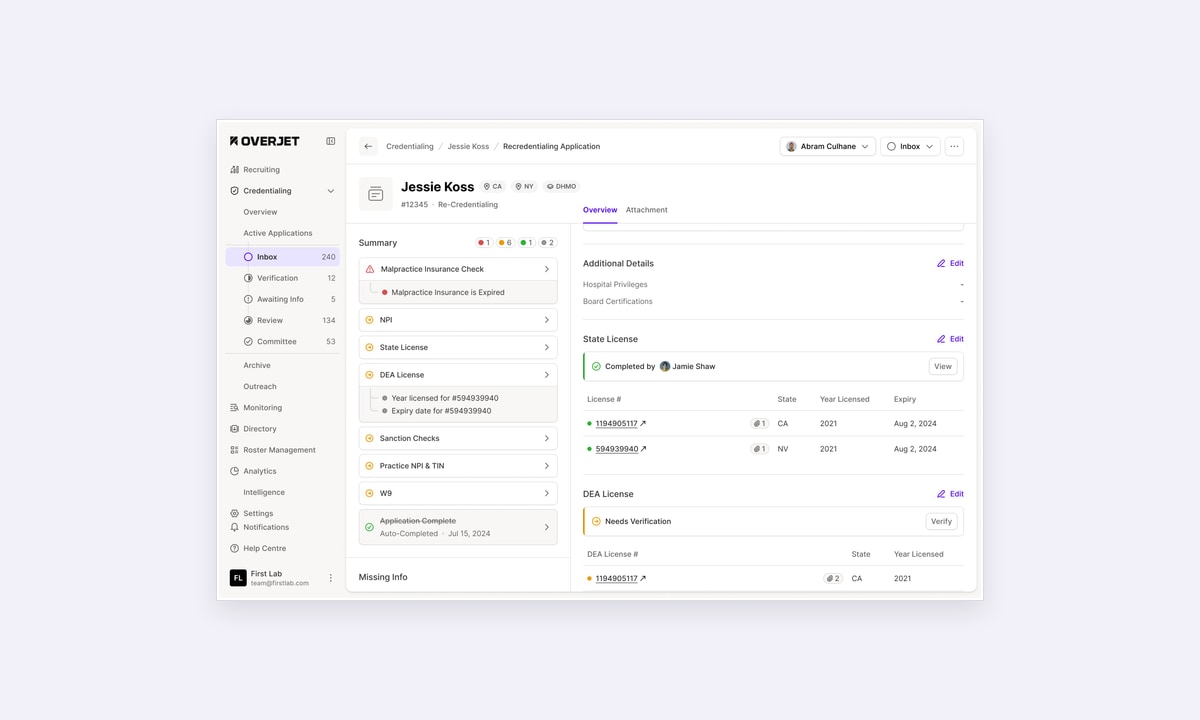
The earlier inbox shows why those cell types matter. An assignee, a deadline and a set of check results each answer a different question. Keeping them in separate columns lets staff scan who owns the application, how soon it needs attention and what is incomplete.
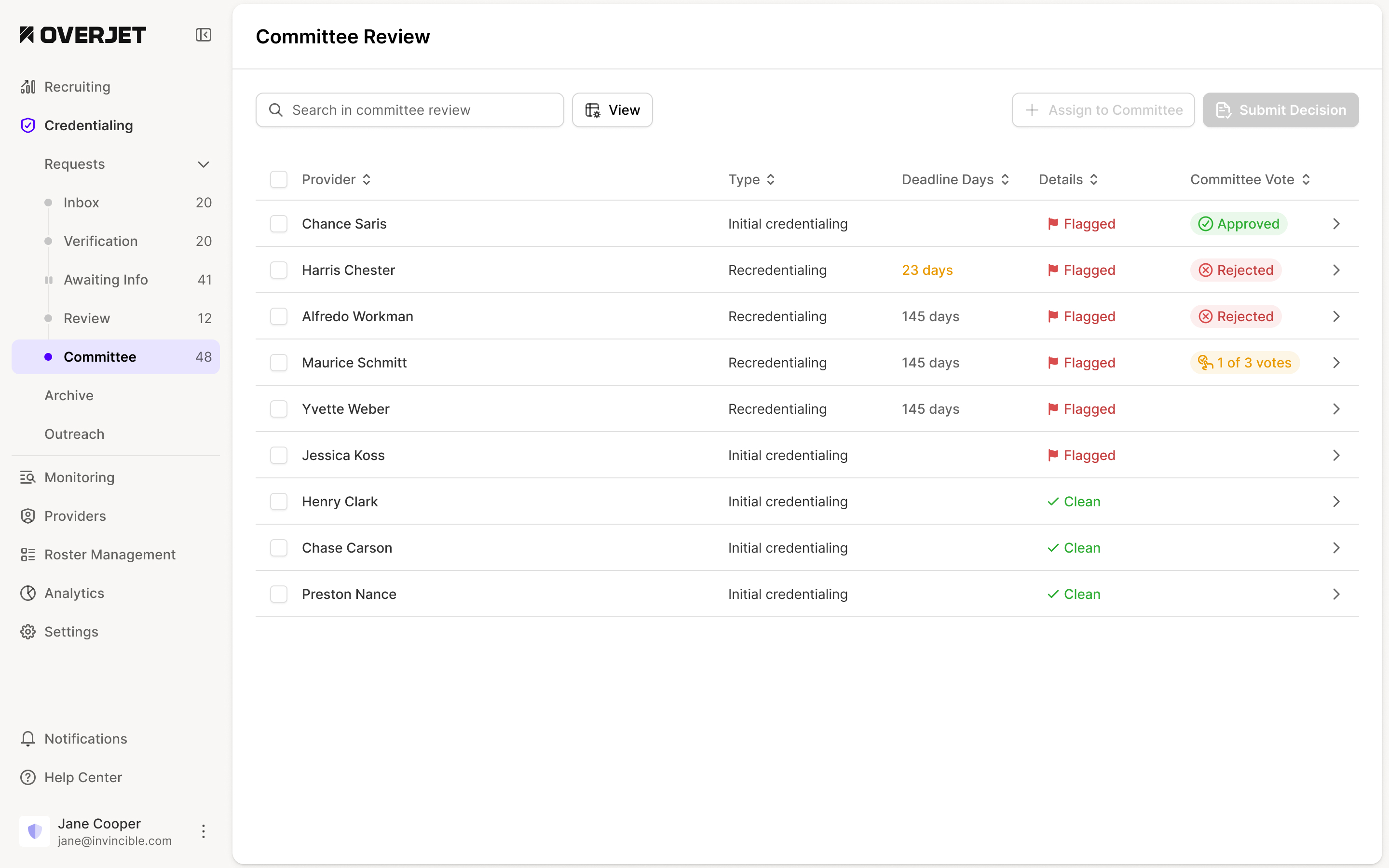
Navigation also needed to reflect the people doing the work. I explained when we'd normally give workflow stages their own sidebar shortcuts: when someone spends most of their time in one stage and rarely needs the others. Ruben said credentialing staff moved across the whole process. We agreed the later structure could put those stages inside Credentialing, rather than repeating them through the main navigation.
Preserve the judgment behind a flag
Credential monitoring added another distinction. A background check can flag something, but the organisation still has to investigate it and decide whether it is acceptable. Ruben specified an allow-list action with a record of who used it and when.
I initially suggested highlighting flagged rows in red. Ruben pointed out that flags could be common, and that the organisation's criteria affected their meaning. A table full of red rows would give that background treatment too much work to do. We kept the review focused on the individual results.
a flag needs a review, not an automatic verdict
The monitoring design also needed a pending state while checks were still running. Ruben asked for pending providers to remain in the export, so an incomplete run wouldn't quietly omit people from the report.
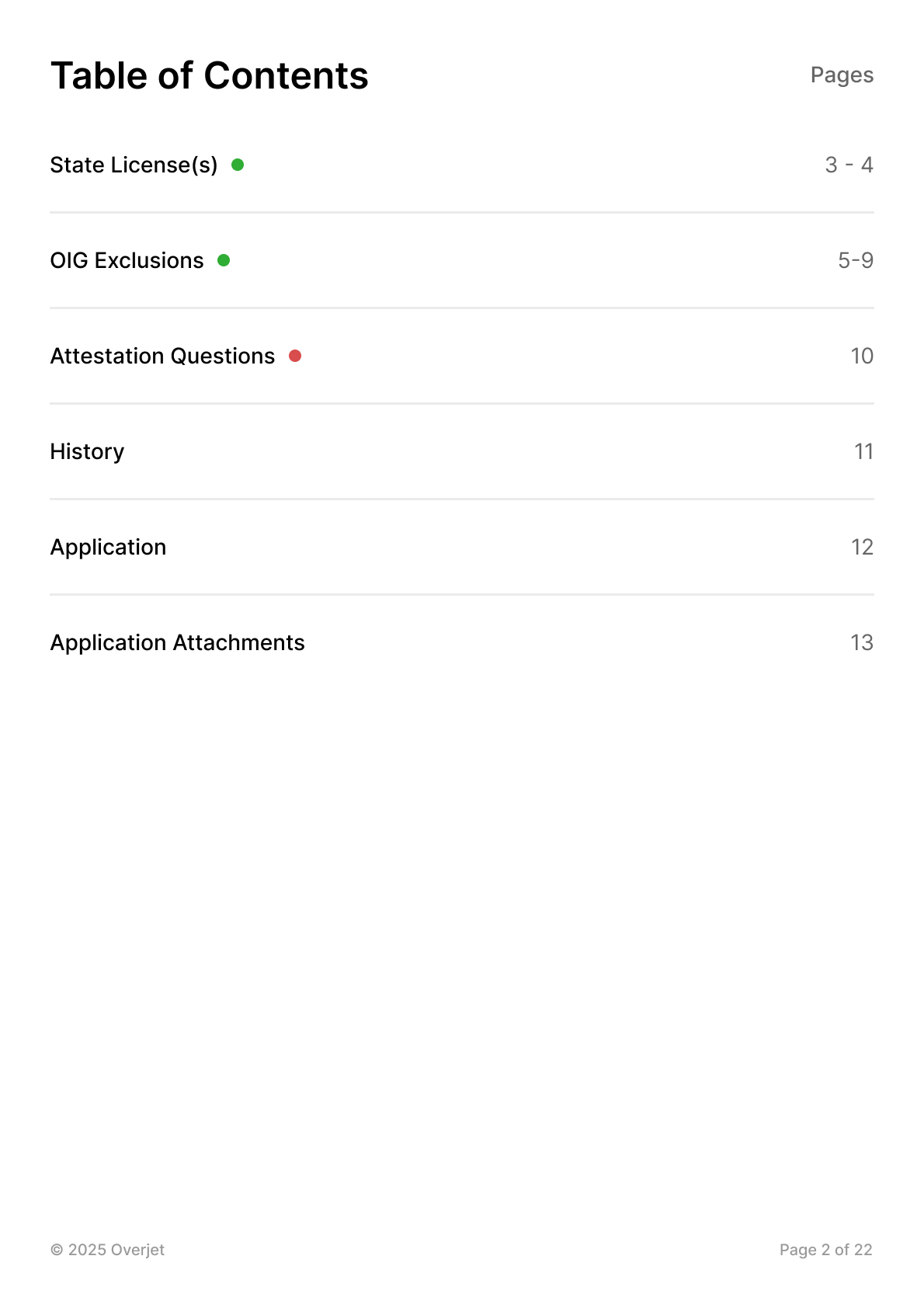
Taking the record outside the product brought the same concern into a different format. For the credentialing PDF, I asked Prakash to retain the required information and history while simplifying the layout to text and tables. The report needed a document structure of its own, with a contents page that led into the checks and their supporting information.
More from Overjet