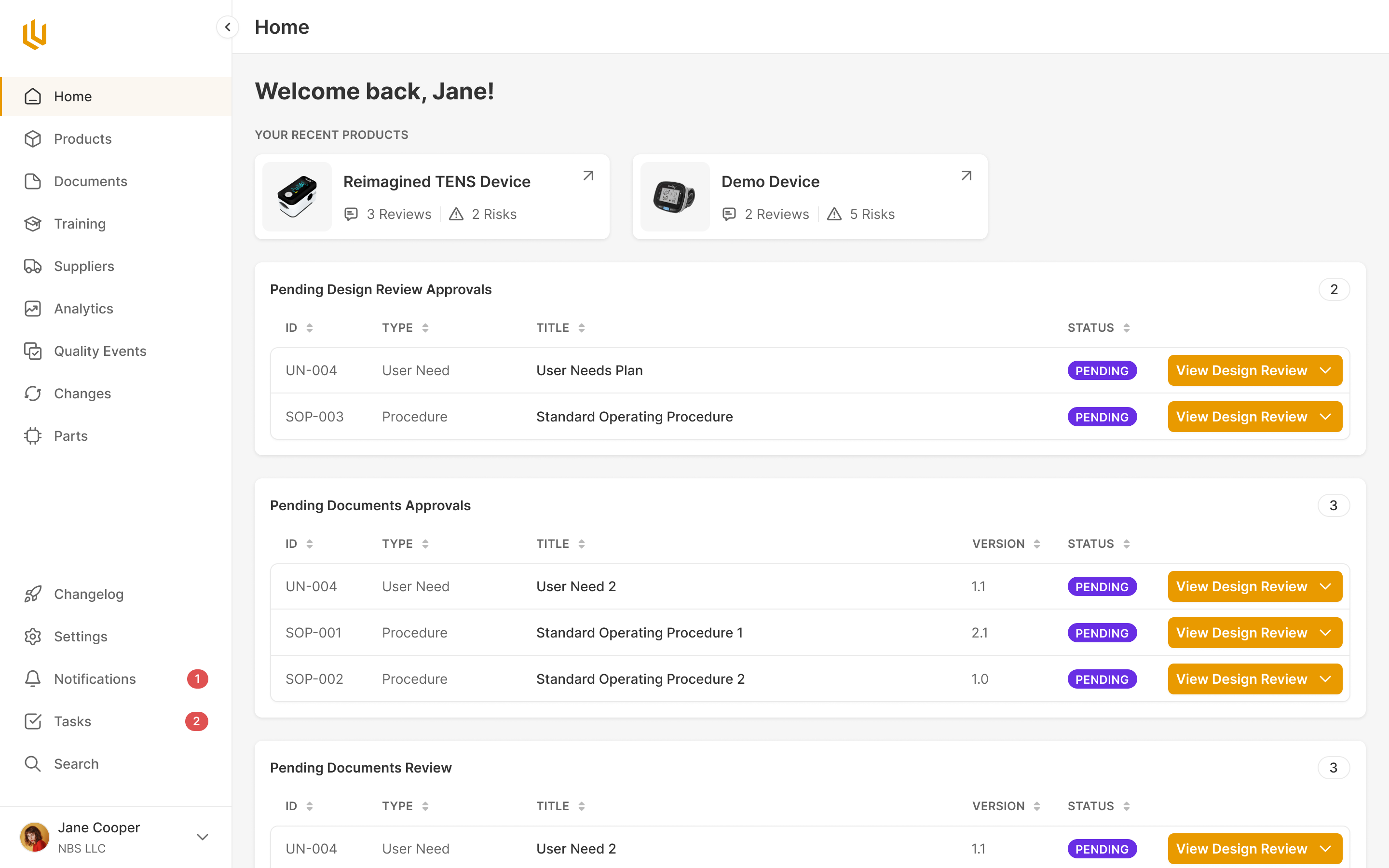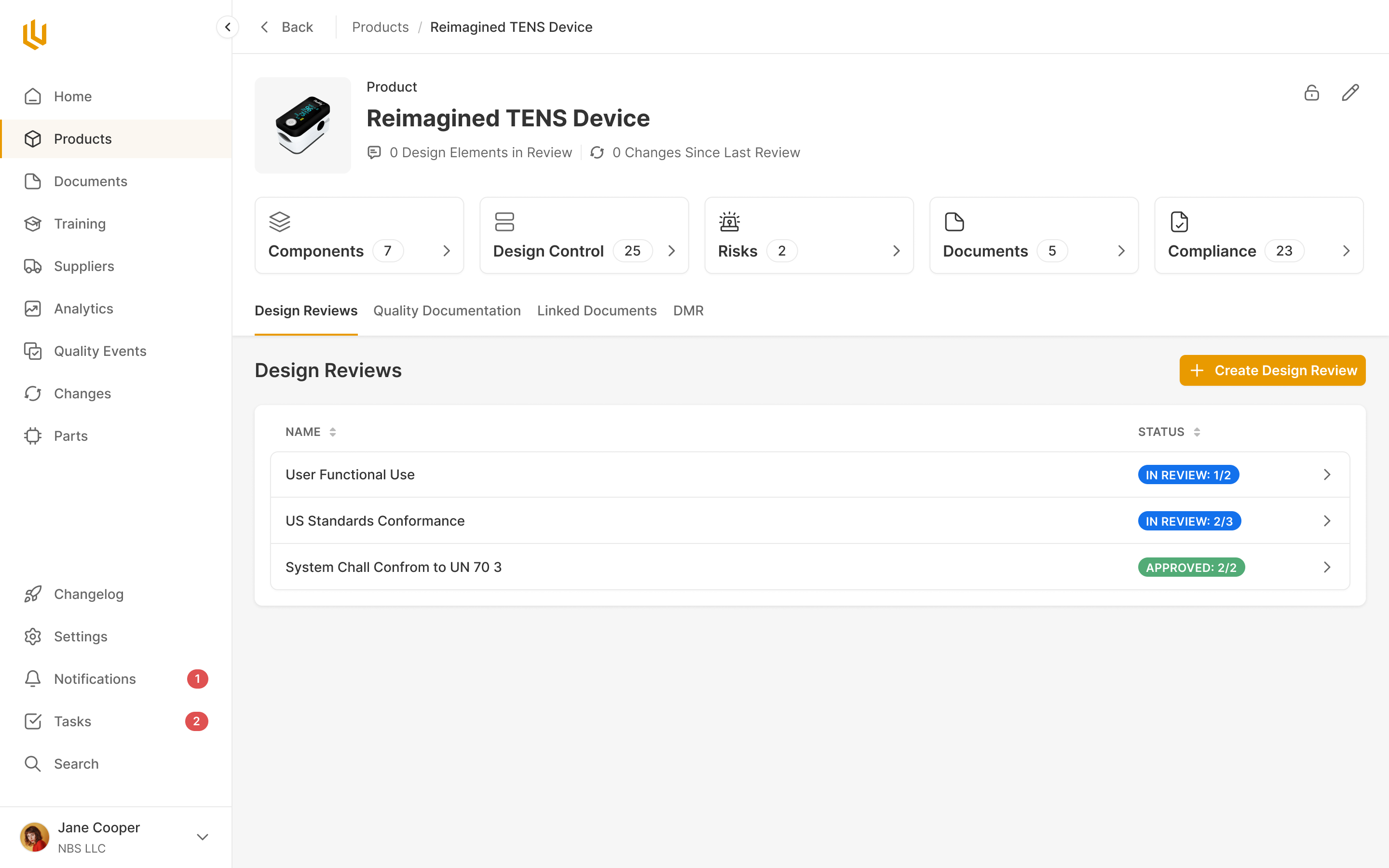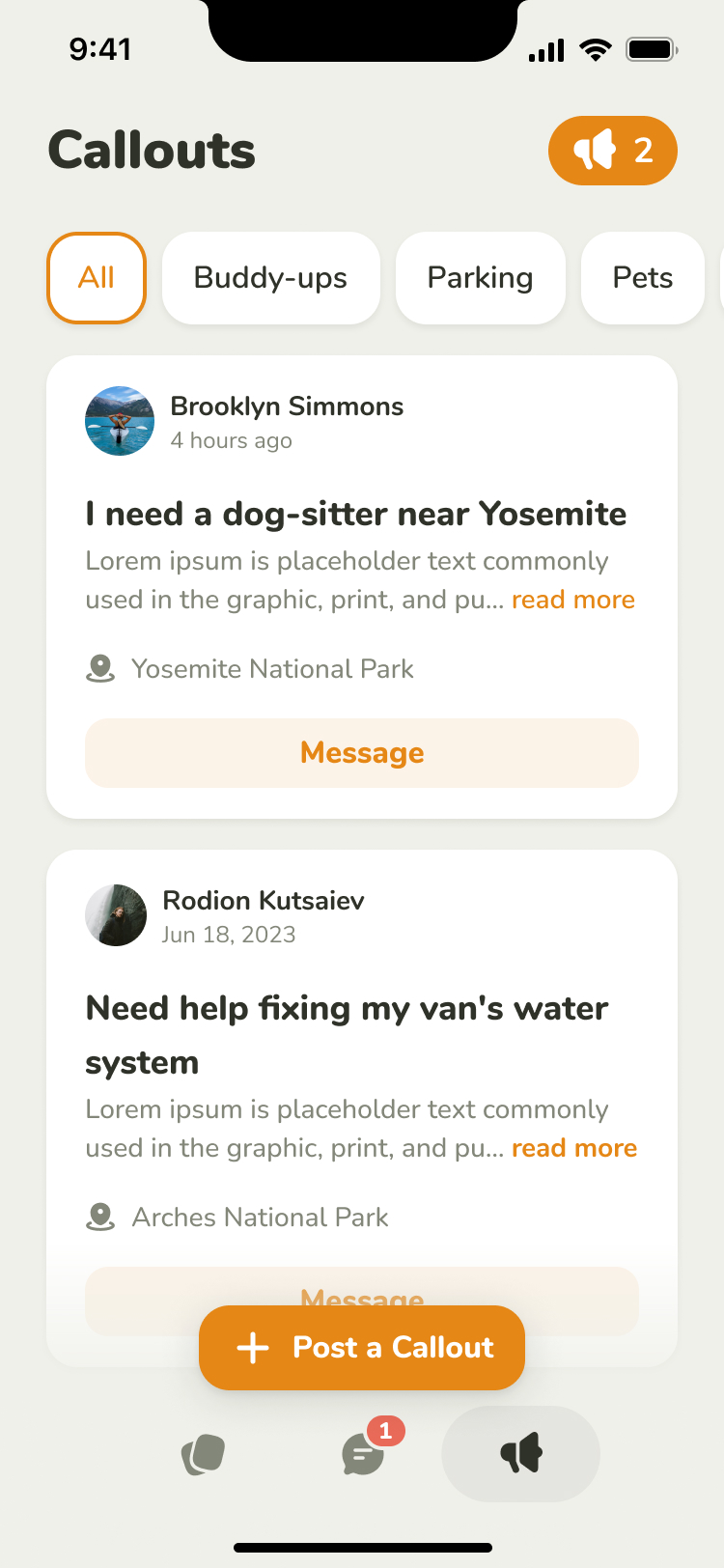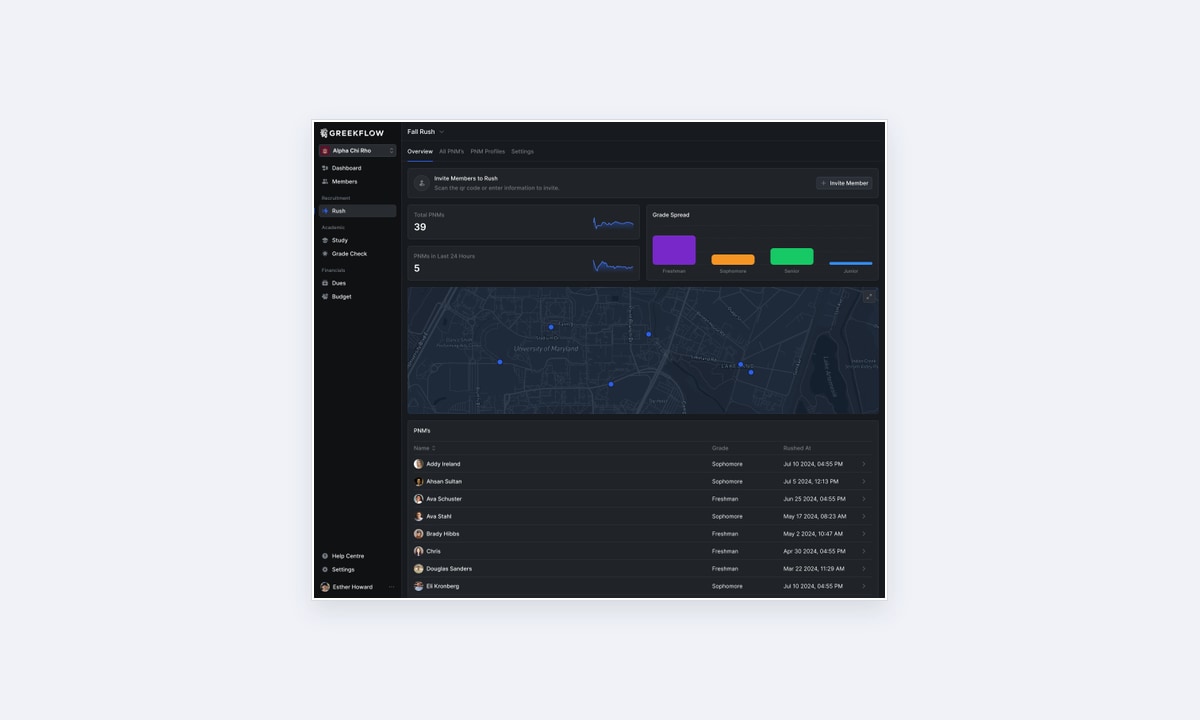
Greekflow is software for fraternity and sorority recruitment, membership and dues. During a recruitment campaign, a fraternity or sorority needs to keep track of everyone interested in joining. Members meet candidates at events, leave feedback and make decisions about who to invite back. The people running the campaign need to manage the whole list while still recognising the person in front of them.
Charlie Algert and Addy Ireland had already built much of the platform, but deciding how to arrange its more complicated workflows was slowing them down. Different component and icon libraries had also left the screens inconsistent, and light mode needed attention.
We worked on the recruitment and dues experiences while establishing a design system the team could continue using. Prakash Ghodke designed the product screens, Vitalii Prokopenko assembled the component system and I worked with Charlie and Addy on the structure and review.
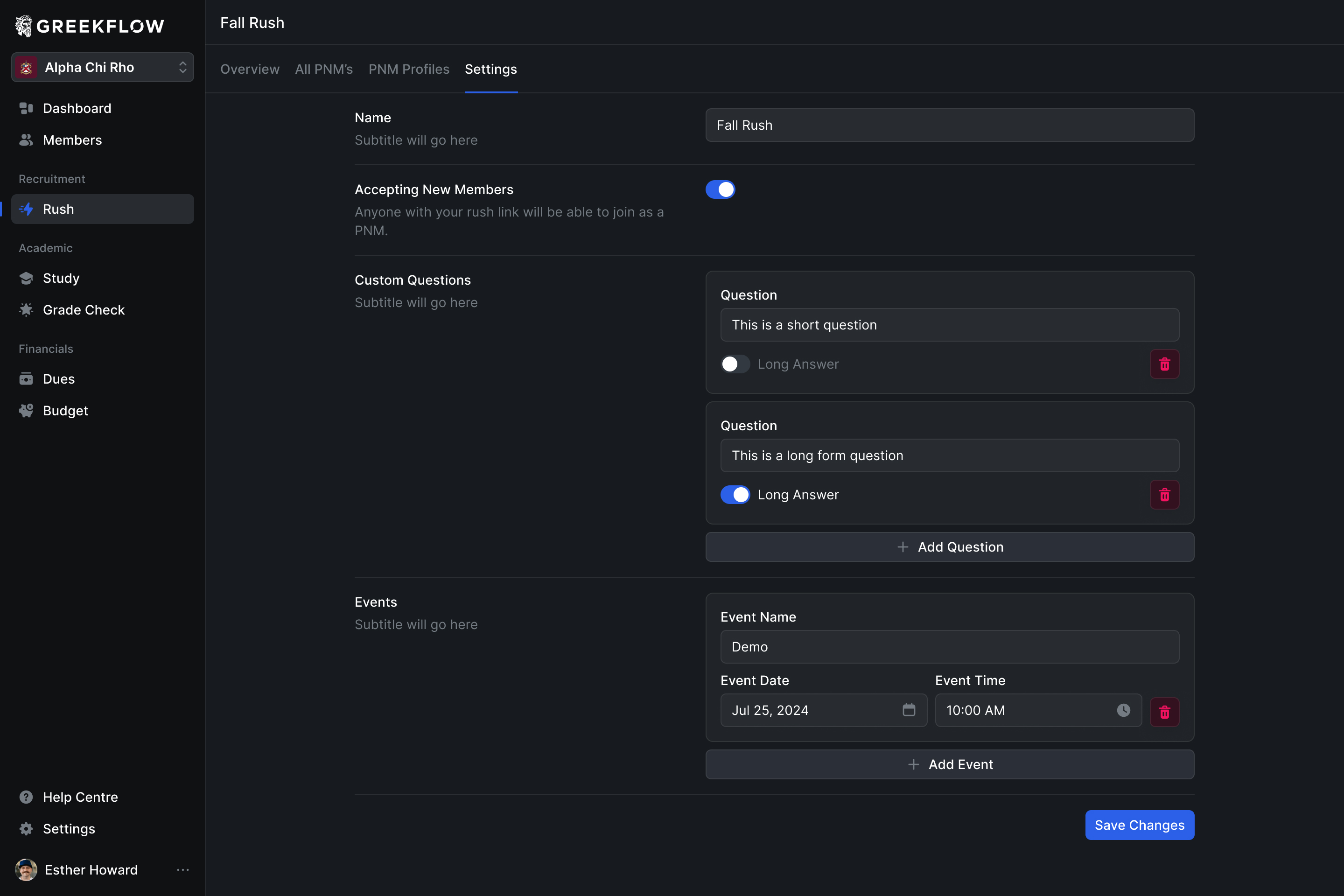
Keep the campaign, the shortlist and the person distinct
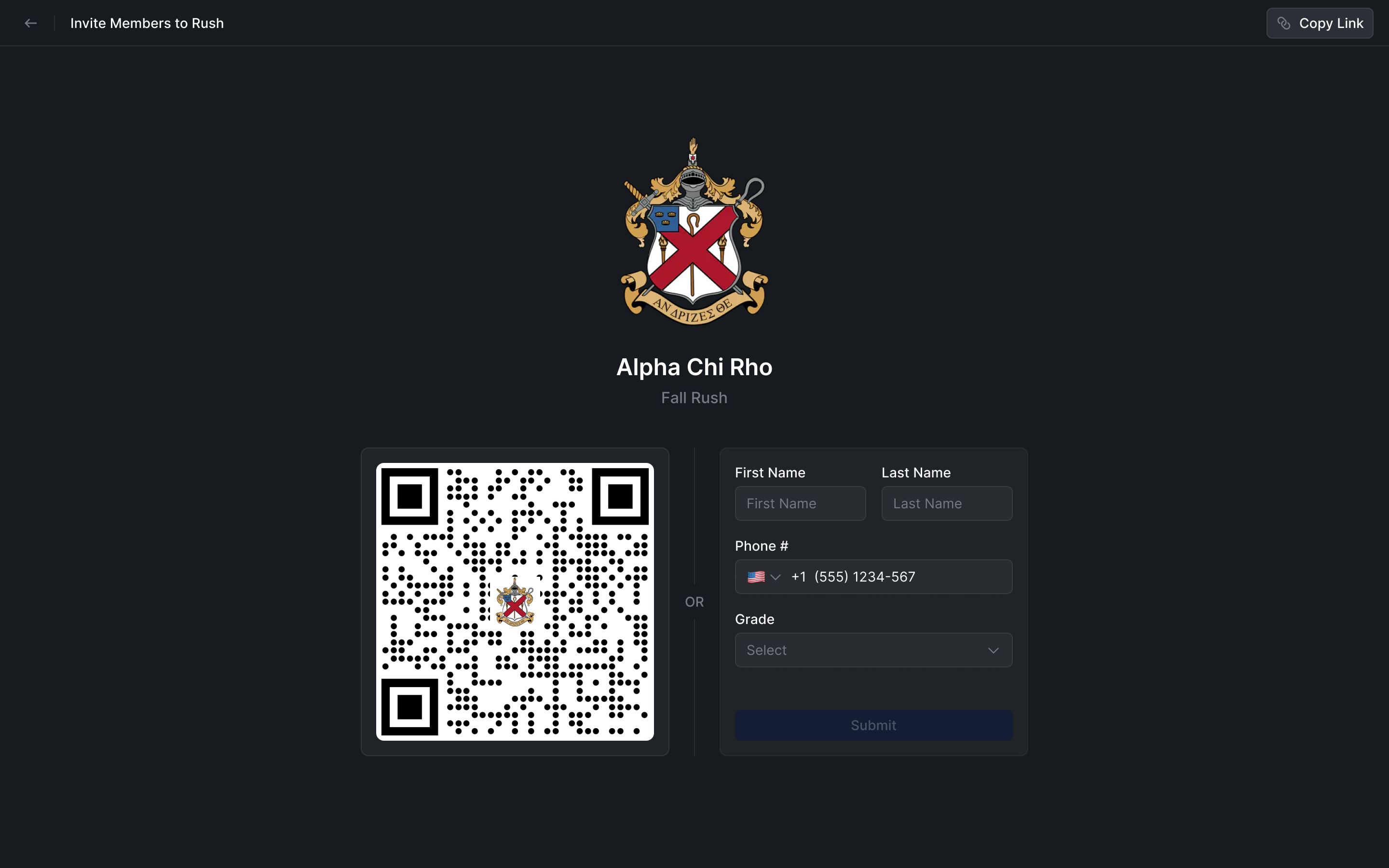
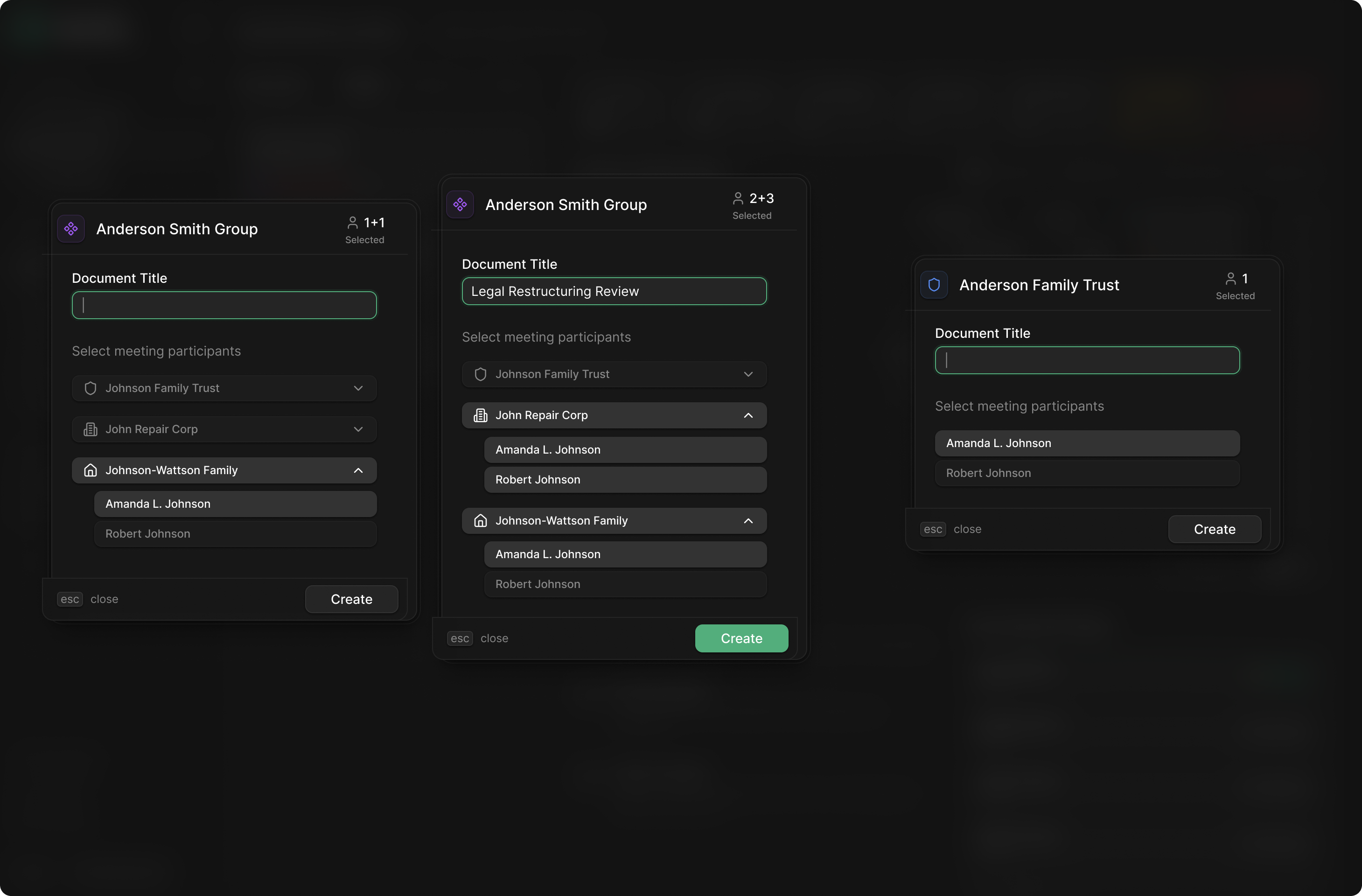
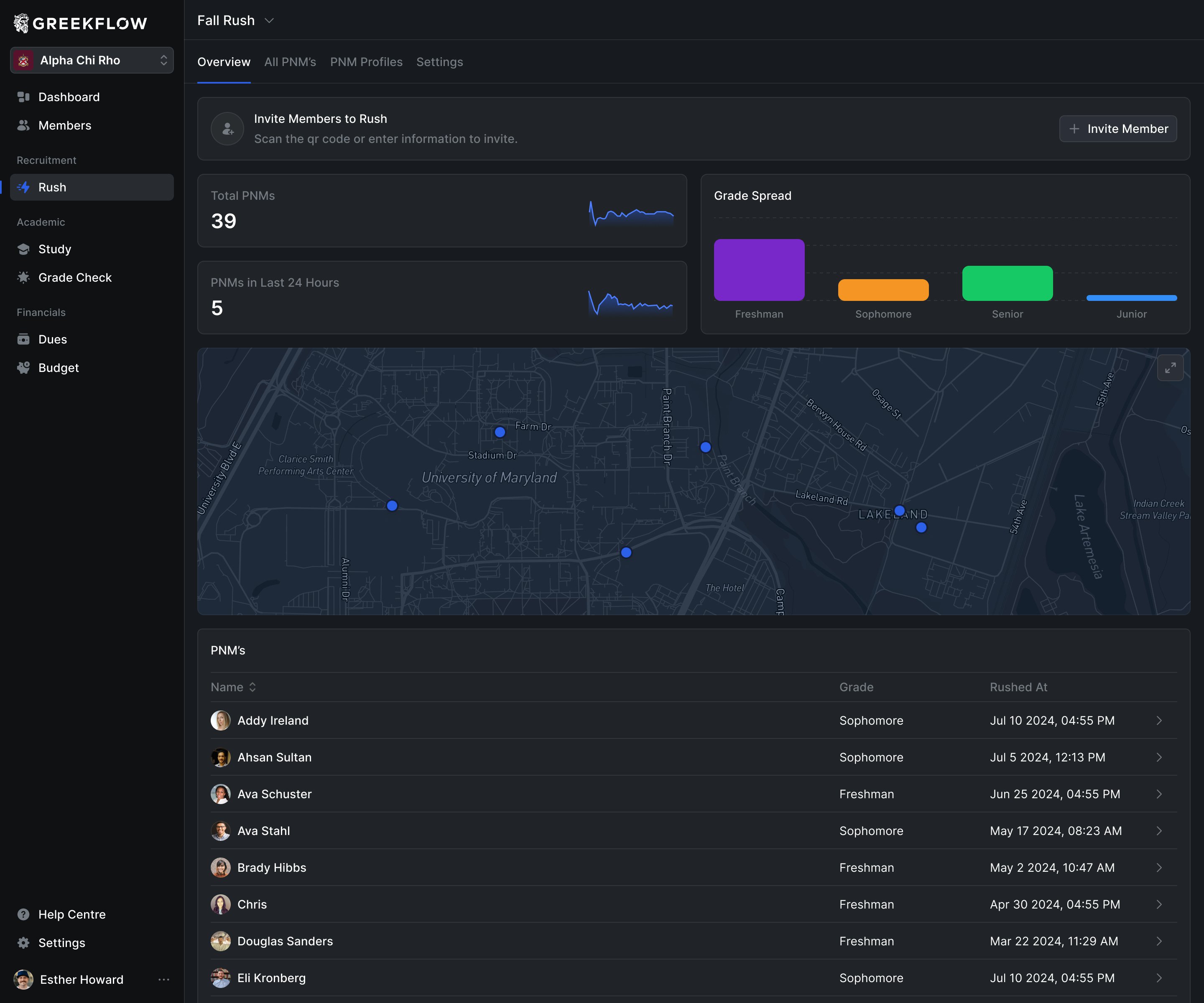
Greekflow's team described a recruitment process that repeats each semester. A candidate scans a QR code, answers a short survey and takes a selfie. Their information enters the chapter's workspace, where members can review and discuss them.

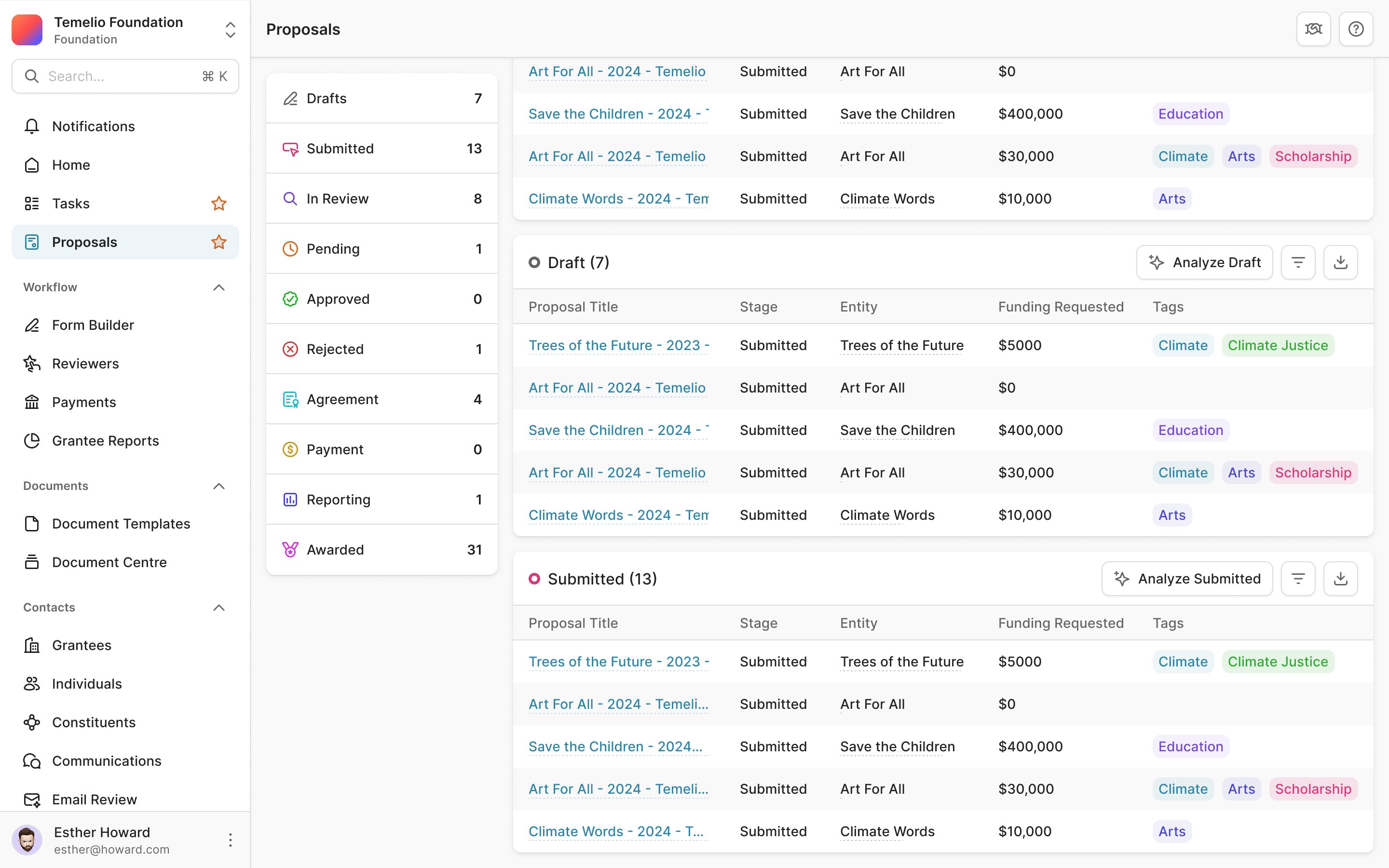
The difficulty grows across several dimensions. A chapter has different recruitment cycles. Within each one, people move between lists as decisions are made. And within each list, a member still needs to find an individual, see who they are and understand what has happened so far.
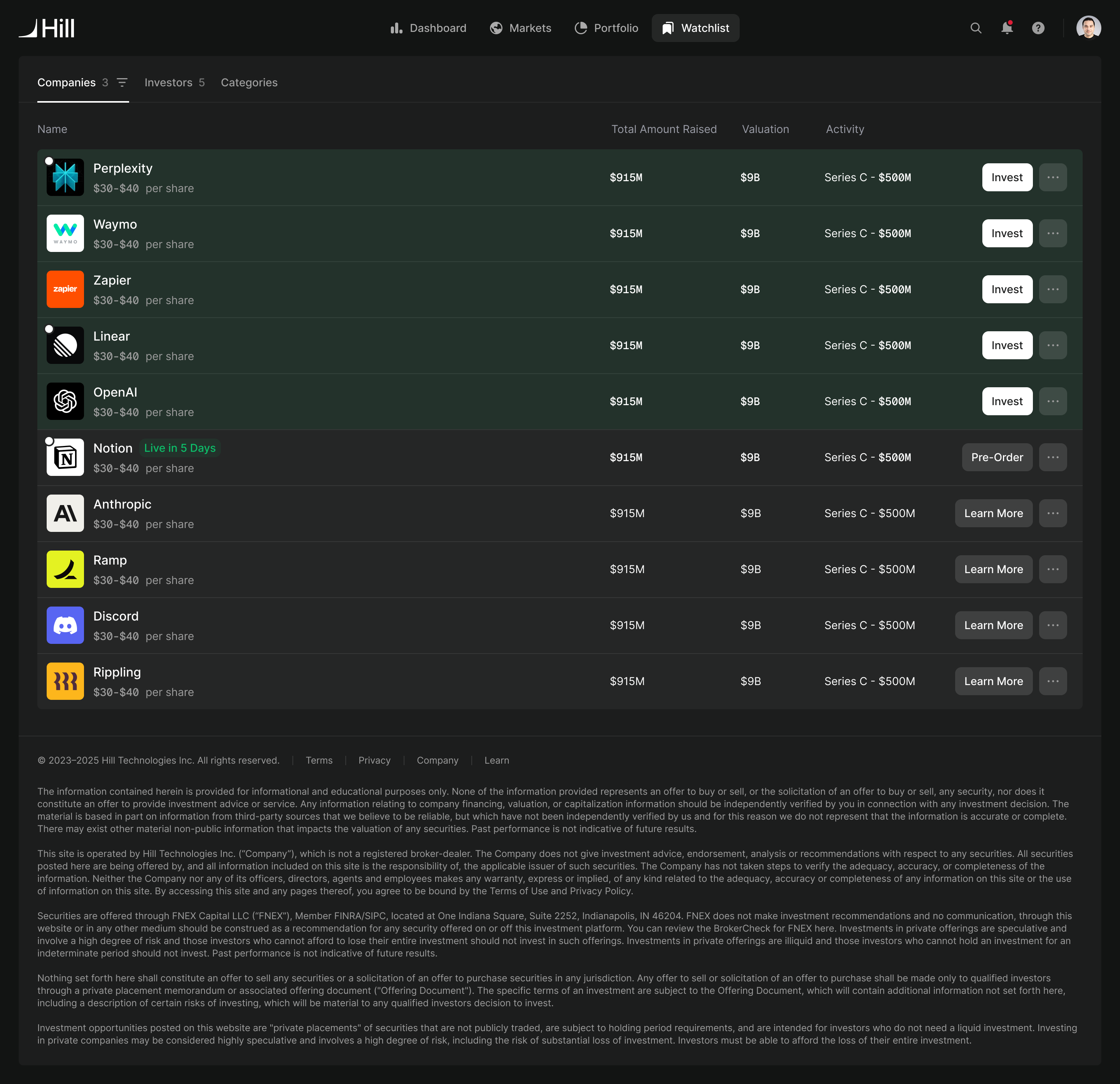
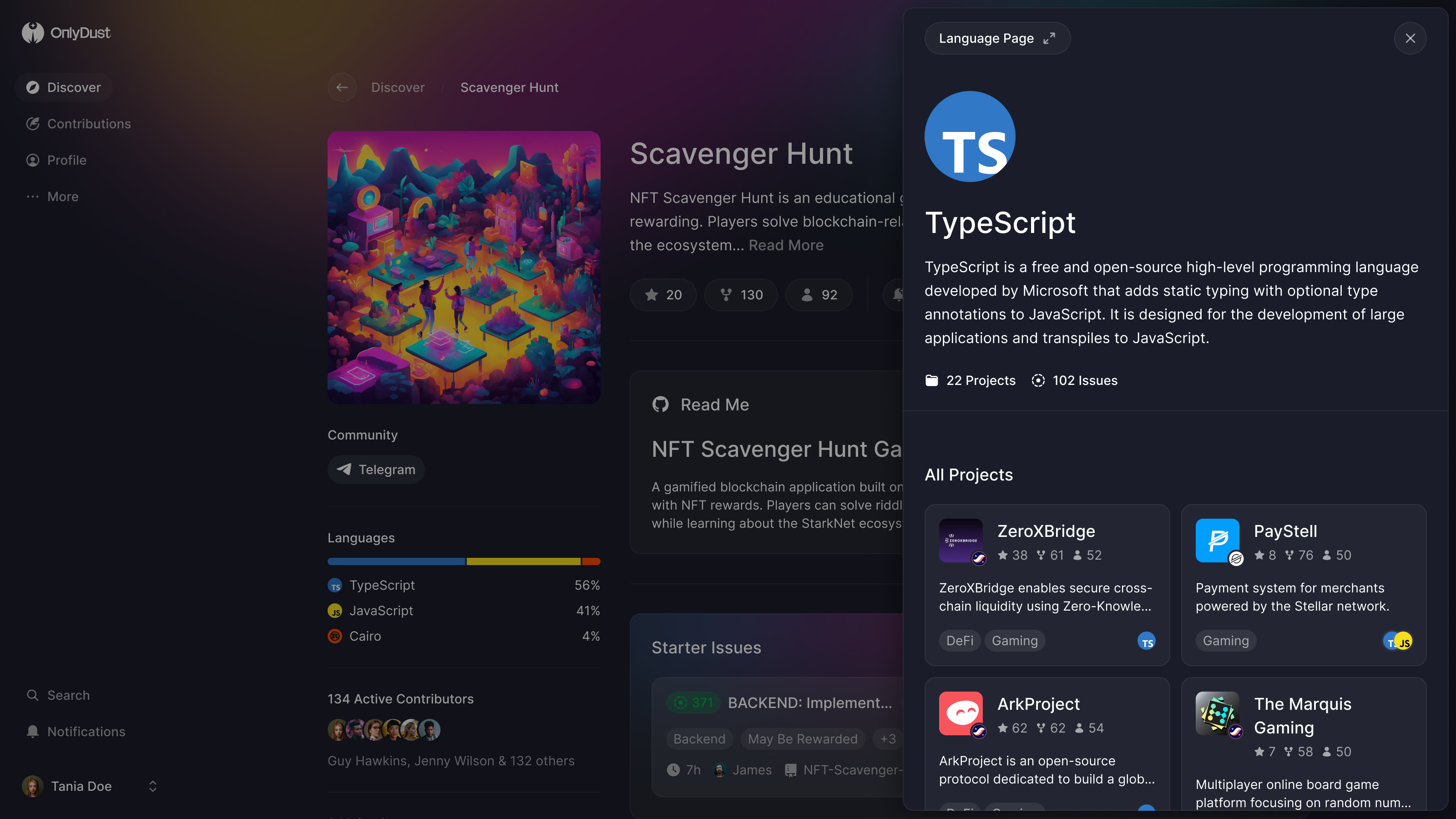
The campaign provides the boundary around that work. Inside it, the list carries the comparable information: name, grade, contact details, tags, attendance and current decision. Filters and search help narrow the set without making the chapter maintain a separate screen for every possible combination.
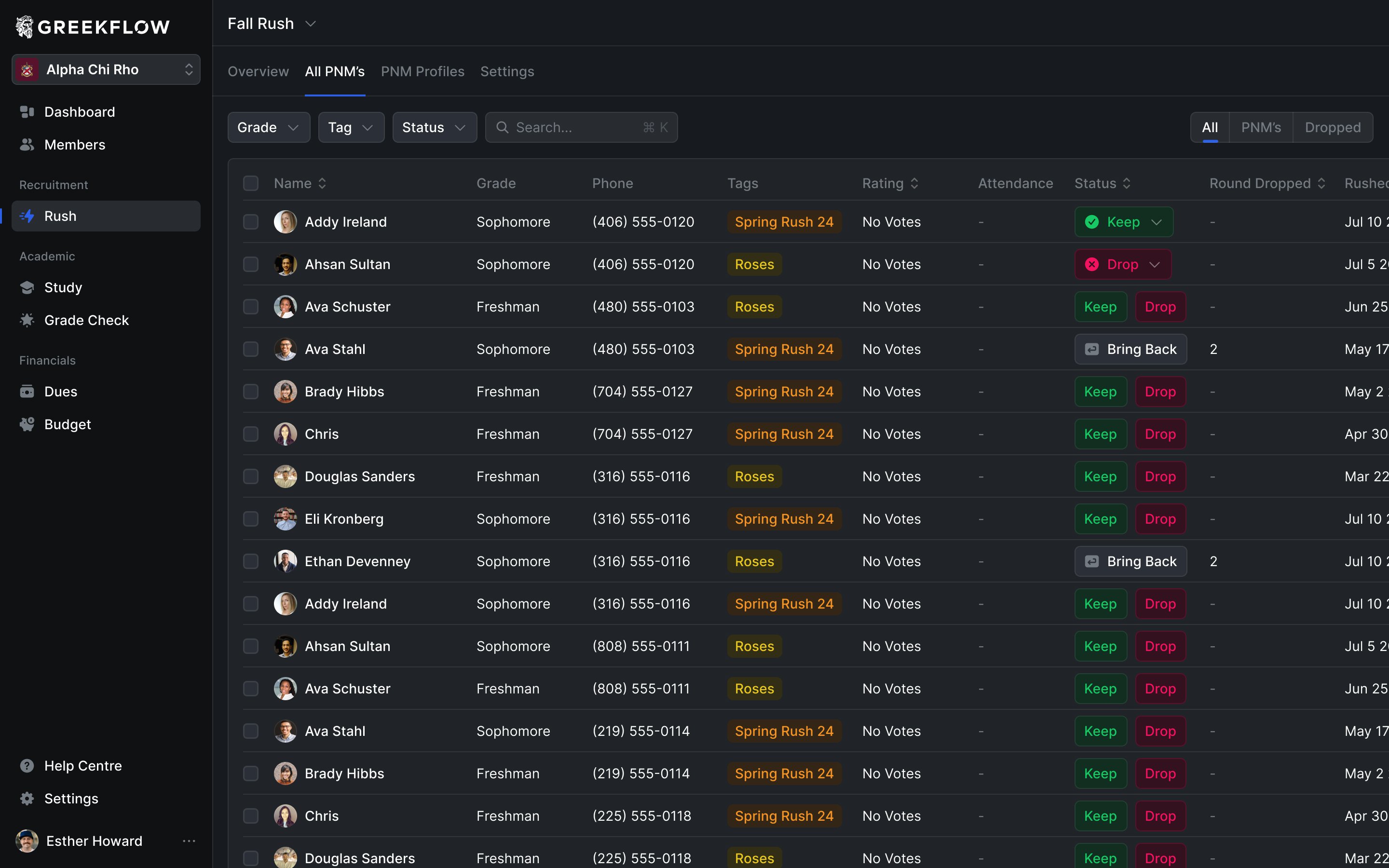
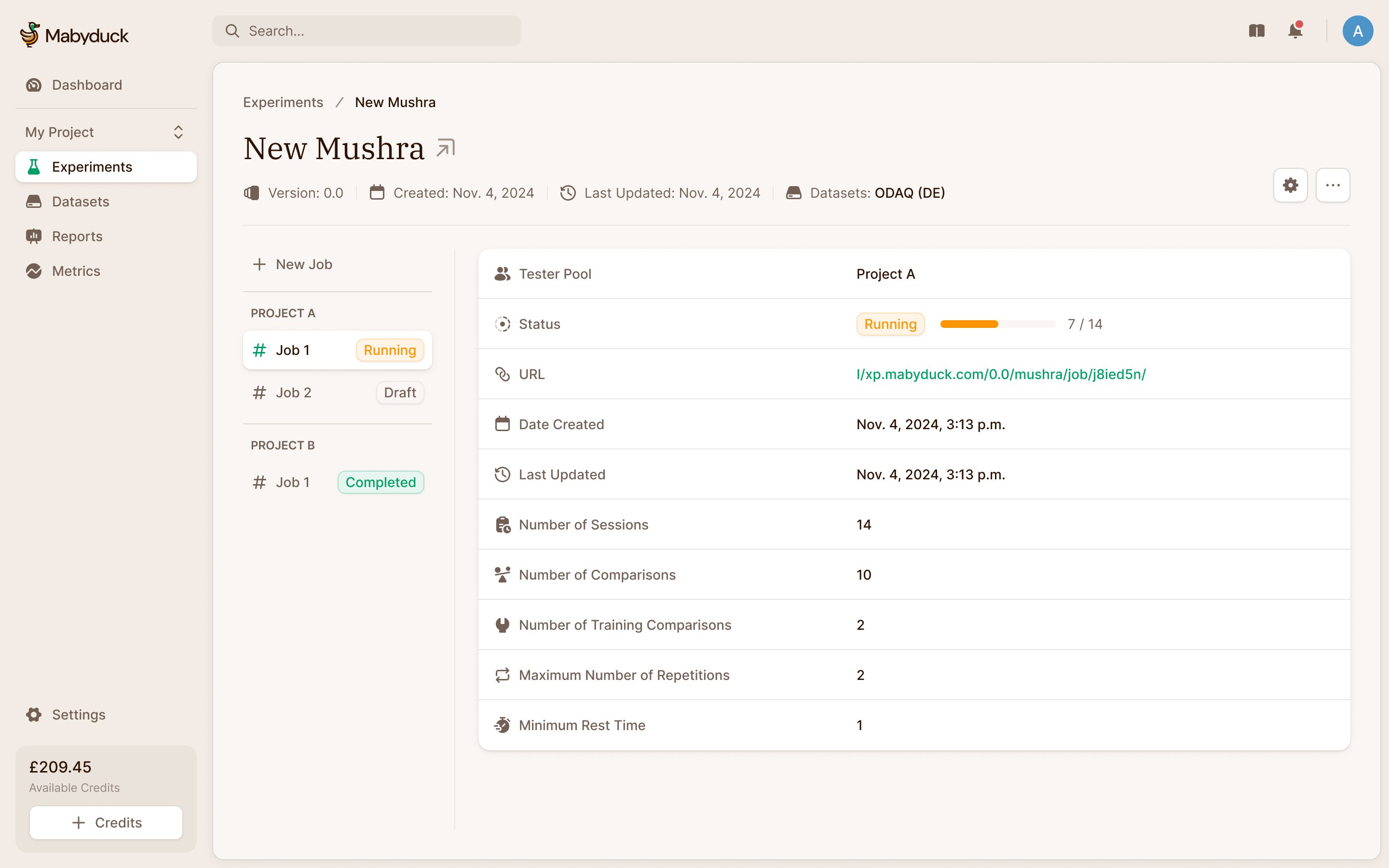
Addy caught details that affected how this would be read in use. A dropped candidate needed to show which round they had been dropped in. A bring-back state belonged in the status column. These weren't interchangeable labels: the team needed to understand the candidate's position in the process, including when a decision happened.
We also worked through the route into a campaign. The detailed workspace needed a clear relationship to the campaign selection before it. Charlie and Addy already had a campaign model; our job was to keep that context understandable as the recruitment interface became more detailed.
a decision belongs to a candidate within a particular recruitment cycle
Make room to recognise the person
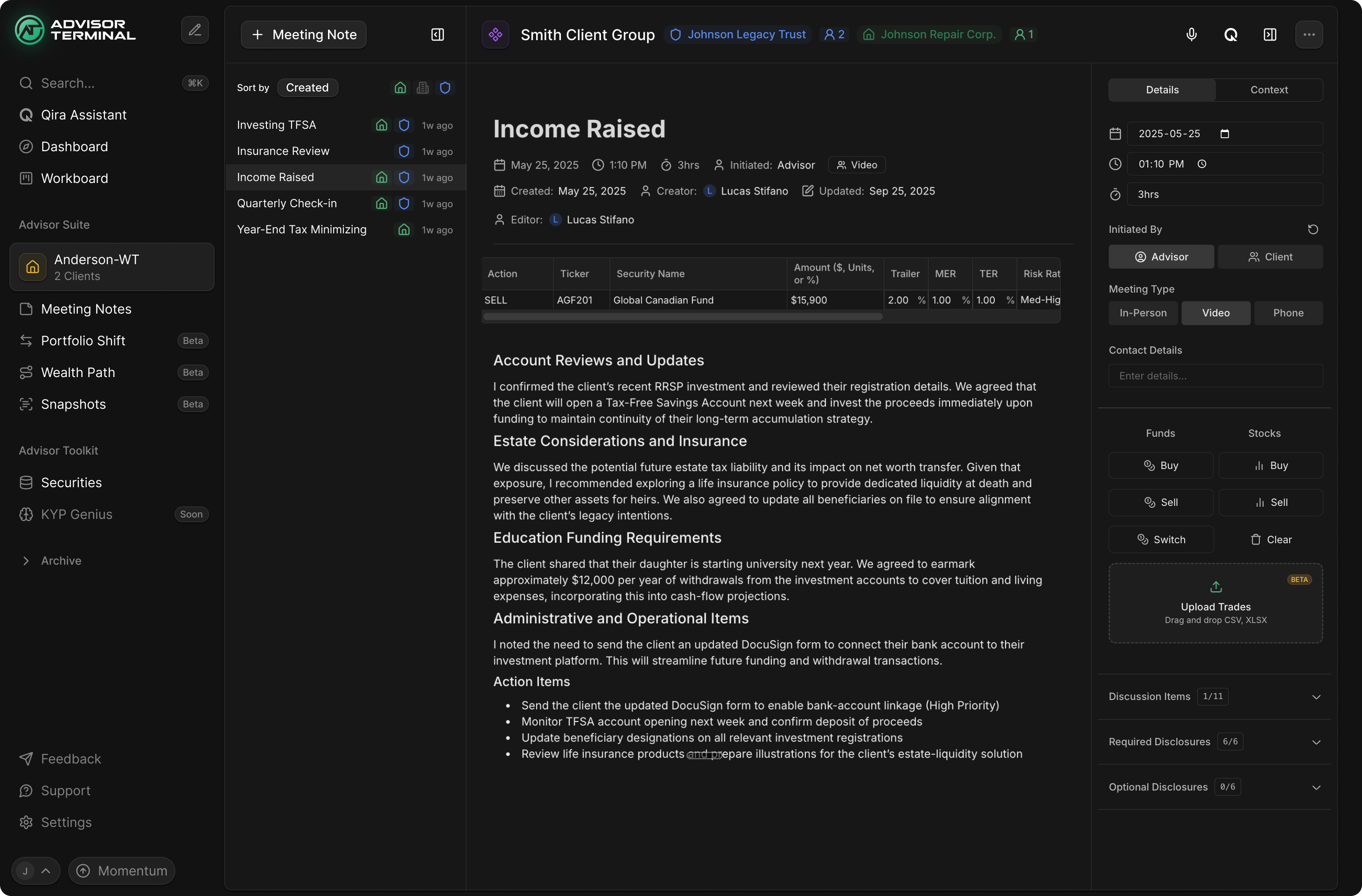
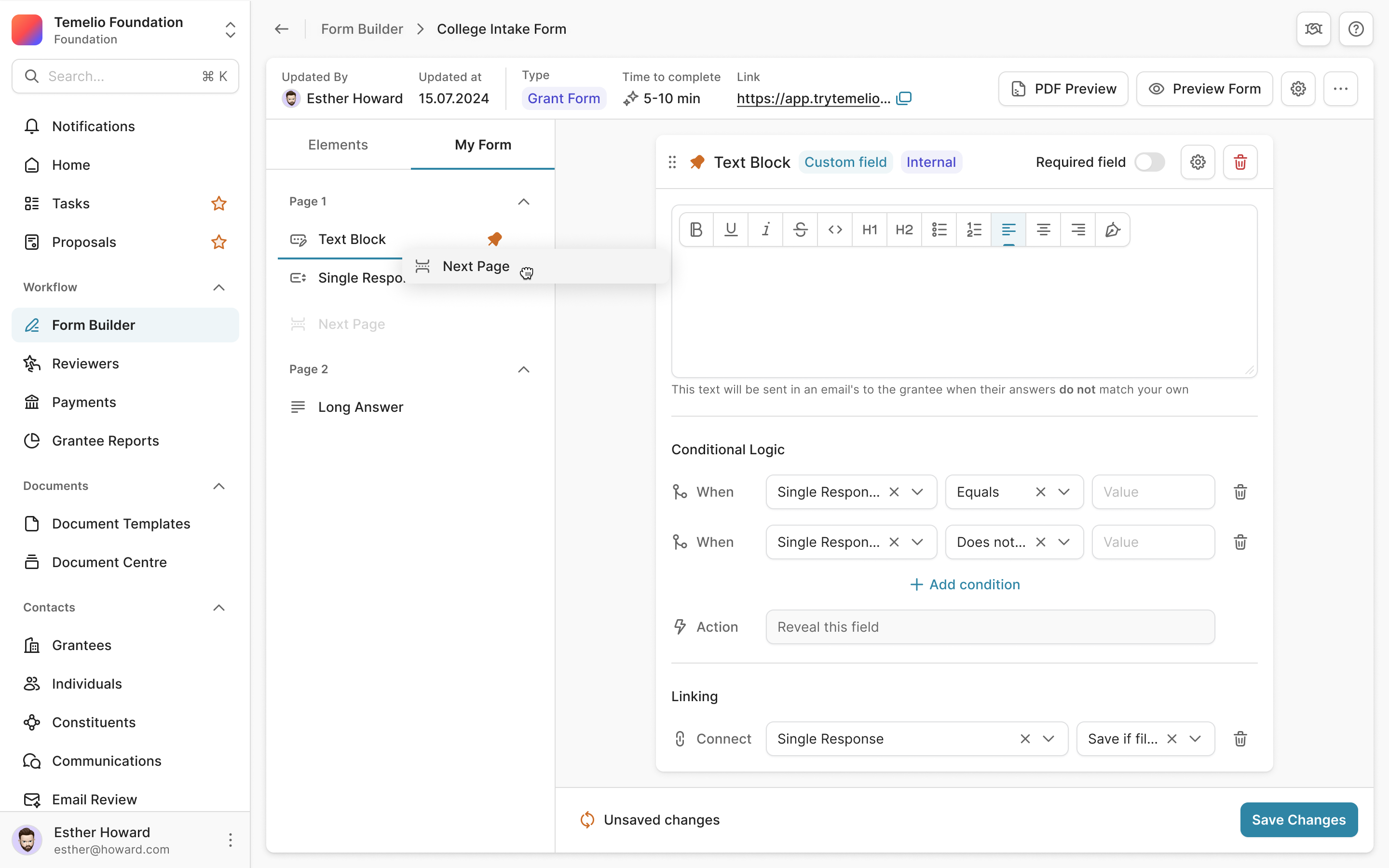
The table is useful for comparing candidates. It isn't enough for reviewing one. Charlie and Addy wanted a large portrait in the candidate viewer, alongside the list that lets members move between people.
That changed the priorities of the layout. Our earlier arrangement gave the report a section at the bottom. Addy proposed opening that report separately, and Charlie explained that moving it would free room for the photo. We rearranged the viewer around those requirements.
keep the candidate list visible while giving the portrait room
The list stays available on the left. The centre holds the person's status, feedback and activity. The portrait occupies a substantial part of the right side, with their answers below. Members can move through the candidates without returning to the full table for every selection.
Attendance also needed to be a first-class part of this view. Addy asked for named, dated events with a simple check for whether the candidate attended. Recording that observation is a smaller task than writing a report, so it has a direct control in the viewer.
The report remains accessible when someone needs the longer account. It no longer determines the height and arrangement of every other part of the page. That gives the chapter a way to work quickly through people while retaining a place for more detailed assessment.
Paying dues and managing dues are different jobs
Finances brought another set of relationships. A chapter creates individual charge items and combines them into plans. Members can owe different amounts depending on what is included, such as housing or a meal plan. The administrative tools need to preserve that structure; the member needs to know what to pay.
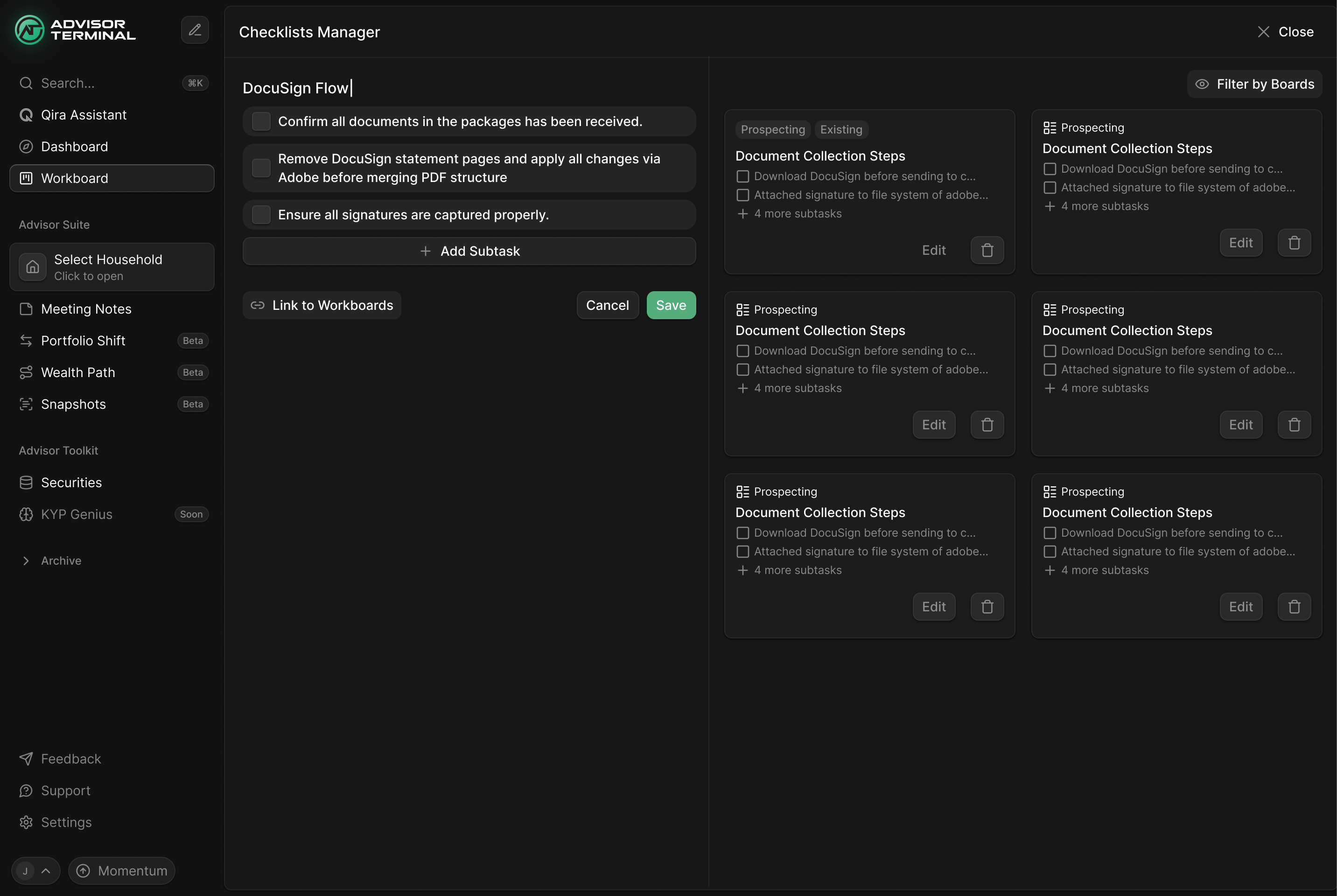
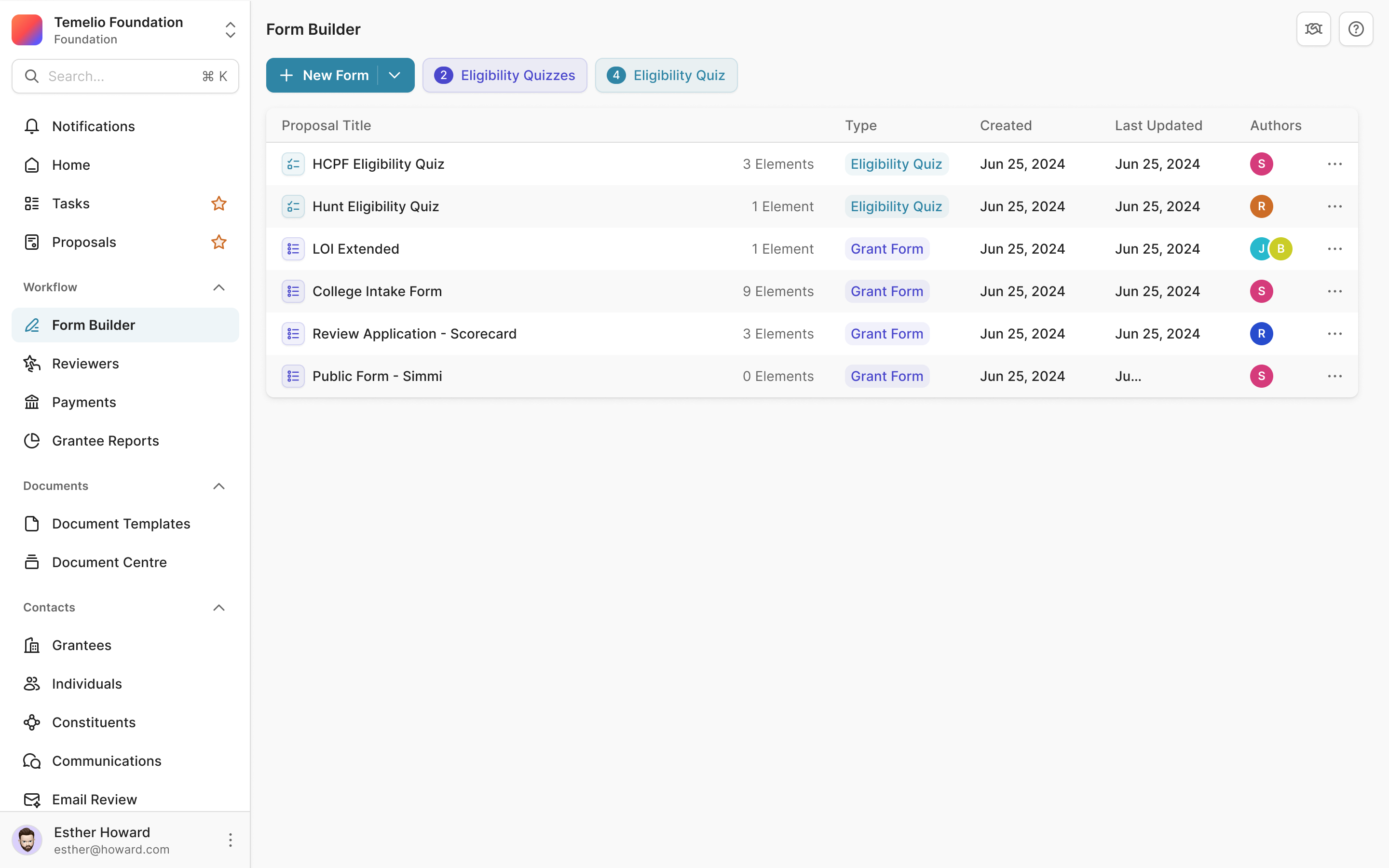
We began with the items and plans rather than trying to design the entire finance area at once. Charlie explained the relationship between them, and I asked Prakash to keep the first items screen minimal. Once that foundation was visible, we could work through the payment flow around it.
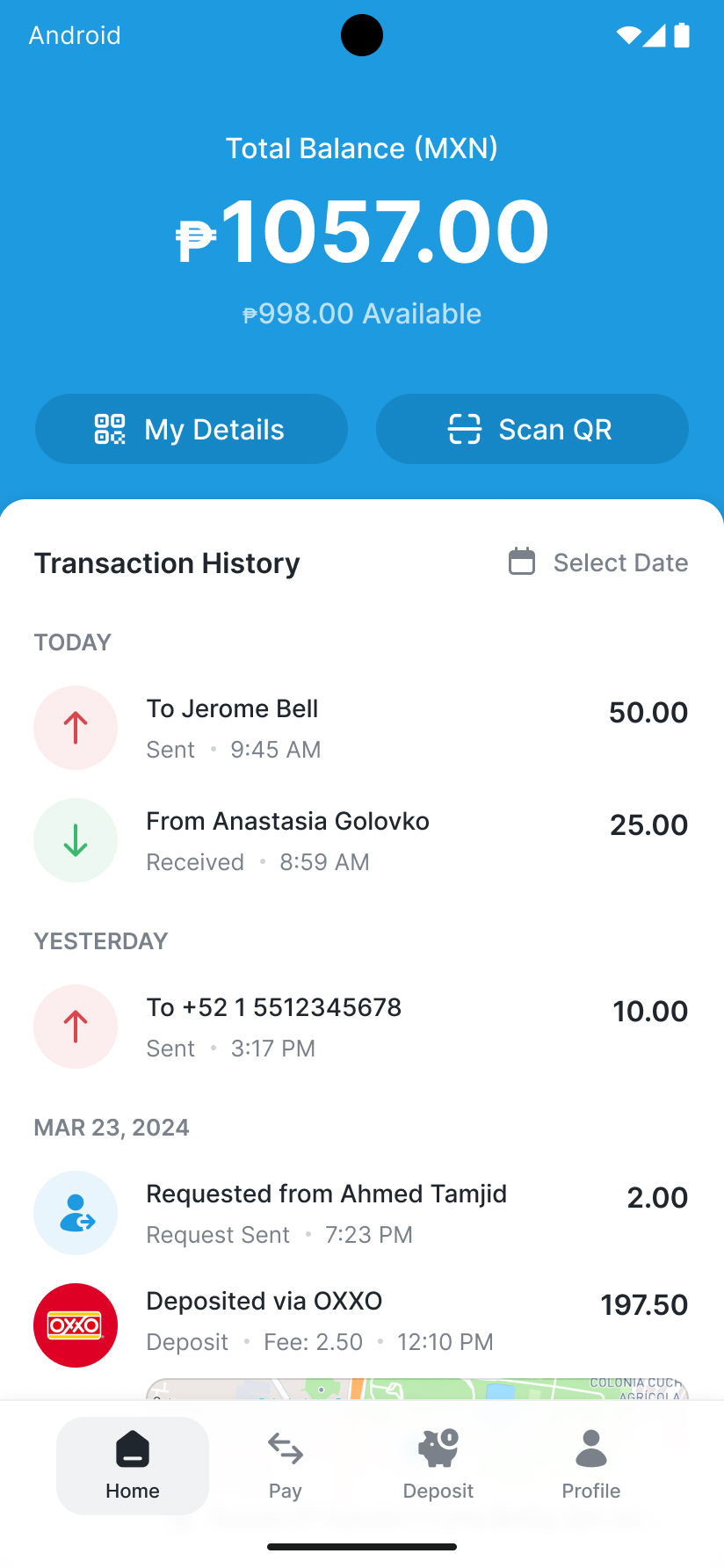
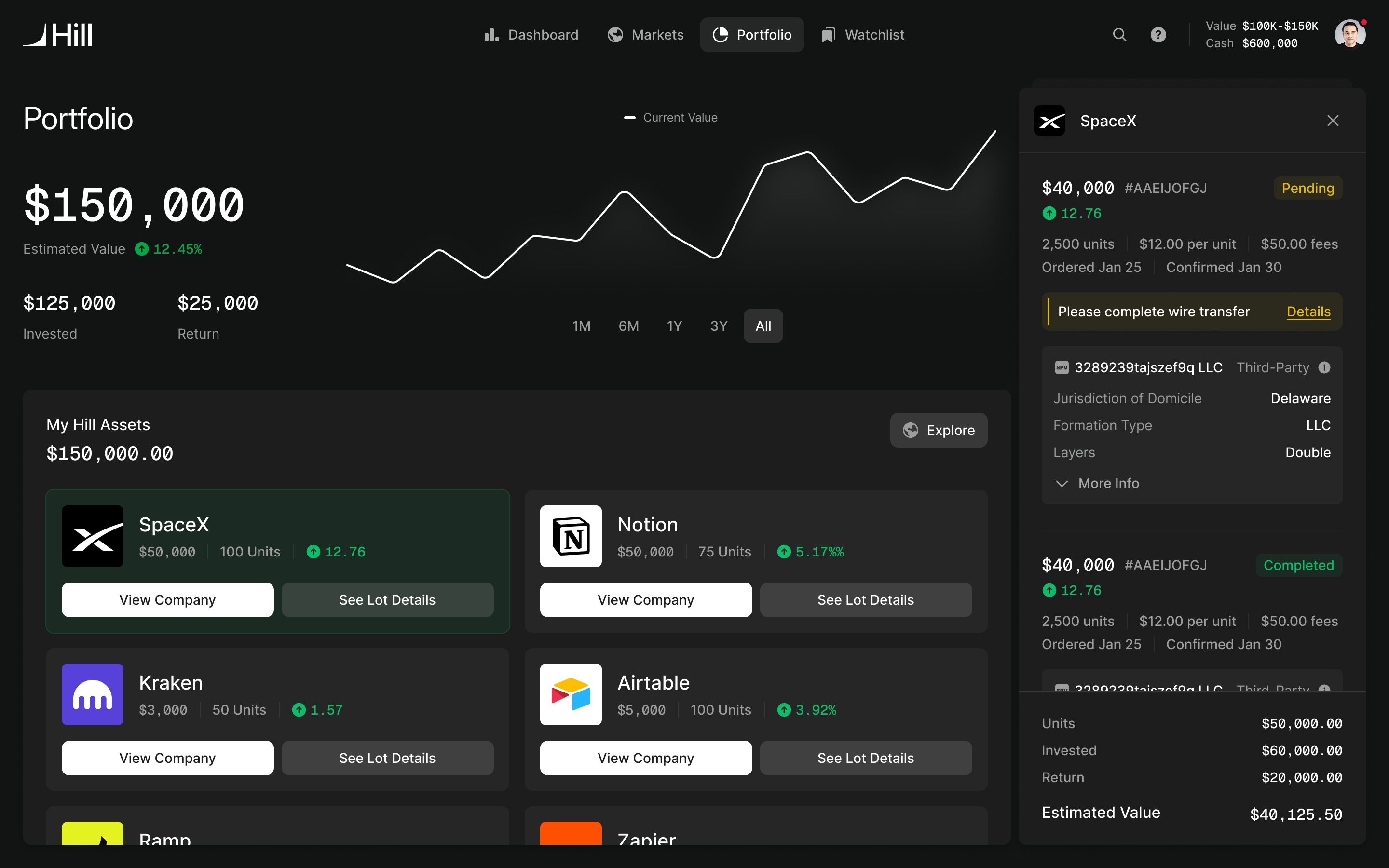
For members, Pay Dues puts the current amount and due date above payment history. The primary action is to pay. Share Link sits beside it because the member isn't always the person providing the money.
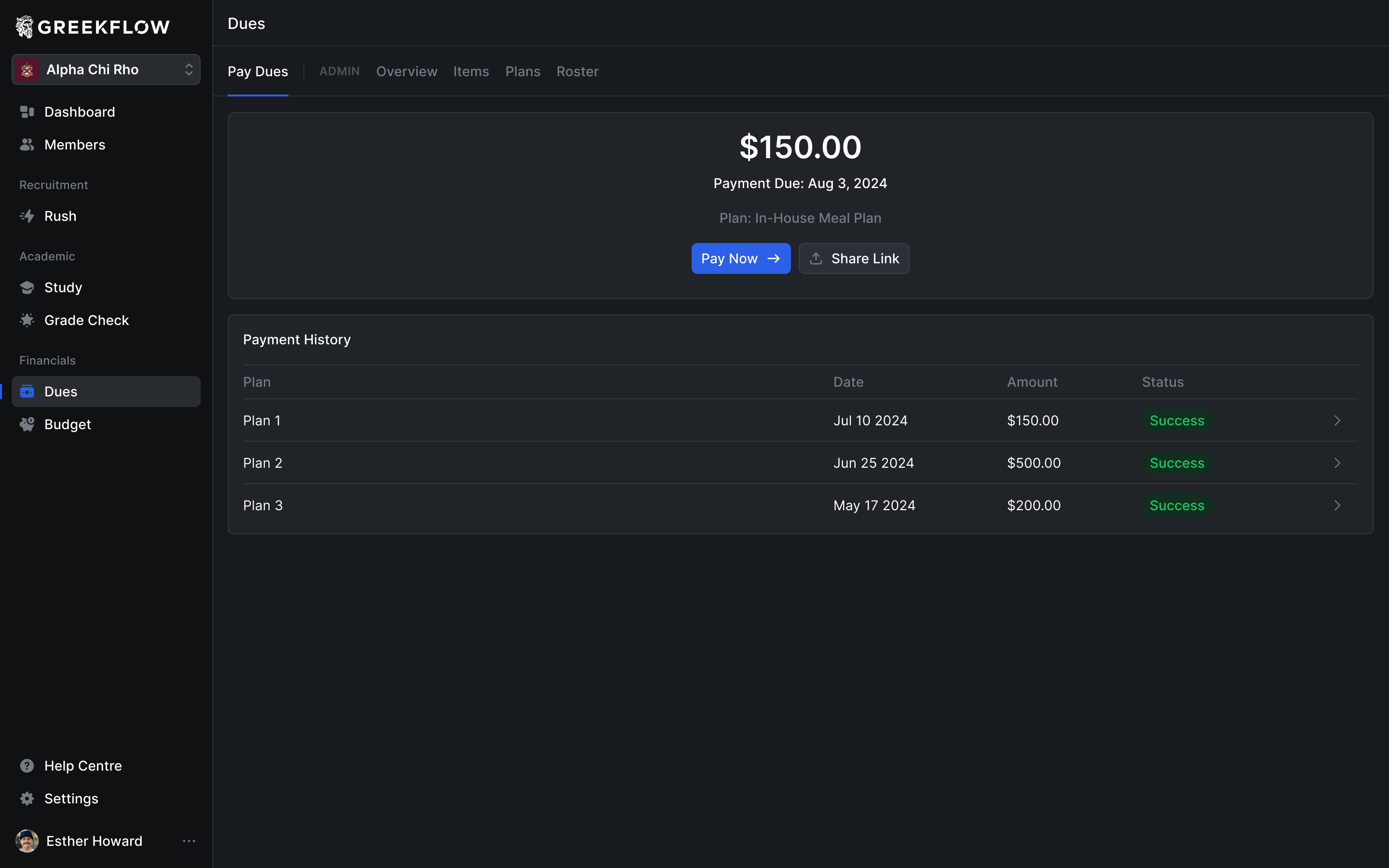
Charlie described students whose parents pay their dues. The shared payment link needed to open a focused invoice, without the rest of the chapter's navigation around it. We designed that view with the individual items, the total and the payment action together before the person proceeds to checkout.
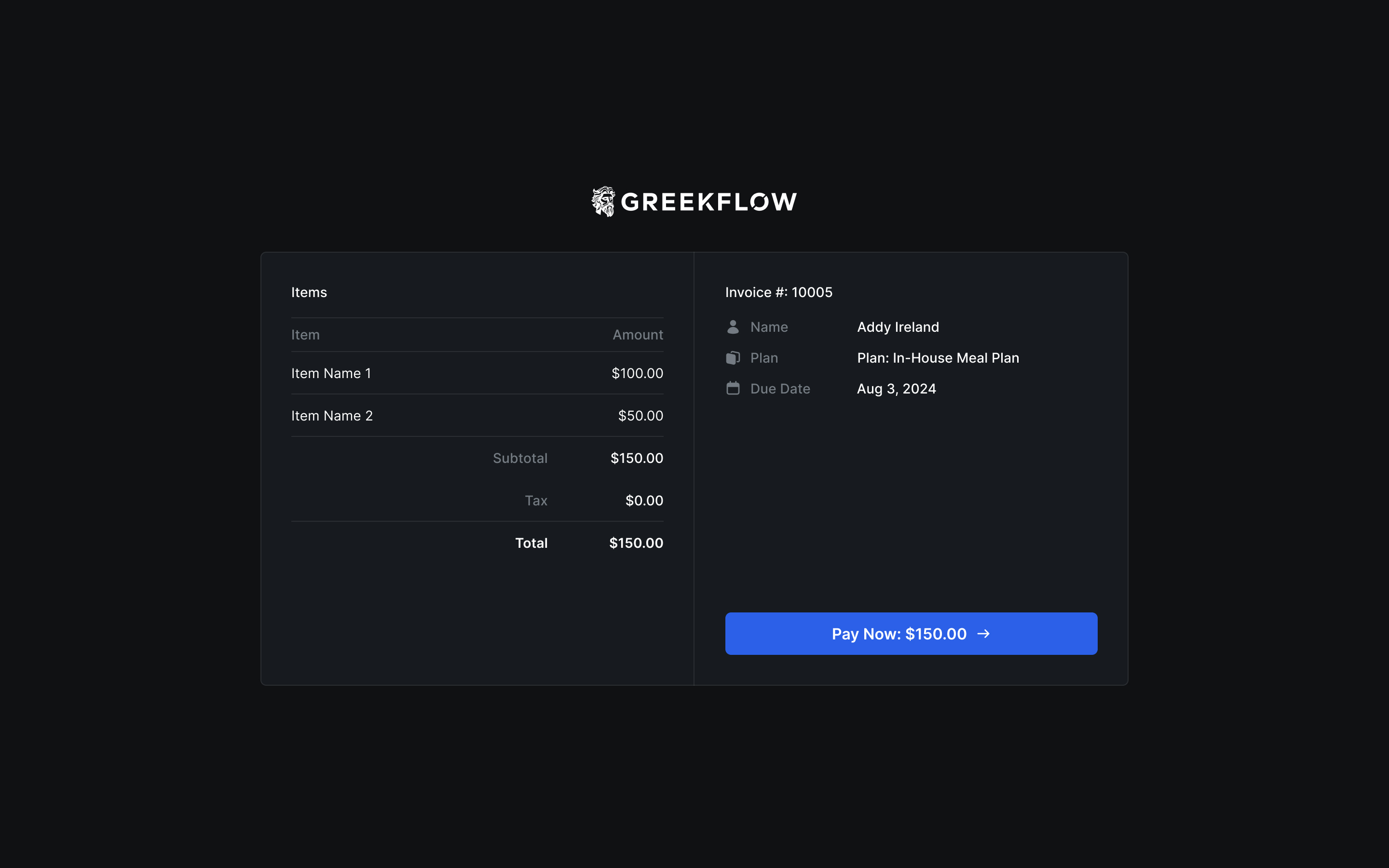
The same account can therefore support two people in one payment: the member who receives the obligation and the person who settles it. Giving the second person an invoice keeps them within the task they were sent, rather than asking them to learn the chapter's management software.
Respect the permissions the product already has
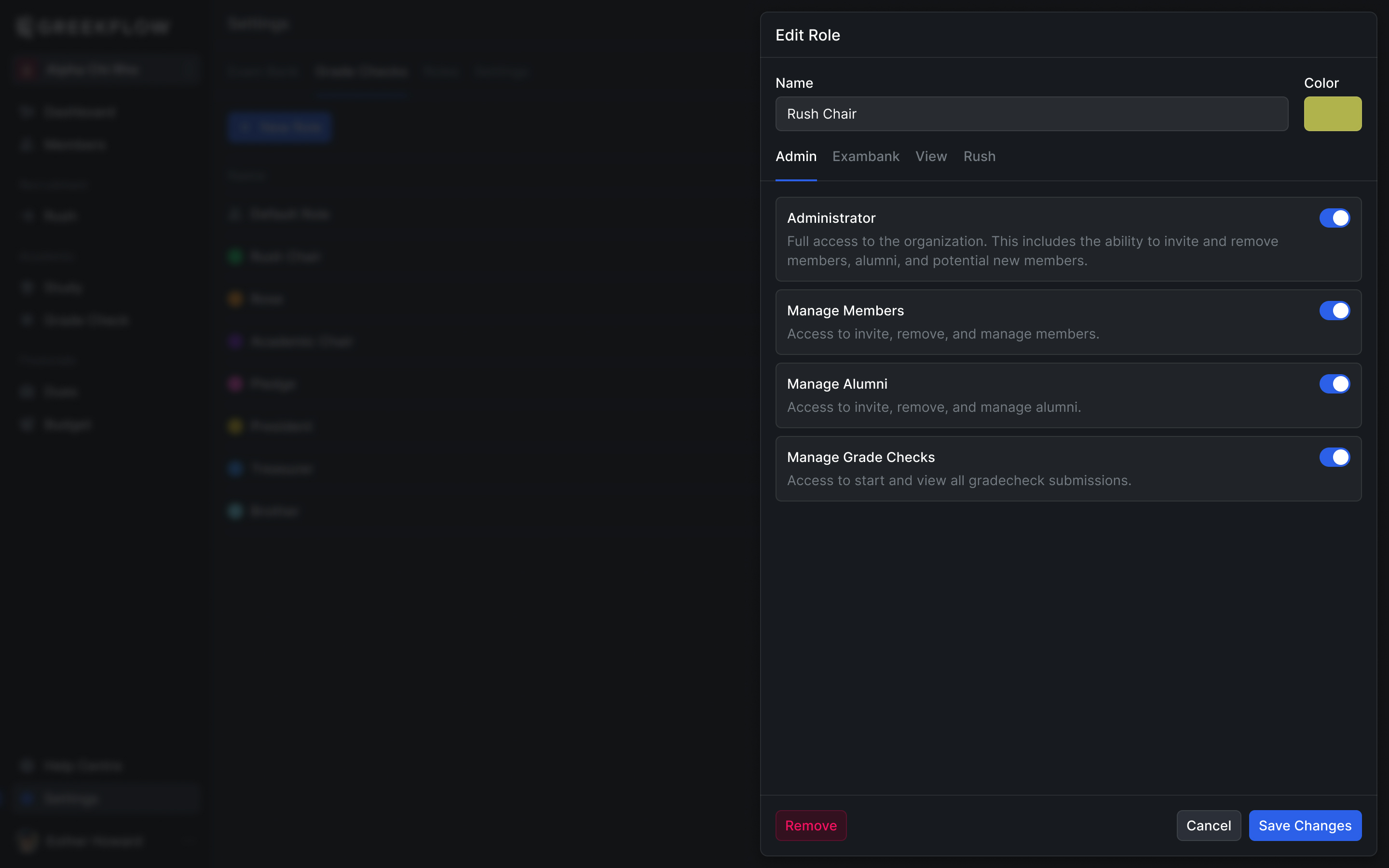
In our finance workshop, I started mapping the administrator and member experiences separately to understand where they diverged. Charlie pointed out that a wholly separate navigation would depart from how the existing code handled permissions. Most categories were shared; particular sections or actions appeared according to the person's role.
We worked within that model. The common navigation could remain familiar, with management sections distinguished inside the dues area. An administrator may also need to pay their own dues, so the interface has to make it clear whether they are doing personal work or managing the chapter.
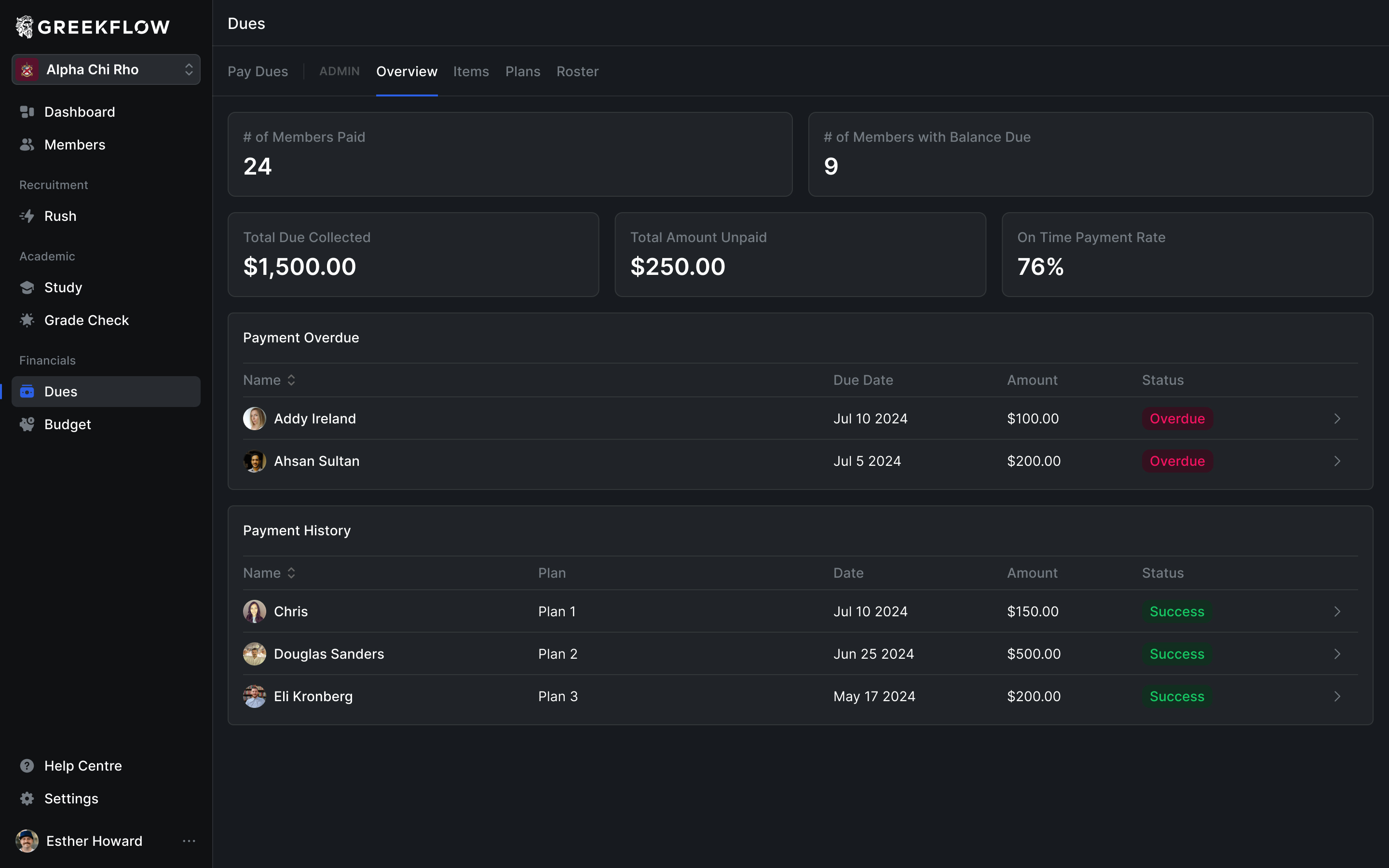
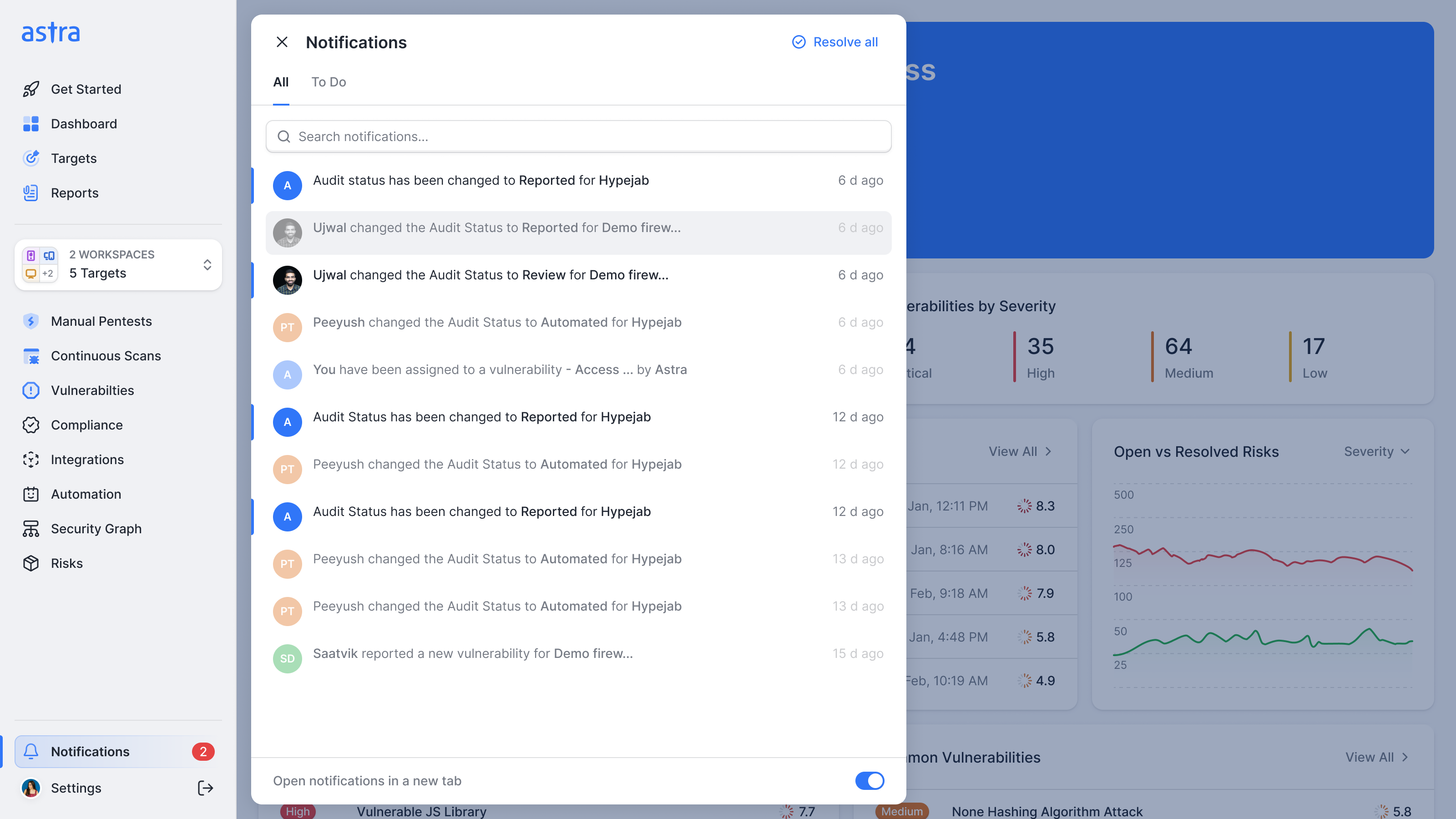
The navigation itself needed room for another level. Dues and Budget each contain several views. Putting both in a top bar would consume the place those views needed and make one area a route through the other. We moved the distinction into the sidebar, using section headings to keep the destinations visible.
group the destinations without hiding them in another menu
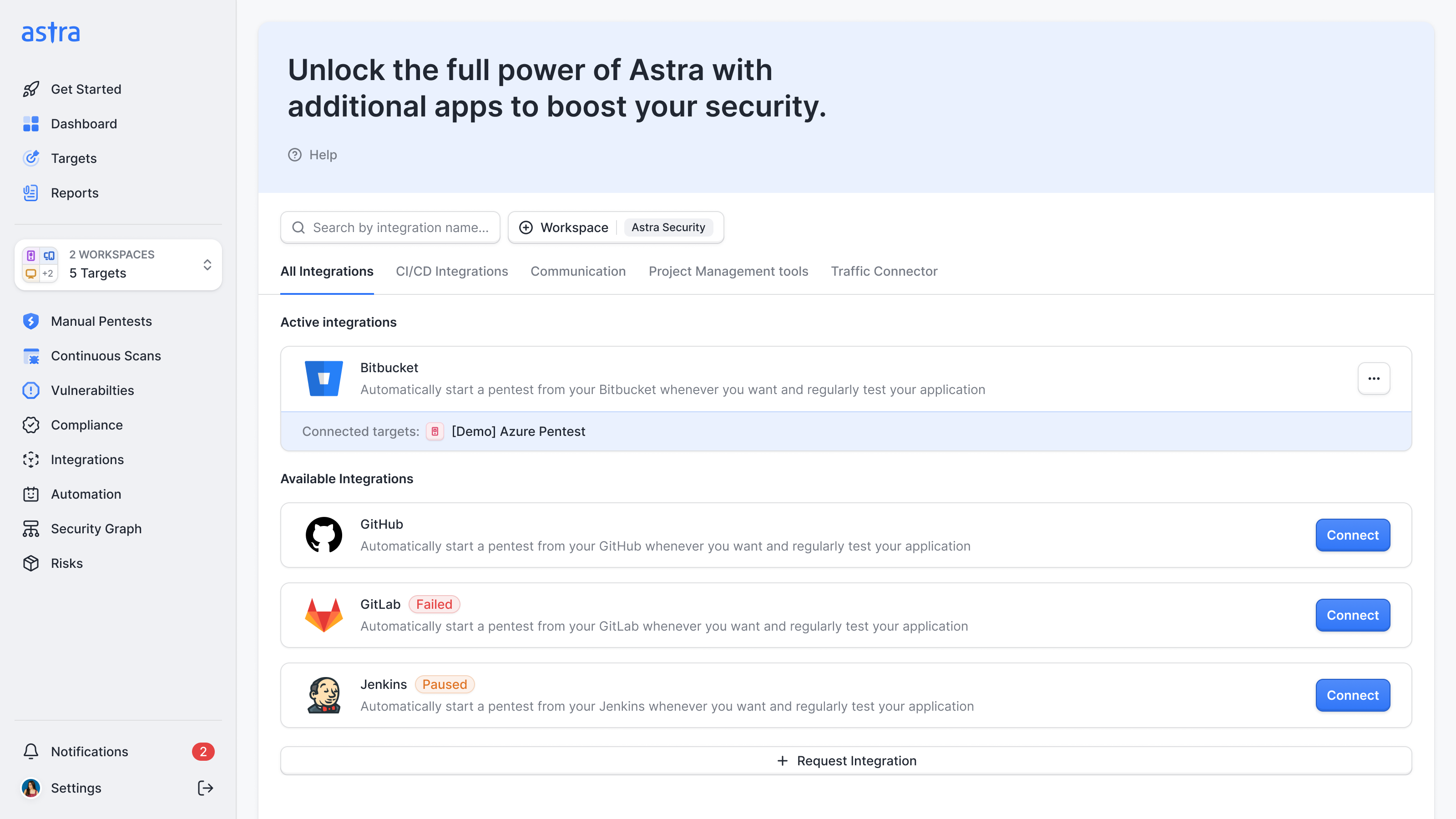
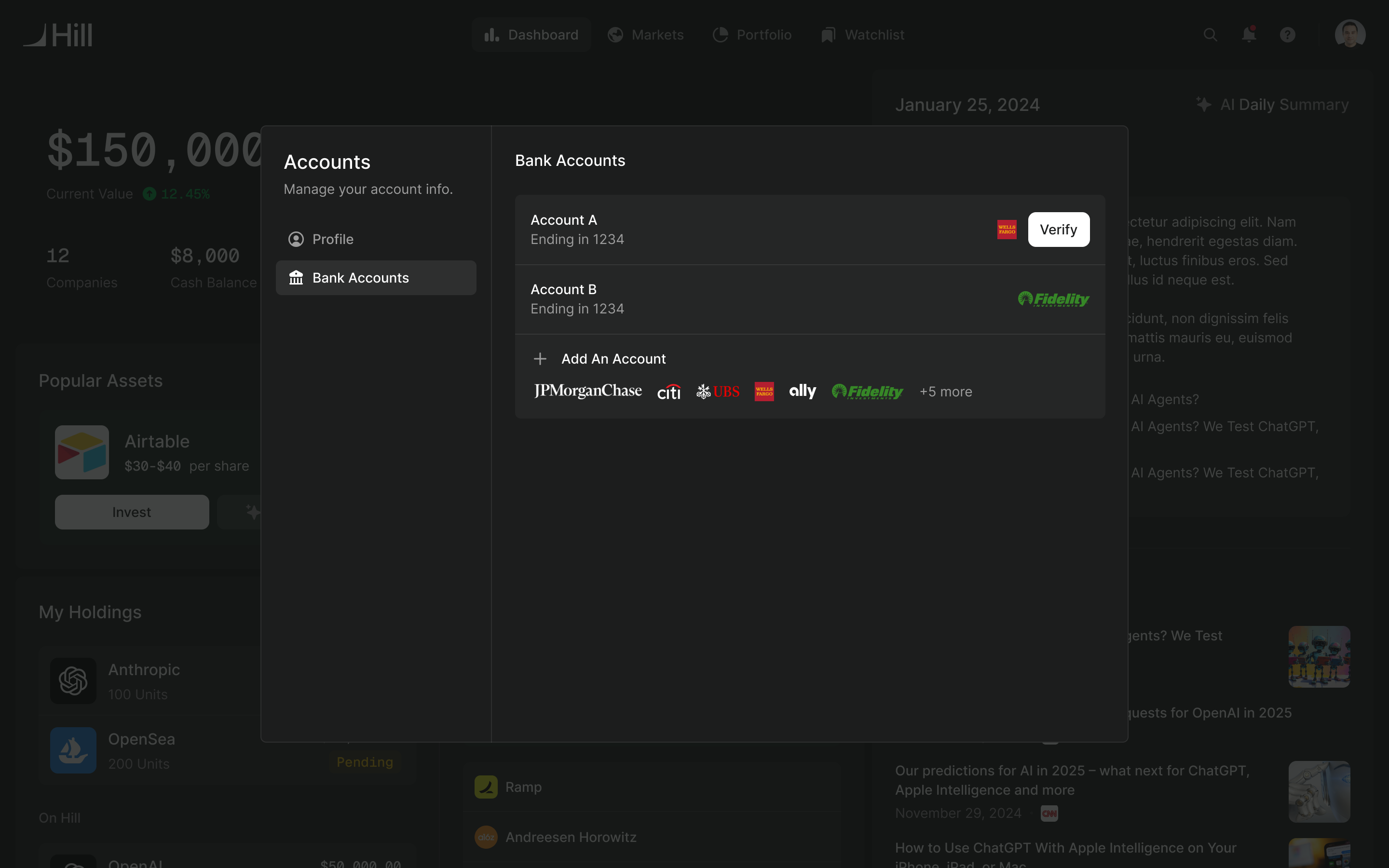
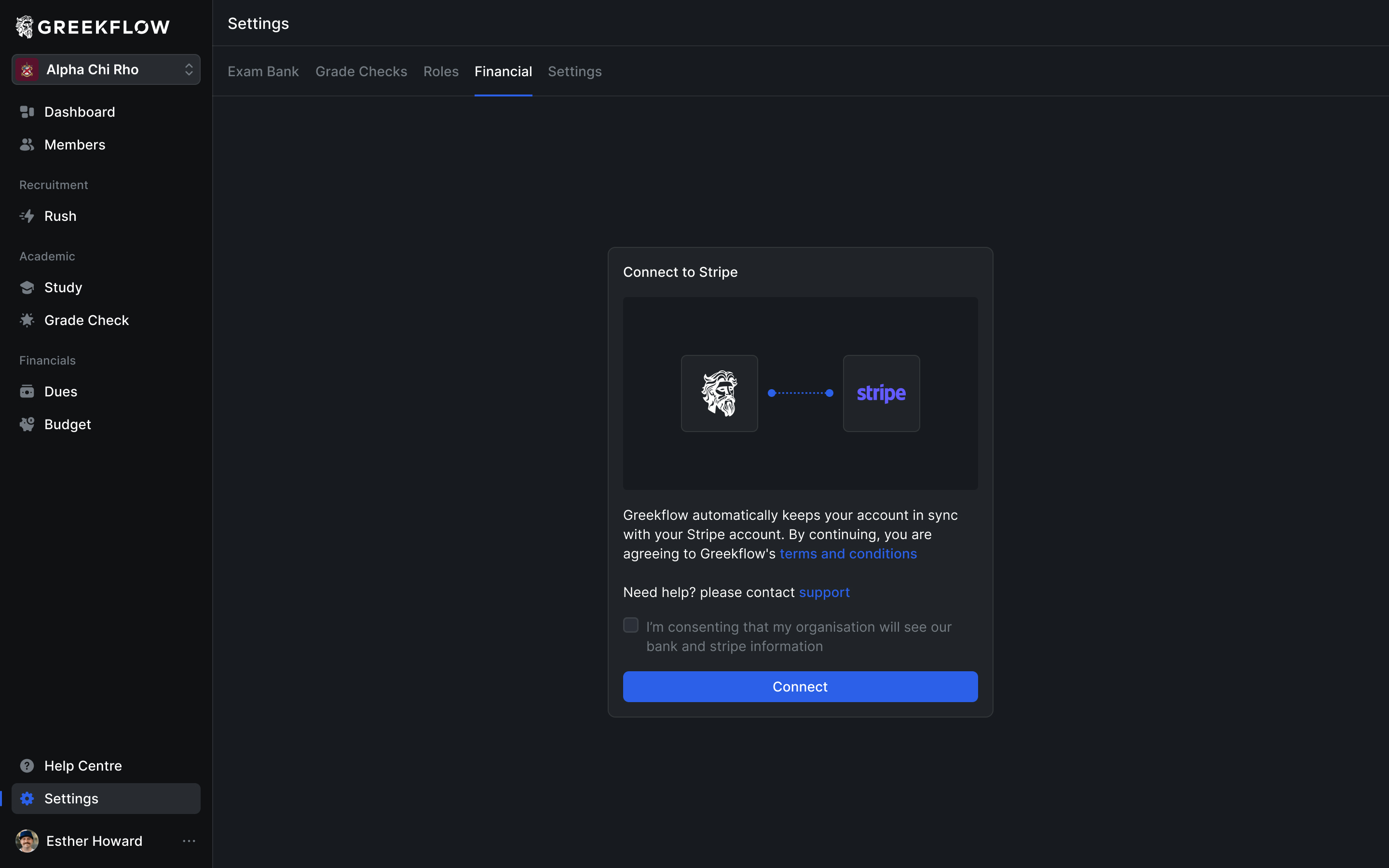
Permissions mattered in the bank connection too. Charlie supplied a consent requirement: one person might connect the chapter's bank account, while other authorised members could see the resulting information. The connection form needed to explain that sharing and collect consent at the point of connection.
Leave a system the team can extend
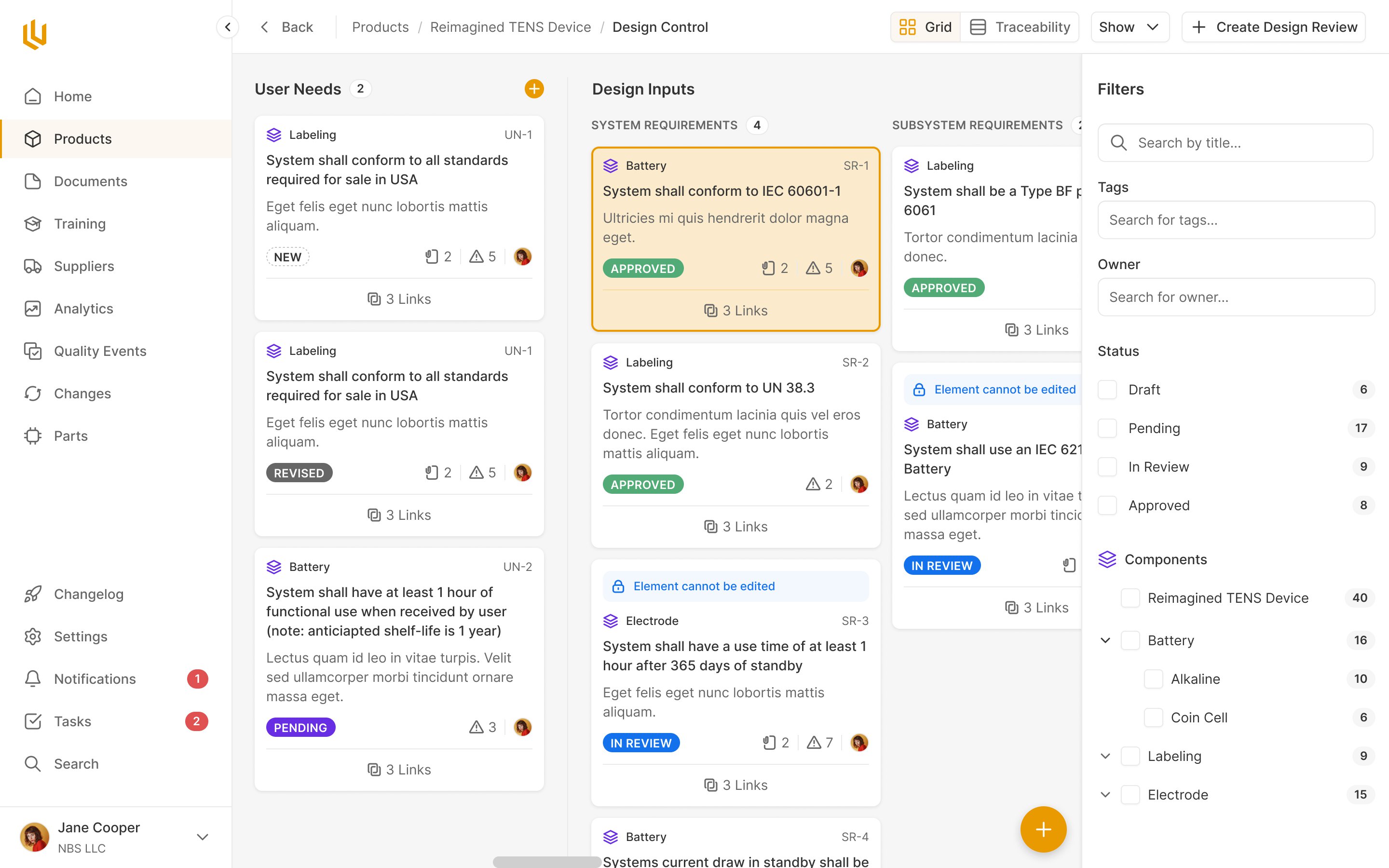
The visual system developed through the product work. Once the main screens were established, I asked Vitalii to assemble the components and connect the existing instances. A library sitting beside unrelated screens wouldn't solve the consistency problem Charlie and Addy had brought us.
We reviewed colours in context as well. Charlie wanted more vivid warning, error and success colours. Later, I explained why we'd give freely chosen tags a different palette from those status colours: a decorative red tag beside an overdue warning would compete with the meaning the interface needed to convey.
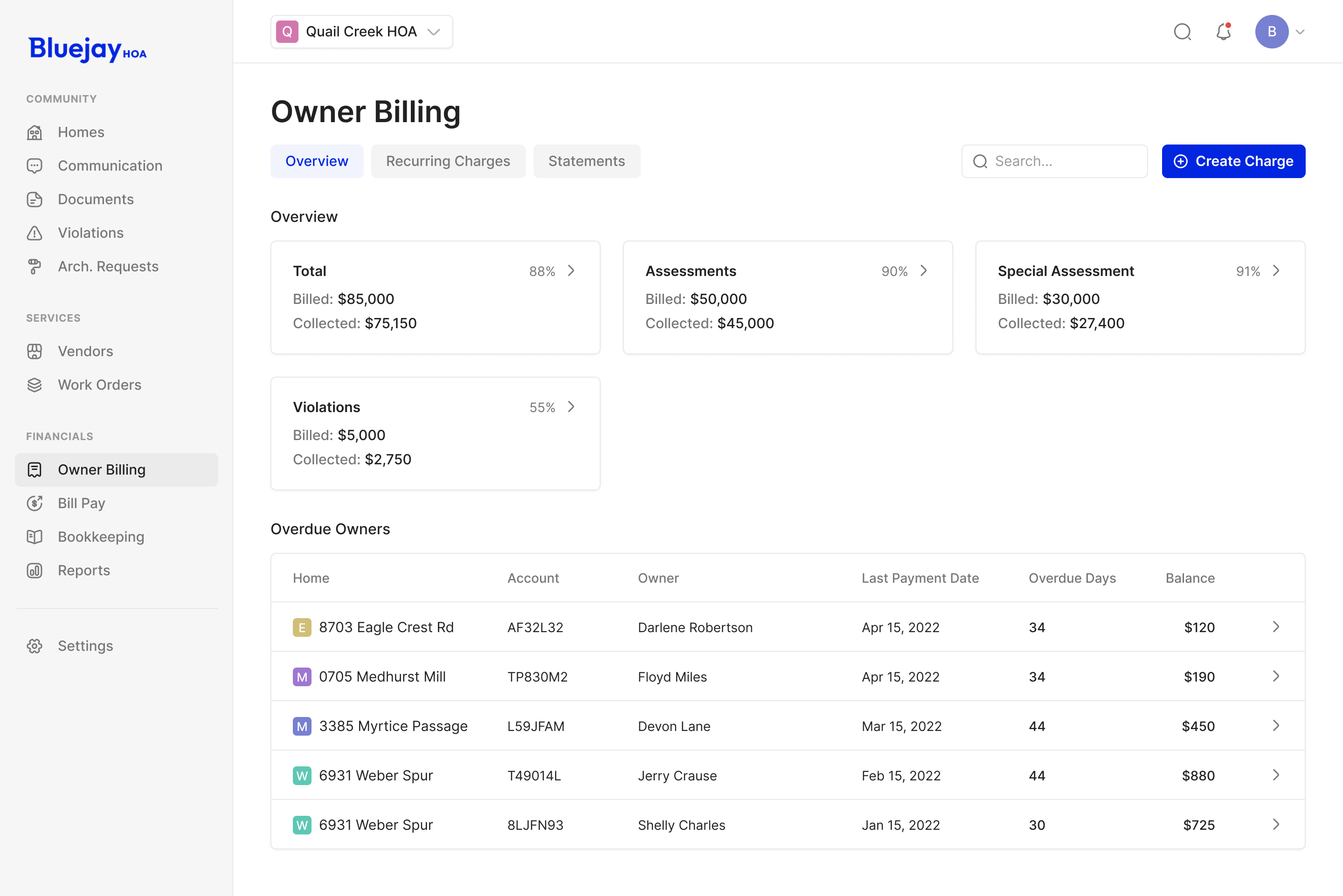
The team also asked for outlined containers around major tables, bringing more separation to dense screens. We extended the card treatment already established in the product rather than inventing a different frame for each module.
By the final part of the engagement, Charlie was explicitly prioritising the work that was still difficult to arrange. A conventional table could reuse the system we'd established. The remaining design time could go into the more distinctive experiences and the marketing pages, while Greekflow's team handled implementation.
More from Greekflow